Running a restaurant requires accurate billing, smooth order processing, and reliable sales records throughout the day. But what happens when the internet connection suddenly stops working during a busy lunch or dinner service? If your billing system depends entirely on an internet connection, even a short outage can interrupt checkout, delay orders, and create additional work for staff.
Offline restaurant billing software helps address this challenge by allowing supported billing operations to continue without an active internet connection. Depending on the system, it may also store transactions locally and synchronise them when connectivity returns.
In this guide, we explain how offline restaurant billing software works, which features matter most, how it compares with cloud-based POS systems, and what restaurant owners should consider before choosing a solution.
What Is Offline Restaurant Billing Software?
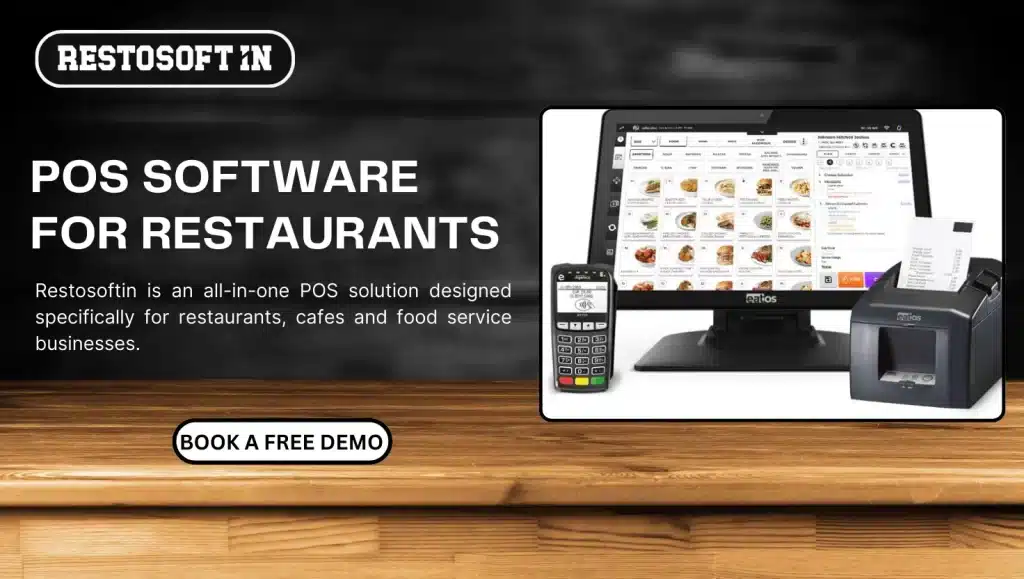
Offline restaurant billing software is a Restaurant POS software system that allows restaurants to perform supported operations without requiring a continuous internet connection. Depending on its design, the software may process bills, record transactions, and store data locally until an internet connection becomes available.
Unlike systems that rely entirely on online services, an offline-capable POS can help restaurants maintain billing continuity during network interruptions.
Common capabilities may include:
- Generating bills and invoices offline.
- Recording sales transactions locally.
- Supporting order entry and kitchen order tickets (KOT), where available.
- Maintaining selected inventory records.
- Synchronising stored transactions after reconnecting to the internet.
However, not every restaurant billing system supports all these functions offline. Restaurants should verify which features remain available during an internet outage before purchasing software.
Why Do Restaurants Need Billing Software That Works Without Internet?
Internet connectivity can affect restaurant operations when billing, reporting, order management, or other essential functions depend on online services. An offline-capable restaurant POS can reduce some of these interruptions.
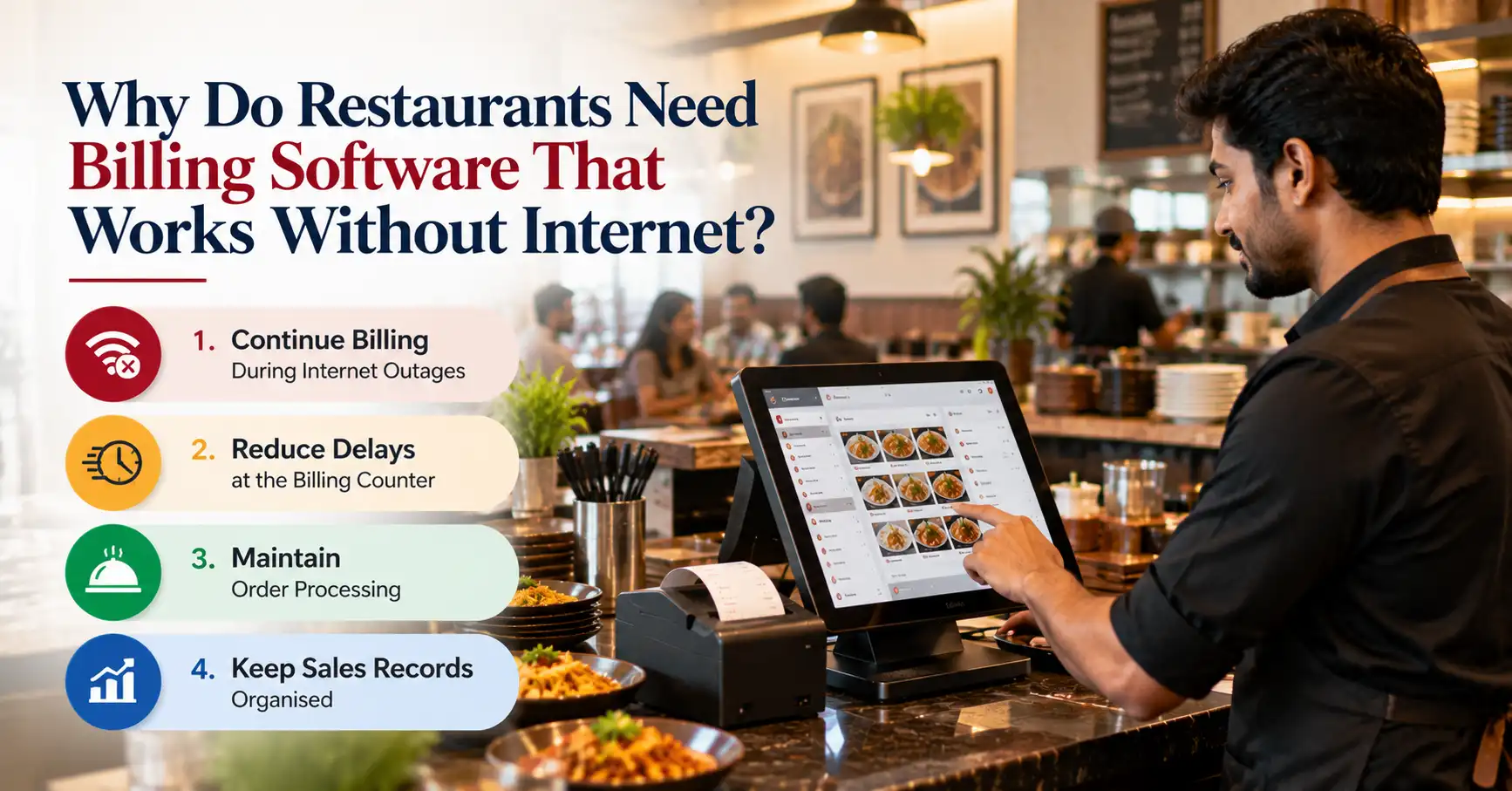
1. Continue Billing During Internet Outages
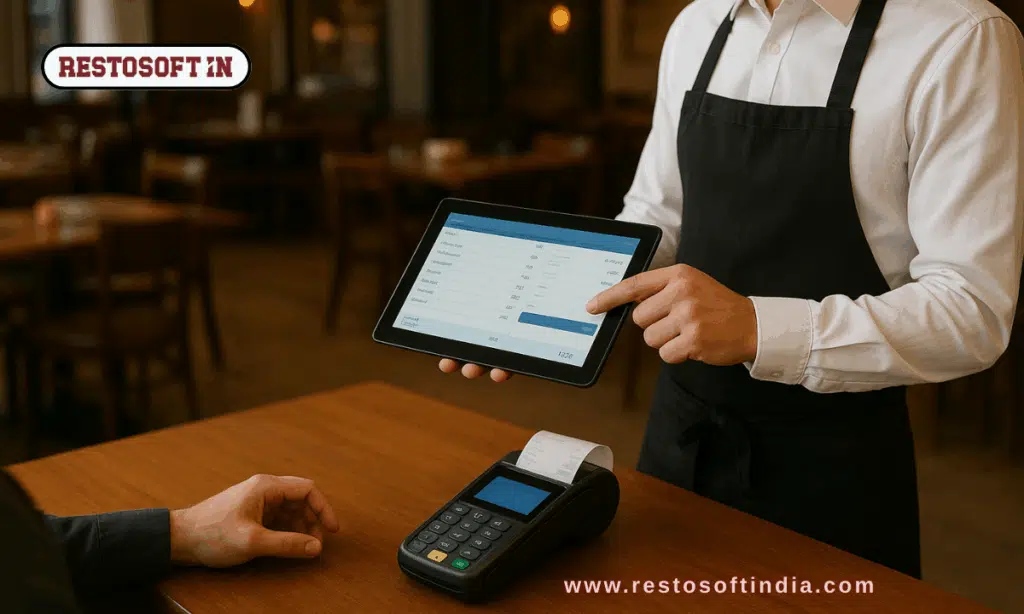
A network failure should not necessarily bring the billing counter to a standstill. With supported offline billing functionality, staff can continue generating bills and recording sales while the connection is unavailable.
This is particularly useful during busy periods when customers expect quick checkout and uninterrupted service.
2. Reduce Delays at the Billing Counter
When billing stops, queues can grow and employees may need to record transactions manually. Offline billing capabilities can help maintain checkout operations and reduce the need for temporary manual processes.
The actual improvement depends on the software's offline capabilities and the restaurant's existing workflow.
3. Maintain Order Processing
Restaurants handle multiple activities simultaneously, including taking orders, preparing food, generating bills, and processing payments.
An offline-capable POS may allow selected order-management functions to continue during connectivity problems. Restaurants should check whether KOT printing, kitchen displays, and communication between terminals remain functional without internet access.
4. Keep Sales Records Organised
Recording transactions in a structured system helps restaurants reconcile sales and payments later. Systems that support local transaction storage can preserve eligible records until synchronisation is possible.
This reduces dependence on handwritten notes and makes it easier to verify transactions after the connection is restored.
Essential Features of an Offline Restaurant POS System
Choosing the right offline restaurant POS software requires more than checking whether it can generate bills without internet. Restaurant owners should also understand how the system handles orders, transaction records, inventory, and data recovery.
1. Offline Billing and Invoice Generation
Billing is the most important feature to verify. The software should clearly specify whether employees can create bills, calculate taxes, apply discounts, and print invoices while offline.
Check whether existing menus, prices, tax settings, and customer information remain accessible without an internet connection. Also confirm whether any billing actions still require online verification.
2. Order Management and KOT Support
Kitchen Order Tickets help communicate food orders from the service counter to the kitchen.
If your restaurant relies on KOT workflows, check whether the POS supports offline order entry, ticket printing, and communication between the billing counter and kitchen during an outage.
These capabilities are particularly important for restaurants with high order volumes or multiple workstations.
3. Sales and Transaction Records
An offline-capable billing system should explain how it stores completed transactions and makes them available after reconnection.
Look for clear transaction references, payment records, timestamps, and reconciliation tools. These details help staff identify missing, duplicated, or incomplete transactions.
4. Inventory Management
Inventory management software helps restaurants monitor ingredients, stock movement, and product availability.
Some systems can update inventory locally when an offline sale is recorded, while others may restrict stock updates until the connection returns. Verify how the software handles offline sales, stock deductions, and later reconciliation.
5. Data Synchronisation After Reconnection
Data synchronisation transfers locally stored transactions to the relevant central or cloud system when connectivity becomes available.
Before selecting a restaurant billing solution, ask:
- Does synchronisation happen automatically or require manual action?
- How are duplicate transactions prevented?
- What happens if the connection fails during synchronisation?
- Can staff identify transactions that have not synced?
- How are conflicting records handled across multiple devices?
Reliable synchronisation is essential for maintaining consistent records between offline terminals and online systems.
6. Data Security and Backup
Offline functionality should not come at the expense of data protection.
Check whether the software protects locally stored information, restricts access based on staff permissions, supports suitable backups, and provides a recovery process if a device fails.
Restaurants should also understand how long offline data remains on the device and what happens if the device is damaged before synchronisation.
How Does Restaurant Billing Software Work Without Internet?
The exact process varies by software, but an offline-capable POS generally follows these steps.
Step 1: The internet connection becomes unavailable.
The system loses access to online services, but supported local functions may remain available.
Step 2: Staff continue supported billing operations.
Employees create bills and record transactions using the data and functions available offline.
Step 3: Transactions are stored locally.
The software saves eligible transaction details on the device or local system according to its storage design.
Step 4: The internet connection is restored.
The software reconnects to the relevant online services and synchronises pending records if synchronisation is supported.
Step 5: Staff verify the updated records.
Sales, payments, inventory changes, and other records should be checked for successful synchronisation and discrepancies.
This process depends on the POS architecture. A cloud-based system with offline functionality may behave differently from a system designed primarily for local operation.
Benefits of Using Offline Restaurant Billing Software
The main benefit of offline restaurant billing software is its ability to support selected operations when internet connectivity is unavailable.
Other potential benefits include:
- Billing continuity: Supported billing operations can continue during network interruptions.
- Reduced checkout disruption: Staff may be able to serve customers without waiting for online services to return.
- Better transaction records: Locally stored sales can provide a structured record for later reconciliation.
- Operational flexibility: Restaurants can select systems based on their connectivity conditions and workflow requirements.
- Improved recovery processes: Clear synchronisation and reconciliation features help staff identify transactions that need attention.
These benefits depend on the software's capabilities, the devices being used, and how the restaurant configures its operations.
Offline Restaurant POS vs. Cloud-Based Restaurant POS
Restaurant owners often compare offline POS software with cloud-based restaurant billing systems. The important distinction is not simply whether the software is online or offline, but which functions remain available when connectivity fails.
| Feature | Offline-capable POS | Cloud-dependent POS |
| Billing during an internet outage | Available if offline billing is supported | May be interrupted |
| Data storage | May store transactions locally | Primarily relies on online services |
| Real-time cloud reports | May be delayed until synchronisation | Generally available with connectivity |
| Data synchronisation | Needed when local records must sync | Usually handled through online services |
| Remote access | May be limited while offline | Usually depends on connectivity |
| Offline operation | Depends on supported functions | May require a separate offline mode |
A cloud-based POS can also include offline functionality. Therefore, restaurants should evaluate the actual features of each system instead of assuming that every cloud-based solution stop working when the internet fails.
How to Choose the Right Offline Restaurant Billing Software
Before investing in restaurant billing software, evaluate the following factors against your restaurant's day-to-day requirements.
Check Which Features Work Offline
Ask the vendor to demonstrate billing, order entry, KOT printing, inventory updates, and other essential functions while disconnected from the internet.
Do not assume that a feature available online will also work offline.
Evaluate Synchronisation and Recovery
Understand how the system stores pending transactions, handles failed synchronisation, prevents duplicate records, and recovers data after a device failure.
Verify Payment Processing Limitations
Some payment methods require an internet connection or external authorisation. Confirm which payment methods can be accepted during an outage and which must wait until connectivity returns.
Consider Your Restaurant's Setup
A single billing terminal may have different requirements from a restaurant with multiple counters, kitchen displays, or several branches.
Check whether the system supports your devices and whether local communication between terminals continues during an outage.
Review Security and Technical Support
Choose software with clearly documented access controls, data protection, backup procedures, and support for troubleshooting offline transactions.
A vendor should be able to explain how the system behaves during an outage and what staff need to do when service resumes.
Common Challenges to Consider Before Using an Offline POS
Offline functionality can help maintain business continuity, but it does not eliminate every operational risk.
Delayed reporting: Sales reports that depend on central or cloud data may not reflect offline transactions immediately.
Synchronisation conflicts: Transactions from different devices may require reconciliation if they contain overlapping or inconsistent information.
Payment limitations: Card payments, online payment verification, and certain integrations may remain unavailable without connectivity.
Device failure: Locally stored data may be at risk if a device fails before pending transactions are backed up or synchronised.
Feature restrictions: Some systems support offline billing but not offline KOT, inventory, or multi-terminal communication.
Restaurants can reduce these risks by testing offline workflows, understanding vendor documentation, training staff, and checking pending transactions after connectivity returns.
Explore Restaurant Billing Solutions with Restosoft
Looking for reliable restaurant billing software for your business? Restosoft offers restaurant billing and POS solutions designed to support everyday restaurant operations. Explore its features to find the right fit for your billing, order management, and reporting needs.
Ready to upgrade your restaurant billing system? Explore Restosoft and contact the team to discuss your requirements and find the right software for your restaurant.
Conclusion
The right offline restaurant billing software can help maintain billing continuity during internet outages. Before choosing a solution, check offline functionality, order management, data synchronisation, and security. Choose a system that fits your restaurant's needs and supports efficient daily operations.