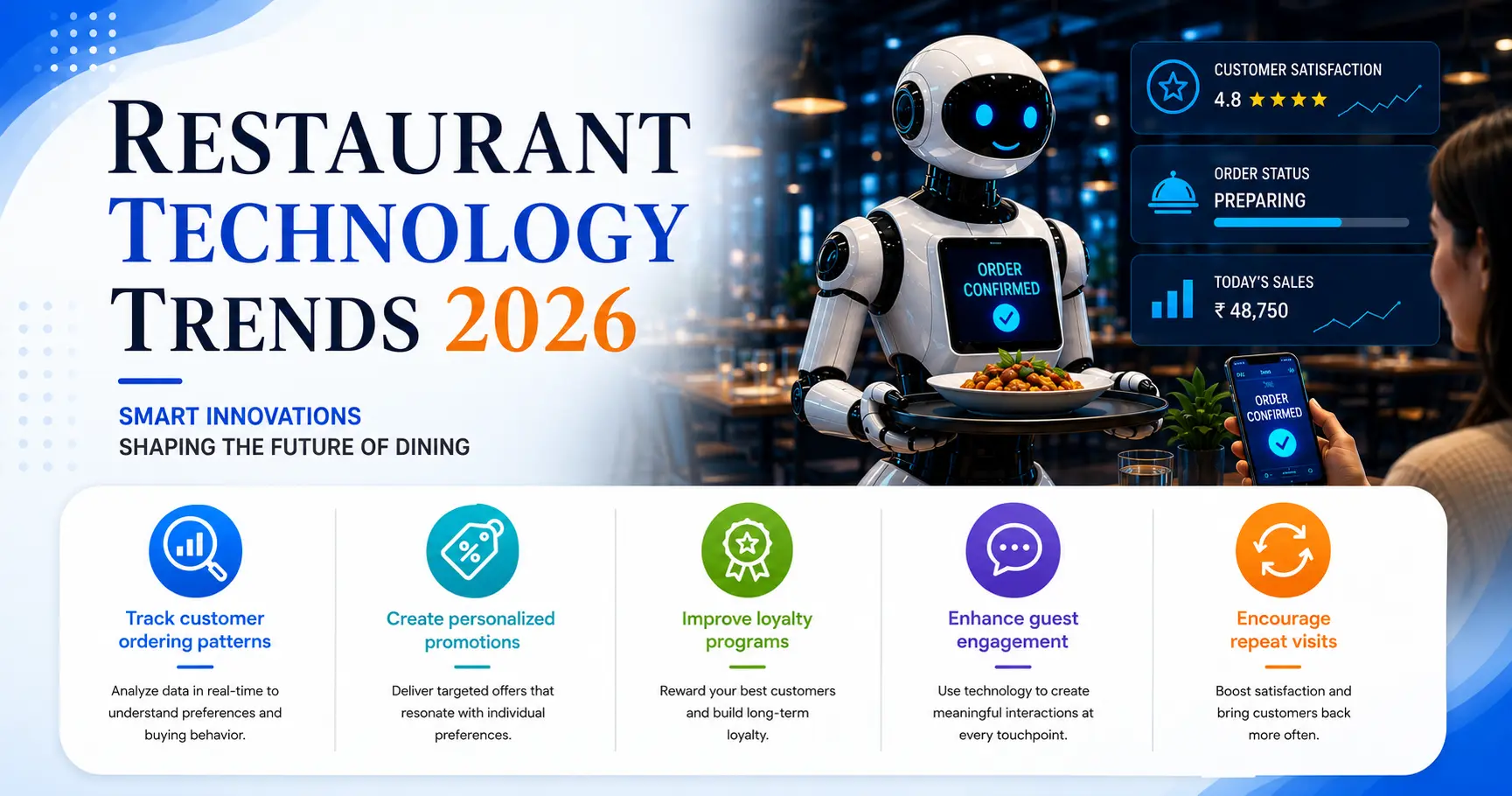
Running a restaurant requires efficient control over billing, orders, kitchen communication, inventory, payments, staff activities, and business reports. Managing these operations through separate registers or disconnected systems can lead to delays, billing errors, and limited business visibility.
If you're new to the concept, this guide breaks down what Restaurant POS Software actually is, how it works, and why it has become essential for cafés, bakeries, cloud kitchens, quick-service restaurants, fine-dining outlets, and multi-location businesses.
What Is Restaurant POS Software?
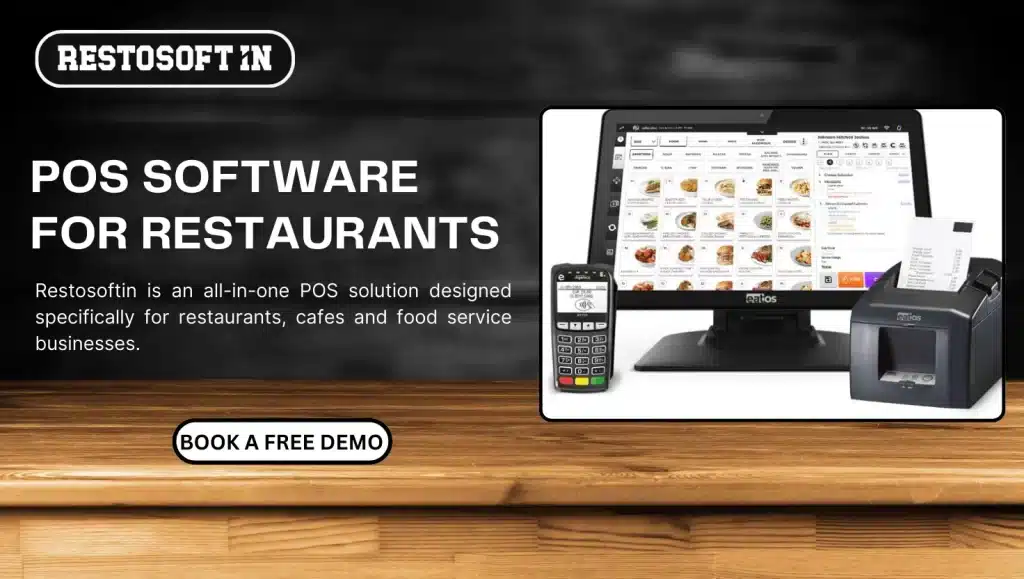
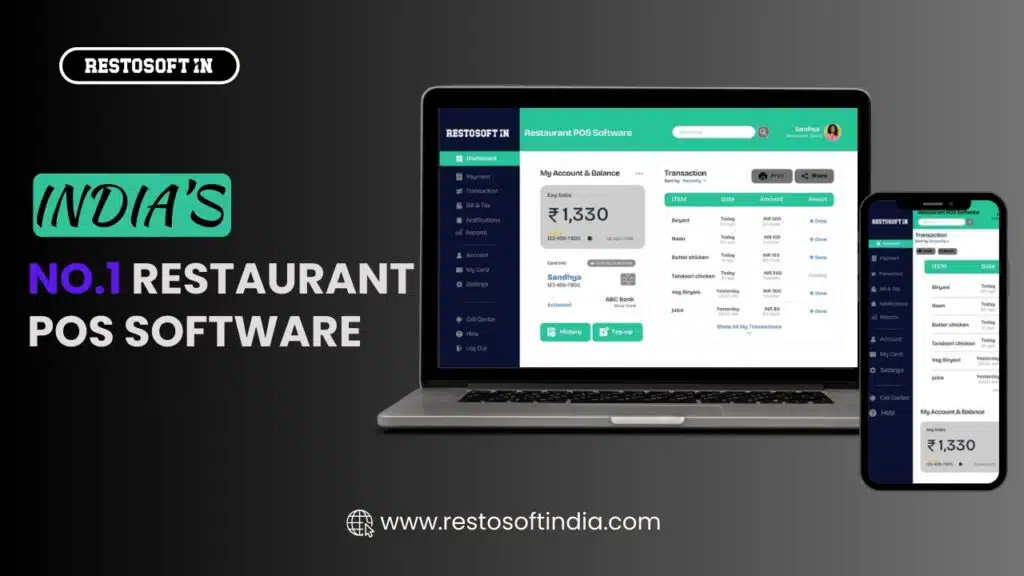
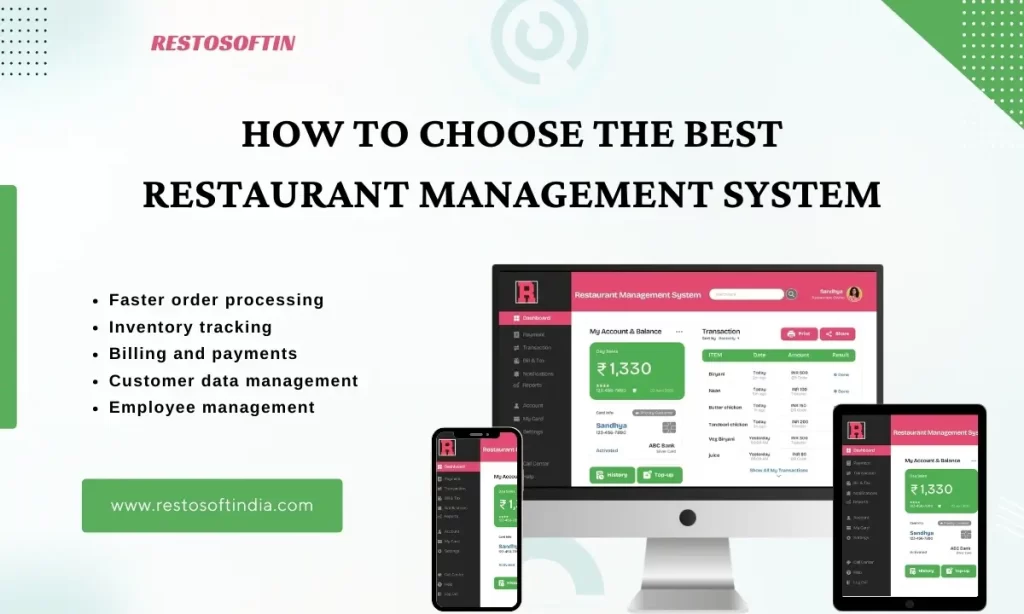
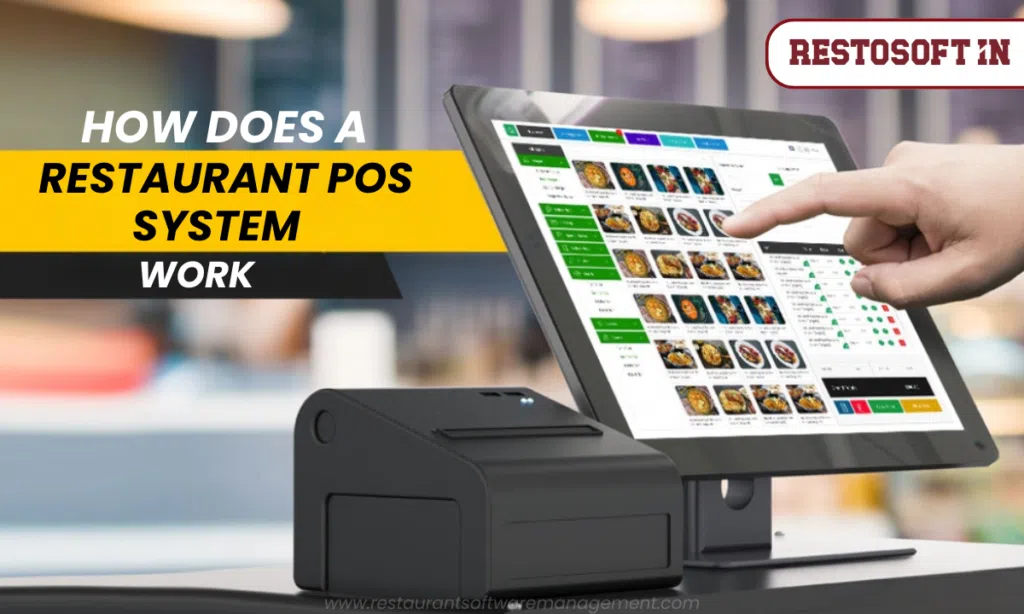
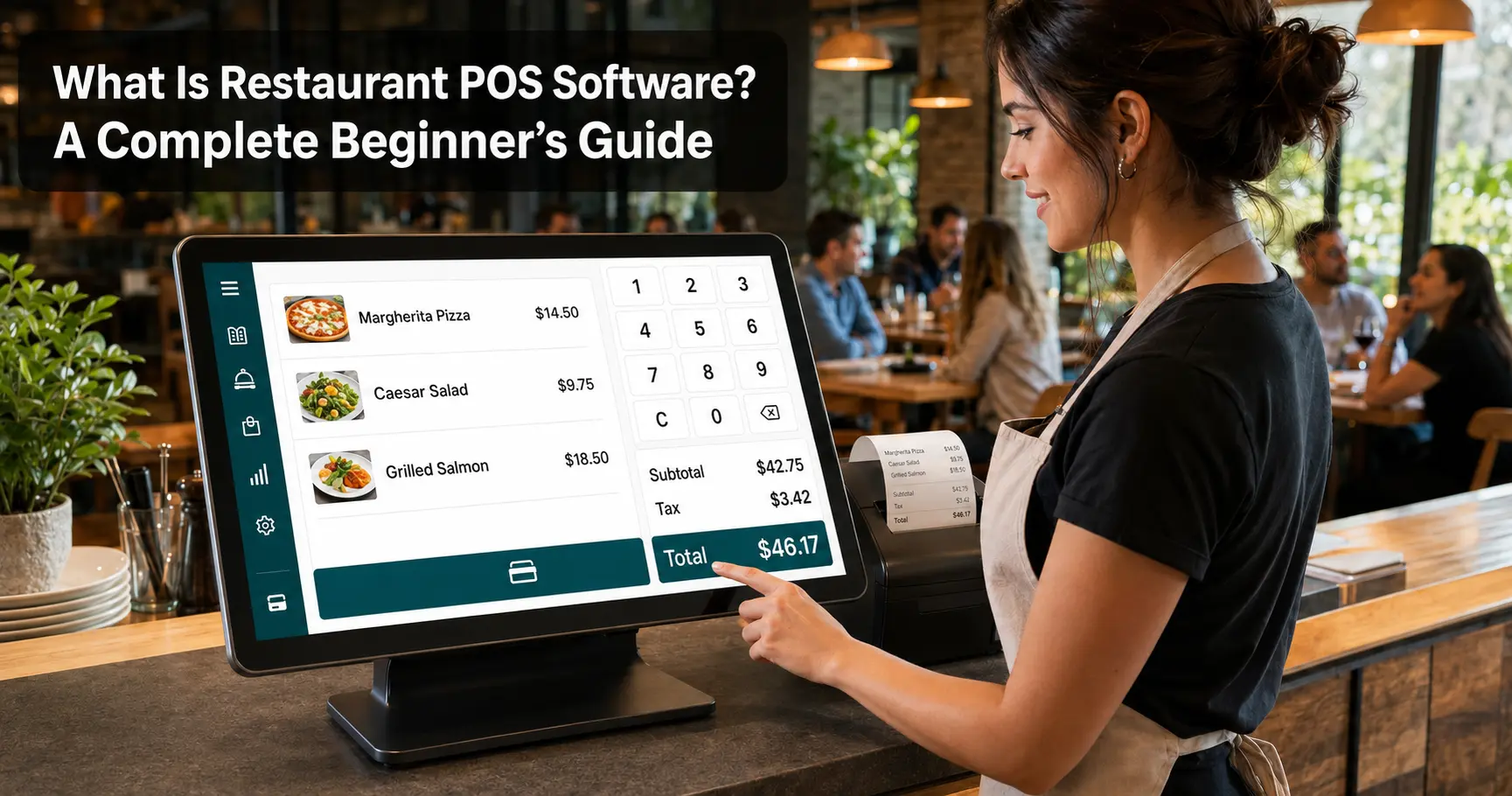
Restaurant POS (Point of Sale) Software is a centralized system that helps restaurants manage billing, orders, kitchen communication, inventory, payments, staff activities, and business reports all from one platform. Instead of depending on handwritten notes, calculators, or disconnected spreadsheets, restaurant staff work with a single connected system that keeps every part of the operation in sync.
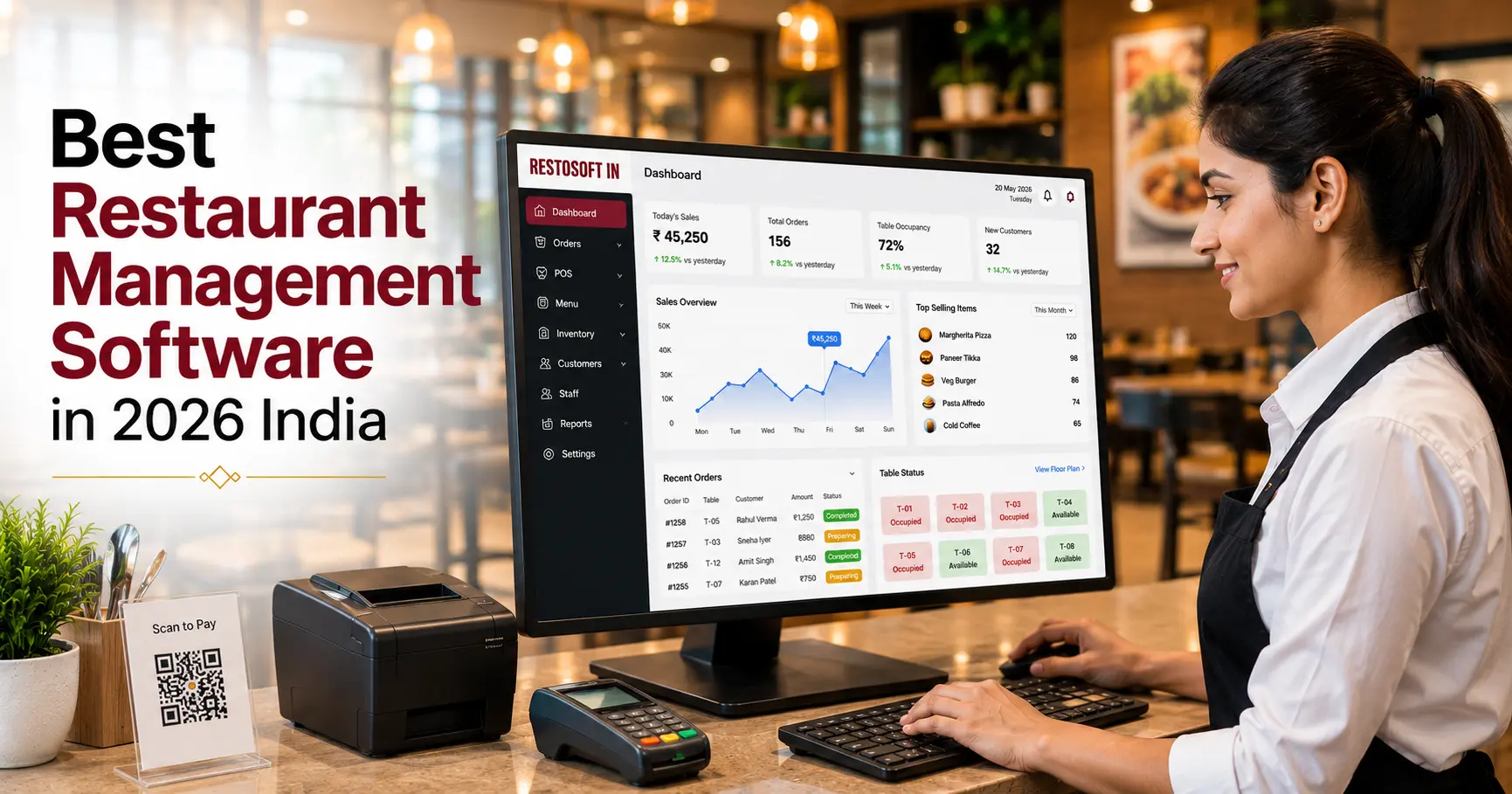
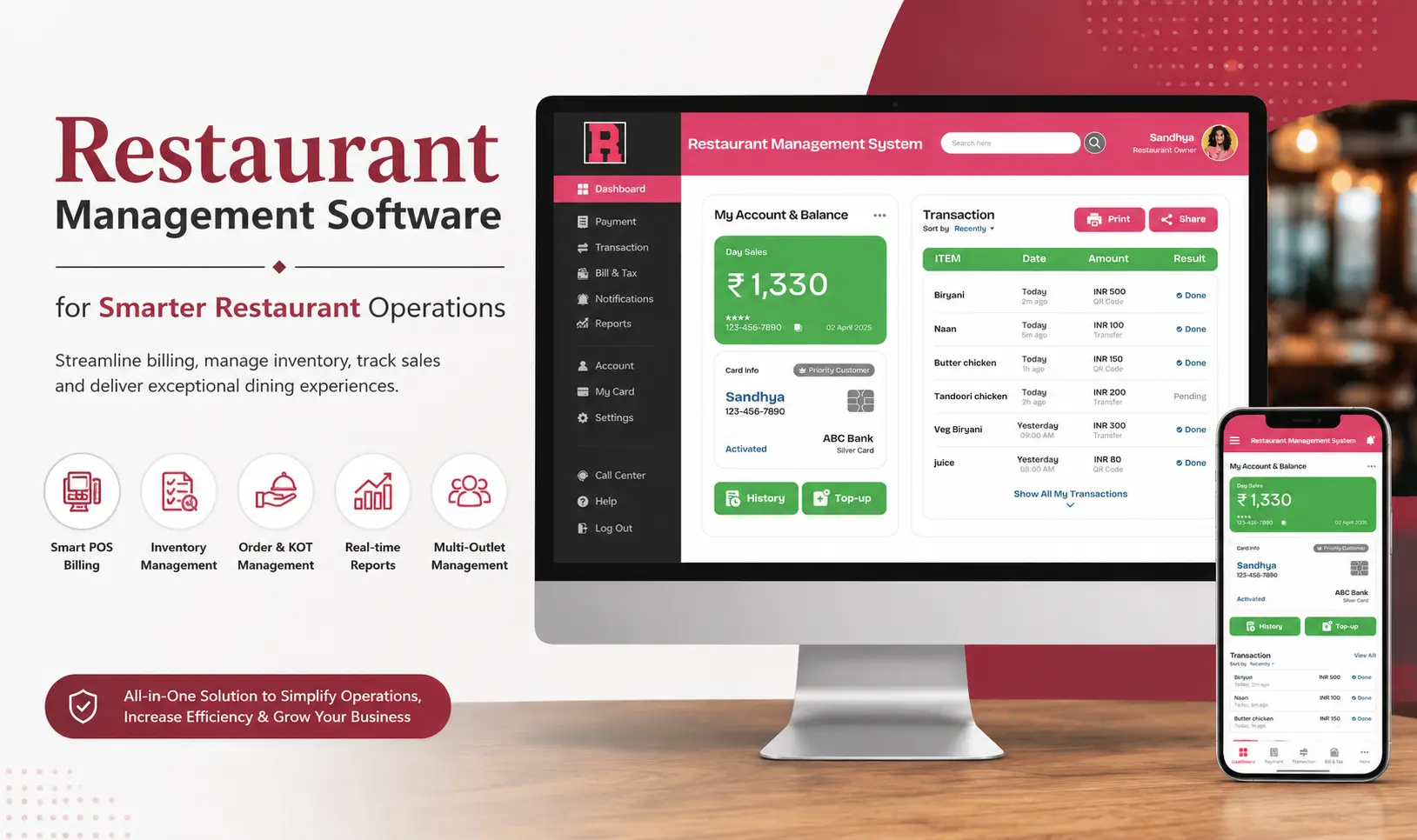
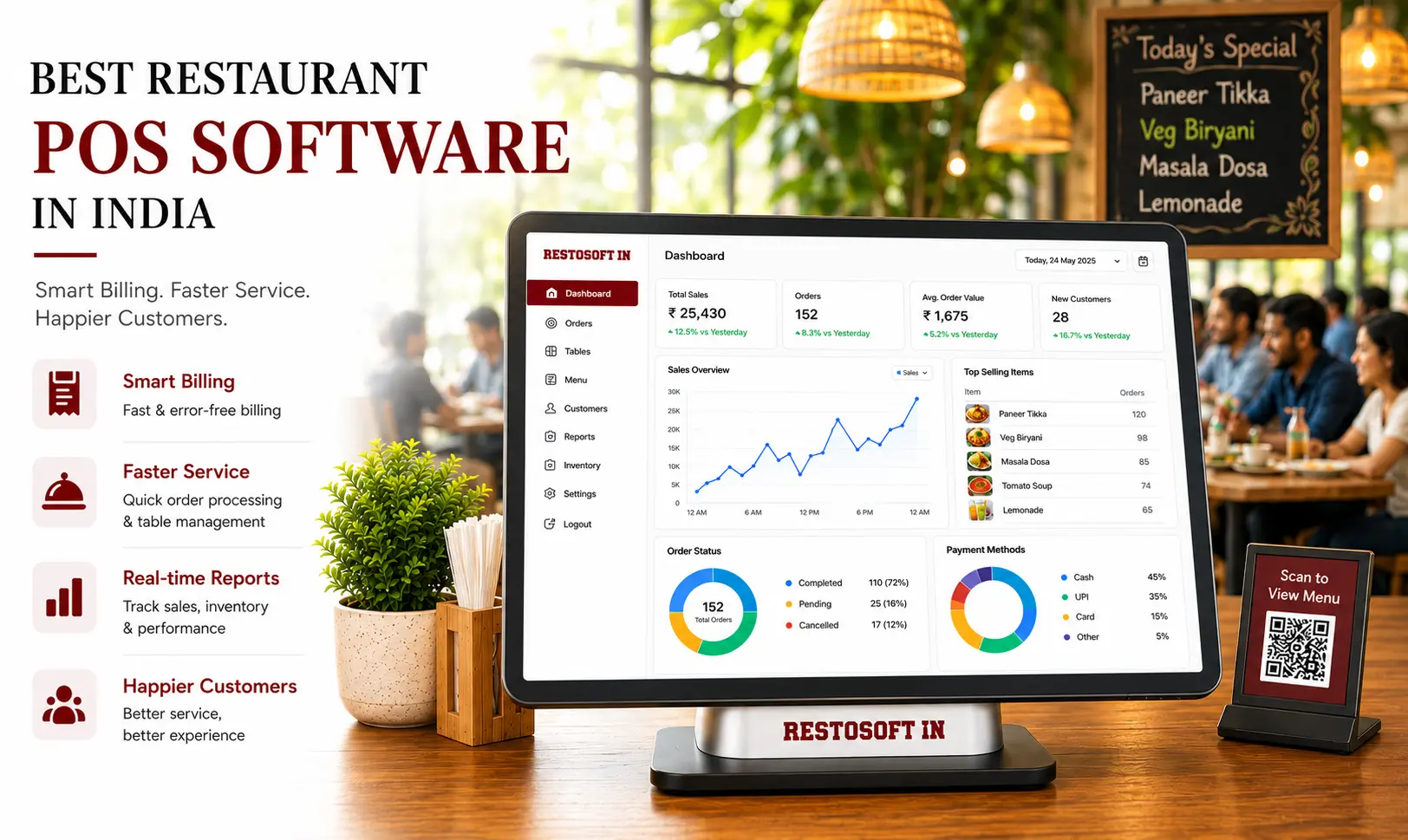
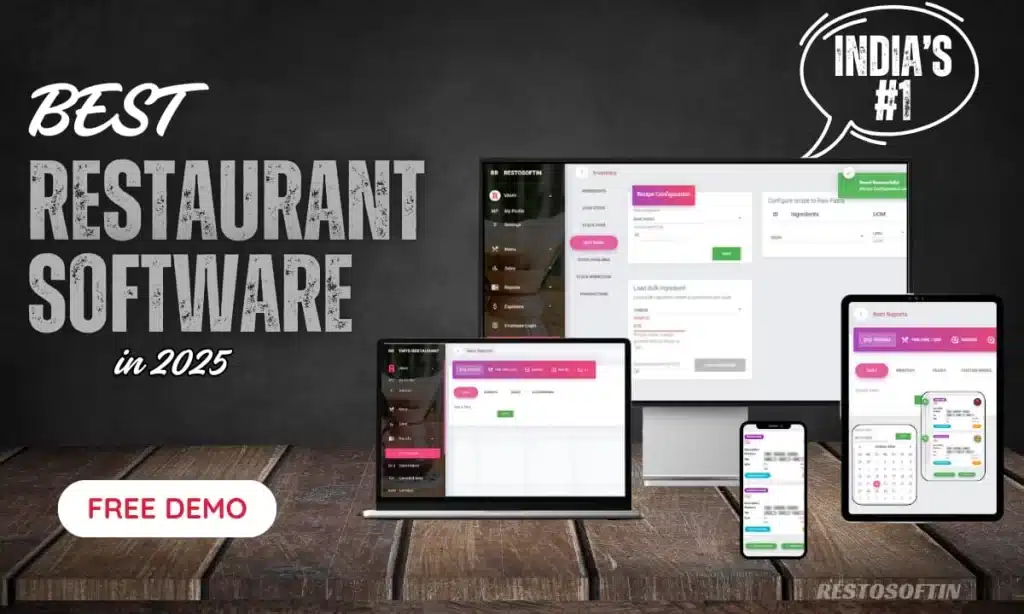
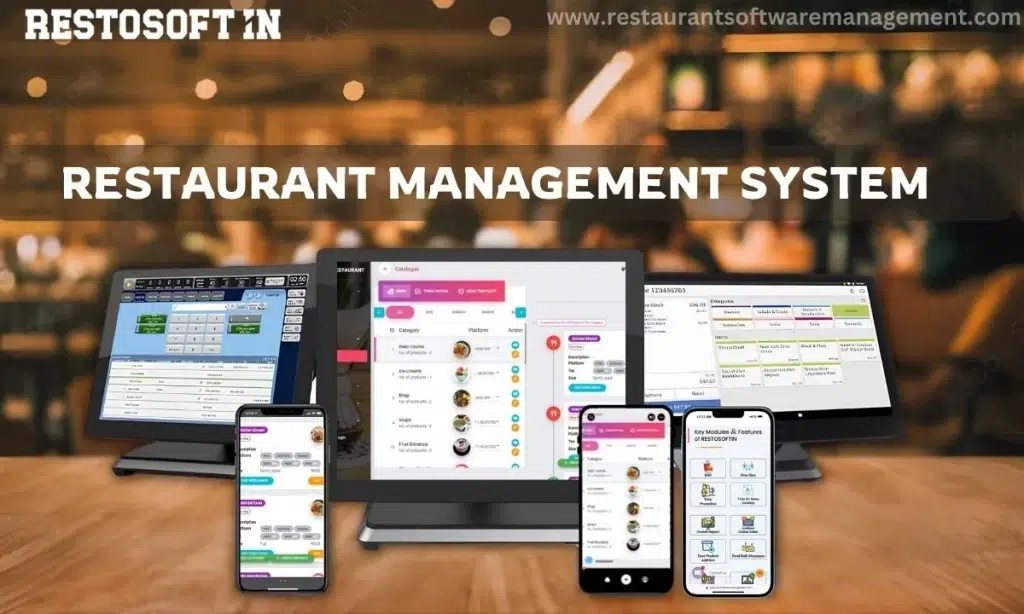
Restosoft Restaurant POS Software brings these essential functions into one place, helping restaurants process orders accurately, improve service speed, monitor inventory, and access real-time reports.
How Does Restaurant POS Software Work?
At a basic level, a restaurant POS system follows a simple flow:
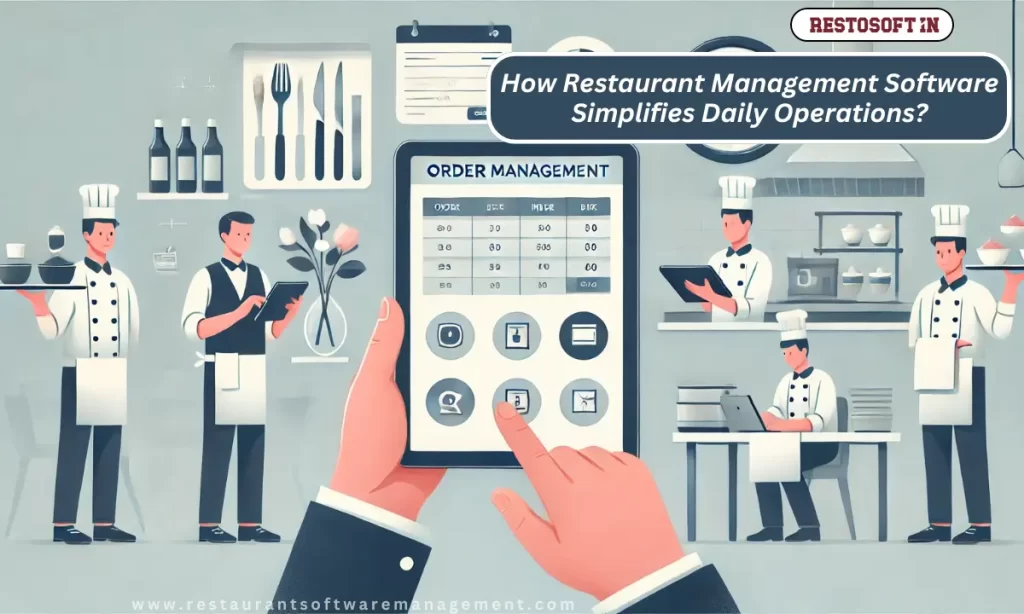
- Order entry – A staff member enters an order (dine-in, takeaway, delivery, or online) into the POS terminal or app.
- Kitchen communication – The order is instantly sent as a Kitchen Order Ticket (KOT) to a kitchen printer or Kitchen Display System (KDS), so the kitchen knows exactly what to prepare.
- Billing – As items are added, the system automatically calculates prices, taxes, service charges, and discounts.
- Payment – The customer pays via cash, card, UPI, wallet, or credit, and the POS records the transaction.
- Inventory update – Stock levels are adjusted in the background based on what was sold.
- Reporting – Every transaction feed into real-time sales, tax, stock, and performance reports that owners can review anytime.
This connected flow is what separates POS software from manual, paper-based restaurant management every step feeds the next automatically, instead of relying on staff to record and reconcile everything by hand.
Why Restaurant POS Software Matters
A restaurant handles hundreds of operational details every day. Each order must be recorded correctly, sent to the right preparation area, billed with the correct price and tax, and included in the final sales and inventory reports. Restaurant POS Software brings these activities together so that employees can work with accurate, updated information instead of depending on handwritten notes or separate records.
Modern restaurants use POS software to:
- Create accurate bills and apply taxes automatically.
- Manage dine-in, takeaway, delivery, and online orders.
- Send Kitchen Order Tickets (KOTs) or digital orders to the kitchen.
- Track stock usage and identify low-inventory items.
- Manage discounts, payment methods, and customer credit.
- Monitor employee activity and role-based access.
- Review daily sales, expenses, and profitability reports.
- Control multiple restaurant outlets from a centralized system.
By supporting these core functions, Restaurant POS Software helps restaurant owners maintain operational consistency, improve staff productivity, and make better business decisions using reliable data.
Common Challenges of Running a Restaurant Without POS Software
Some restaurants continue to rely on manual bills, calculators, spreadsheets, or basic billing tools. These methods may appear manageable during the early stages of a business, but they become difficult to control as order volume, staff strength, and the number of service channels increase.
Frequent Billing Errors:
Handwritten KOTs may be unclear, lost, duplicated, or delivered to the wrong preparation section. Missing instructions and delayed communication can lead to incorrect dishes, food wastage, and longer waiting times.
Stock and Sales Mismatch:
Without a connected system, sales records and inventory usage are often maintained separately. This makes it difficult to identify excess consumption, stock shortages, wastage, or differences between physical stock and recorded stock.
Limited Control Across Multiple Outlets:
Restaurant chains and multi-branch businesses may struggle to maintain consistent pricing, taxes, reporting, and operating procedures. Owners often depend on manually shared reports, which may be delayed or incomplete.
Key Features of Restaurant POS Software:
| Feature | Business Benefit |
|---|---|
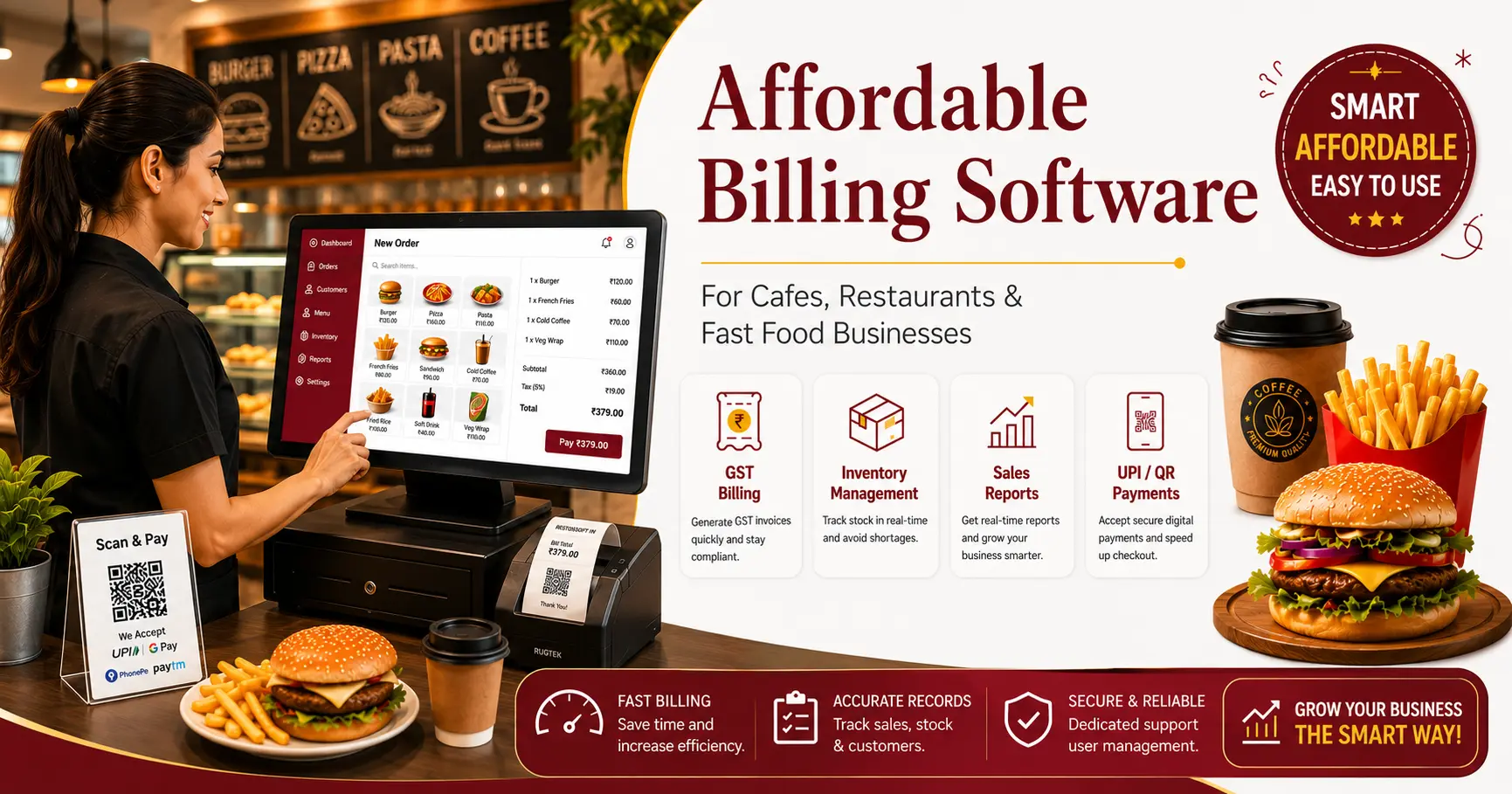
| Billing and Tax Automation | Generate accurate bills with automatic tax, discount, and service-charge calculations. |
| Dine-In and Takeaway Orders | Manage table service, takeaway, counter, and delivery orders in one system. |
| KOT and KDS Integration | Send clear order instructions directly to kitchen printers or display screens. |
| Inventory Tracking | Monitor purchases, usage, stock levels, wastage, and stock variance. |
| Payment Management | Record cash, card, UPI, wallet, online, and credit transactions accurately. |
| Customer Management | Maintain customer details, order history, loyalty points, and promotional records. |
| Multi-Outlet Control | Review and standardize operations across multiple restaurant locations. |
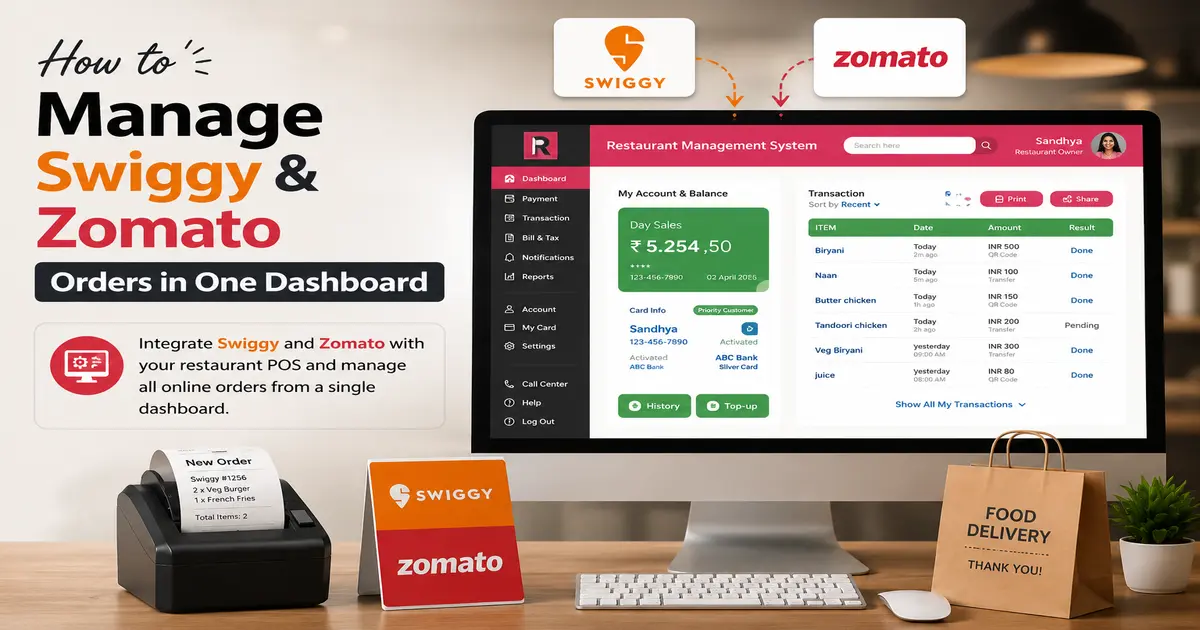
| Online Order Integration | Centralize orders from connected digital and delivery channels. |
| Business Reports | Access sales, tax, payment, stock, discount, cancellation, and profitability reports. |
Benefits of Using Restaurant POS Software:
Implementing Restaurant POS Software provides benefits across customer service, operational control, employee productivity, and business performance.
Faster Service: Orders can be recorded, sent to the kitchen, updated, and billed through a connected process. This reduces waiting time and helps staff serve customers more efficiently during peak hours.
Improved Billing Accuracy: Automated calculations reduce manual errors in prices, taxes, discounts, and payment totals. Accurate bills improve customer trust and simplify daily reconciliation.
Better Kitchen Coordination: Digital KOTs and kitchen displays provide clear order instructions, reducing communication gaps between service staff and food preparation teams.
Reduced Operational Leakage: User permissions, cancellation tracking, discount controls, stock records, and transaction reports help restaurant owners identify unusual activity and reduce avoidable losses.
Easier Staff Training: A well-organized POS interface gives employees a consistent process for order entry, billing, payment collection, and reporting. New staff can understand daily workflows more quickly.
Improved Business Decisions: Real-time reports provide a clearer understanding of sales patterns, payment collections, stock usage, operating costs, and outlet performance. Management can use this information to plan staffing, purchasing, promotions, and expansion.
Restaurant POS Software vs Manual Restaurant Operations
| Manual Restaurant Operations | Restaurant POS Software |
|---|---|
| Bills are calculated manually | Bills, taxes, discounts, and totals are calculated automatically |
| Orders depend on handwritten notes | Orders are recorded digitally and sent directly to the kitchen |
| Sales and stock records are separate | Sales and inventory information can be connected |
| Daily reconciliation takes more time | Payment and settlement reports are available quickly |
| Limited control over discounts and cancellations | Role-based permissions and activity records improve control |
| Multi-outlet reports are delayed | Outlet-wise and consolidated reports are available centrally |
| Business decisions depend on estimates | Real-time reports support data-based decisions |
Common Restaurant POS Software Mistakes to Avoid:
Even a capable POS solution may not deliver the expected results when setup, training, and daily usage are inconsistent. Some common mistakes include:
Incorrect Tax and Pricing Configuration: Wrong tax rates, prices, or discount rules can affect every bill. Restaurant managers should verify configurations before using the system for live transactions.
Ignoring Inventory Updates: Stock reports become unreliable when purchases, wastage, transfers, and adjustments are not recorded. Inventory processes must be followed consistently.
Not Reviewing Daily Reports: A POS system provides valuable information, but owners must review it regularly. Ignoring cancellation, discount, payment, and stock reports can allow operational issues to continue unnoticed.
Why Choose Restosoft?
Restosoft provides an integrated Restaurant POS Software solution designed to support billing, order processing, KOT and kitchen coordination, inventory tracking, payment management, customer records, multi-outlet control, and business reporting from a centralized platform.
Whether you manage a cafe, bakery, quick-service outlet, cloud kitchen, fine-dining restaurant, or restaurant chain, Restosoft helps reduce manual work, improve transaction accuracy, and give owners better visibility into daily operations. The system is built to support practical restaurant workflows while helping teams deliver faster and more consistent service.
Conclusion:
Restaurant POS Software helps restaurants simplify billing, streamline orders, control inventory, improve staff productivity, and gain better visibility into daily operations. With Restosoft, restaurants can replace disconnected manual processes with one reliable system to reduce errors, control costs, deliver faster service, and support long-term business growth.
Ready to manage your restaurant with greater speed, accuracy, and control? Request a free Restosoft demo today and experience a smarter way to run your restaurant.