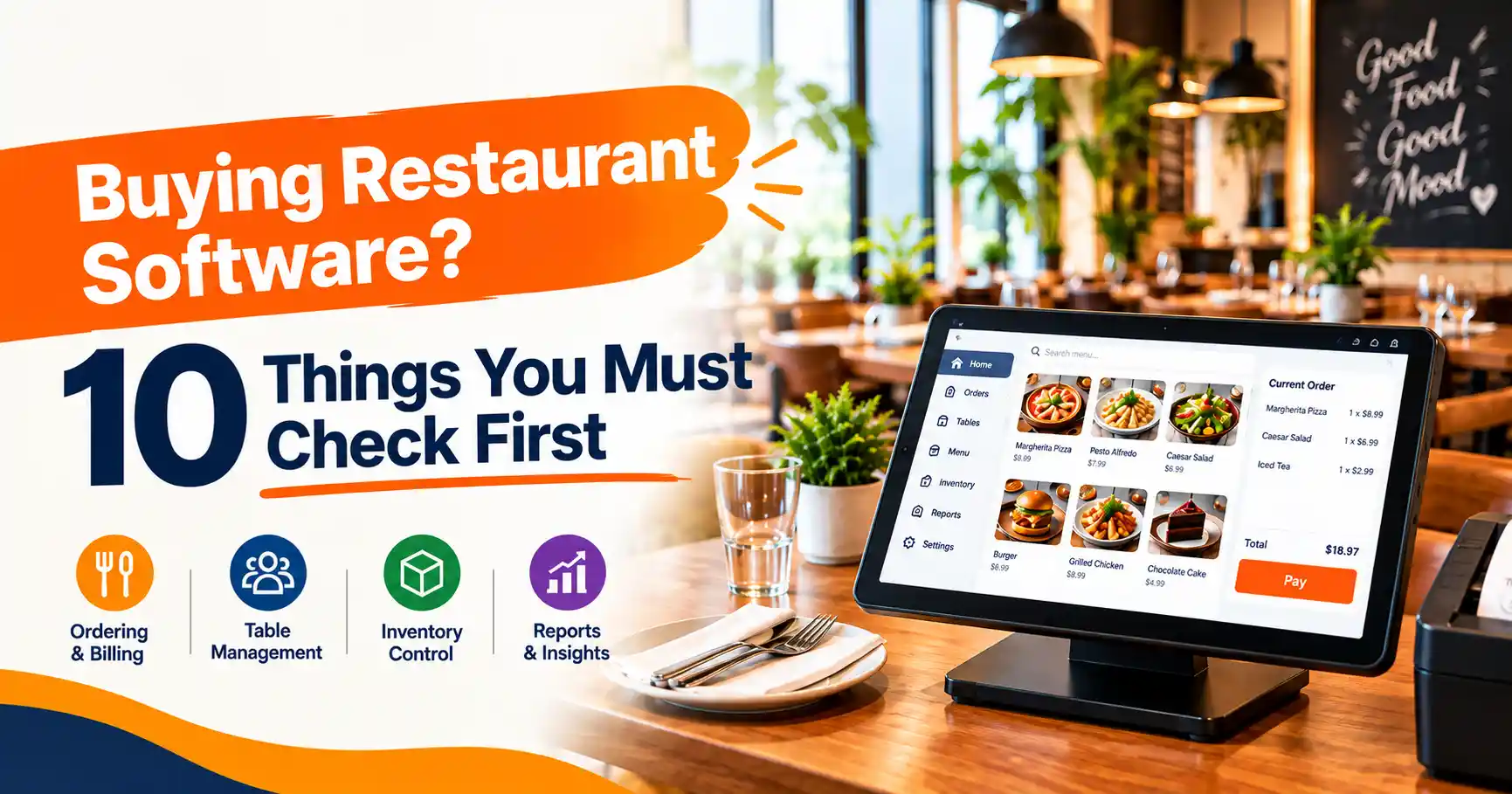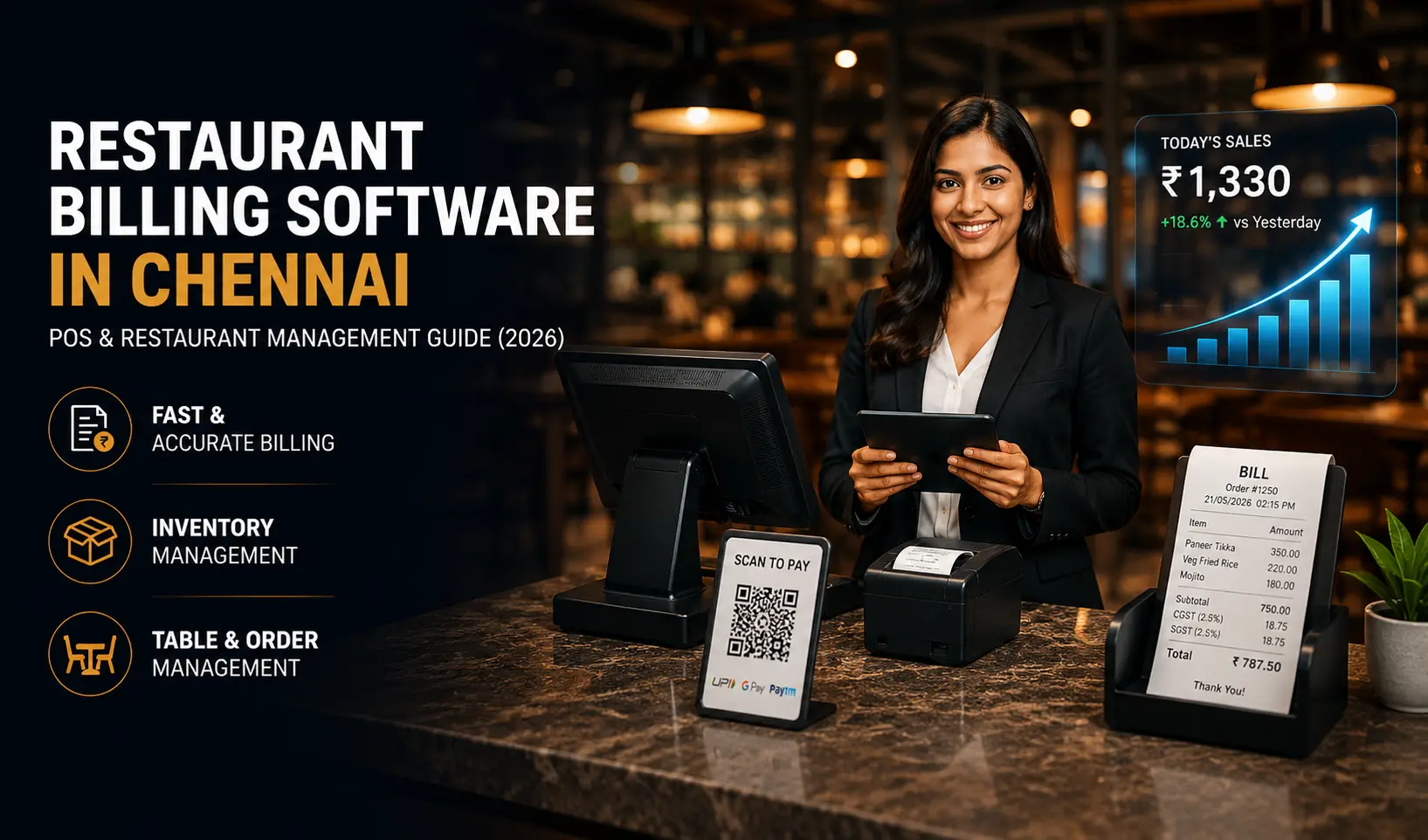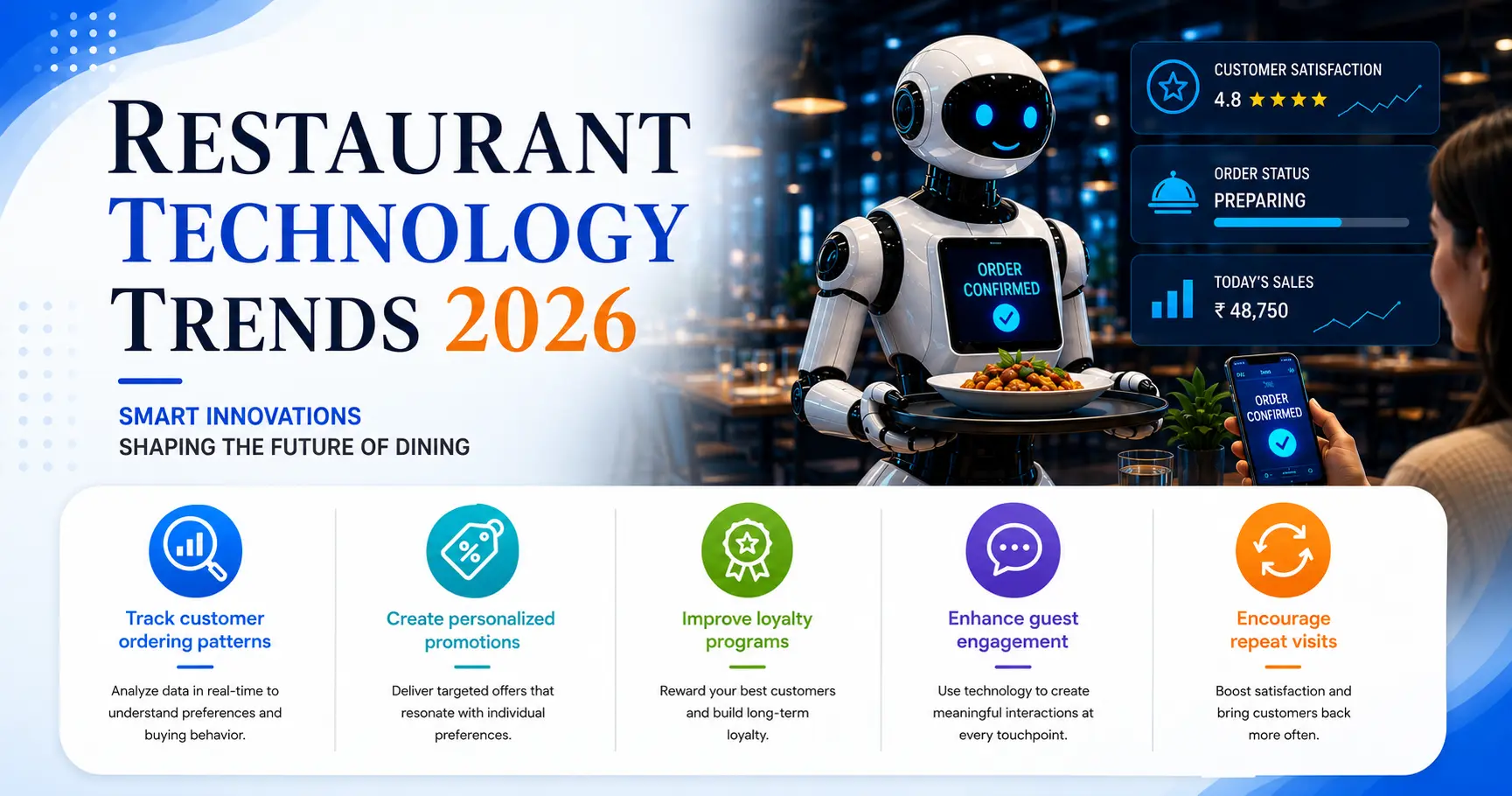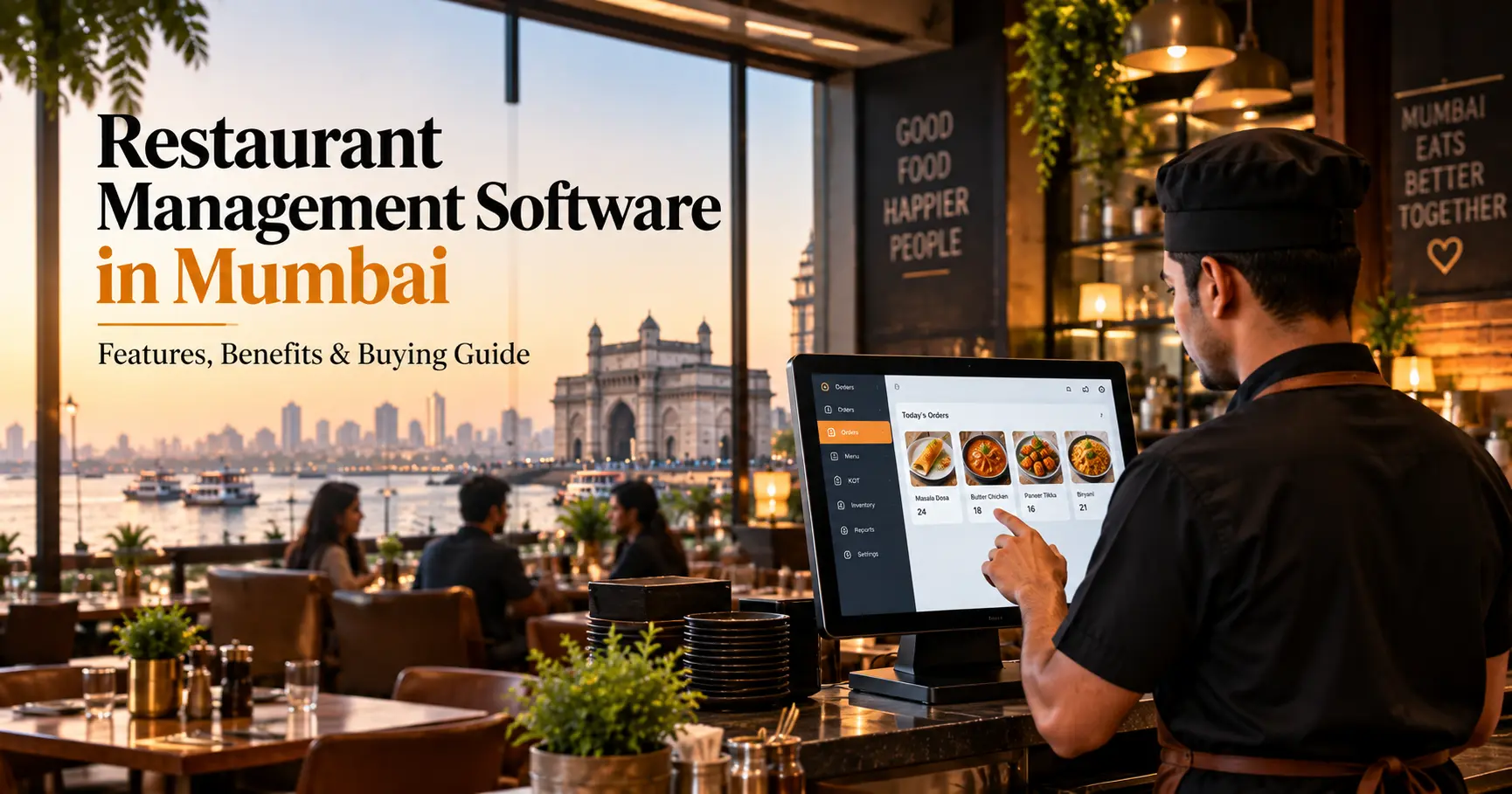
Running a restaurant involves much more than taking orders and generating bills. Restaurant owners and managers need to handle billing, kitchen orders, inventory, staff activities, customer orders, payments, reports and daily business decisions at the same time.
For restaurants in Mumbai, where businesses can handle busy dine-in services, takeaway orders, online deliveries and multiple outlets, managing these activities manually can become difficult as operations grow.
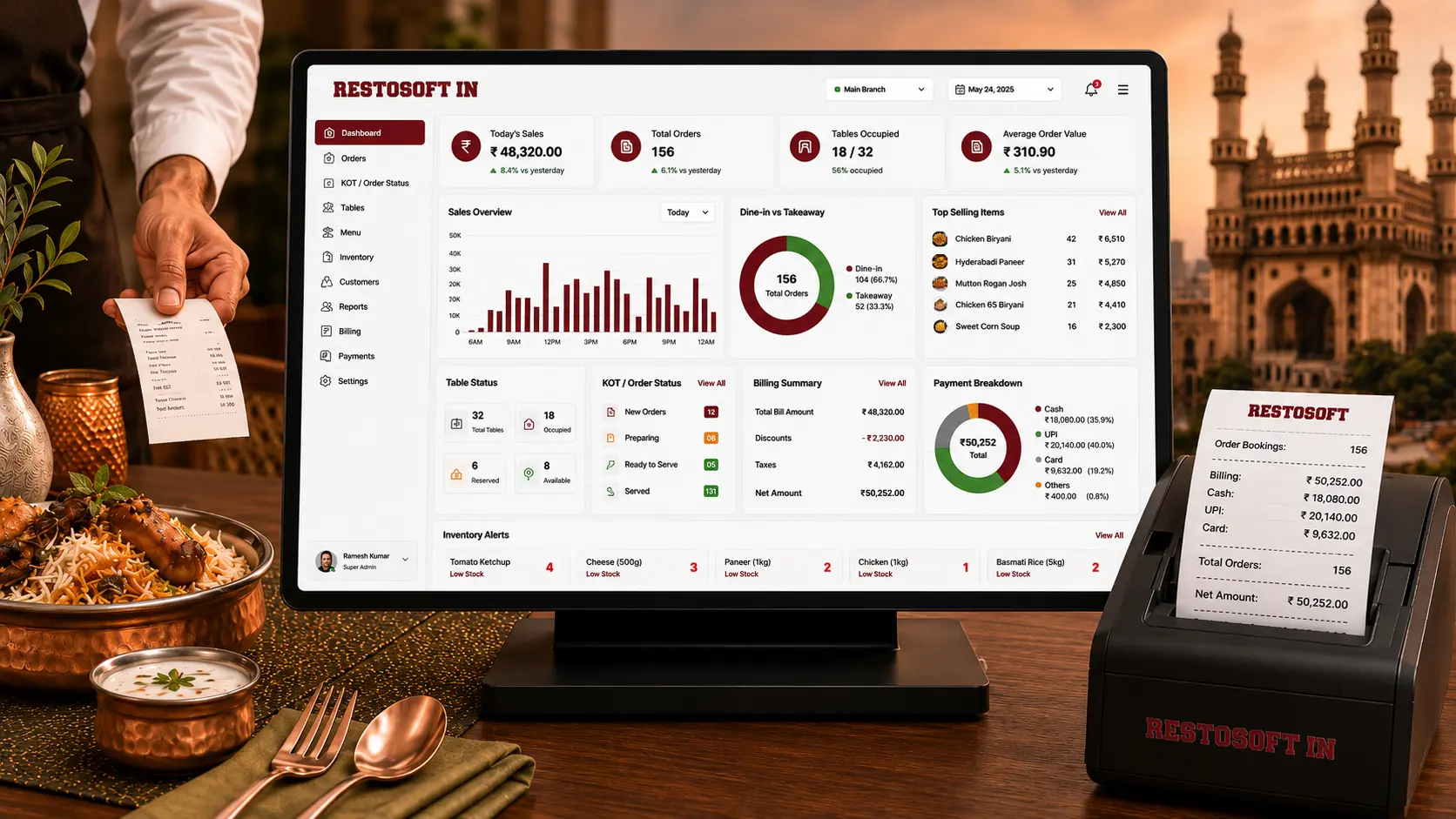
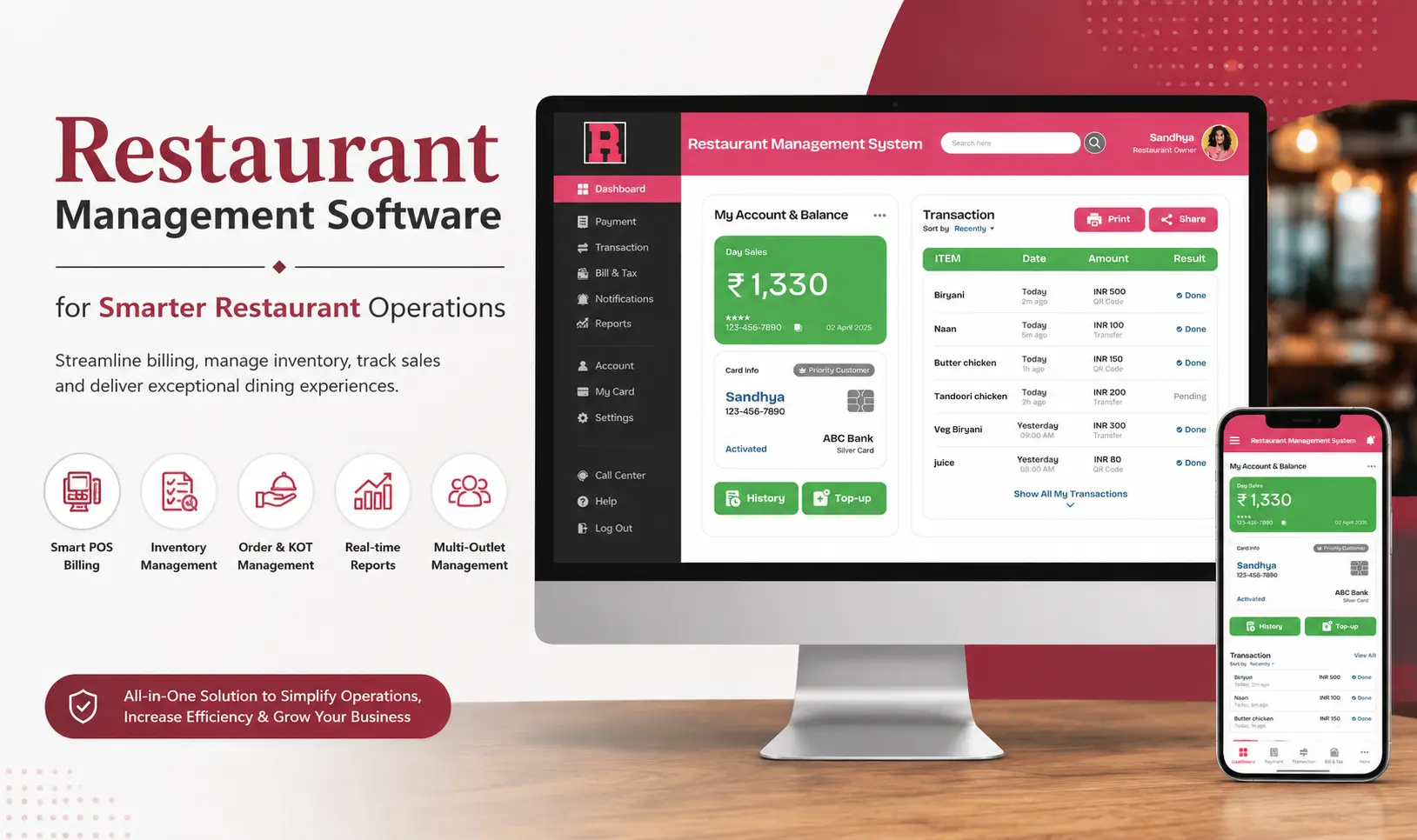
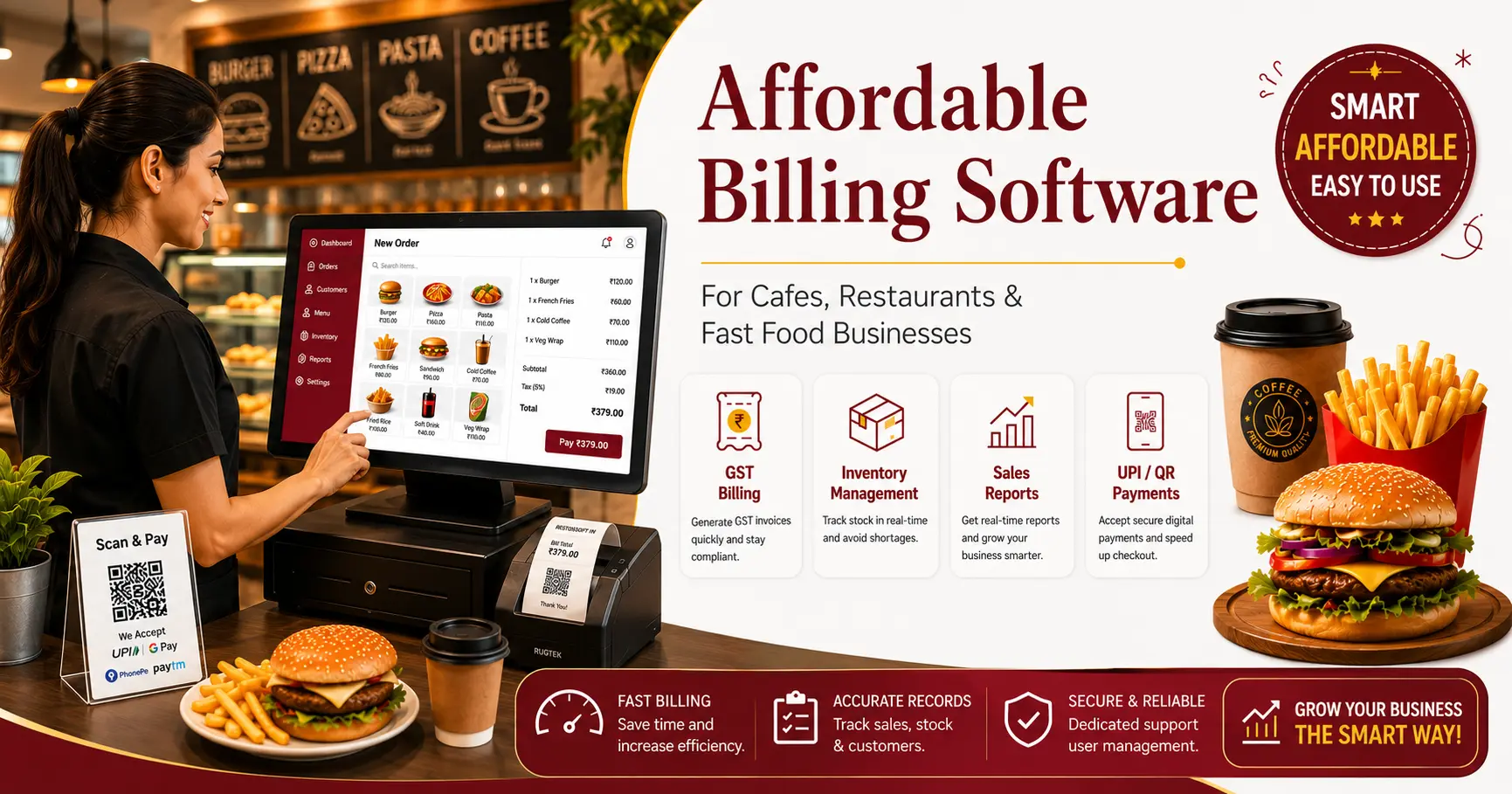
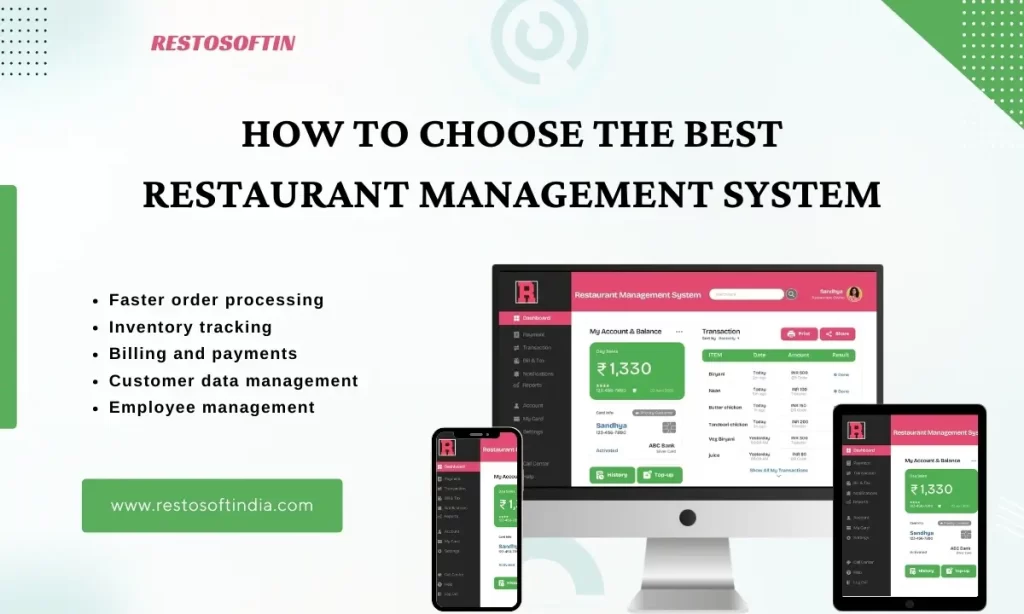
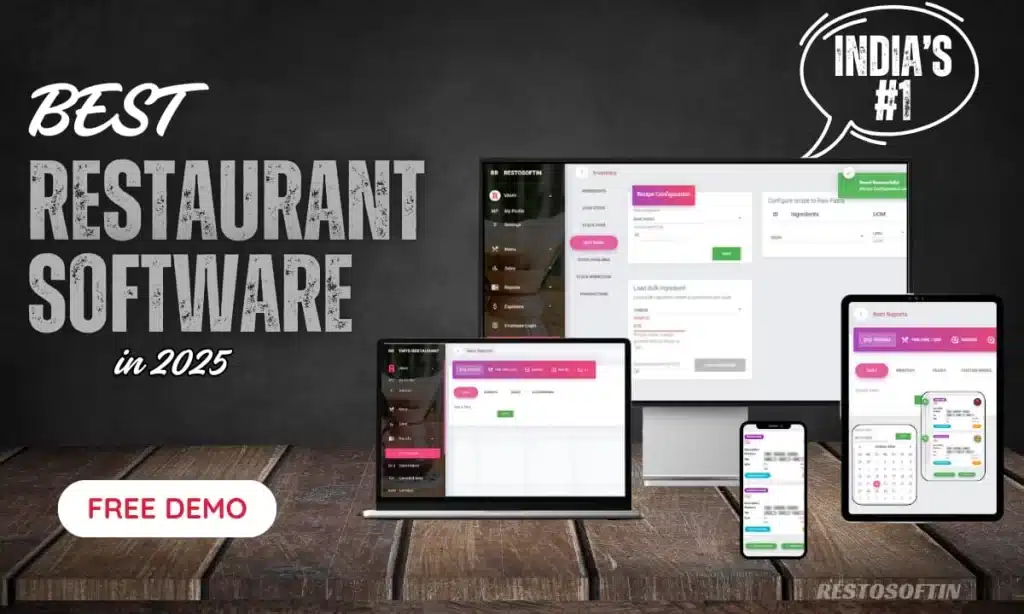
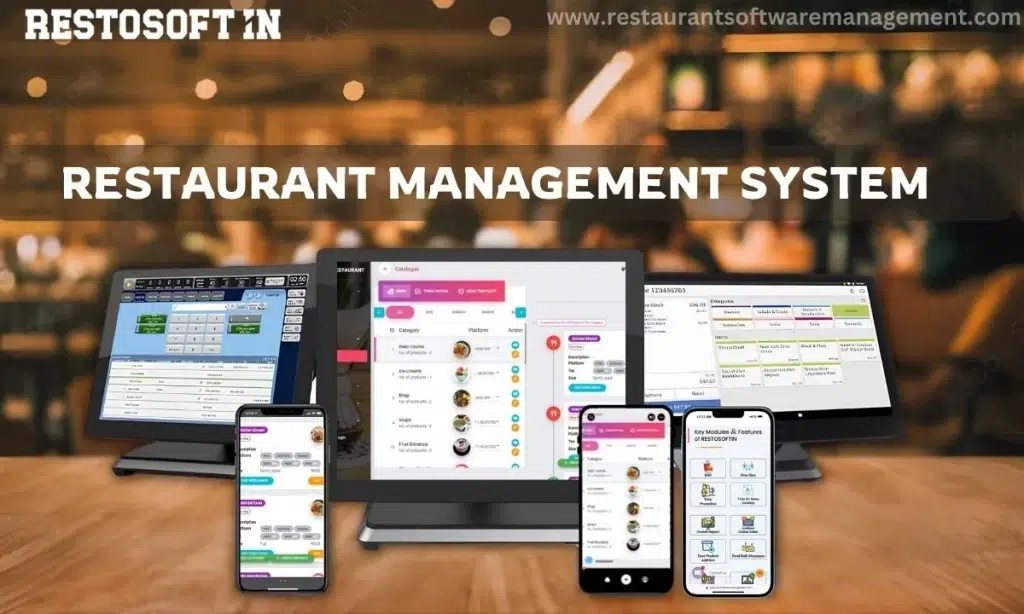
Restaurant management software in Mumbai brings these functions together in one system, helping restaurants manage billing, inventory, orders, staff and business reports more efficiently.
This guide explains what restaurant management software should include, how it can help different types of food businesses and what to consider before choosing a solution.
What Is Restaurant Management Software in Mumbai?
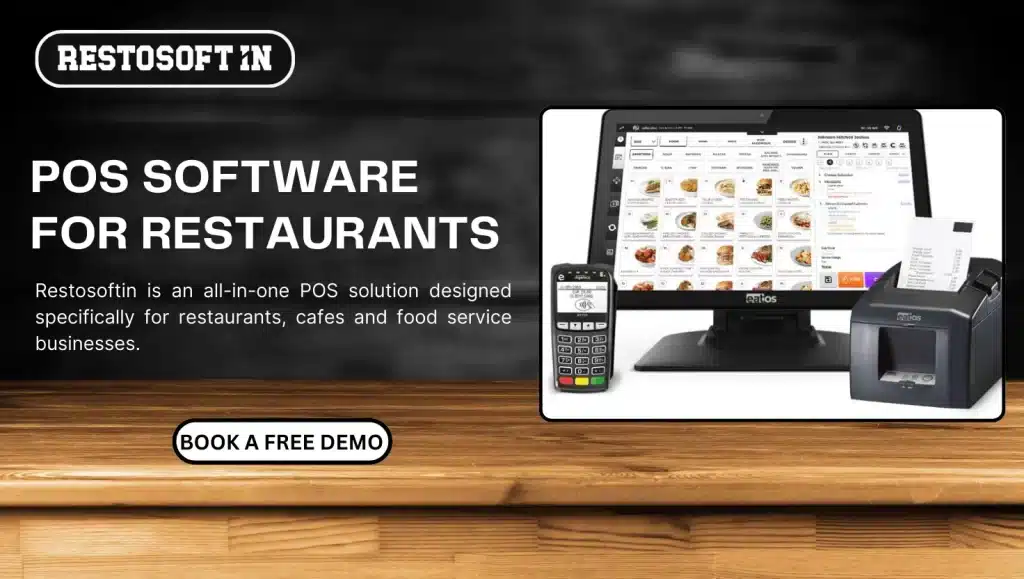
Restaurant management software is a centralized digital system used to manage the major day-to-day activities of a restaurant.
Depending on the software, it can bring together functions such as:
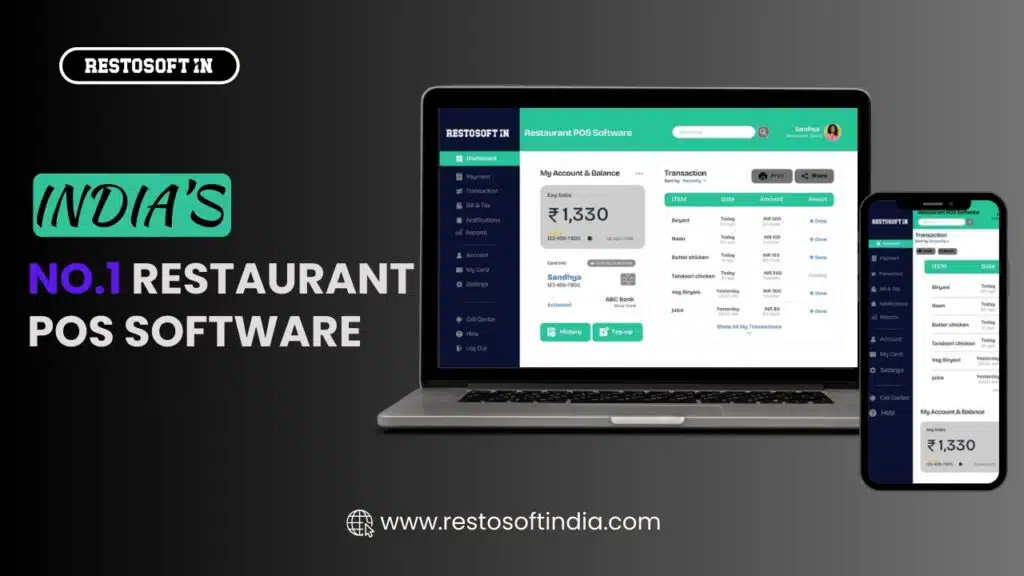
- POS and restaurant billing
- Kitchen Order Tickets (KOT)
- Inventory and stock management
- Menu management
- Table and order management
- Staff permissions and activities
- Sales and business reports
- Customer management
- Online order integrations
- Multi-outlet management
Instead of maintaining separate records for each activity, restaurant owners can manage important operational information through one connected system.
For a Mumbai restaurant, this can make every day processes easier to monitor while giving owners and managers better visibility into sales, stock, staff activities and overall operations.
Why Do Mumbai Restaurants Need Restaurant Management Software?
Restaurant operations can become difficult to control when billing, inventory, kitchen orders and reporting are handled separately.
A restaurant management system can help address several common operational problems.
1. Faster Billing During Busy Hours
During peak hours, slow billing can increase customer waiting time.
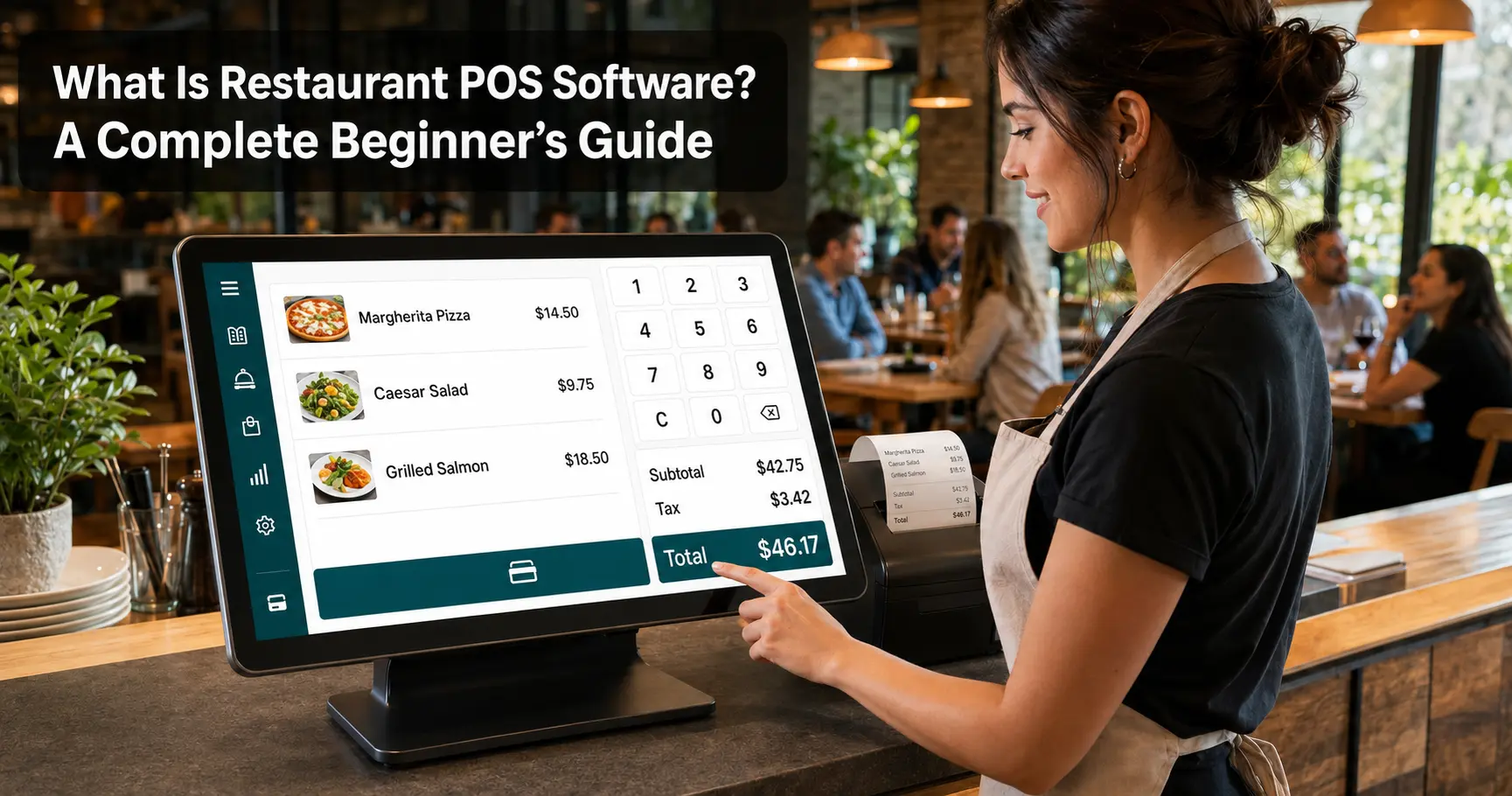
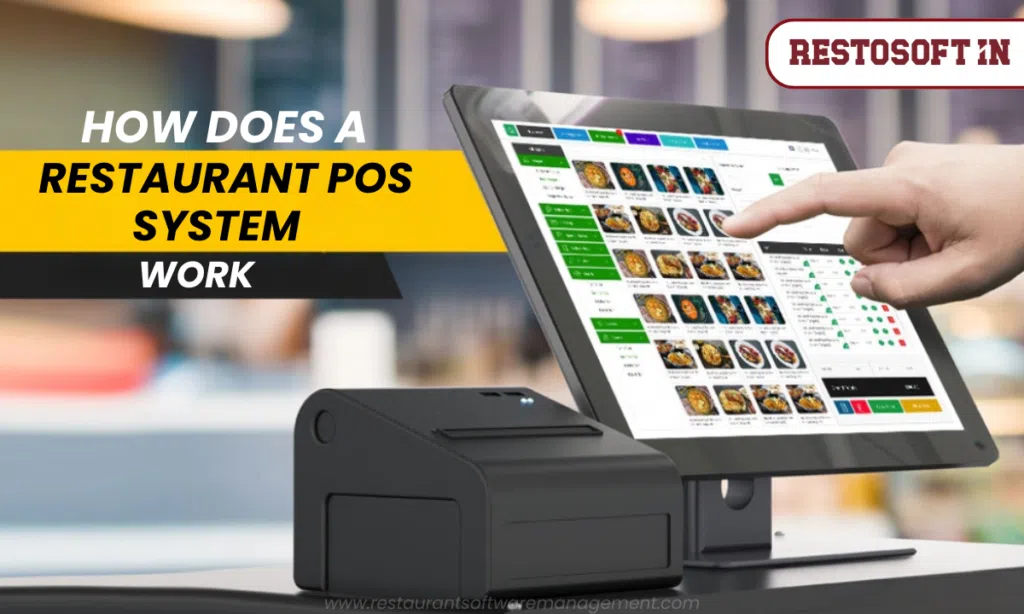
A POS-based billing system helps staff process orders and generate bills faster while reducing repetitive manual calculations.
2. Better Inventory Control
Restaurants deal with a large number of ingredients and supplies every day.
Without proper inventory tracking, it can be difficult to know:
- What stock is available
- Which items are running low
- How much stock was used
- What needs to be purchased
- Where wastage is occurring
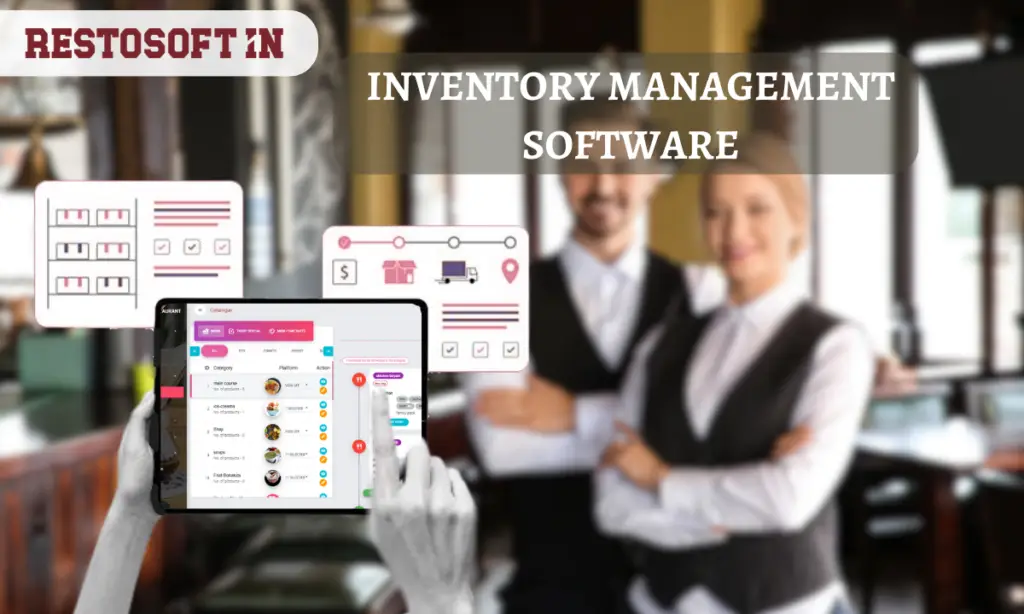
Inventory management software provides a more organized way to monitor stock movement.
3. Better Kitchen Coordination
Orders need to move from the billing counter to the kitchen accurately.
KOT and order management features help kitchen and service teams coordinate orders without depending entirely on handwritten notes or verbal communication.
4. Easier Business Reporting
Restaurant owners need more than total sales figures.
They may also need to understand sales by day, payment methods, products, categories, staff activity and other operational areas.
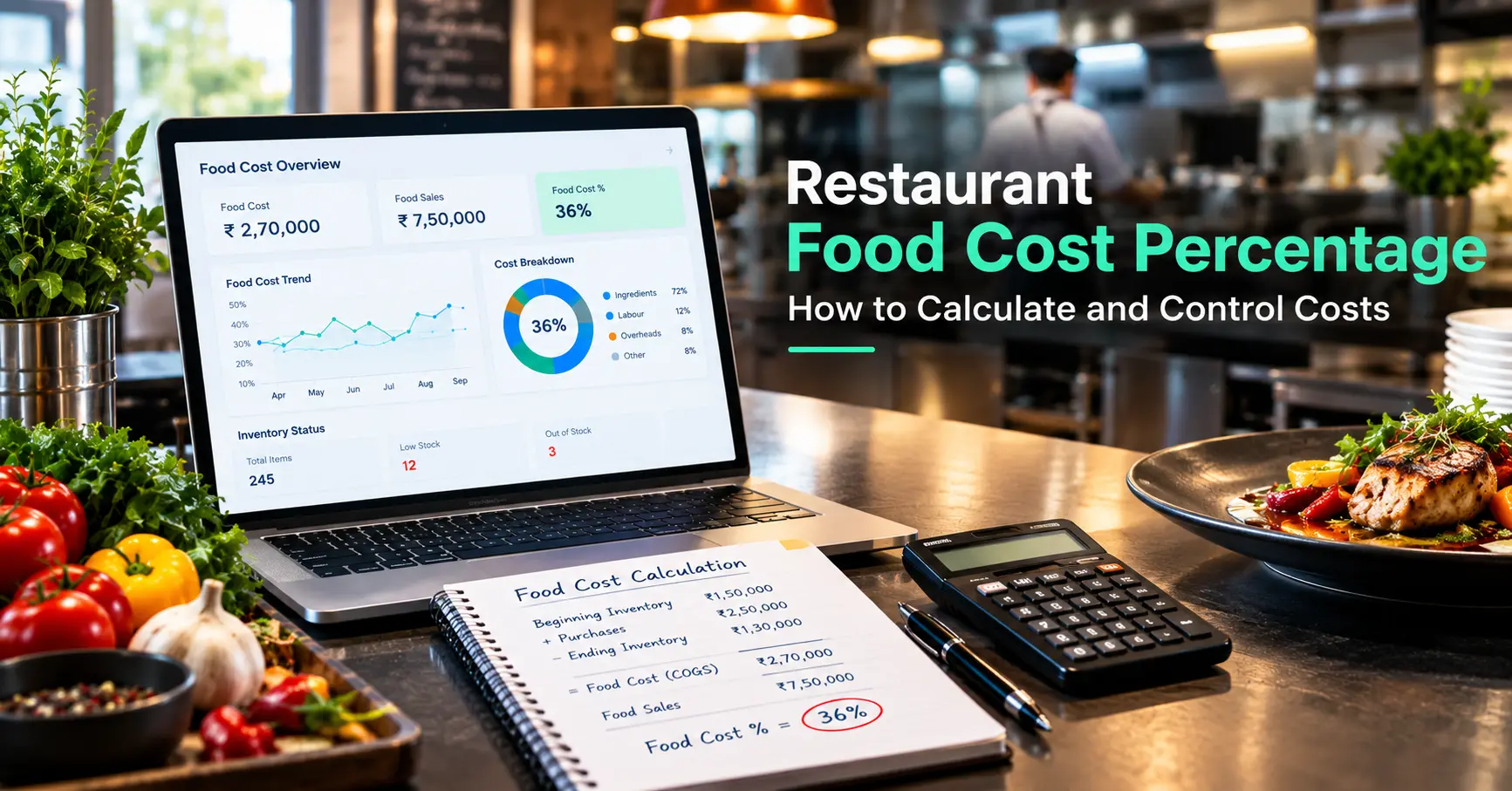
Automated reports reduce the need to prepare these reports manually.
5. Easier Management as the Business Grows
Managing one outlet is different from managing several.
When a restaurant expands, centralized software can help owners monitor multiple locations, inventory, sales and operational information from a connected system.
Key Features to Look for in Restaurant Management Software
Choosing restaurant software should not be based only on billing. The system should support the operational requirements of your restaurant.
Billing is one of the most important functions of restaurant software.
Look for features that help with:
- Fast order entry
- Invoice generation
- GST billing
- Discounts
- Multiple payment methods
- Dine-in and takeaway billing
- Payment tracking
A faster billing process can help staff handle busy service periods more efficiently.
2. KOT and Kitchen Order Management
Kitchen Order Tickets help communicate customer orders to the kitchen.
A good system should make it easier to manage orders between service staff, billing and kitchen teams.
This is particularly useful when restaurants are handling multiple orders at the same time.
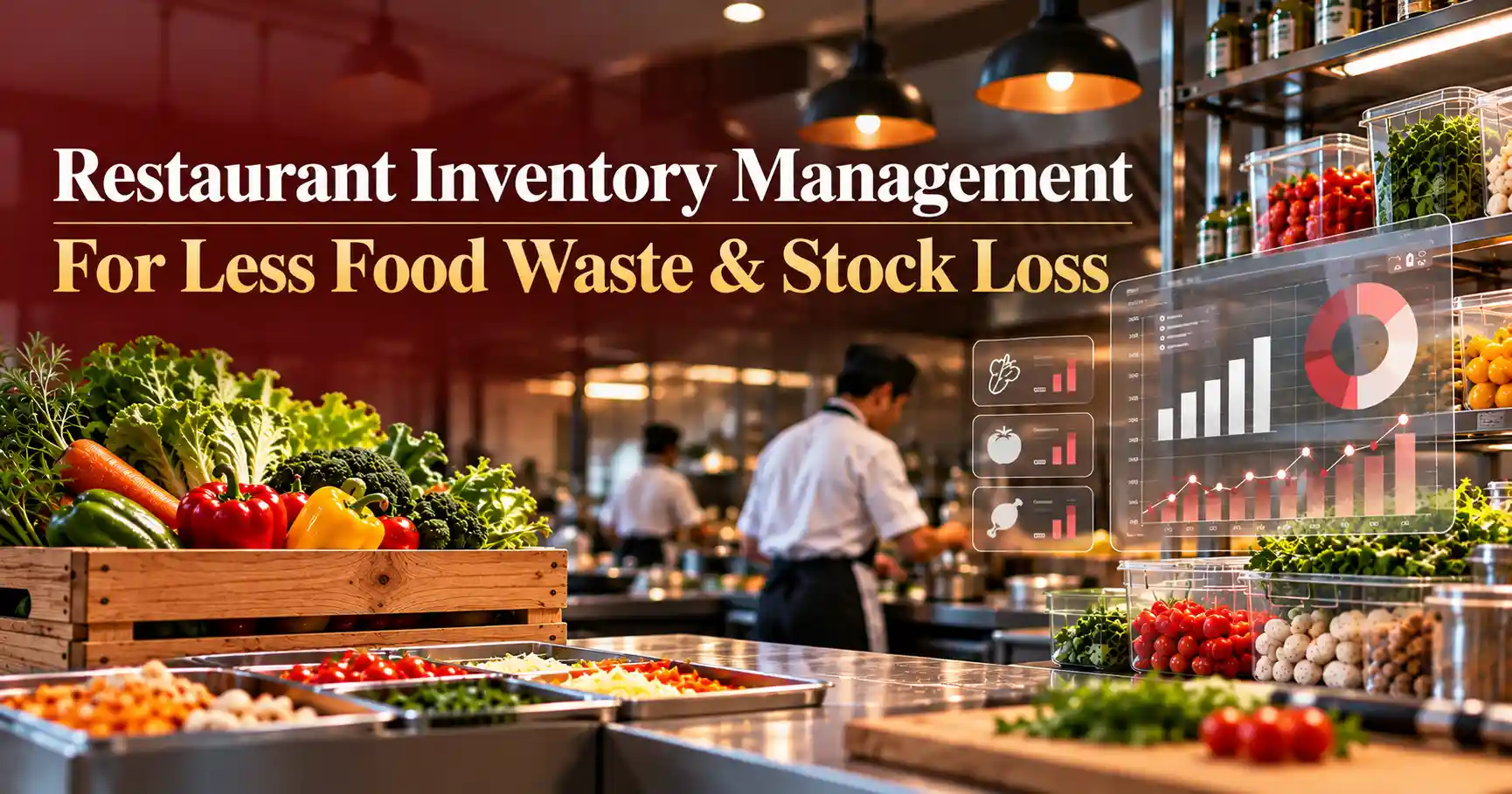
3. Inventory Management
Inventory management helps restaurant owners monitor stock from purchase to consumption.
Important capabilities include:
- Stock entry
- Stock tracking
- Ingredient monitoring
- Low-stock alerts
- Supplier management
- Stock reports
- Wastage monitoring
When inventory and billing are connected, restaurants can get better visibility into how sales affect stock.
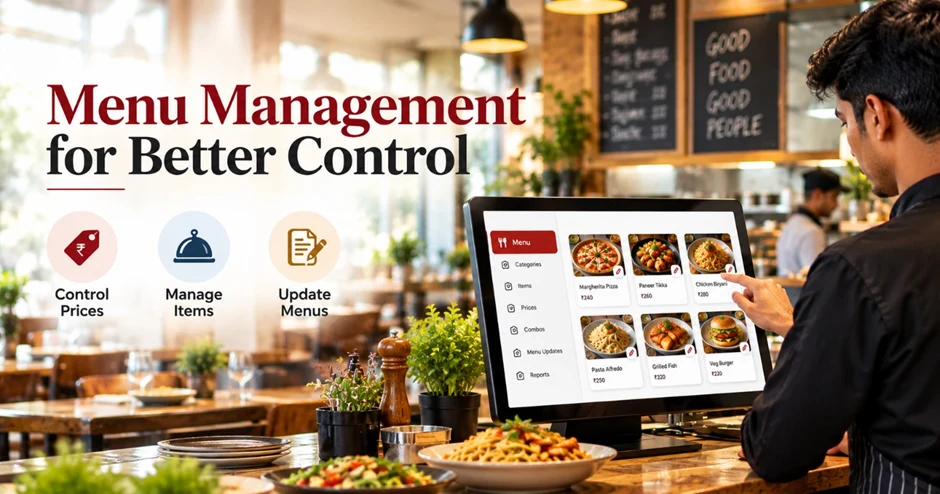
Restaurant menus change frequently.
Prices, items, availability and menu categories may need to be updated based on business requirements.
Menu management tools make these changes easier to maintain without depending on multiple disconnected records.
For dine-in restaurants, table management is an important part of daily operations.
Restaurant software can help staff manage table orders, billing and customer service from a centralized system.
6. Staff Management and Permissions
Different employees may need different levels of access.
For example, a cashier, manager and owner may not require access to the same information.
Role-based employee permissions help restaurant owners control access and monitor staff activities.
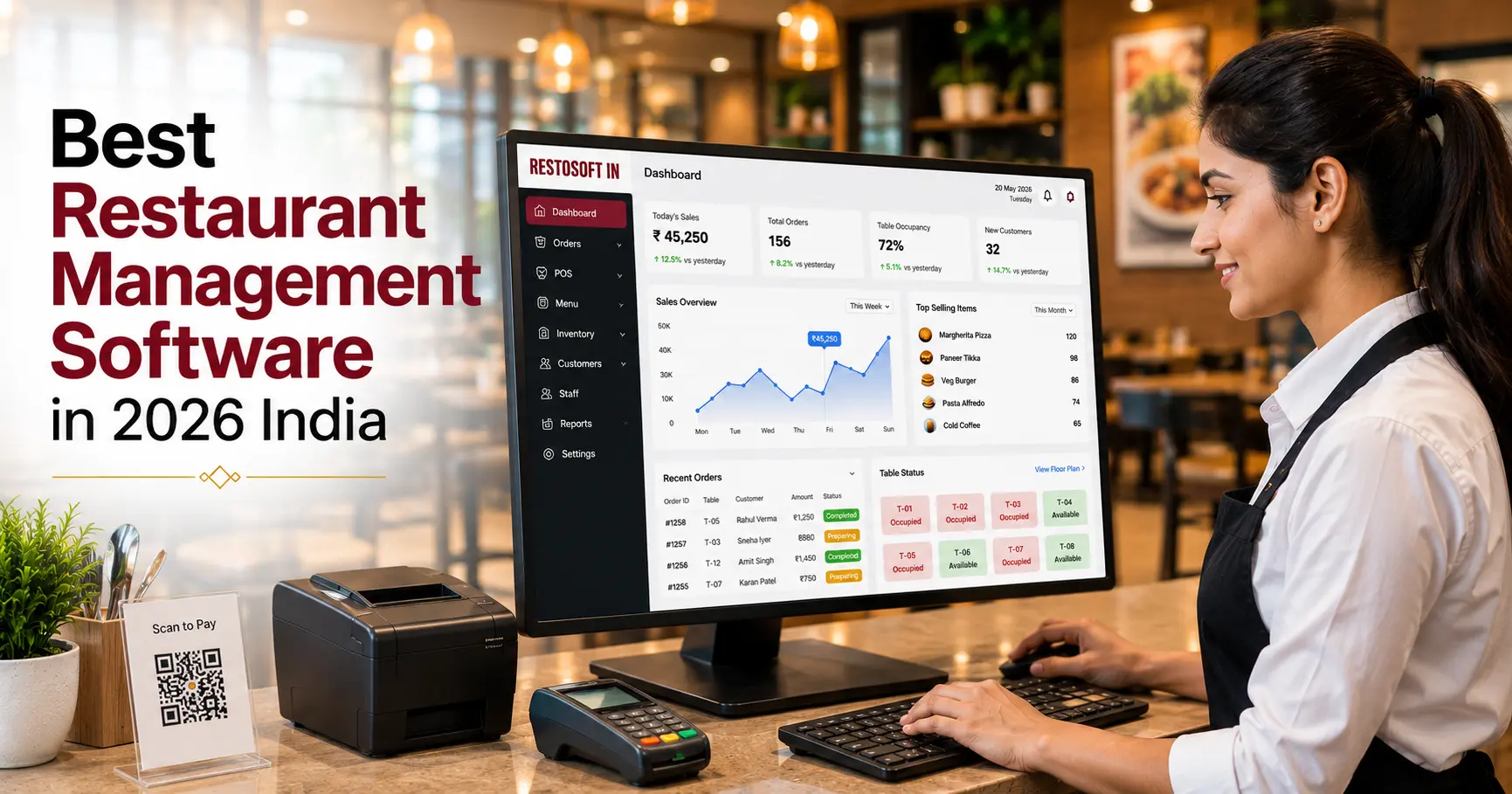
Reports turn daily restaurant transactions into useful business information.
A restaurant management system can provide reports related to:
- Sales
- Orders
- Payments
- Inventory
- Staff
- Customers
- Taxes
- Business performance
These reports can help owners identify operational patterns and make decisions using actual business data.
8. Online Orders and Third-Party Integrations
Many restaurants manage orders through multiple channels.
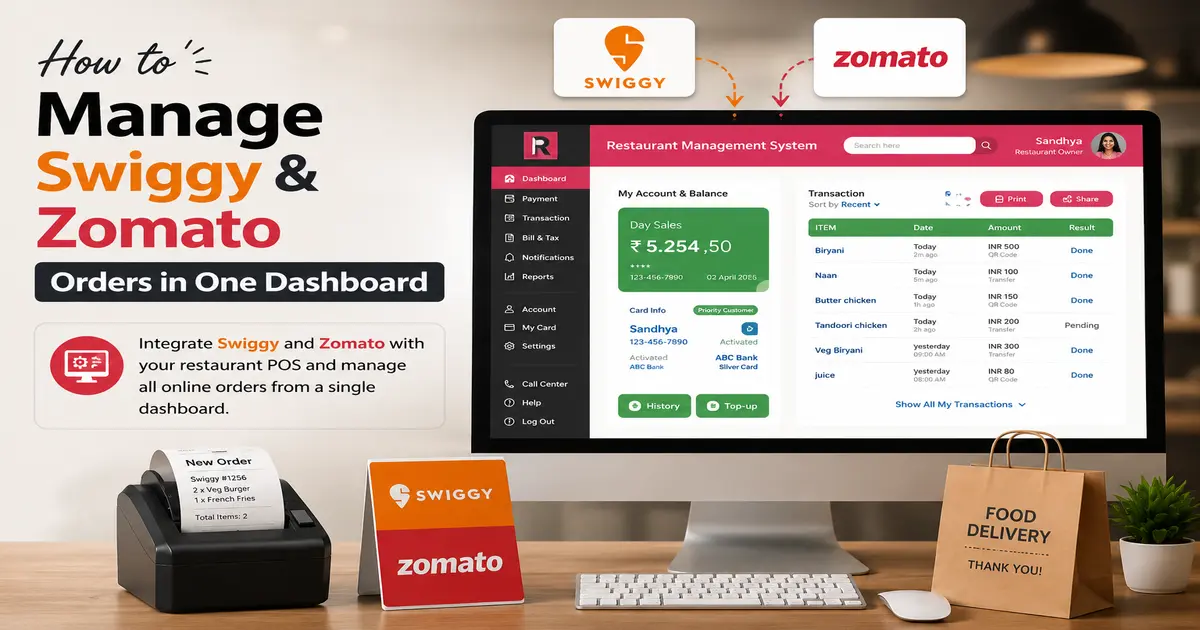
Restaurant software with third-party integrations can help bring relevant order and payment information into a more centralized workflow.
This reduces the need to maintain separate records for every sales channel.
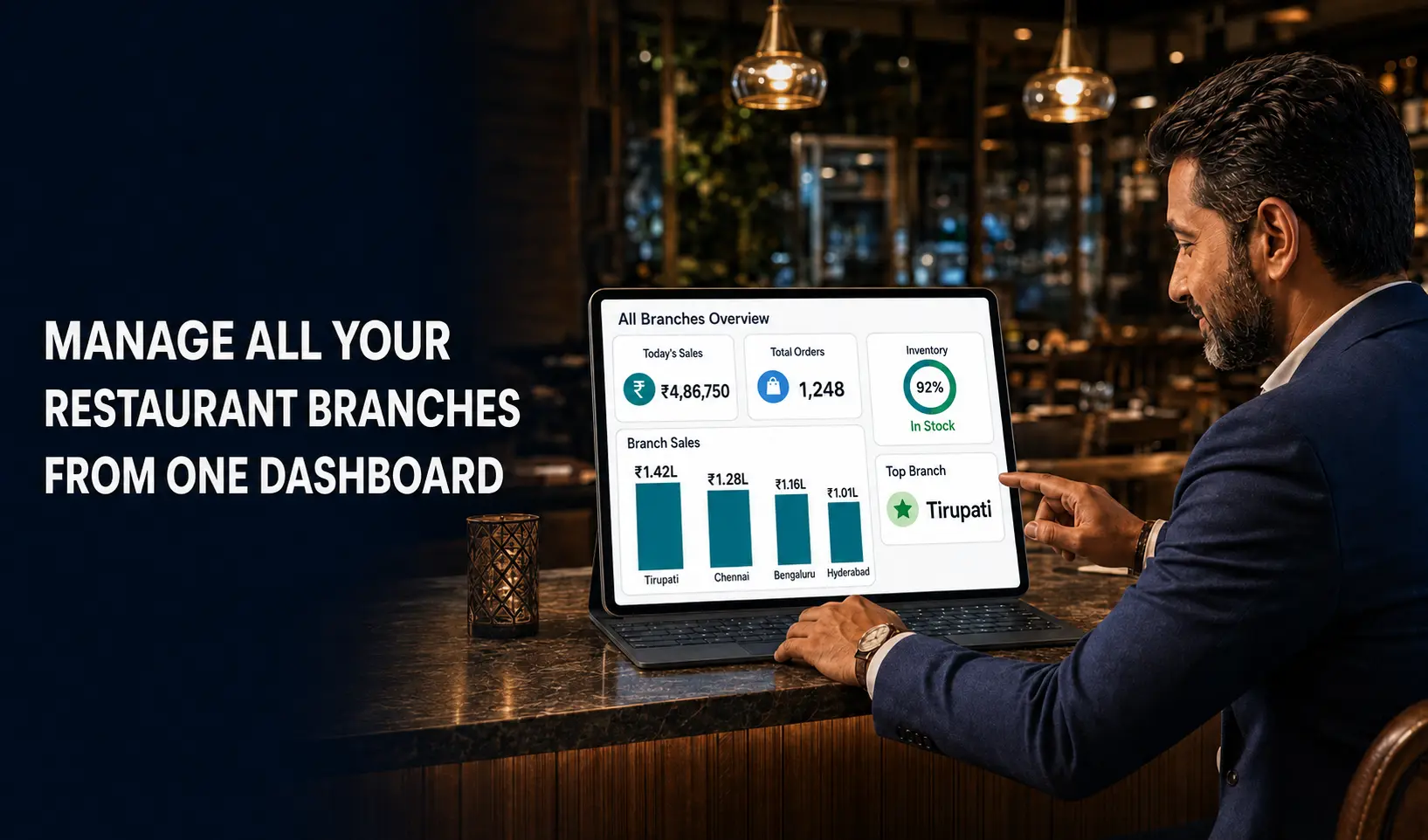
9. Multi-Outlet Management
For restaurant groups and growing businesses, managing outlets separately can make reporting and monitoring difficult.
Multi-outlet functionality allows owners to manage different branches through a centralized system while reviewing outlet-level information when required.
How Restaurant Software Helps Different Food Businesses in Mumbai
Restaurant management software is not limited to traditional restaurants.
| Business Type | Common Operational Need |
|---|---|
| Restaurants | Billing, KOT, tables, inventory and reports |
| Cafés | Quick billing, menu and inventory management |
| QSRs | Fast order processing and kitchen coordination |
| Cloud Kitchens | Order management, inventory and reporting |
| Bakeries | Billing, stock and product management |
| Fine-Dining Restaurants | Tables, reservations, billing and customer service |
| Multi-Outlet Businesses | Centralized billing, inventory and reporting |
The right system should match the way the business actually operates rather than simply offering a long list of features.
Manual Restaurant Management vs Restaurant Software
| Manual Management | Restaurant Management Software |
|---|---|
| Paper-based records | Centralized digital records |
| Manual billing calculations | Faster POS billing |
| Separate inventory records | Connected inventory tracking |
| Manual report preparation | Automated reports |
| Difficult to monitor multiple outlets | Centralized multi-outlet visibility |
| Higher dependency on individual records | Shared operational data |
| Difficult to track changes quickly | Faster access to business information |
The objective is not simply to replace paper with software. The real value comes from connecting different restaurant activities so that information can move through the business more efficiently.
How to Choose Restaurant Management Software in Mumbai
Before purchasing restaurant software, consider your current requirements and future business plans.
1. Identify Your Daily Operational Problems
Start by asking:
- Is billing taking too long?
- Are stock records inaccurate?
- Are kitchen orders getting missed?
- Is wastage difficult to track?
- Are reports prepared manually?
- Are multiple outlets difficult to monitor?
Your software should solve actual operational problems.
2. Check Whether the Features Match Your Restaurant
A café may have different requirements from a fine-dining restaurant or a multi-outlet chain.
Make sure the software supports your business model.
3. Check Integrations
If you already use payment platforms, online ordering services or other business tools, check whether the restaurant software supports the integrations you need.
4. Consider Scalability
If you plan to open another outlet, the software should be able to support that growth without forcing you to change systems again.
5. Evaluate Support and Training
Restaurant software is used every day by different employees.
Easy onboarding, training and ongoing technical support can make implementation easier.
6. Request a Product Demonstration
Before making a decision, request a demo and test the workflows that matter most to your restaurant.
Questions to Ask Before Choosing Restaurant Software
Before selecting a restaurant management system, ask:
- Does it support fast POS billing?
- Can it manage inventory?
- Does it support KOT and kitchen operations?
- Can it generate detailed reports?
- Can I control employee permissions?
- Does it support multiple outlets?
- Can it integrate with the services my restaurant already uses?
- Is training available?
- What support is provided after implementation?
- Can the software scale as my restaurant grows?
These questions can help you compare solutions based on your actual operational requirements.
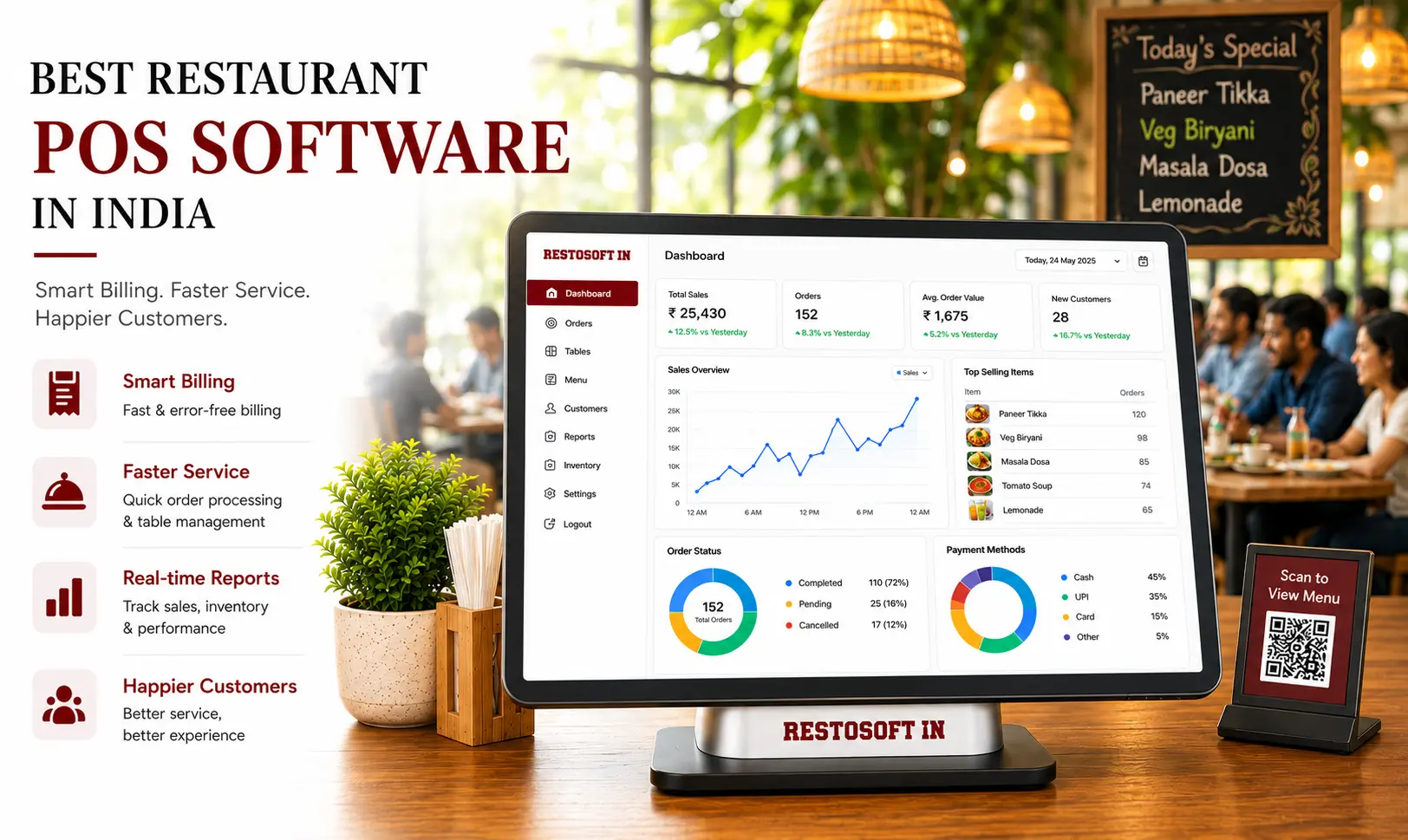
How Restosoft Helps Manage Daily Restaurant Operations
Faster Restaurant Billing
Restosoft provides restaurant billing functionality designed to help staff process orders and generate bills efficiently.
Inventory Visibility
Restaurants can track inventory and stock information while managing purchases and daily restaurant operations.
Detailed Reports
Business reports help owners review sales, payments, inventory and other operational information without depending entirely on manual calculations.
Employee Permissions
Different employees can be given appropriate access based on their responsibilities, helping owners maintain better control over restaurant operations.
Multi-Outlet Management
Growing restaurant businesses can use centralized management capabilities to monitor multiple outlets and review their operational information from one system.
Third-Party Integrations
Restosoft supports integrations with multiple third-party services, helping restaurants connect relevant ordering and payment workflows.
Why a Centralized Restaurant System Matters?
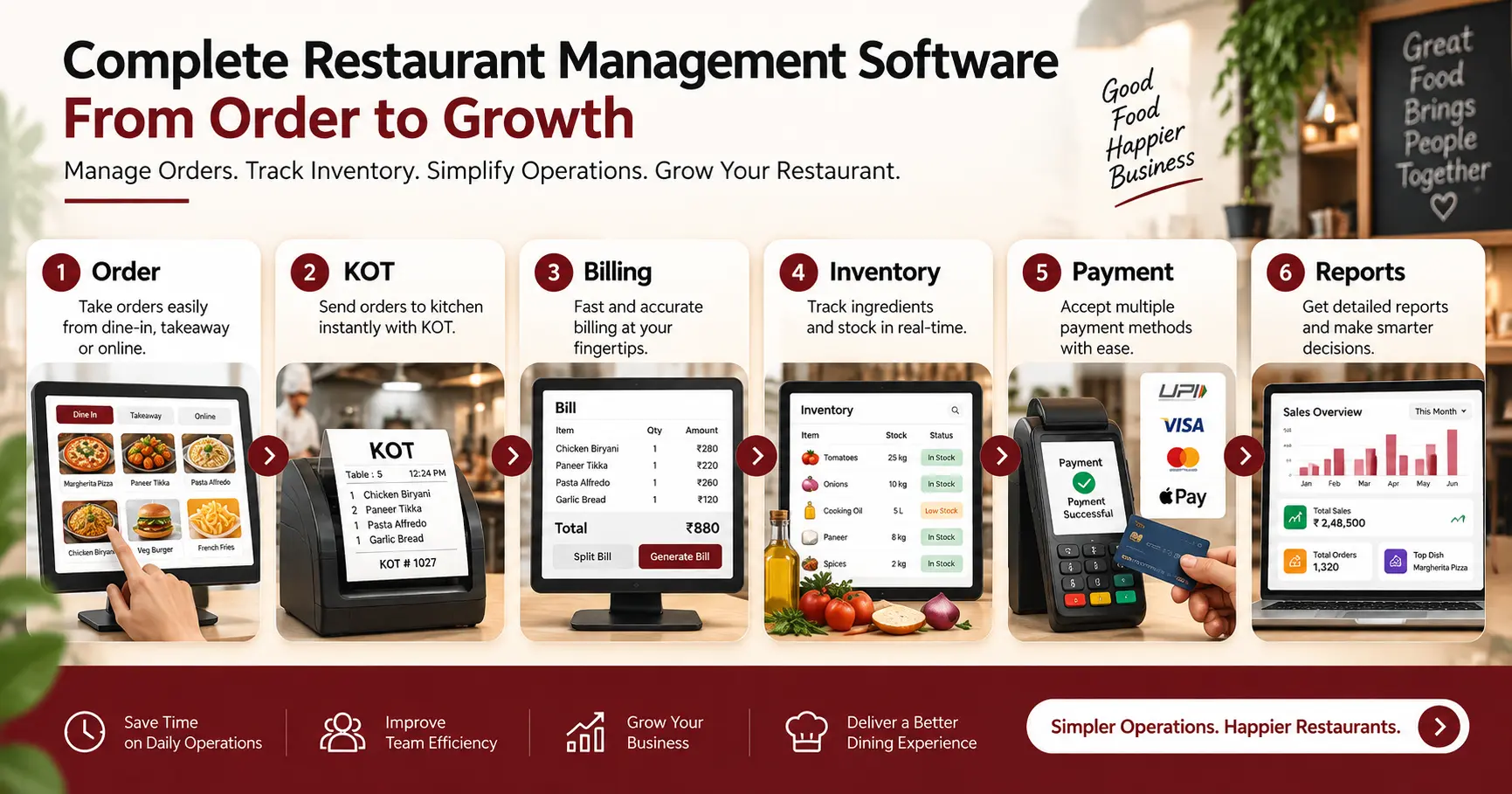
Restaurant management becomes more complicated as the number of orders, employees, products and outlets increases.
A centralized restaurant management system can connect the major parts of daily operations:
Order → KOT → Billing → Inventory → Payment → Reports
This connected workflow can help reduce repetitive work and give restaurant owners better visibility into what is happening across the business.
For a growing restaurant in Mumbai, the goal should not simply be to have billing software. The software should support the wider operational workflow and provide information that helps the business run more efficiently.
Conclusion
Choosing restaurant management software in Mumbai is not only about finding a faster billing system. Restaurant owners should look for a solution that can support billing, kitchen operations, inventory, staff management, reporting and business growth through a connected workflow.
If you are looking for a restaurant management system for your Mumbai restaurant, request a Restosoft demo and explore how it can fit your daily operations.