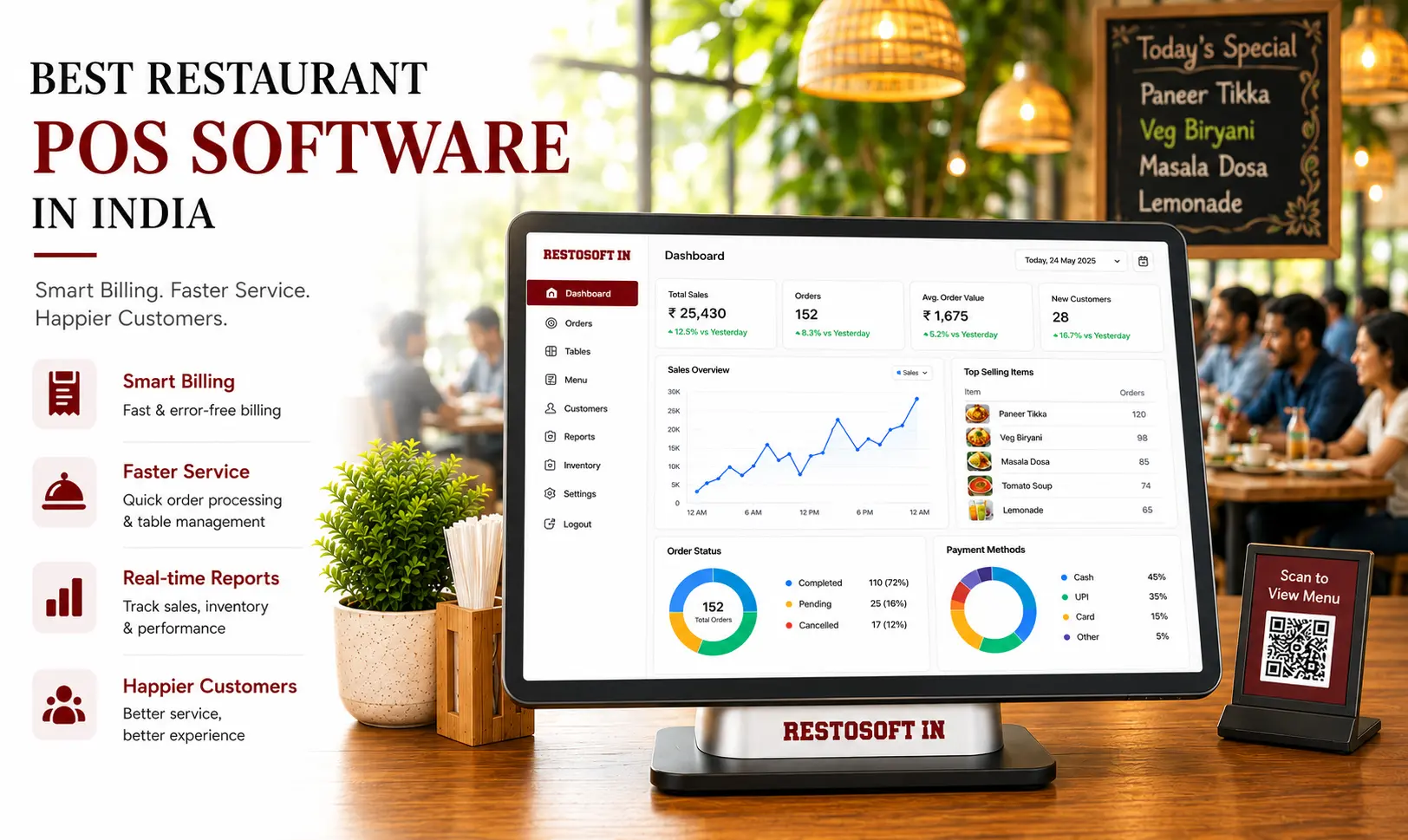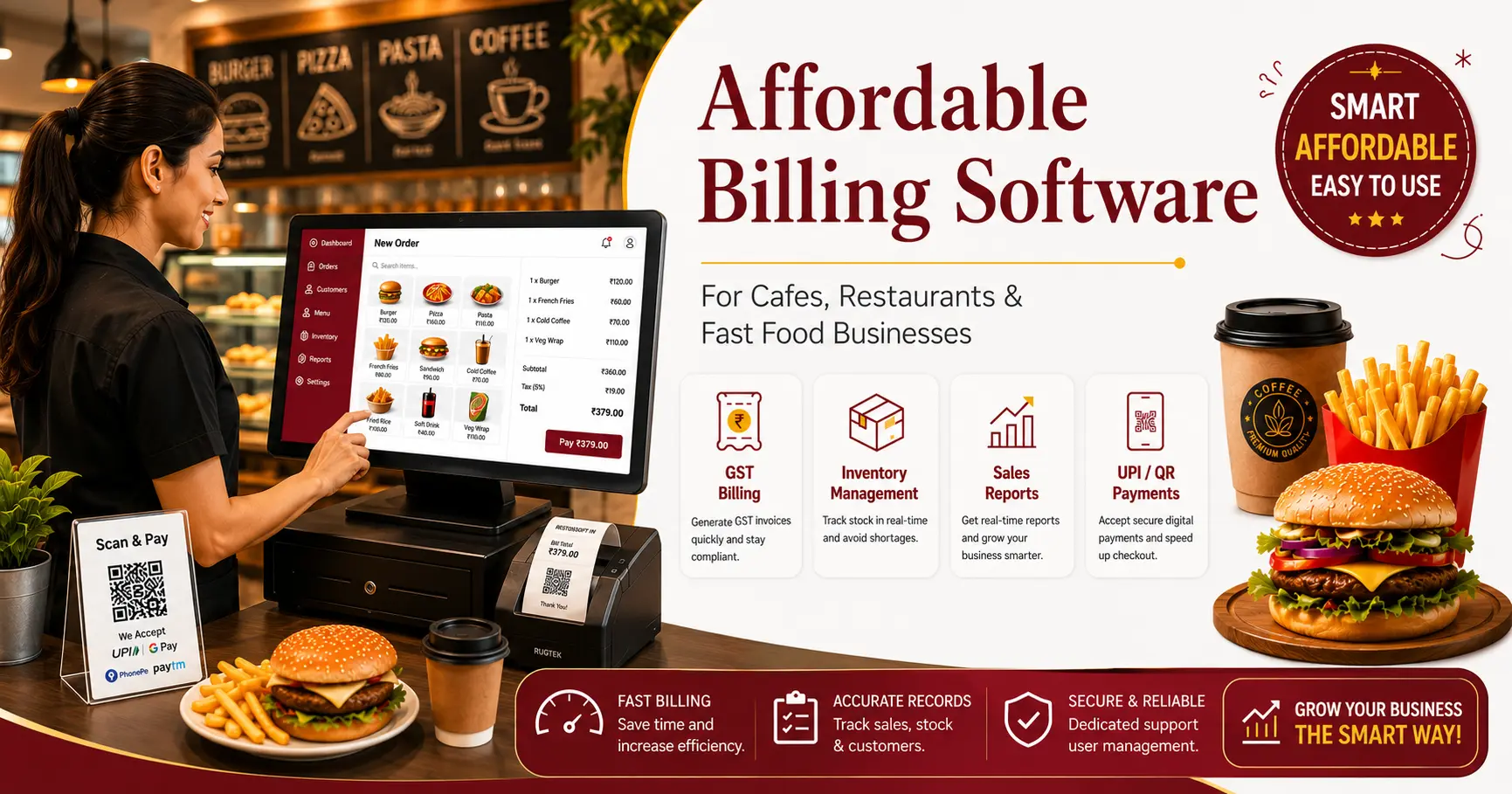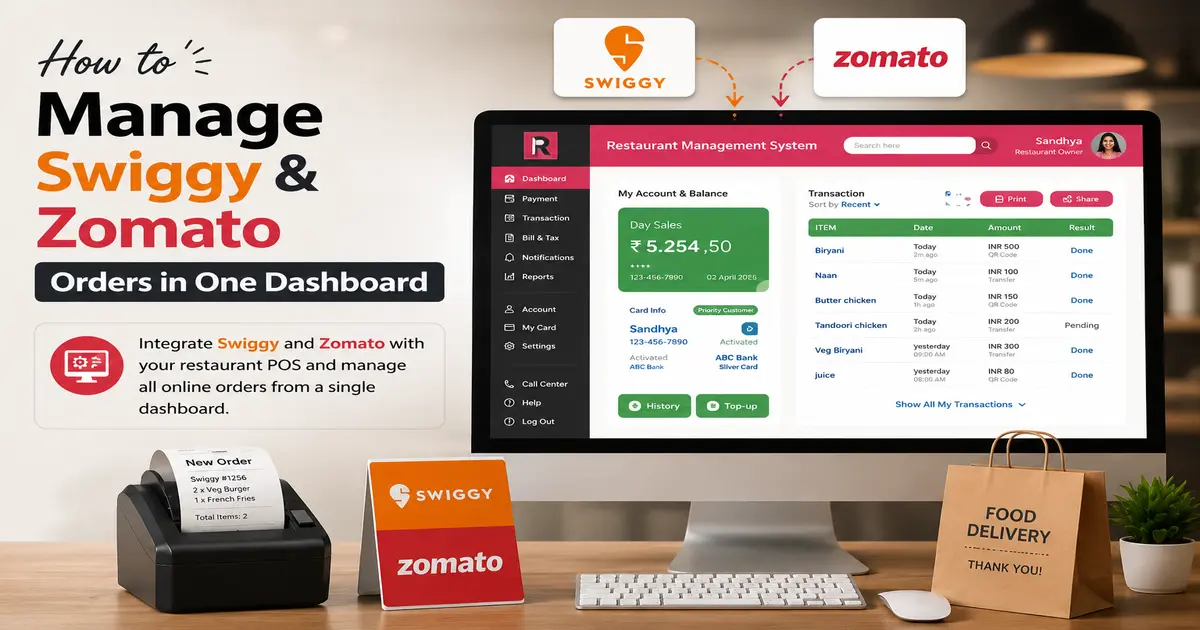
Are long billing queues, missing beverage stock, and mismanaged customer orders slowing down your bar business? Managing everything manually can become stressful, especially during peak hours. The right POS system can simplify these tasks by bringing billing, inventory, orders, and sales tracking together in one place. Choosing the best POS for a bar helps you manage daily operations more efficiently, reduce manual errors, and deliver a better customer experience.
In this guide, explore the essential POS features, inventory management benefits, and tips for choosing the right software for your bar.
What Is a POS System for a Bar?
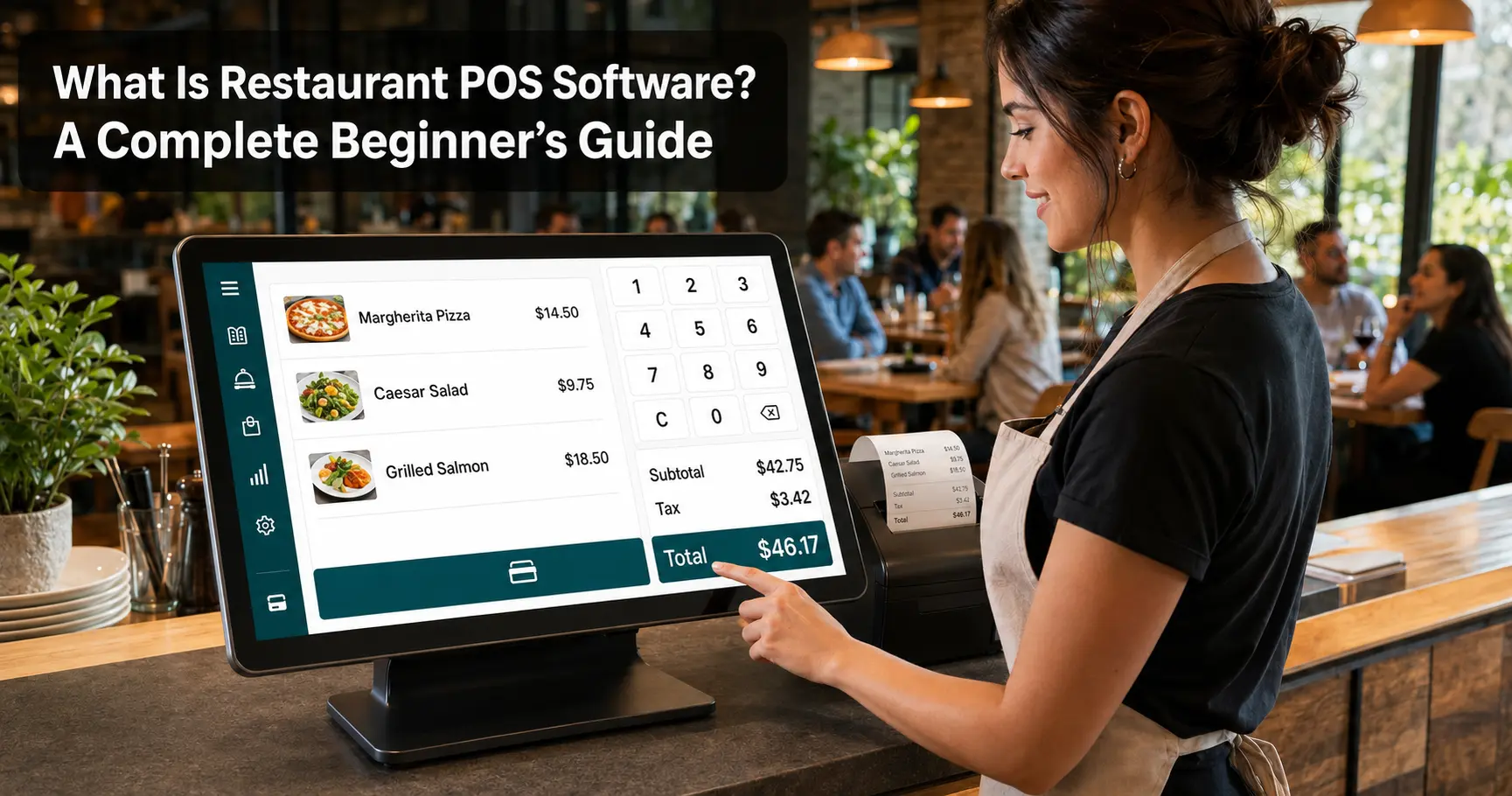
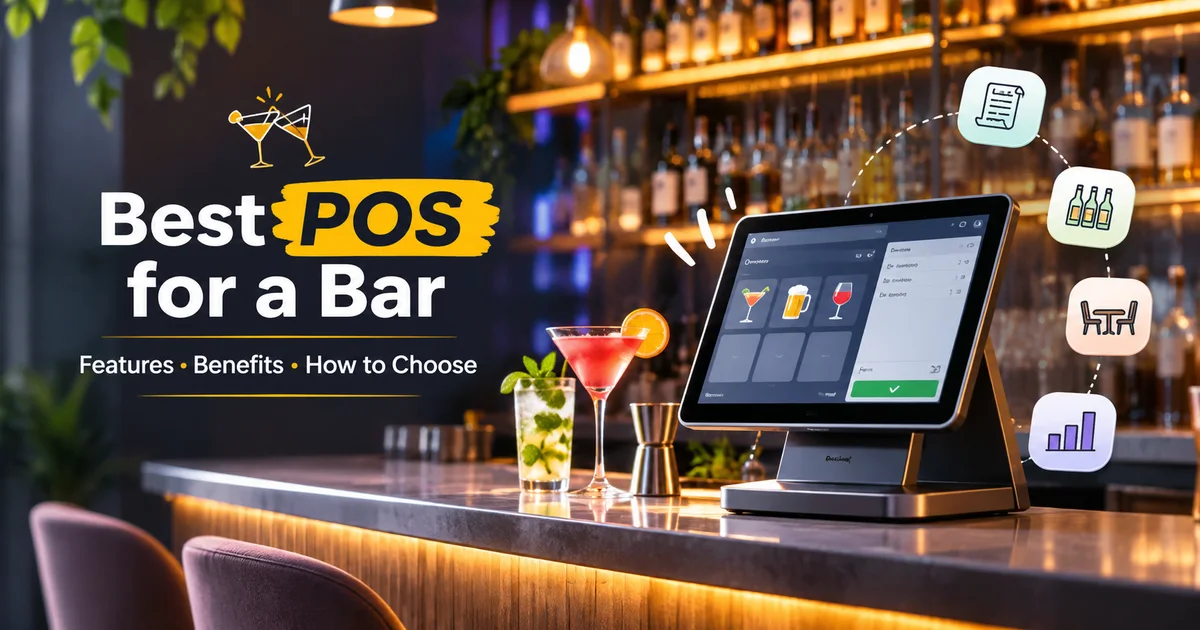
A POS (Point of Sale) system for a bar is software that helps manage customer billing, drink orders, payments, and sales records in one place.
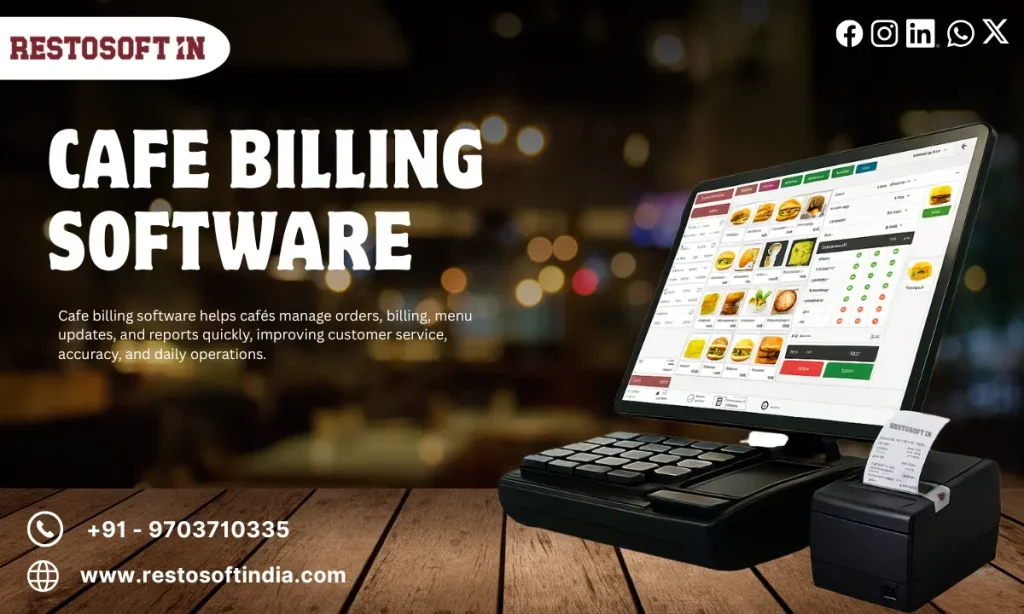
With a bar POS system, employees can select beverages, enter quantities, generate bills, and record payments easily. It also helps bar owners monitor daily sales, manage tables, and keep track of business transactions.
In simple terms, a bar POS system makes everyday billing and business management easier, faster, and more organized.
Why Do Bar Owners Need a POS System?
Managing customer orders, billing, and beverage stock manually can become difficult, especially during busy hours. A POS system helps bar owners handle these activities more easily and keep daily operations organized.
Here are the key benefits:
- Faster Billing: Generate customer bills quickly and reduce manual calculation errors.
- Easy Order Management: Manage customer orders and table-wise billing without confusion.
- Better Stock Control: Track beverage availability and identify products that need restocking.
- Sales Tracking: Maintain daily sales and payment records in one place.
- Staff Management: Manage cashier and waiter activities through individual user access.
- Business Reports: Review sales and stock reports to understand business performance.
Essential Features of the Best POS for a Bar
Choosing the right POS system means looking for features that simplify daily bar operations. Here are seven important features to consider:
1. Fast and Accurate Billing
Generate customer bills quickly by selecting beverages, entering quantities, and applying the required taxes and charges. This helps reduce billing errors and waiting time.
2. Table and Order Management
Manage table-wise orders, add items, update requests, and generate bills easily. This helps staff handle multiple customer orders without confusion.
3. Beverage and Product Management
Organize beverages, mixers, and other products by category. Easily update product details, prices, and menu information whenever required.
4. Multiple Payment Options
Accept the payment methods supported by your business and maintain organized transaction records for easy tracking.
5. Sales and Business Reports
Access daily sales summaries, product-wise sales, and payment reports to understand business performance and make better decisions.
6. Employee and User Management
Assign different access permissions to cashiers, waiters, and managers. This helps organize employee responsibilities and monitor transactions.
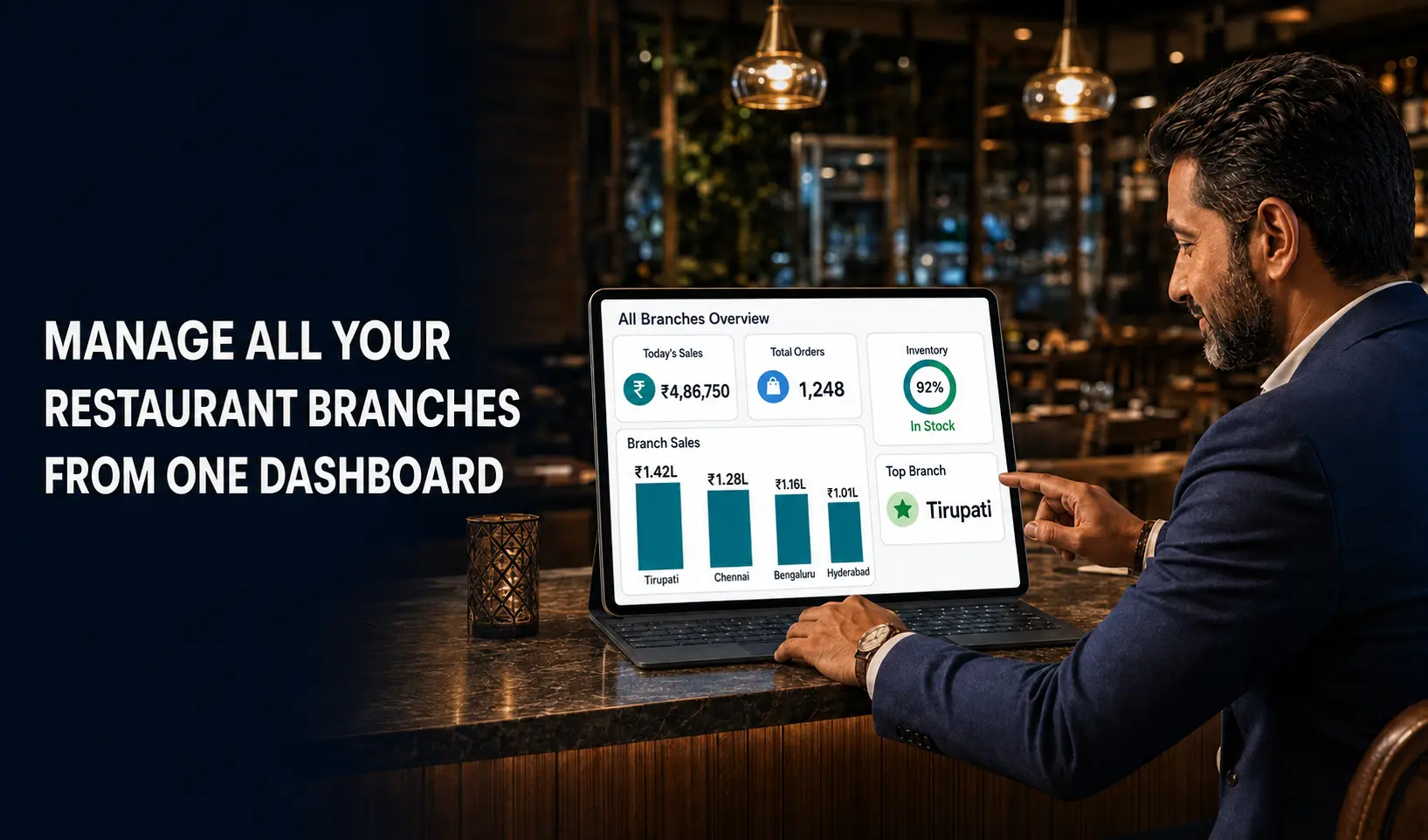
7. Multiple Outlet Management
Manage multiple bar or restaurant locations from a centralized system. Review outlet-wise sales and monitor business activities more conveniently.
Important Features of Bar Inventory Management Software
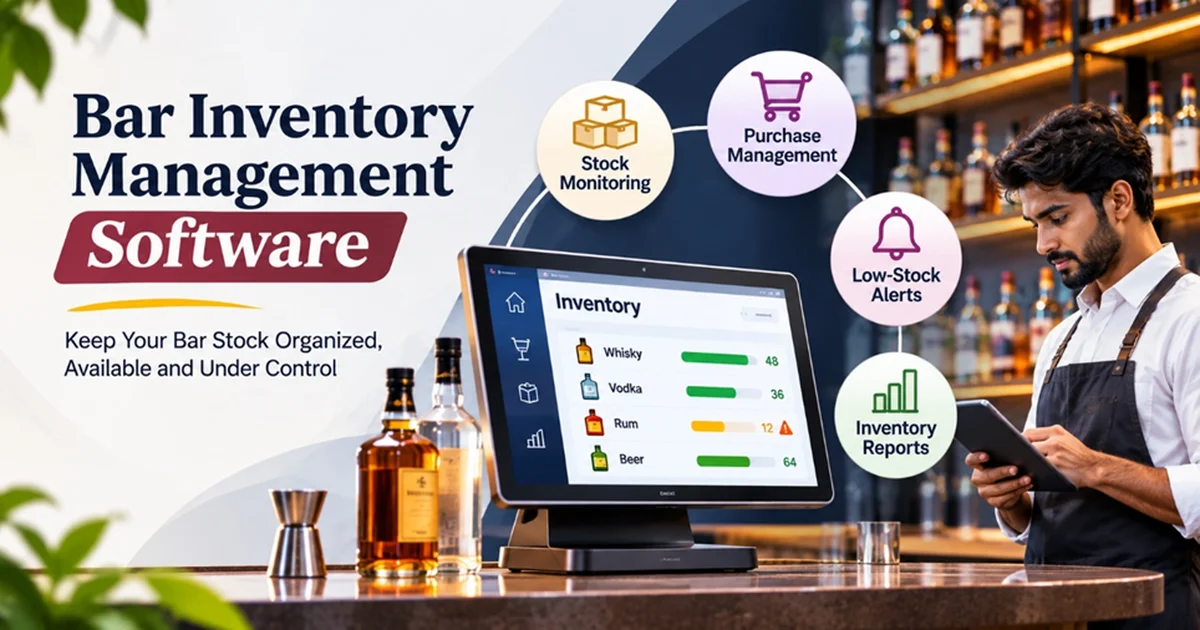
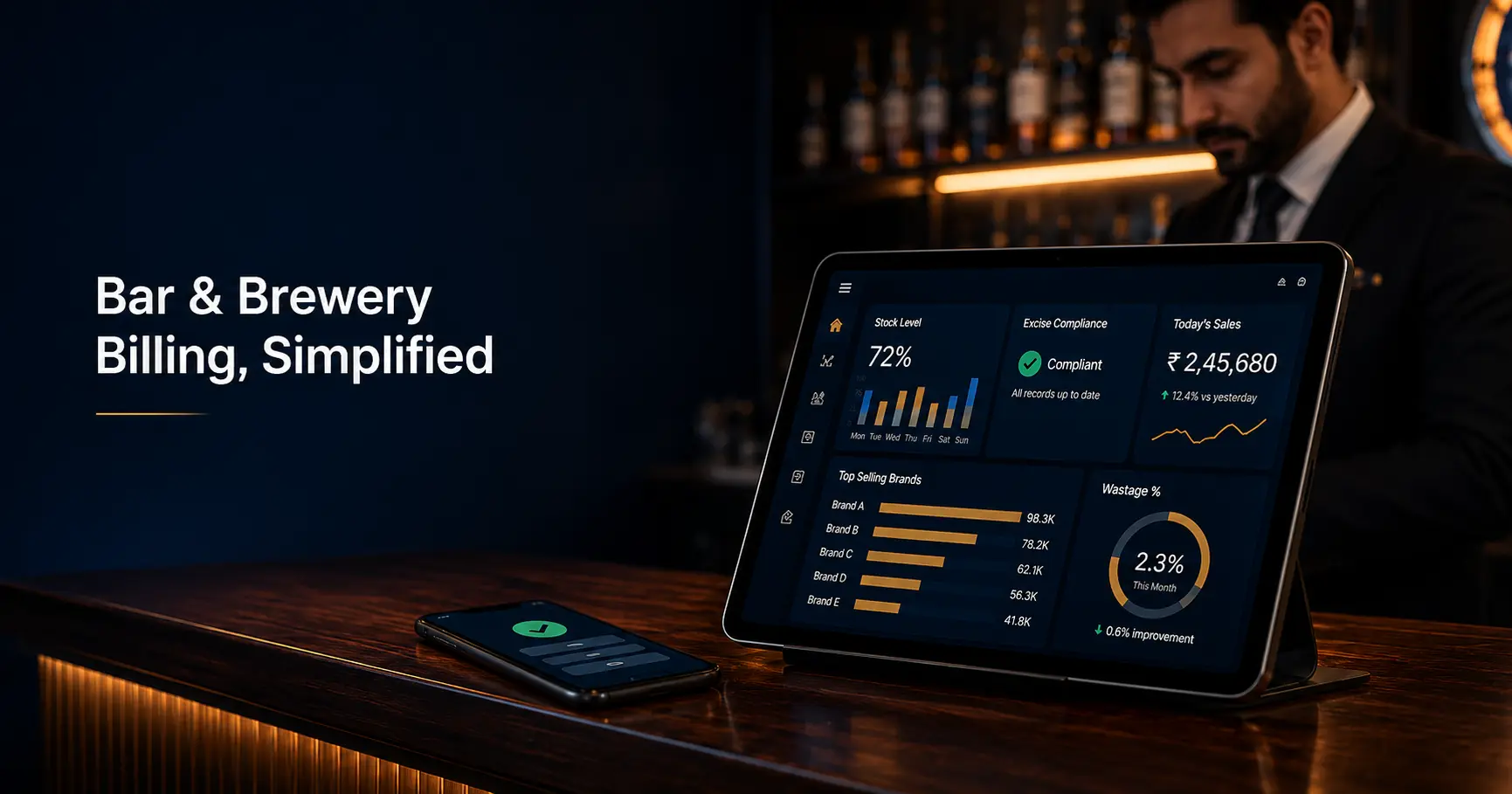
1. Stock Monitoring: Maintain records of available beverages and other products. Regular stock updates help owners understand current inventory levels.
2. Purchase Management: Record incoming stock purchases and maintain supplier-related transaction details. This helps organize procurement activities.
3. Low-Stock Identification: Identify products that require replenishment before stock runs out. This is particularly useful for frequently sold beverages.
4. Sales-Based Stock Tracking: Understand how product sales affect available stock. Where supported, inventory deductions can be linked to billing and product configurations.
5. Inventory Reports: Review stock availability, product movement, and consumption-related records to understand inventory requirements.
6. Stock Reconciliation: Compare recorded quantities with physical stock to identify differences and investigate possible discrepancies.
How Inventory Management Helps Bar Businesses
Proper inventory management helps bar owners maintain better control over purchasing and stock availability. By reviewing product movement and sales information, businesses can identify frequently sold items, plan replenishment, and avoid unnecessary stock accumulation.
For example, if a particular beverage consistently records higher sales, inventory reports can help the owner plan purchases according to demand. Similarly, identifying slow-moving products can help prevent excessive purchasing.
An integrated POS and inventory solution also reduces the need to maintain separate billing and stock records.
Bar and Restaurant Management Software
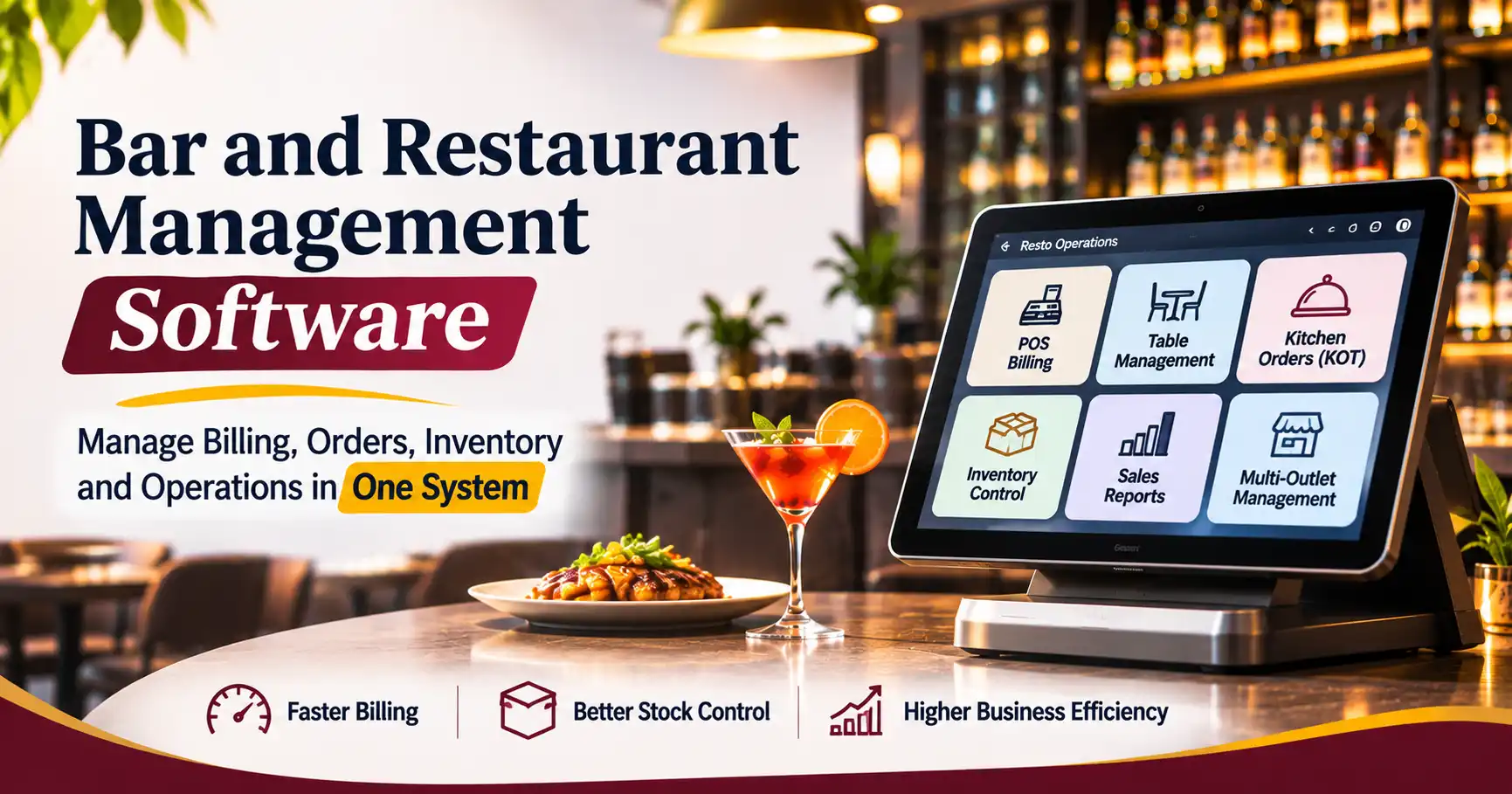
Many establishments operate both bar and restaurant services under one business. They serve beverages alongside food items, manage dine-in customers, process kitchen orders, and handle different billing requirements.
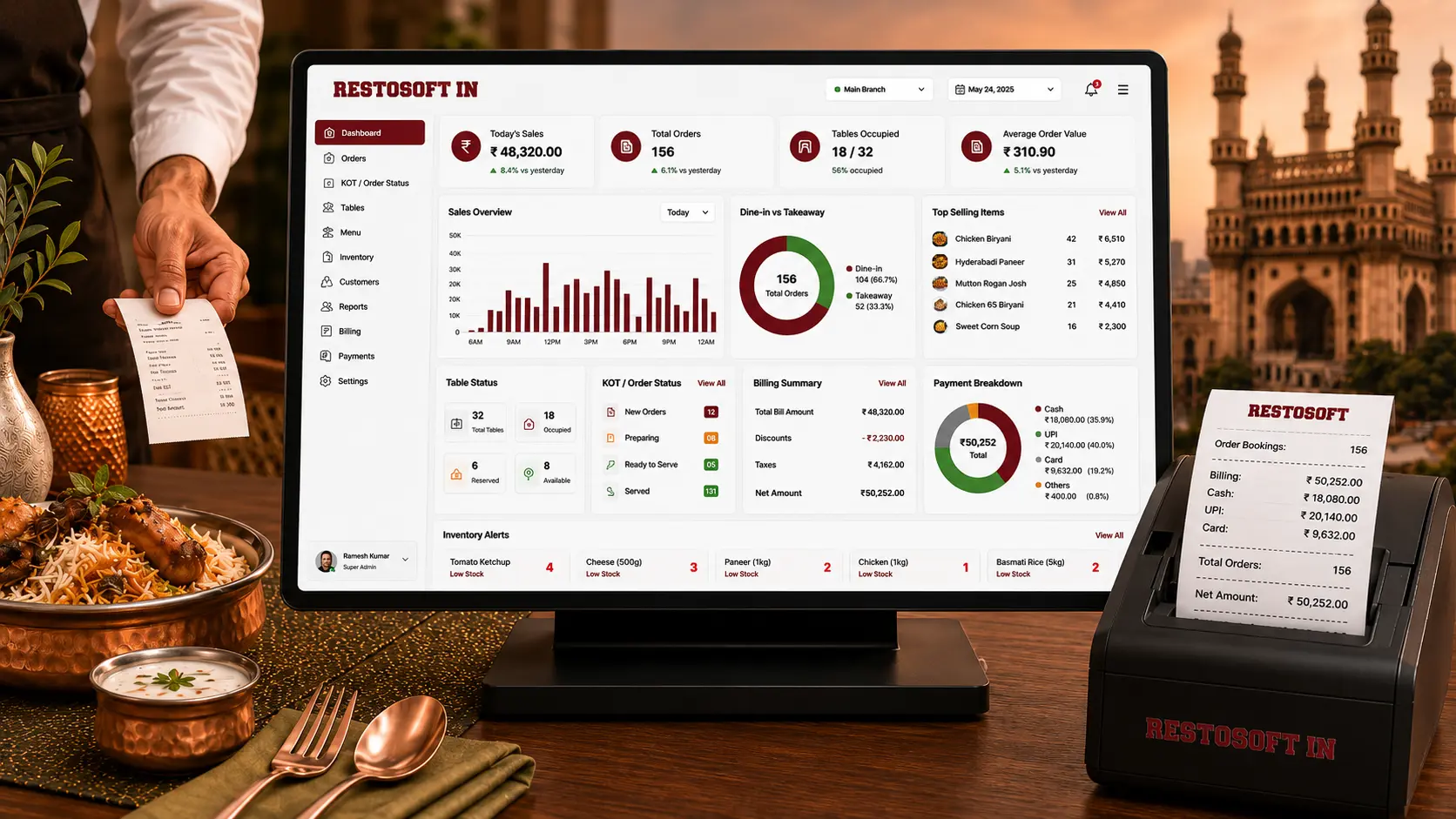
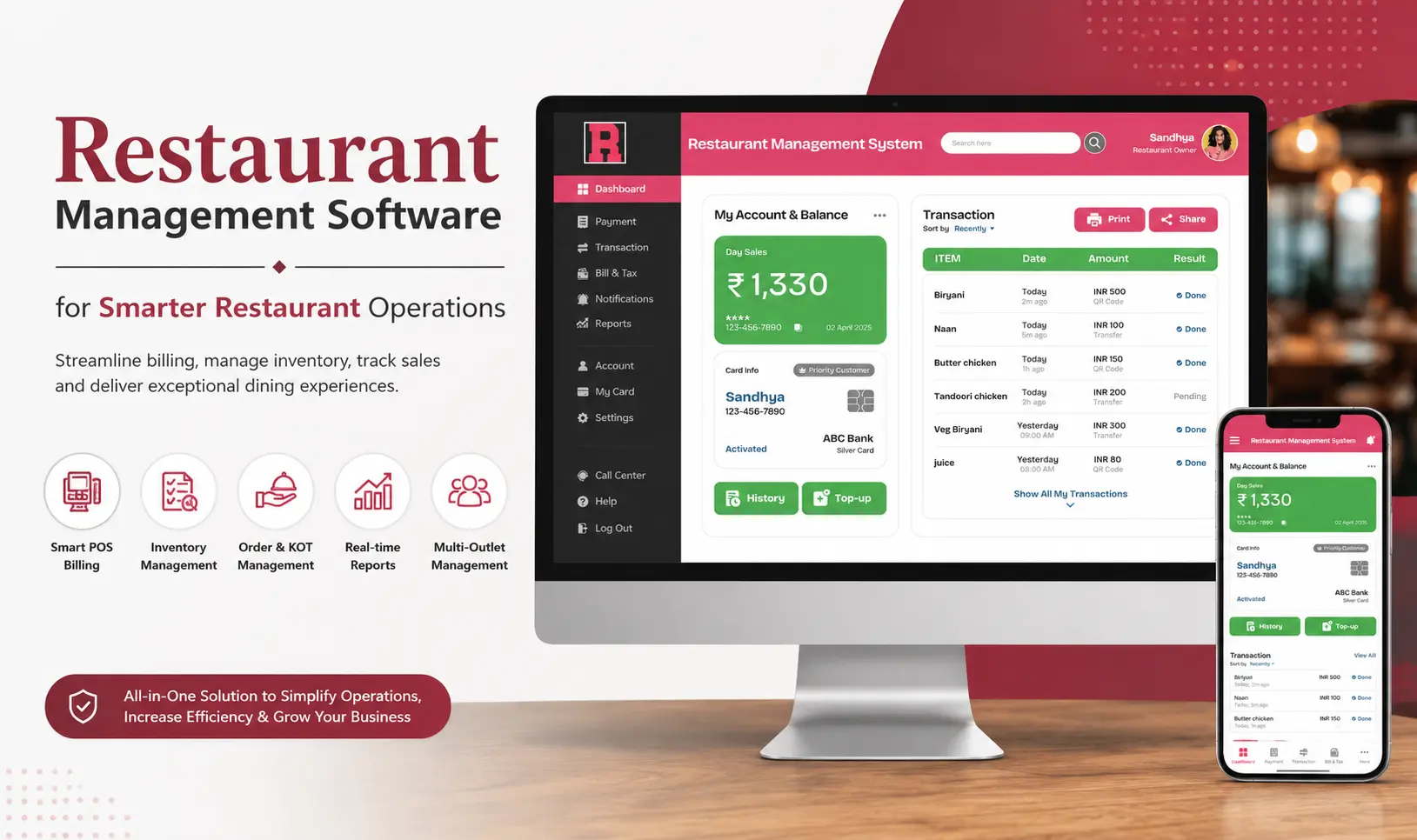
Bar and restaurant management software helps businesses manage these activities through a centralized platform. Instead of using separate applications for restaurant billing, beverage sales, inventory, and order management, businesses can organize their operations within one system.
Essential Capabilities of Bar and Restaurant Management Software
1. Integrated POS Billing: Manage food and beverage billing through an organized billing interface. Employees can process customer transactions while maintaining accurate bill details.
2. Kitchen Order Ticket (KOT): Send food orders to the kitchen for preparation. This helps coordinate communication between service staff and kitchen employees.
3. Table Management: Handle table-wise orders, track ongoing transactions, and manage customer billing.
4. Menu Management: Organize food and beverage items, categories, prices, and menu modifications according to business requirements.
5. Inventory Management: Maintain stock records for ingredients, beverages, and other consumables. This supports better visibility into product availability.
6. Multiple Outlet Management: Businesses with several locations can manage different outlets and review their operational information through centralized reporting, depending on the software capabilities.
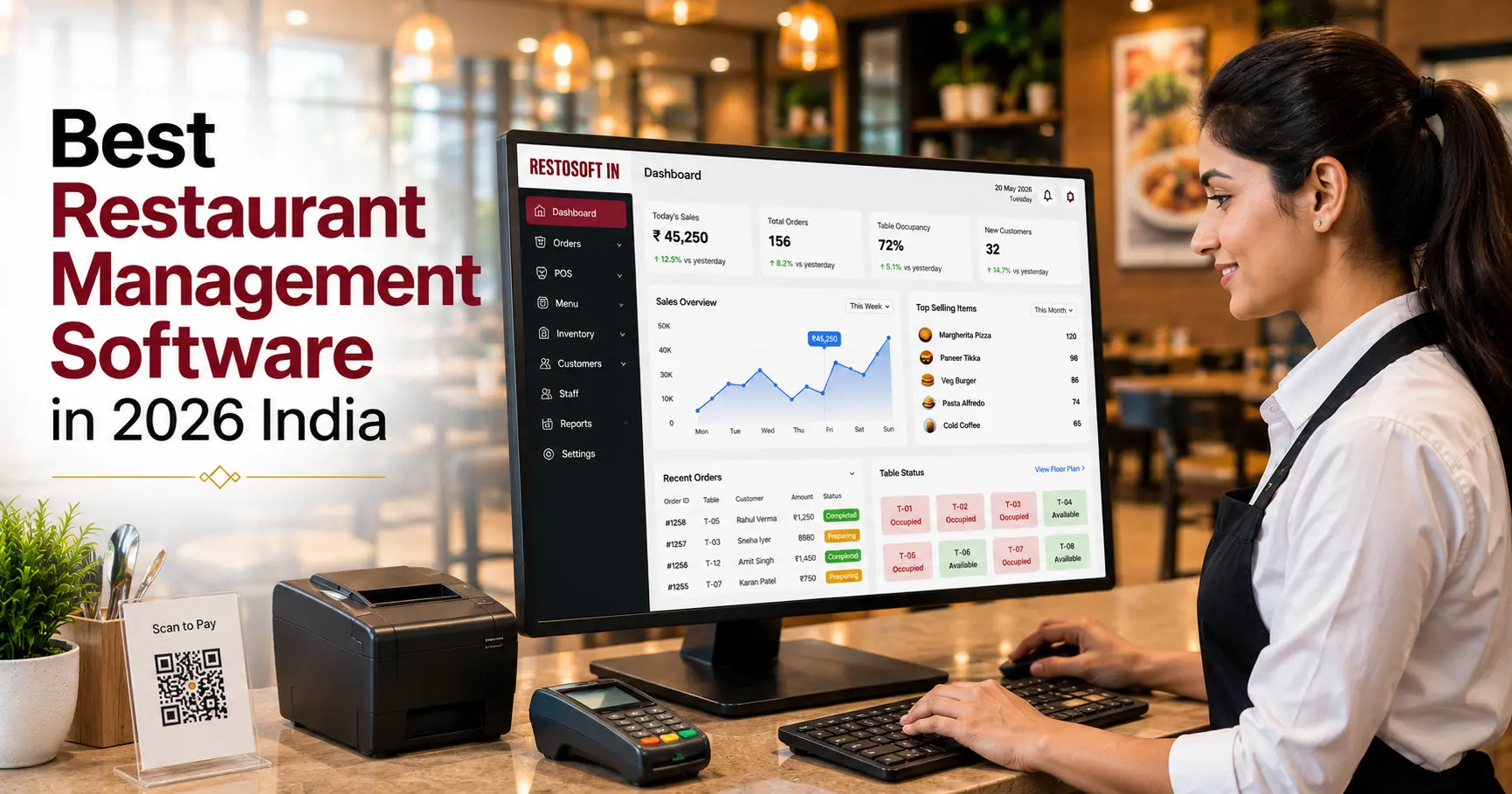
7. Business Reports: Access sales, inventory, and transaction information to understand business performance.
Why Choose an Integrated Management Solution?
Using separate software applications for bar billing and restaurant operations can create difficulties when reviewing overall business performance.
An integrated management solution helps bring important activities together, including food ordering, beverage billing, table management, inventory, and reporting.
This can reduce duplicate data entry, improve coordination between employees, and provide owners with a clearer picture of their business operations.
Benefits of Using a POS System for Bars and Pubs
A suitable POS solution can support different areas of business management.
- Reduced Billing Errors: Digital billing minimizes dependency on manual calculations and handwritten records.
- Improved Customer Experience: Organized order processing and efficient billing can help reduce unnecessary waiting.
- Better Inventory Visibility: Maintain stock records and identify products that require replenishment.
- Organized Business Records: Keep transaction information and sales records in a centralized system.
- Improved Staff Coordination: Help employees manage orders, billing, and other responsibilities.
- Informed Purchasing Decisions: Use inventory and sales reports to understand product demand.
- Simplified Management: Review important business information without depending entirely on separate manual records.
The actual benefits depend on the software features, implementation, and how consistently the business uses the system.
How to Choose the Right POS Software for Your Bar
Selecting the right POS software requires understanding your current business requirements and future operational needs.
Consider the following factors before purchasing a solution:
1. Understand Your Business Type: Identify whether you operate a standalone bar, pub, lounge, or combined bar and restaurant. Your software requirements may differ depending on your services.
2. Evaluate Billing Capabilities: Check whether the software supports your billing workflows, product categories, applicable taxes, and payment methods.
3. Check Inventory Features: Evaluate how the system handles beverage stock, product movement, purchases, and inventory reporting.
4. Look for Easy Navigation: Choose a user-friendly interface that employees can learn and operate without unnecessary complexity.
5. Review Reporting Capabilities: Ensure the software provides useful sales, inventory, and transaction reports.
6. Consider Customization: Different establishments have different workflows. Check whether the software can accommodate your specific operational requirements.
7. Evaluate Technical Support: Ask about installation, employee training, troubleshooting, software updates, and ongoing customer support.
8. Check Scalability: If you plan to expand your business, consider whether the system can support additional products, employees, and outlets.
9. Compare Pricing and Value: Evaluate software pricing, implementation costs, available features, and ongoing expenses before making a decision.
Conclusion
Choosing the best POS for a bar is an important step towards managing billing, beverage inventory, customer orders, and daily business activities more efficiently.
A suitable POS system should provide essential capabilities such as fast billing, table management, inventory tracking, sales reporting, and employee access controls. For establishments offering both food and beverages, integrated bar and restaurant management software can simplify multiple operational activities through a centralized platform.
Before making a purchase, compare available features, evaluate your business requirements, and choose a solution that supports your current operations as well as future expansion.