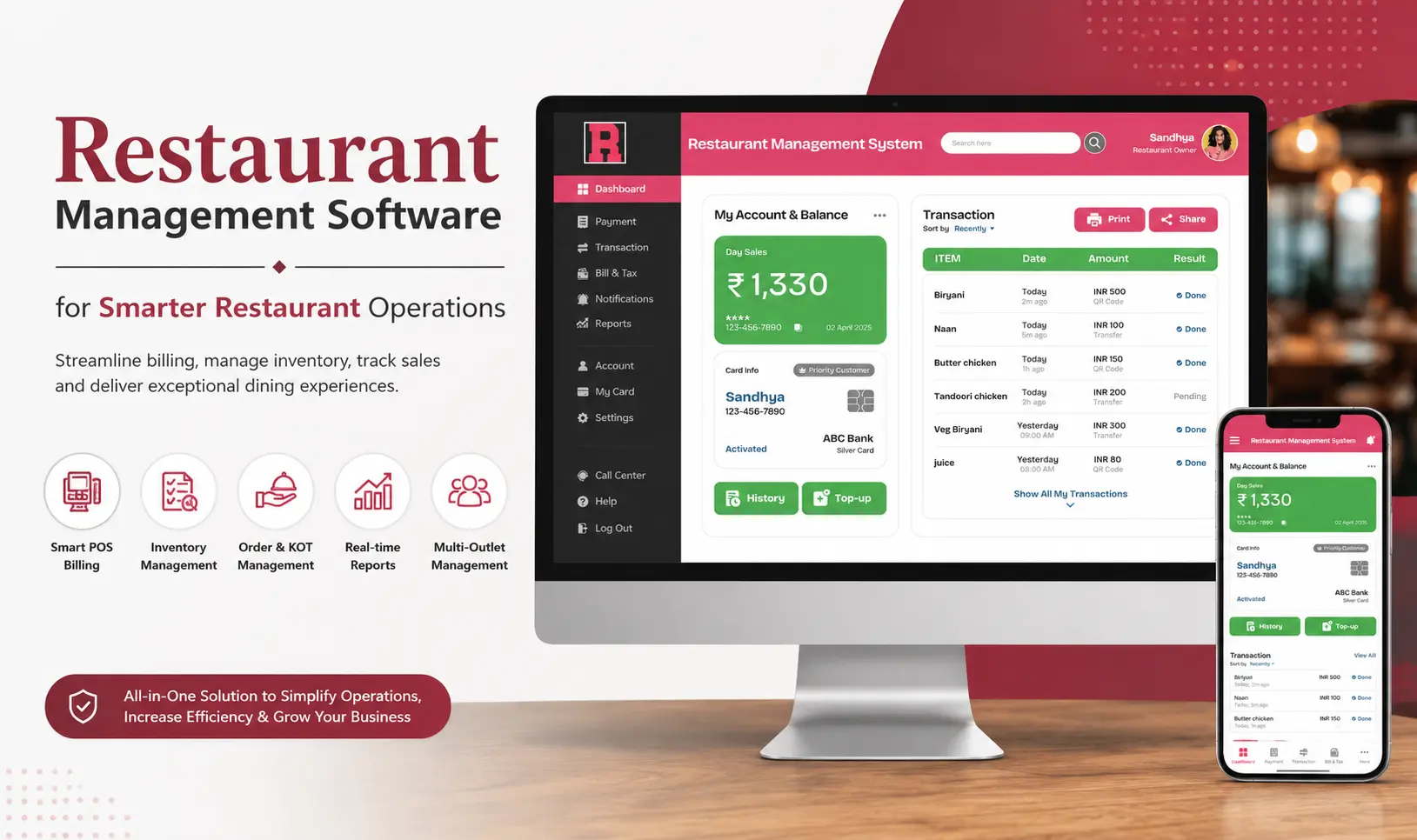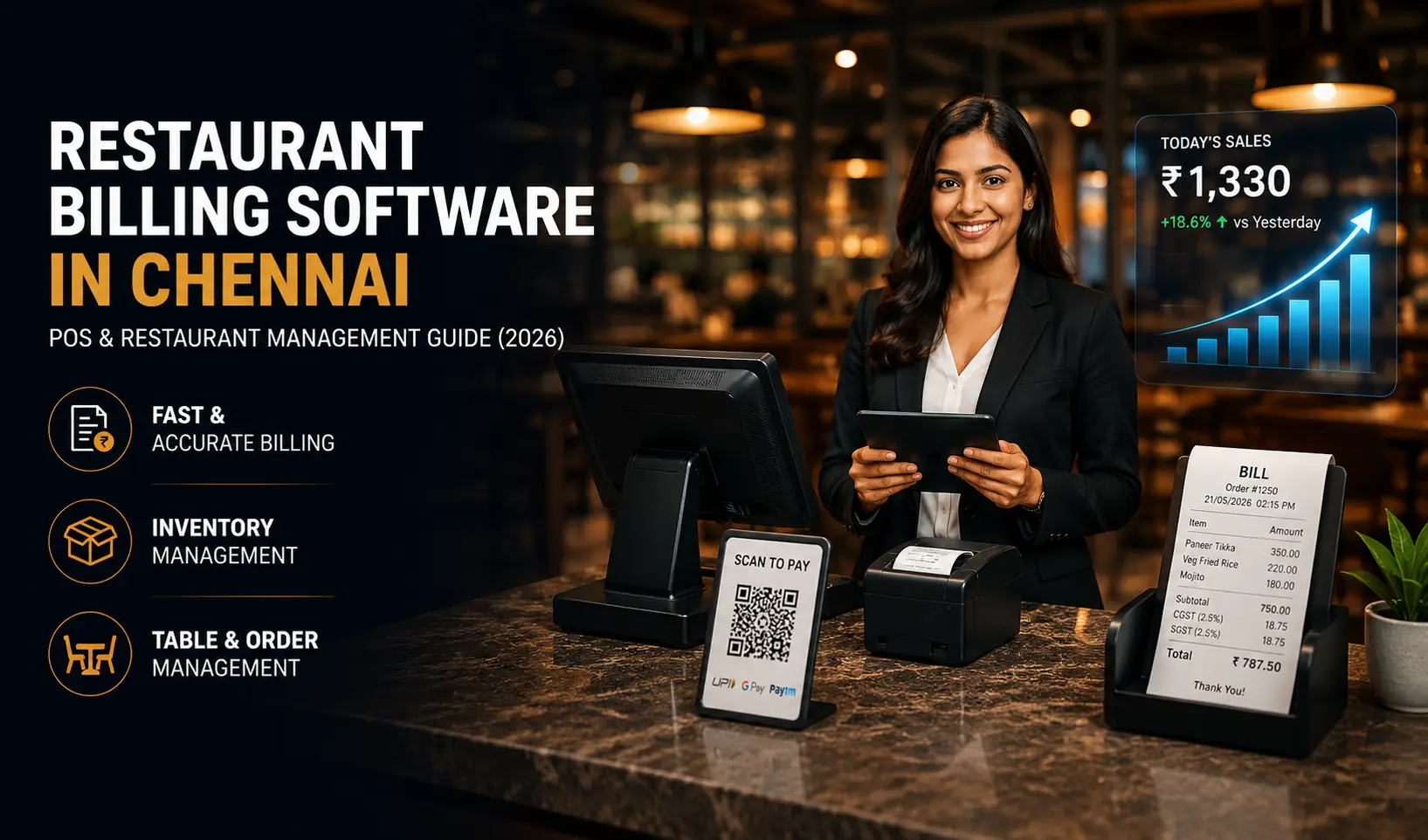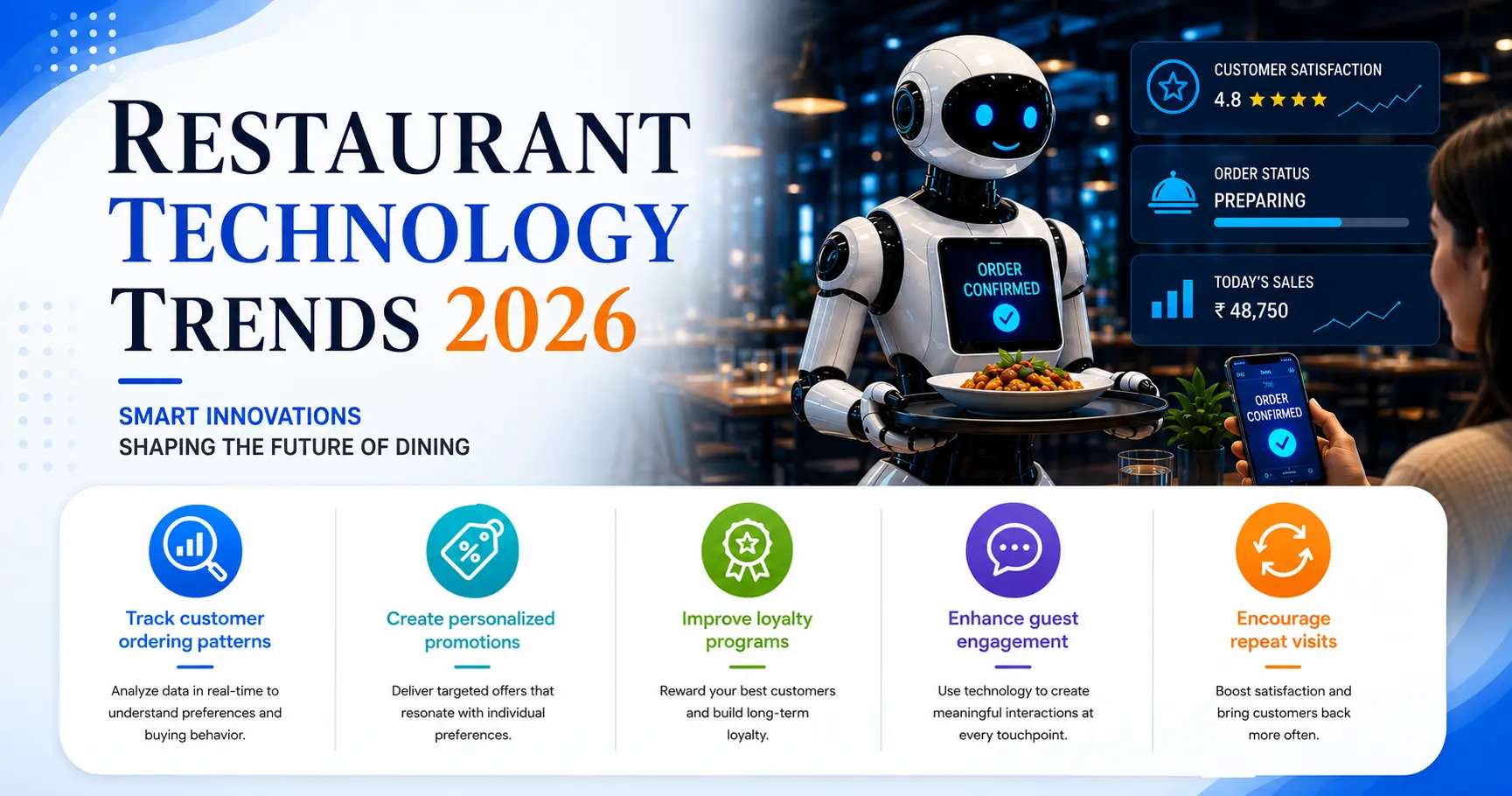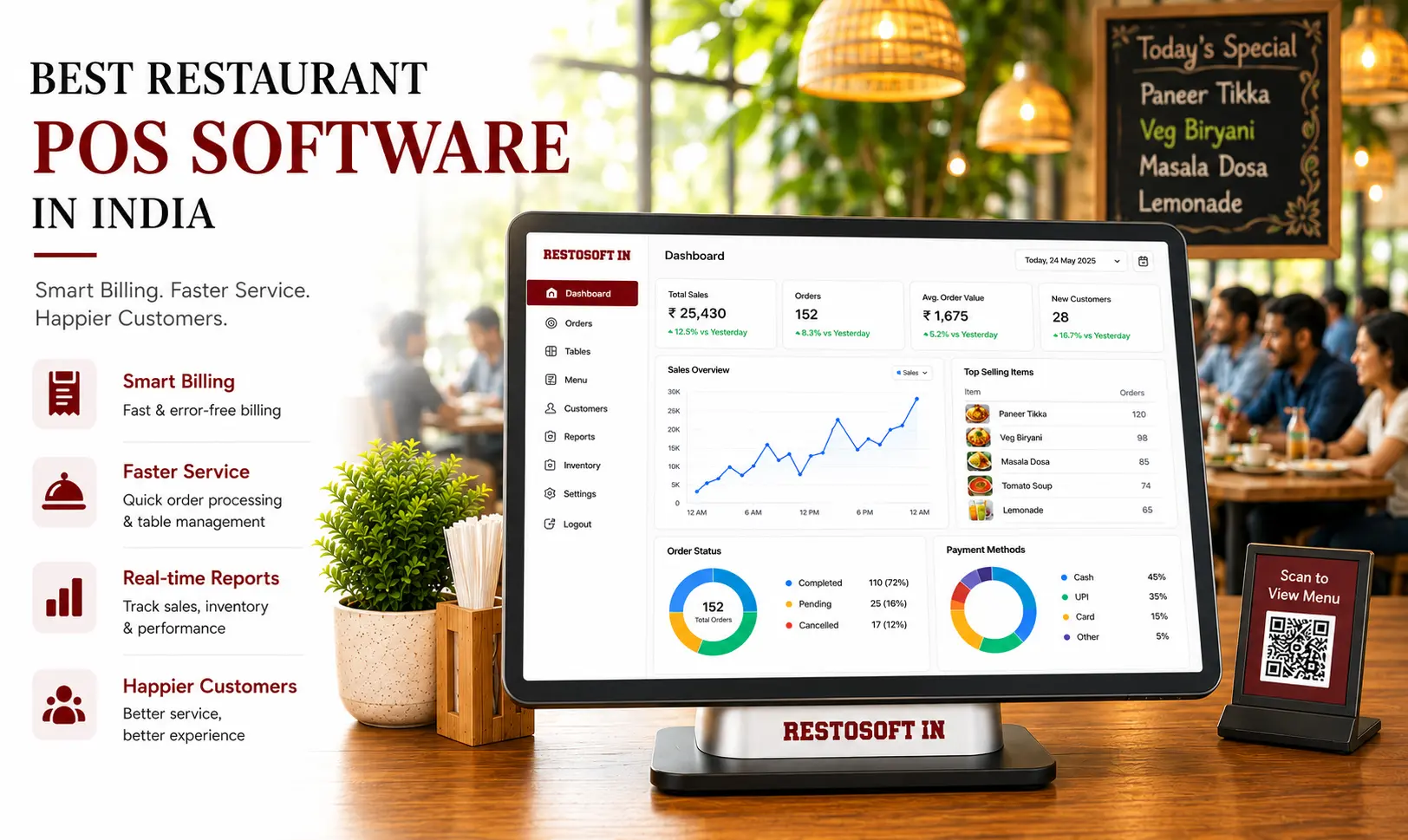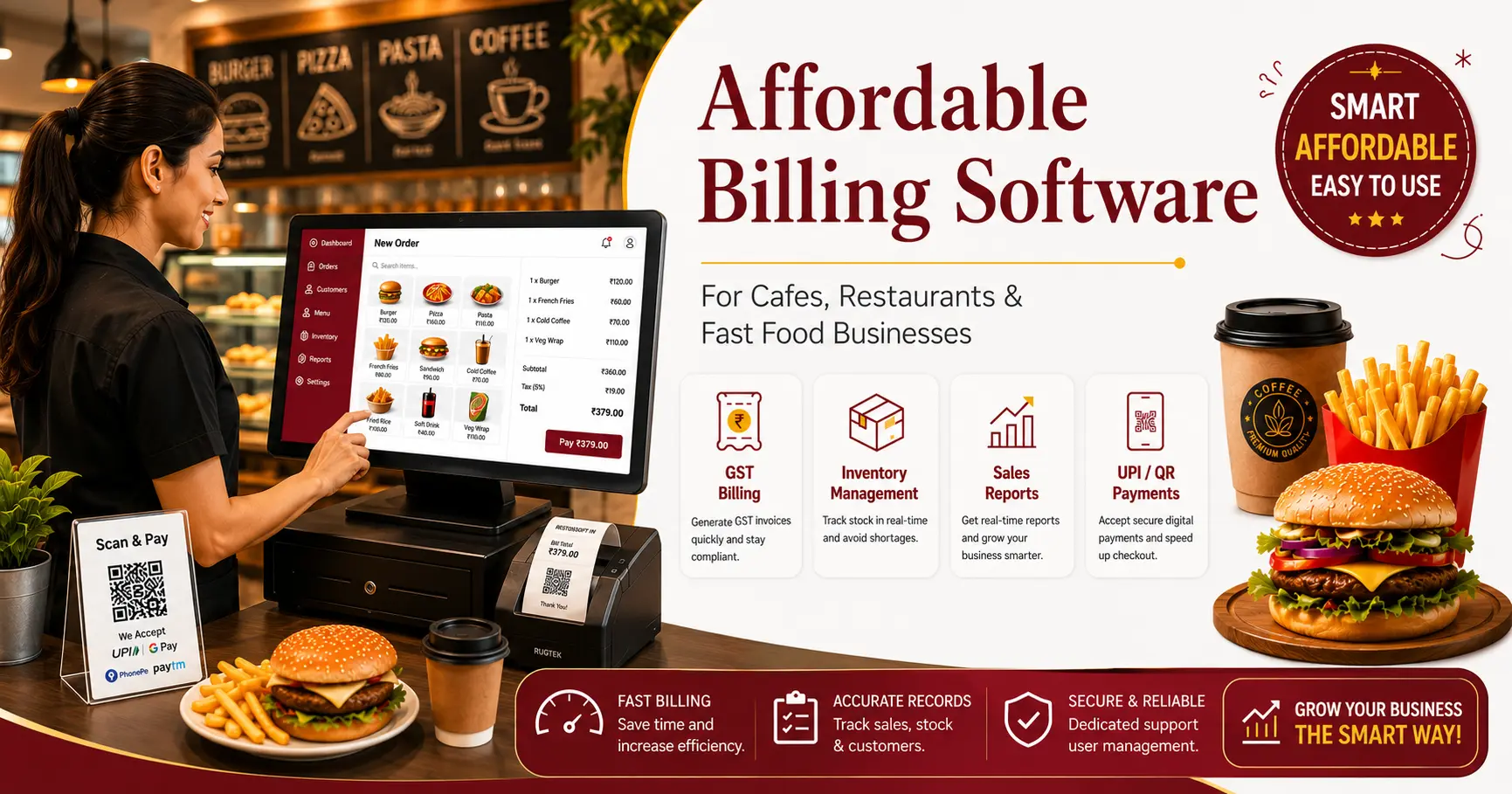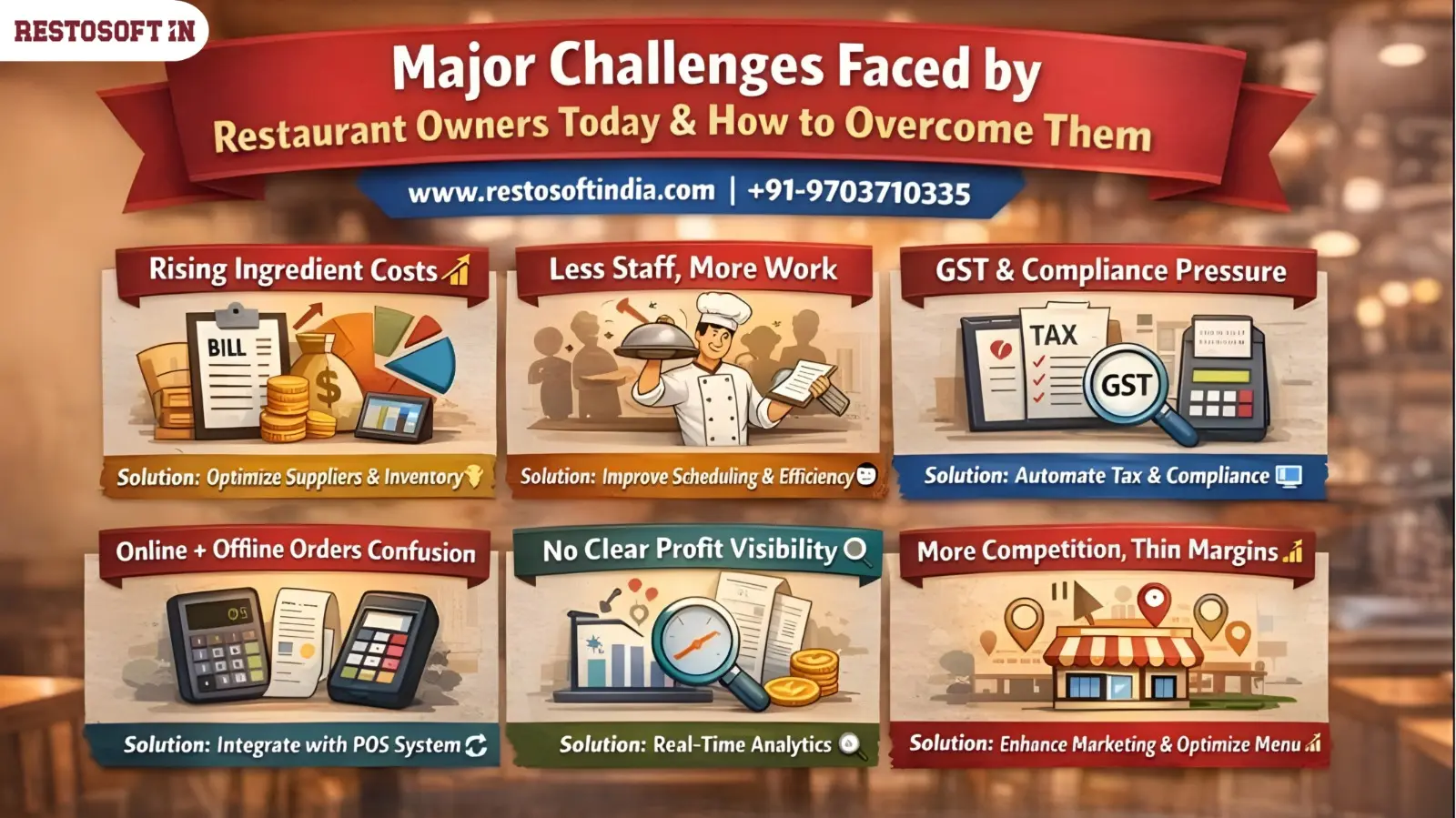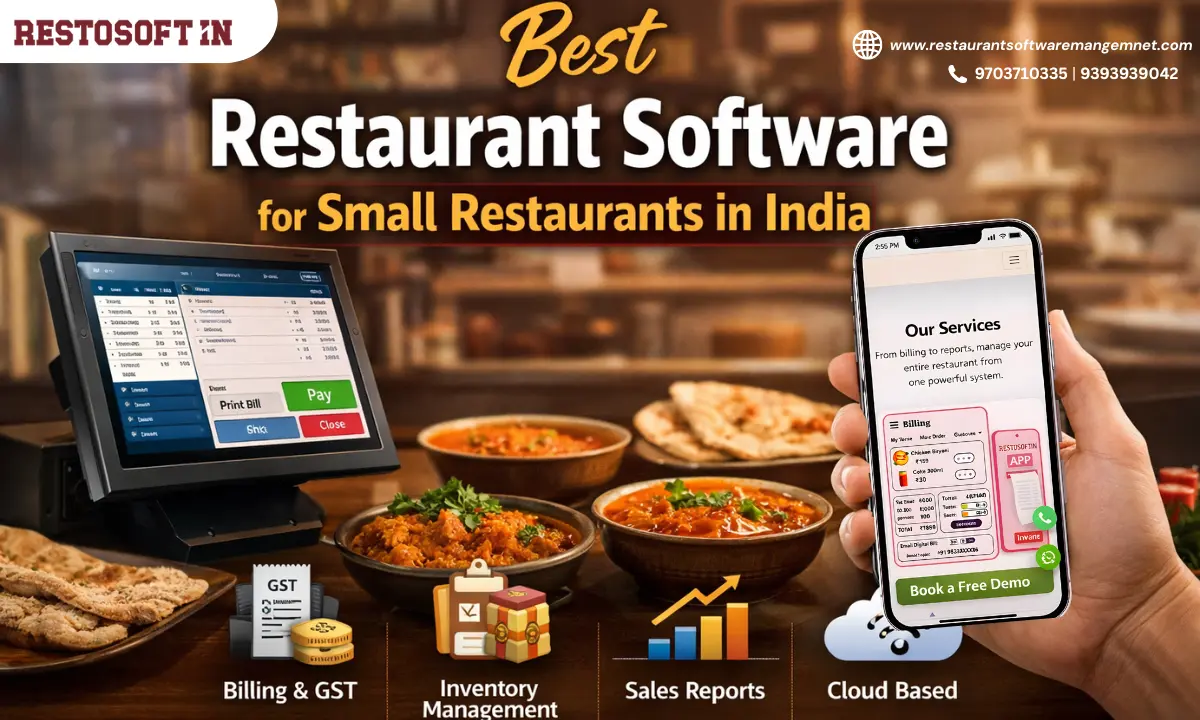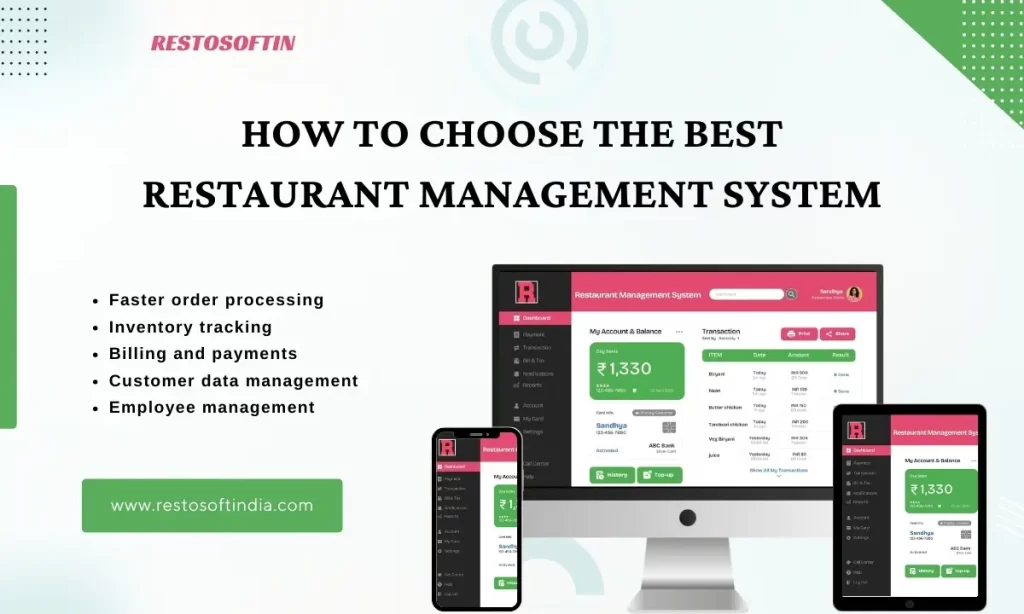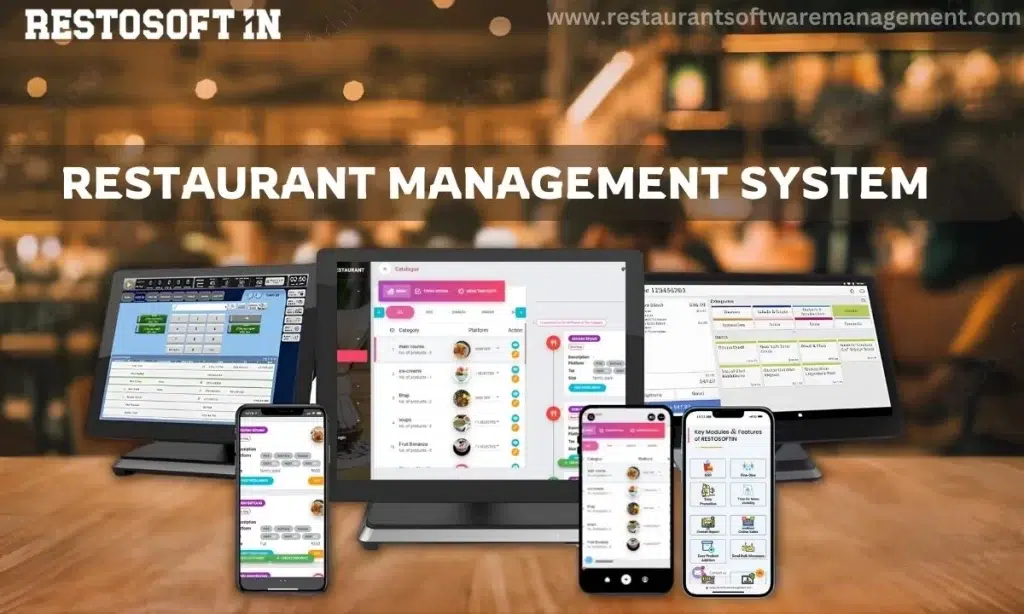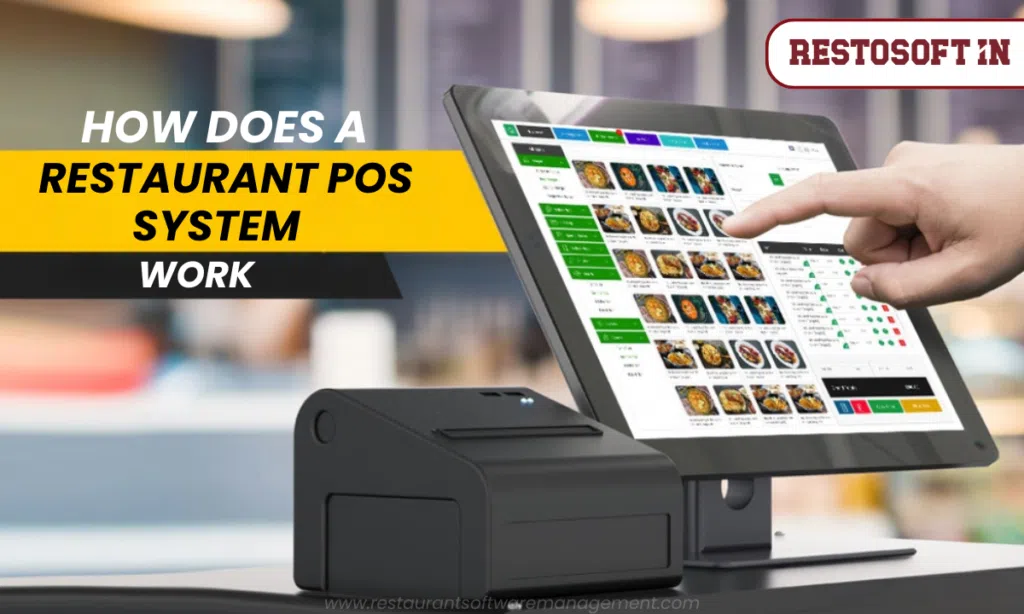
Managing a busy restaurant involves handling customer orders, billing, kitchen operations, inventory, and sales reports simultaneously. Without a proper system, these activities can lead to billing delays, order mistakes, and stock management problems.
The best restaurant POS software helps restaurant owners manage these operations through a centralized platform. However, choosing the right solution requires evaluating features, ease of use, customization, and business requirements.
In this guide, discover the essential features to consider before selecting a Restaurant POS System for your business.
What Is Restaurant POS Software?
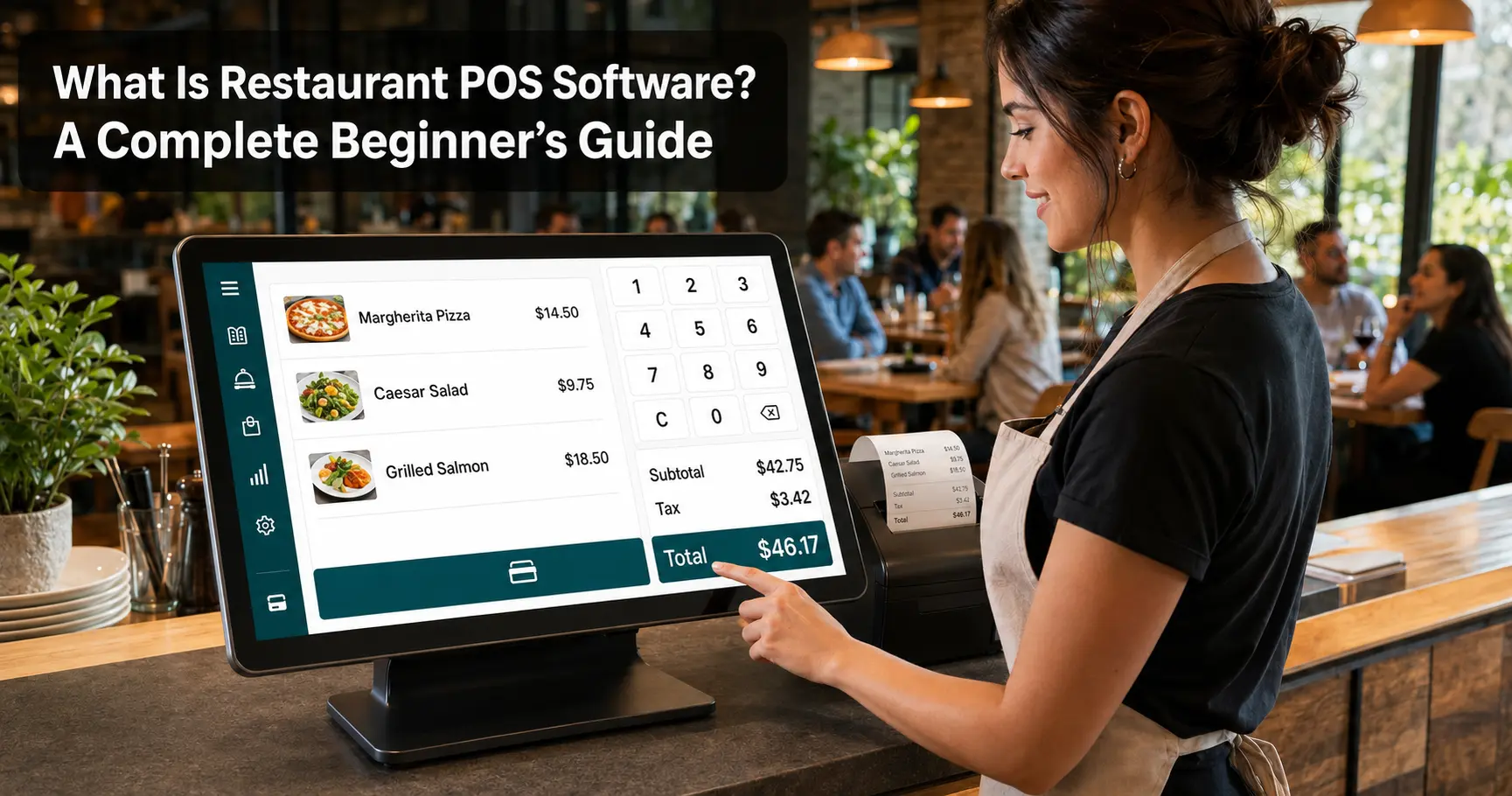
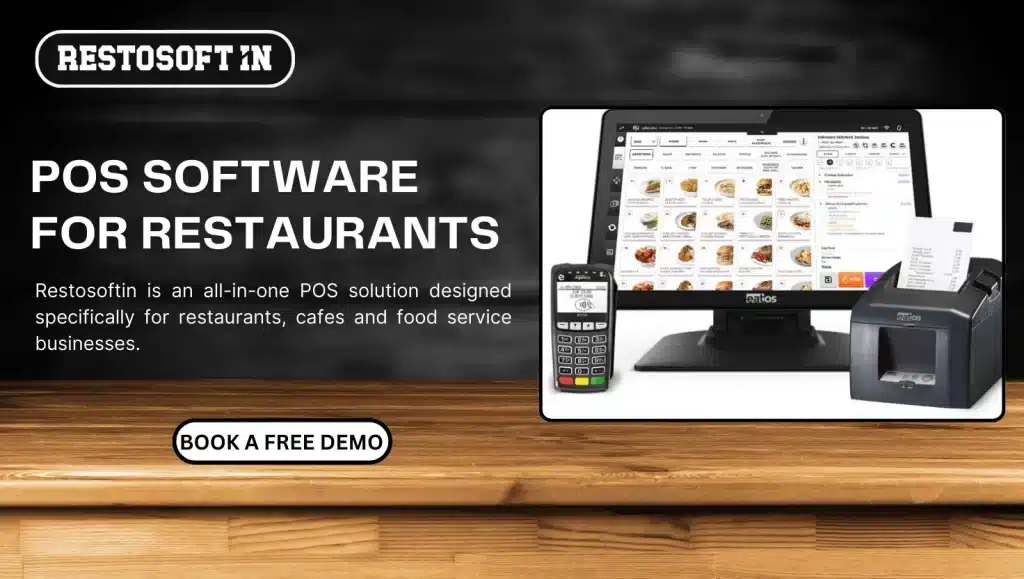
Restaurant POS (Point of Sale) software is a digital solution that manages restaurant billing, orders, payments, and daily operations. Depending on the software, it can also include inventory management, KOT, menu customization, employee management, and sales reporting.
It helps restaurant staff coordinate customer orders, kitchen activities, and billing without maintaining separate manual records.
8 Essential Features to Look for in Restaurant POS Software
1. Fast Billing and Payment Management
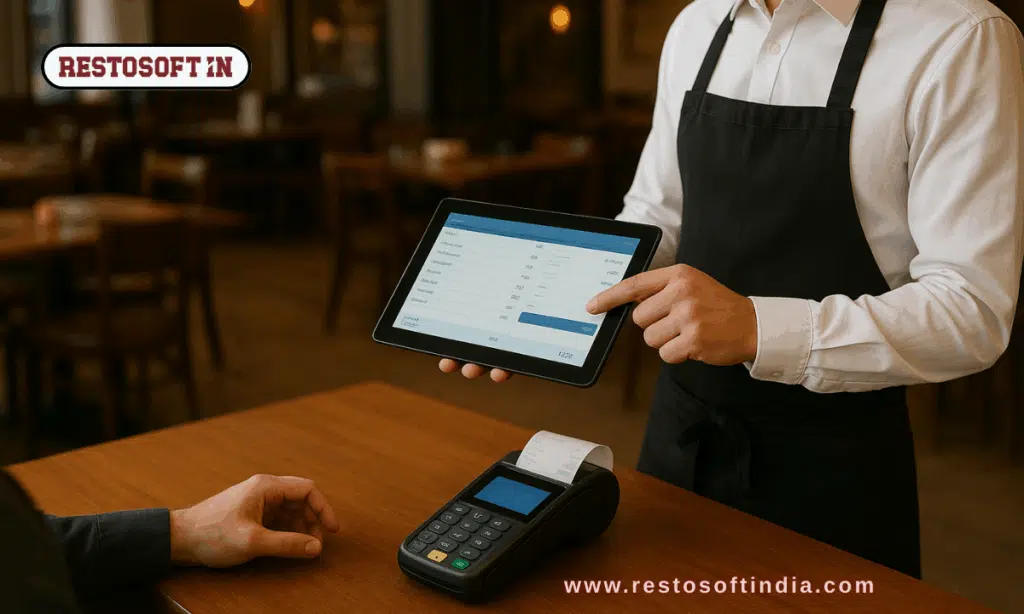
A busy restaurant needs a billing system that processes transactions efficiently.
Look for:
- Quick menu item selection.
- Accurate tax calculations.
- Multiple payment options.
- Discount management.
- Invoice generation and printing.
A simple billing interface helps cashiers handle customer transactions with fewer unnecessary steps.
2. Restaurant Order Management
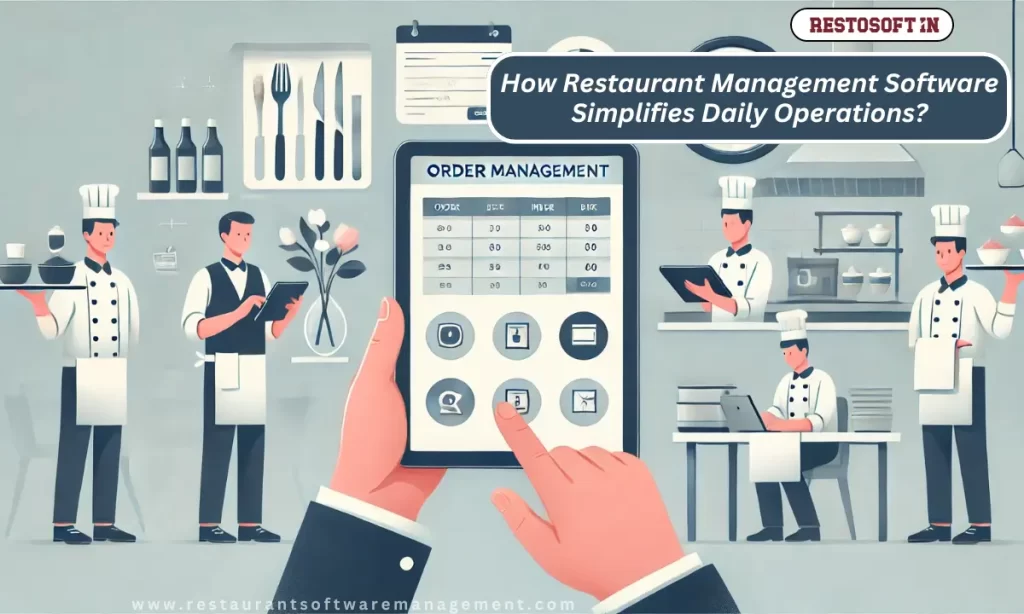
Order management helps staff handle dine-in, takeaway, and delivery orders in an organized manner.
Important capabilities include:
- Easy order entry and modification.
- Table-wise order management.
- Order status tracking.
- Special customer instructions.
- Online order integration, where supported.
3. Kitchen Order Ticket (KOT) Management
KOT management communicates customer orders from the service counter to kitchen staff.
A good KOT system should support:
- Clear kitchen tickets.
- Accurate item quantities.
- Special preparation instructions.
- Kitchen-wise order routing.
- Order status updates.
This helps reduce confusion between service staff and kitchen employees.
4. Inventory and Stock Management
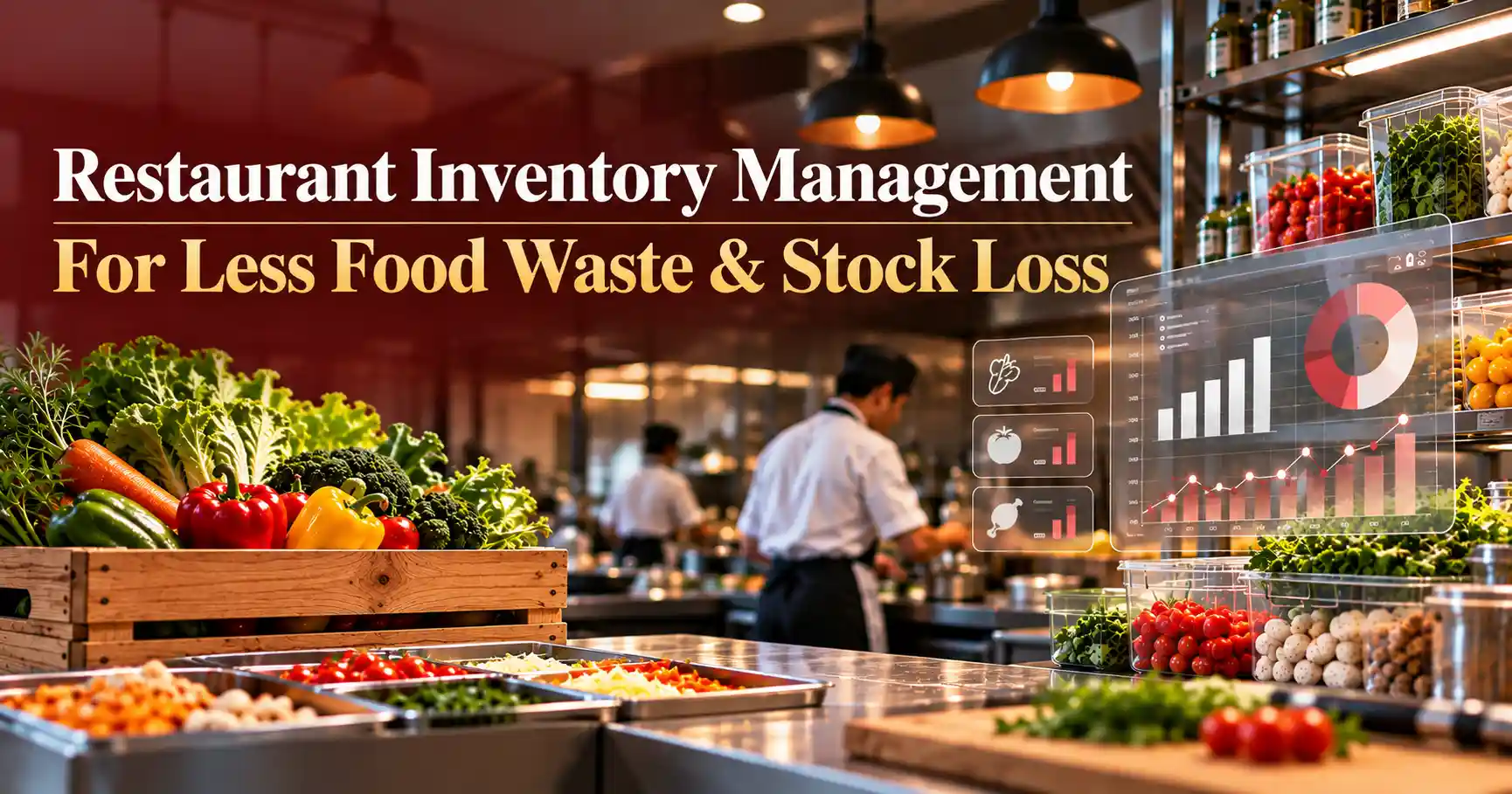
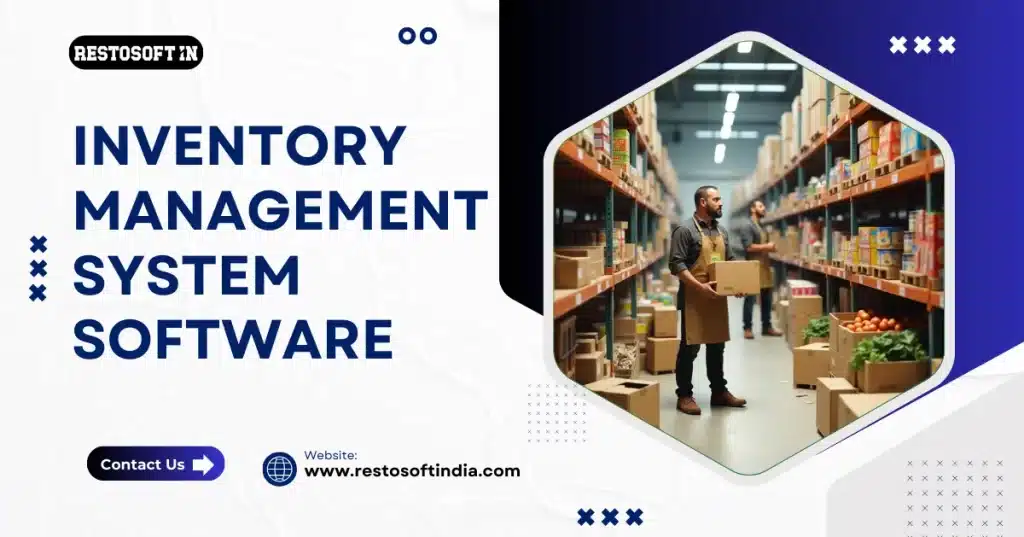
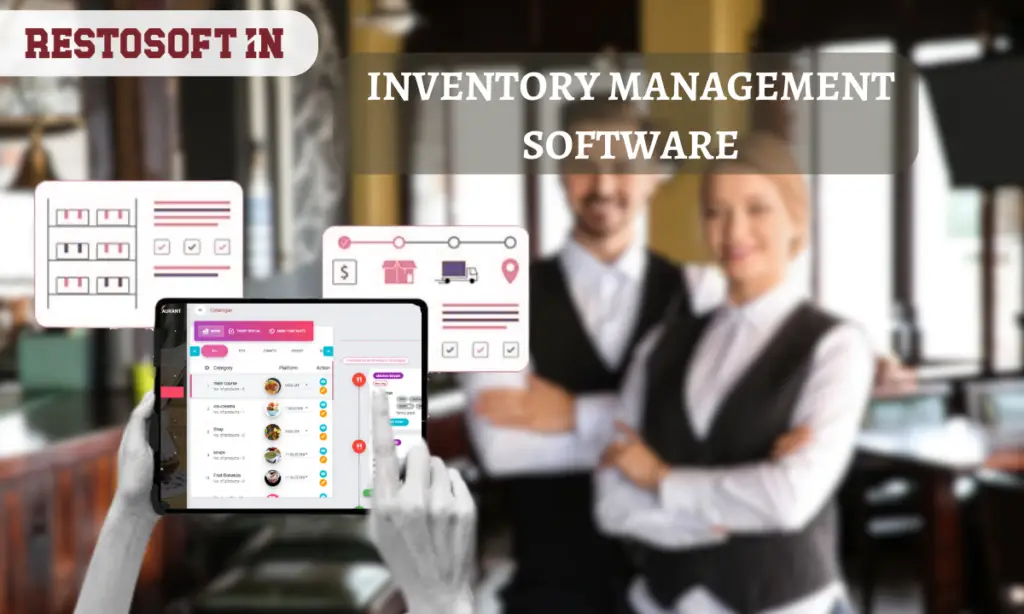
Inventory management helps restaurants monitor ingredients, purchases, and stock consumption.
Essential features include:
- Item-wise stock tracking.
- Purchase management.
- Ingredient and recipe management.
- Low-stock alerts.
- Stock adjustment reports.
- Expiry tracking, where available.
For example, ingredient consumption records can help restaurant managers identify stock differences and monitor food wastage.
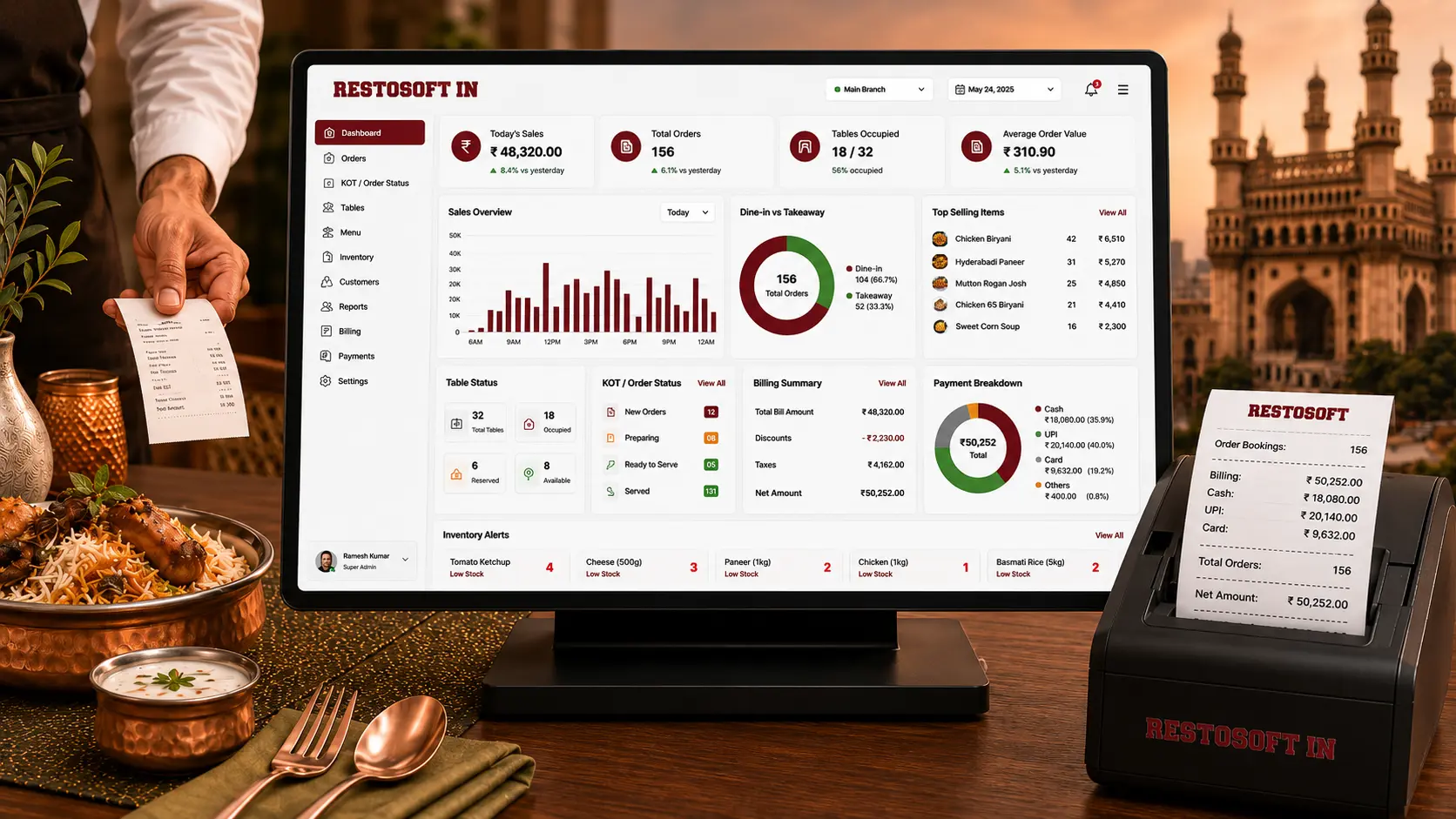
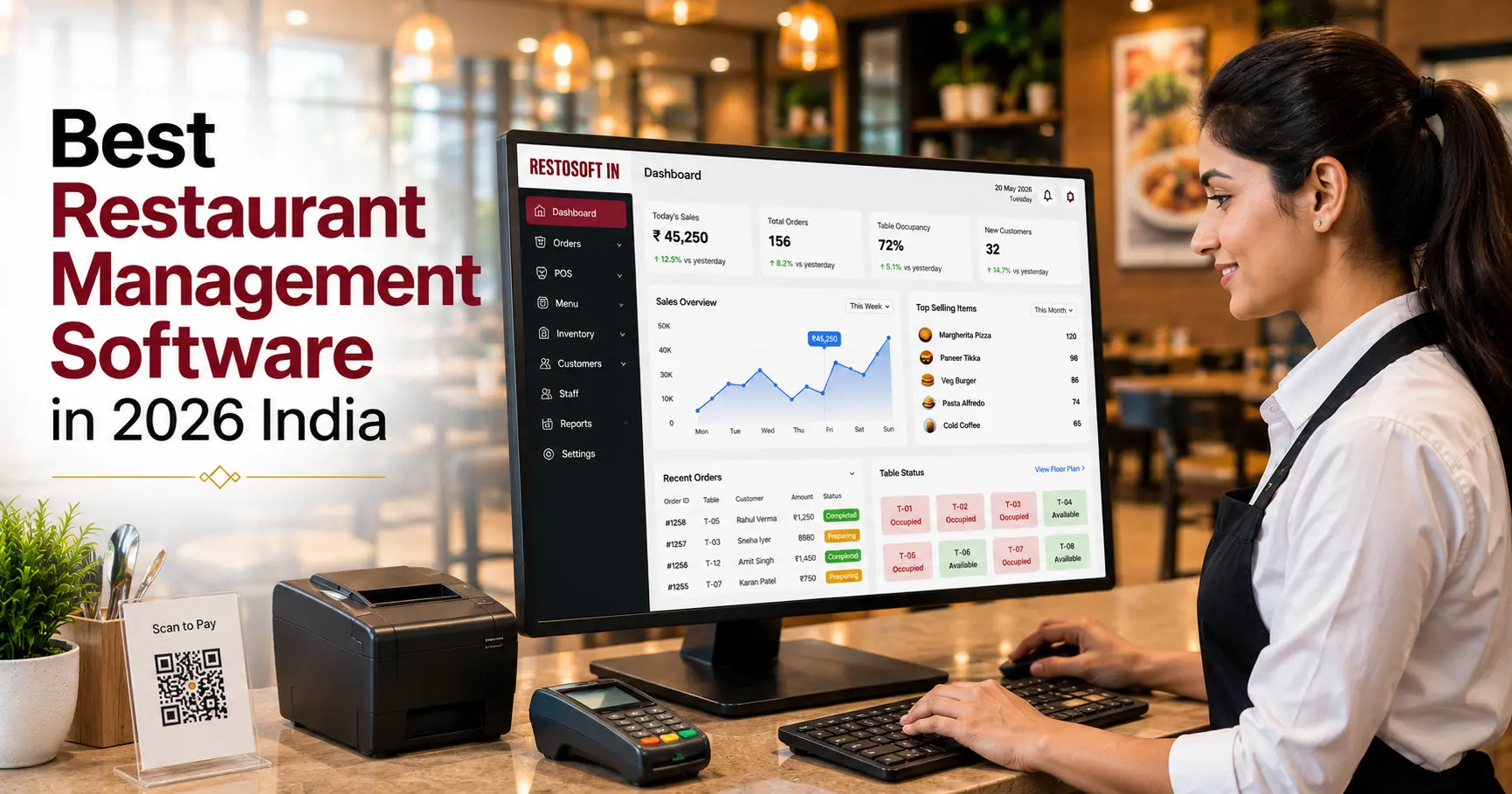
5. Sales Reports and Analytics
Restaurant reports help owners understand business performance and identify operational issues.
Important reports include:
- Daily and monthly sales.
- Item-wise sales.
- Payment reports.
- Cancelled item reports.
- Employee activity reports.
- Inventory reports.
- Outlet-wise sales reports.
These reports support better purchasing, menu planning, and business decisions.
6. User-Friendly Interface
A user-friendly POS allows employees to perform daily activities without complicated navigation.
Check for:
- Simple dashboard.
- Easy menu navigation.
- Quick order entry.
- Employee access permissions.
- Staff training and technical support.
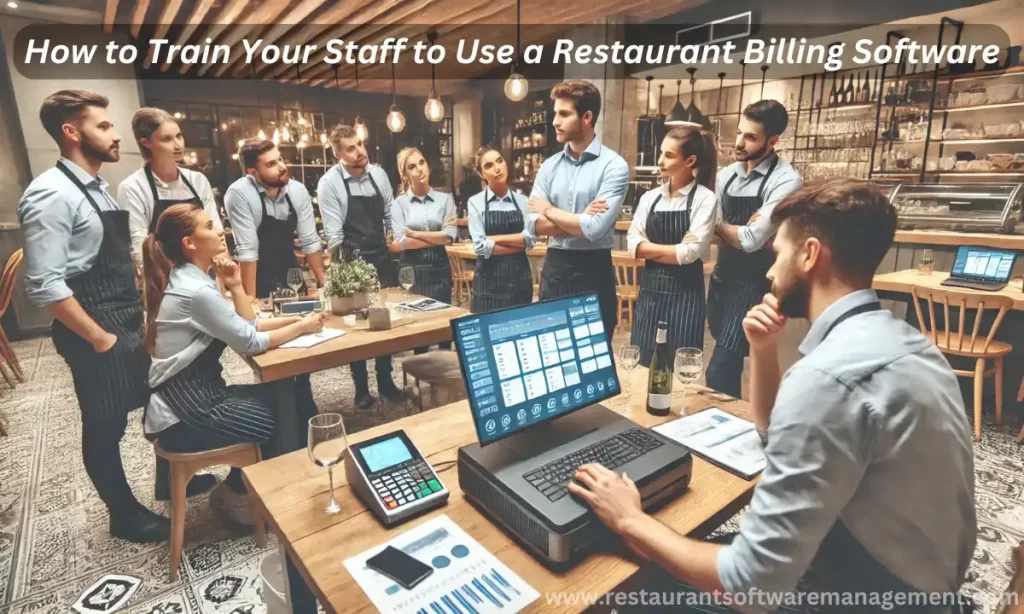
Always involve your employees in the software demonstration before purchasing.
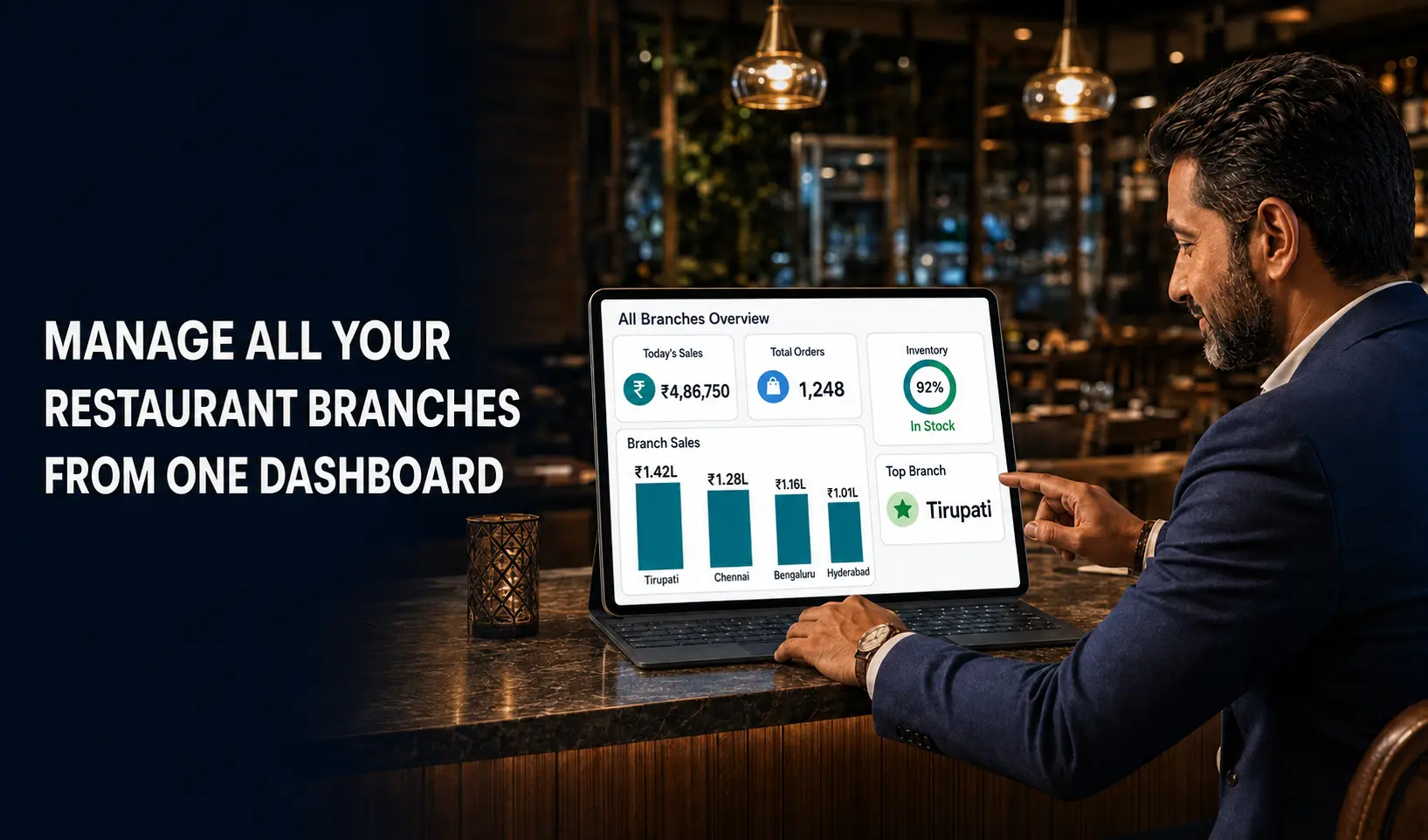
7. Multi-Outlet Management
Restaurants with multiple branches need better visibility into their operations.
Look for centralized menu management, outlet-wise sales reports, branch-level permissions, and consolidated business reporting.
This helps owners monitor different locations through a consistent management process.
8. Offline Support and Integrations
Check whether the software supports offline billing and how data synchronization works when internet connectivity returns.
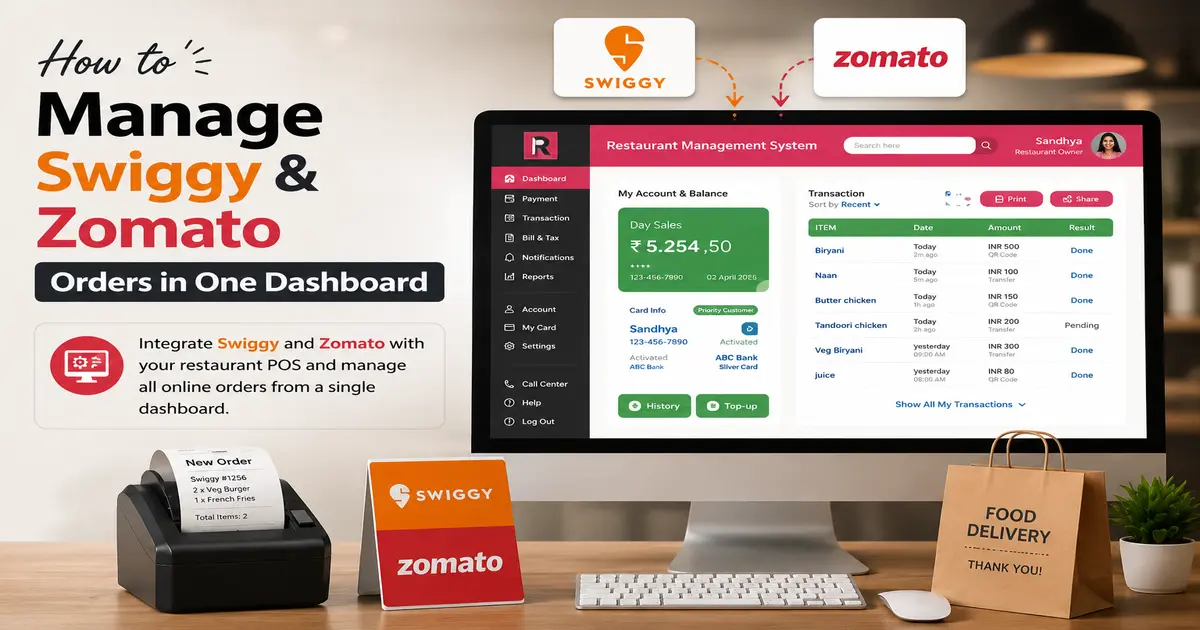
Also verify integrations with services such as Swiggy, Zomato, payment systems, and accounting applications. Confirm which integrations are available and whether additional charges apply.
How to Compare Restaurant POS Software Before Buying
Use this checklist to evaluate different POS solutions.
| Criteria | What to Evaluate |
| Billing | Speed and accuracy |
| Orders | Dine-in, takeaway and delivery |
| KOT | Kitchen communication |
| Inventory | Stock and ingredient tracking |
| Reports | Sales and operational reports |
| Ease of Use | Simple navigation |
| Offline Support | Available offline functions |
| Customization | Menu and workflow flexibility |
| Integrations | Supported third-party services |
| Support | Training and technical assistance |
| Pricing | Setup and recurring costs |
Questions to Ask the POS Software Provider
- Can I test the software with my actual restaurant menu?
- Does it support KOT and kitchen management?
- Can I track ingredients and stock consumption?
- Which reports are available?
- Does it support offline billing?
- Are customization and integrations included?
- What technical support is provided?
- Can I export my business data?
Which POS Software Is Suitable for Different Restaurant Types?
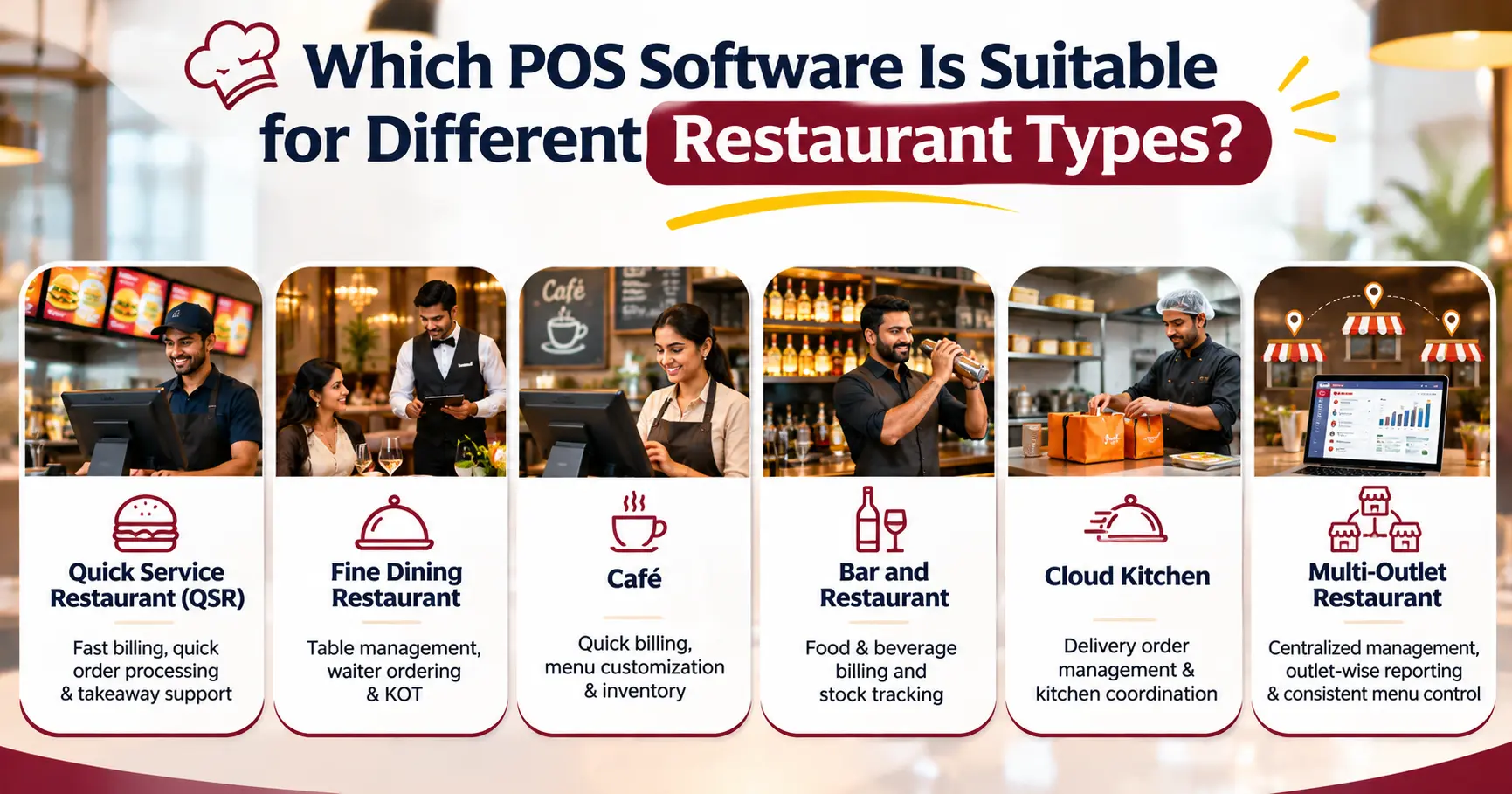
Different restaurant formats have different operational requirements.
| Restaurant Type | Essential Requirements |
| QSR | Fast billing and takeaway orders |
| Fine Dining | Table management and waiter ordering |
| Café | Menu customization and inventory |
| Bar and Restaurant | Food and beverage stock management |
| Cloud Kitchen | Delivery and kitchen order management |
| Multi-Outlet Restaurant | Centralized management and reporting |
Choose software based on your restaurant's current operations and future expansion plans.
Common Mistakes to Avoid When Choosing POS Software
- Choosing only by price: Consider setup, renewal, hardware, and support costs.
- Ignoring KOT: Check whether kitchen communication suits your workflow.
- Overlooking inventory: Verify ingredient and stock tracking capabilities.
- Skipping demonstrations: Test the actual software before purchasing.
- Ignoring employee training: Ensure staff can operate the system confidently.
- Not checking data access: Understand backup and export options.
Why Consider Restosoft for Restaurant Management?
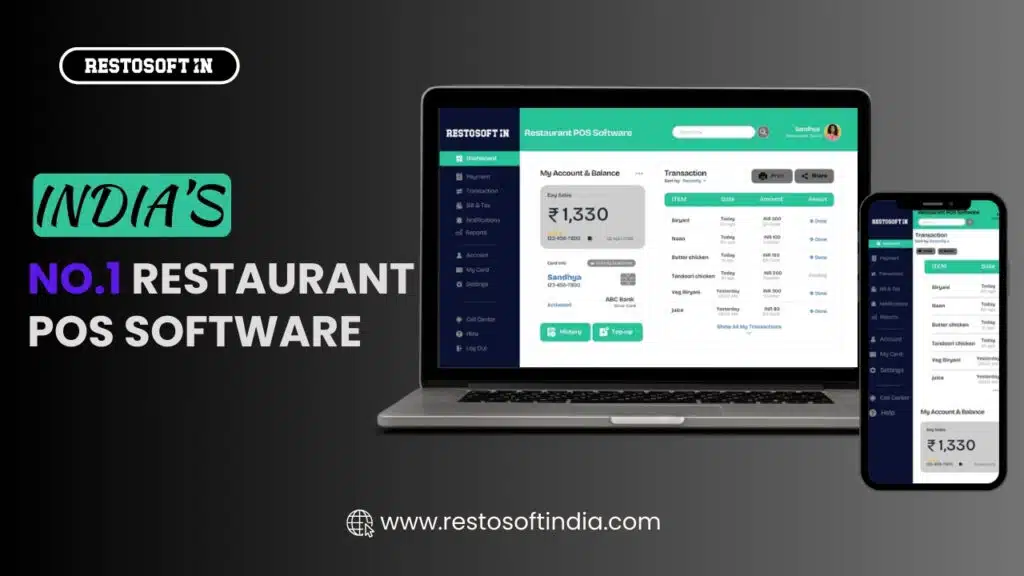
Restosoft offers restaurant management software designed to support different restaurant operations through connected modules.
Its capabilities include:
- POS Billing: Manage customer transactions and invoices.
- Order Management: Handle restaurant orders.
- KOT Management: Coordinate orders with kitchen staff.
- Inventory Management: Track stock and ingredients.
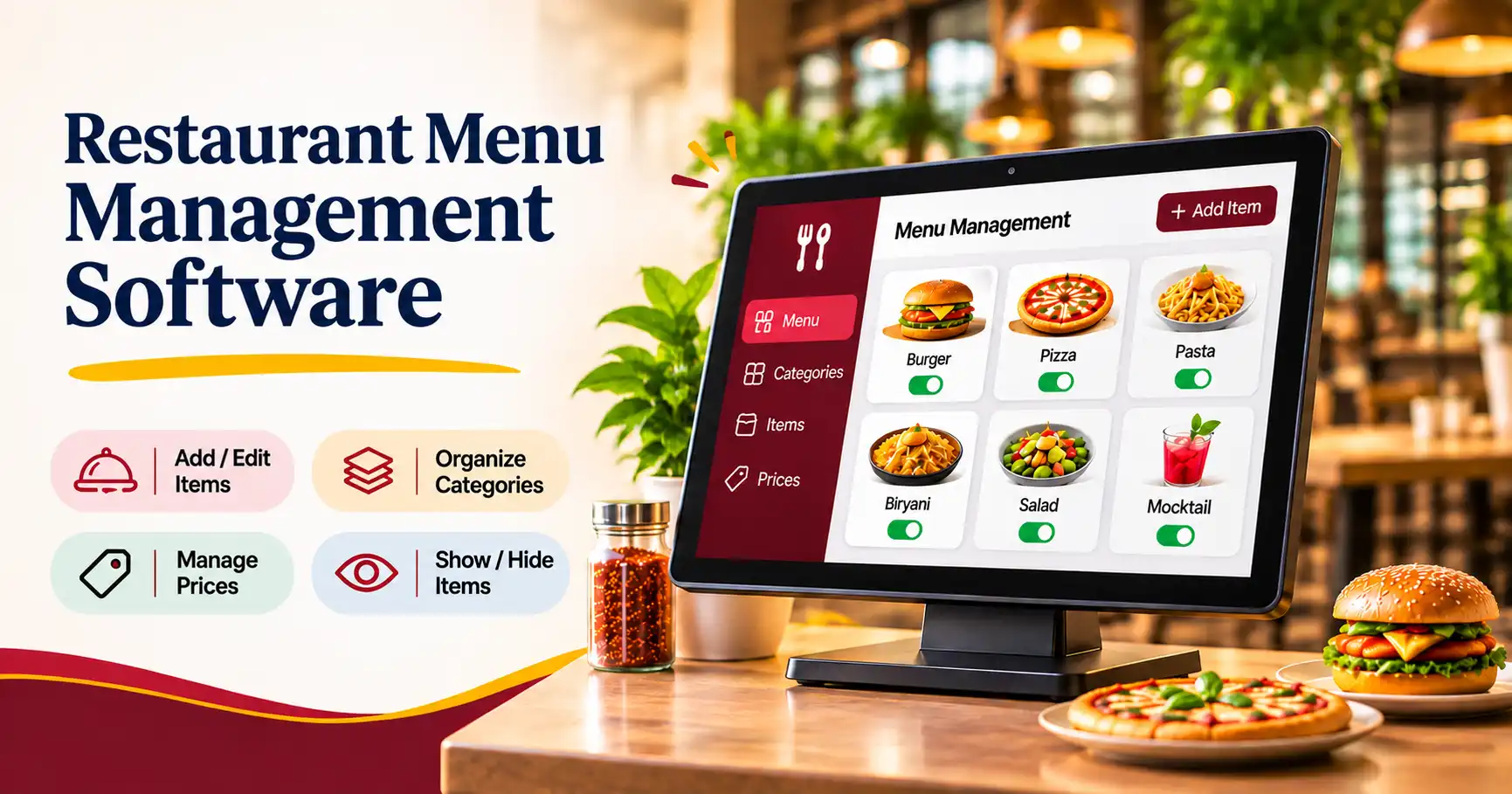
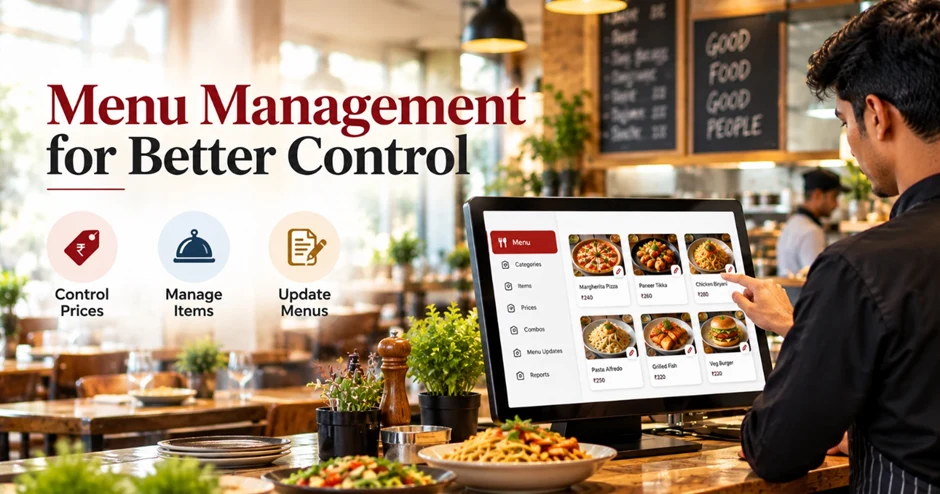
- Menu Customization: Manage menu items and prices.
- Multi-Outlet Management: Support multiple restaurant locations.
- Reports: Review sales and operational performance.
Restosoft also offers customization options for different restaurant requirements, including QSRs, cafés, fine-dining restaurants, and multi-outlet businesses.
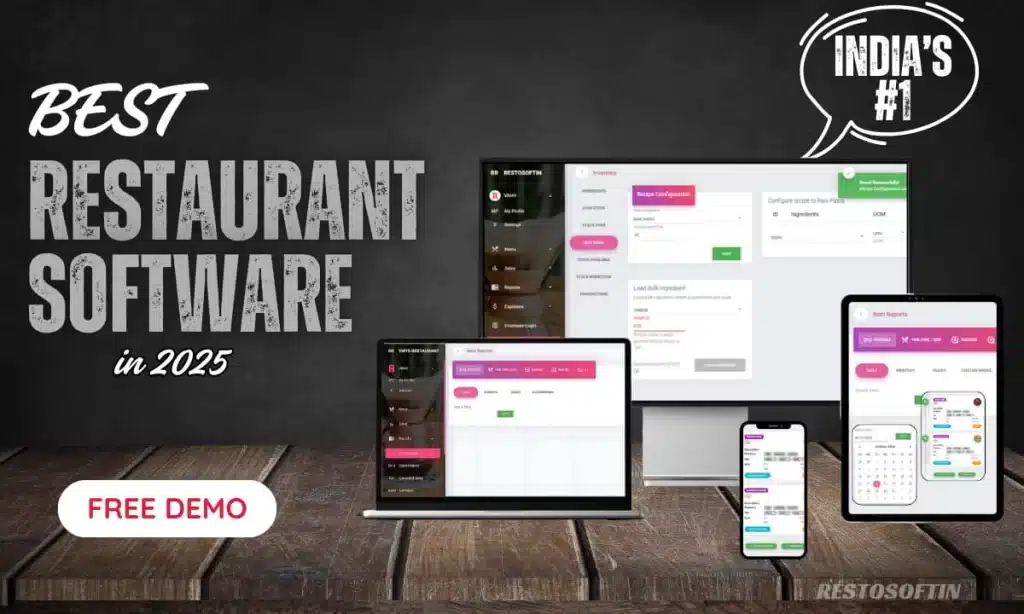
Explore its features through a live demonstration to understand whether they match your restaurant's workflow.
Choosing the best restaurant POS software requires understanding your restaurant's operational needs. Focus on billing, order management, KOT, inventory, reporting, ease of use, and technical support before selecting a solution.
Looking for a customizable restaurant management solution?
Explore Restosoft and request a free demo to discover how its features can support your restaurant operations.