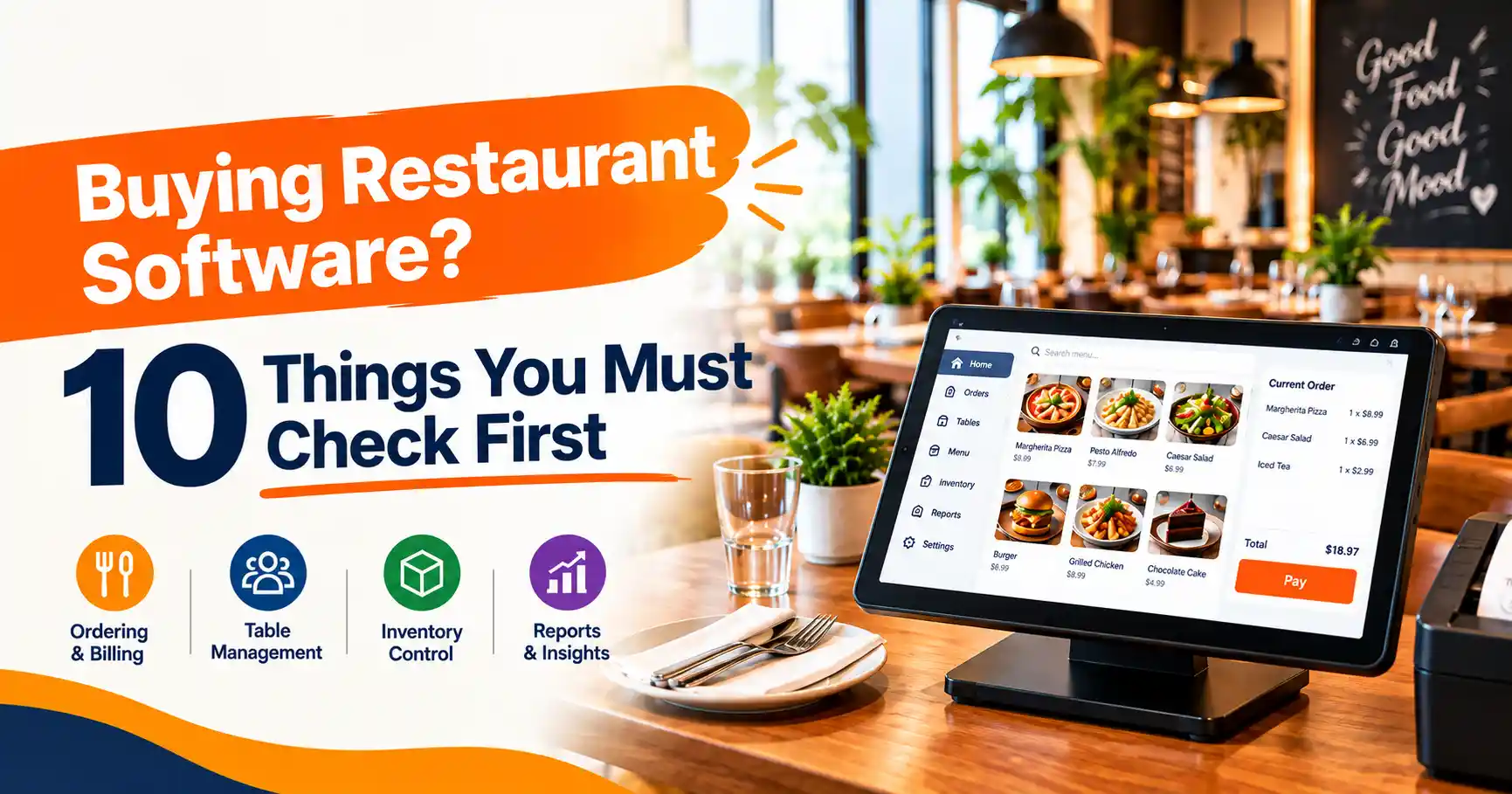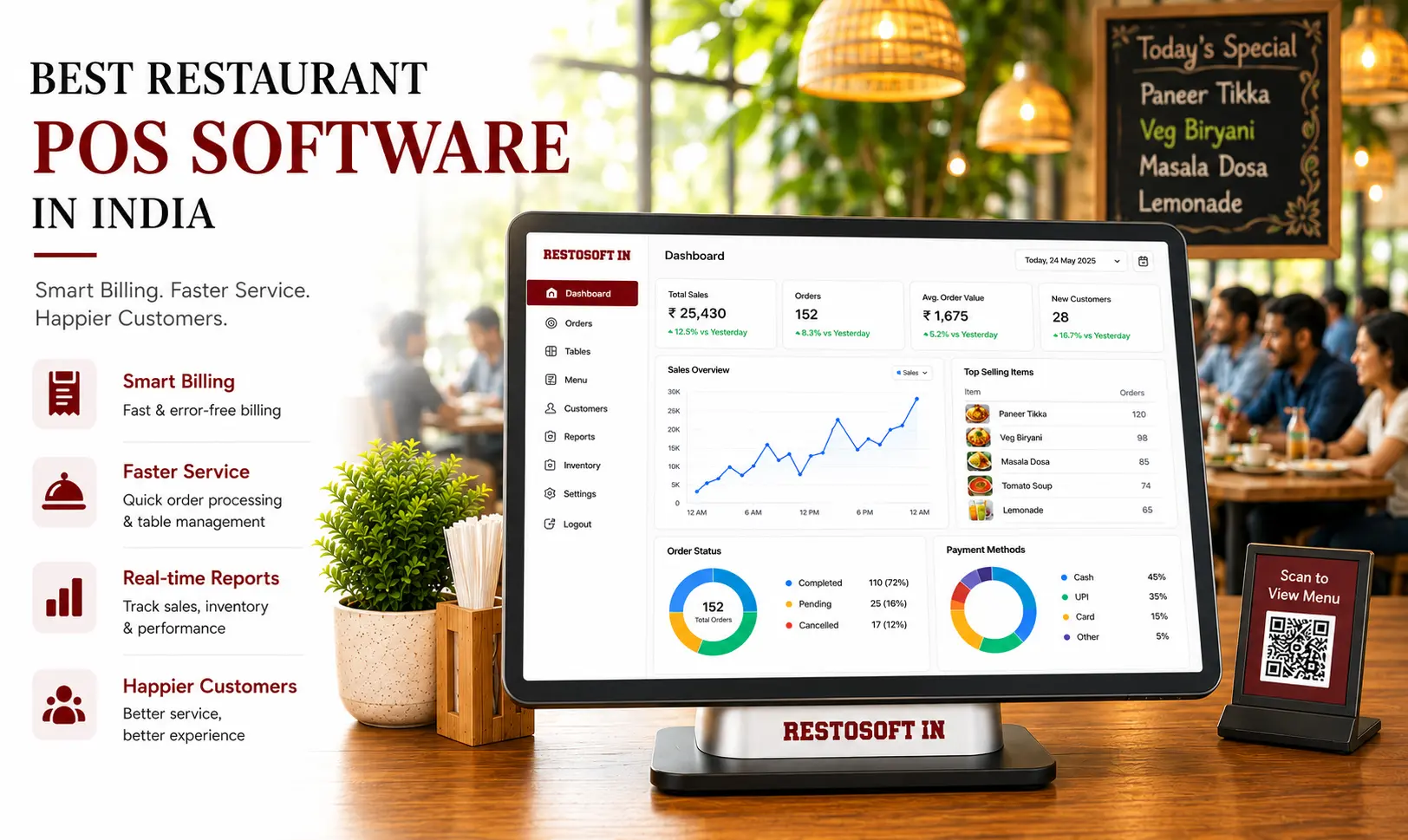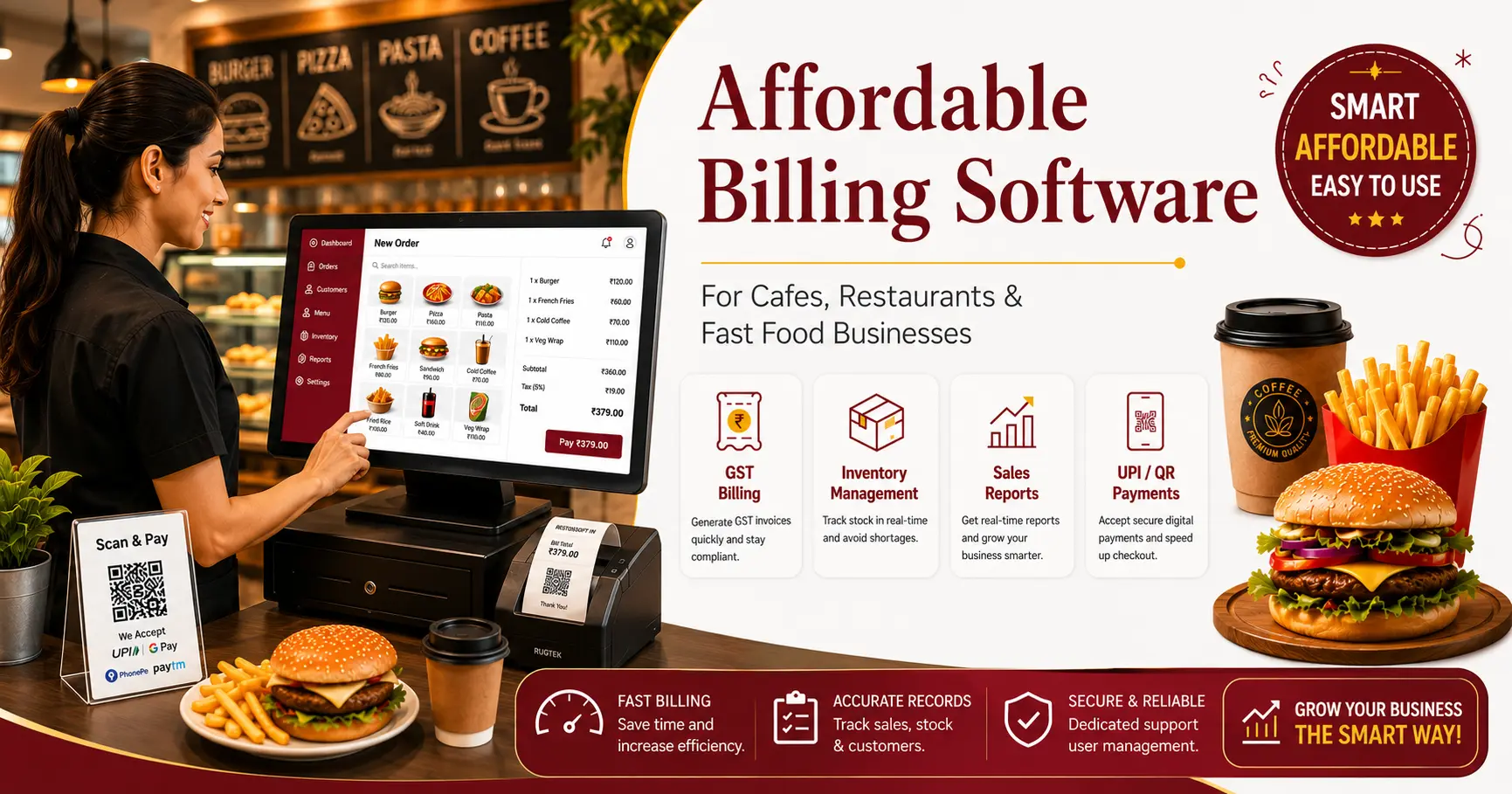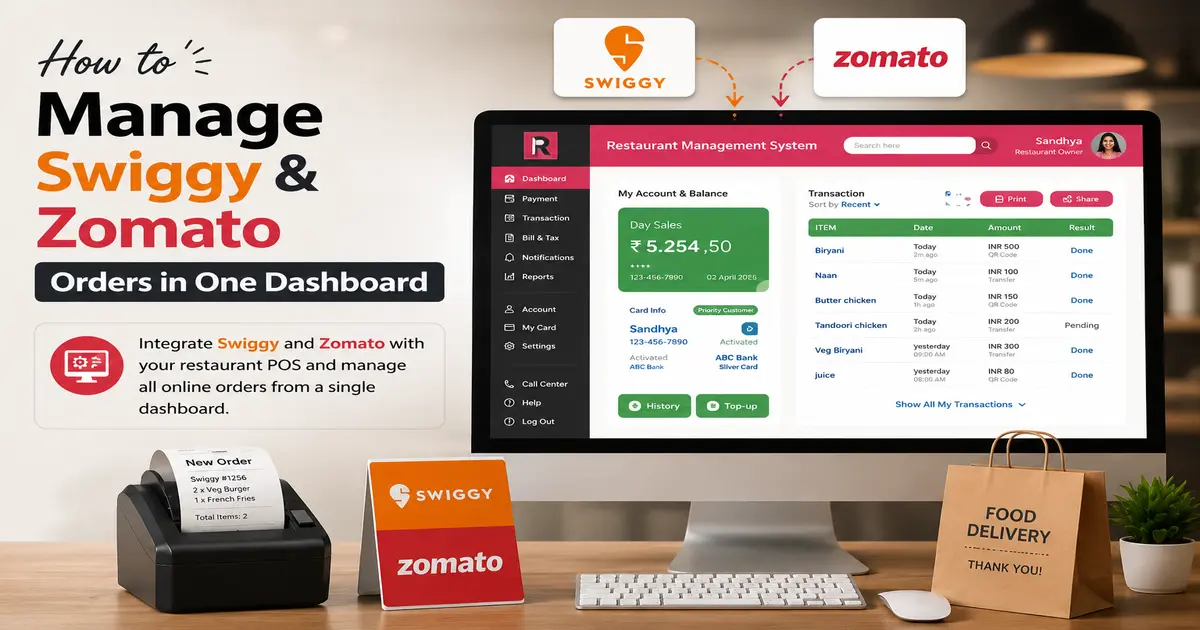
Running a restaurant involves more than preparing food and serving customers. Restaurant owners must coordinate billing, inventory, purchasing, staff activities, customer orders, payments, and daily sales. As operations expand, managing these activities through manual records or disconnected applications can become increasingly difficult.
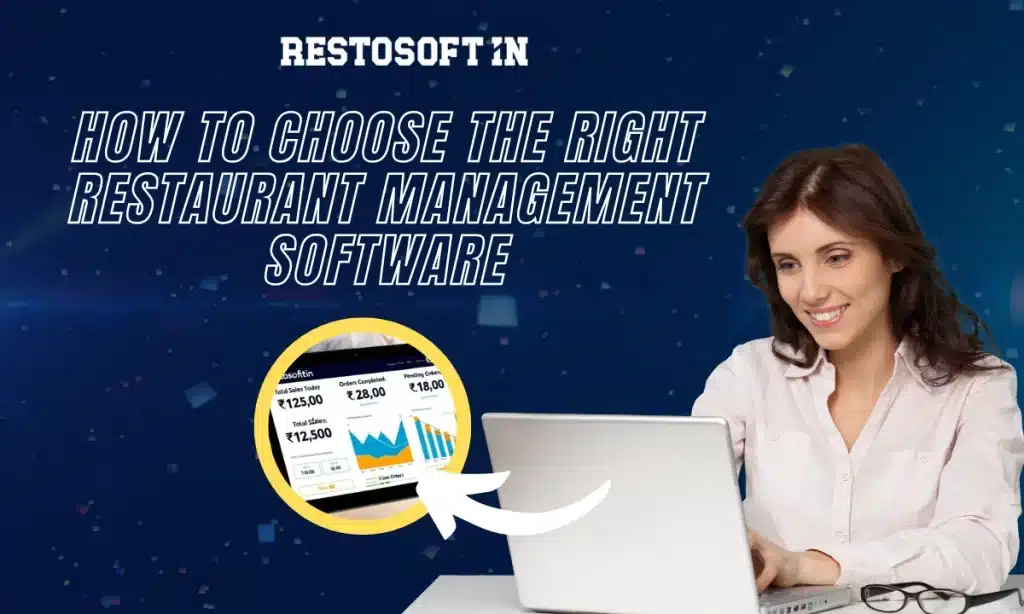
Choosing the right restaurant management software helps bring essential business operations into one system, improve business visibility, and support better decision-making. However, selecting software requires more than comparing prices. Restaurant owners must evaluate their operational requirements, technology needs, implementation expenses, and future expansion plans.
This guide explains how to plan restaurant technology investments, evaluate software capabilities, prepare a practical budget, and select a solution that supports long-term business growth.
Why Is Technology Planning Important for Restaurant Businesses?
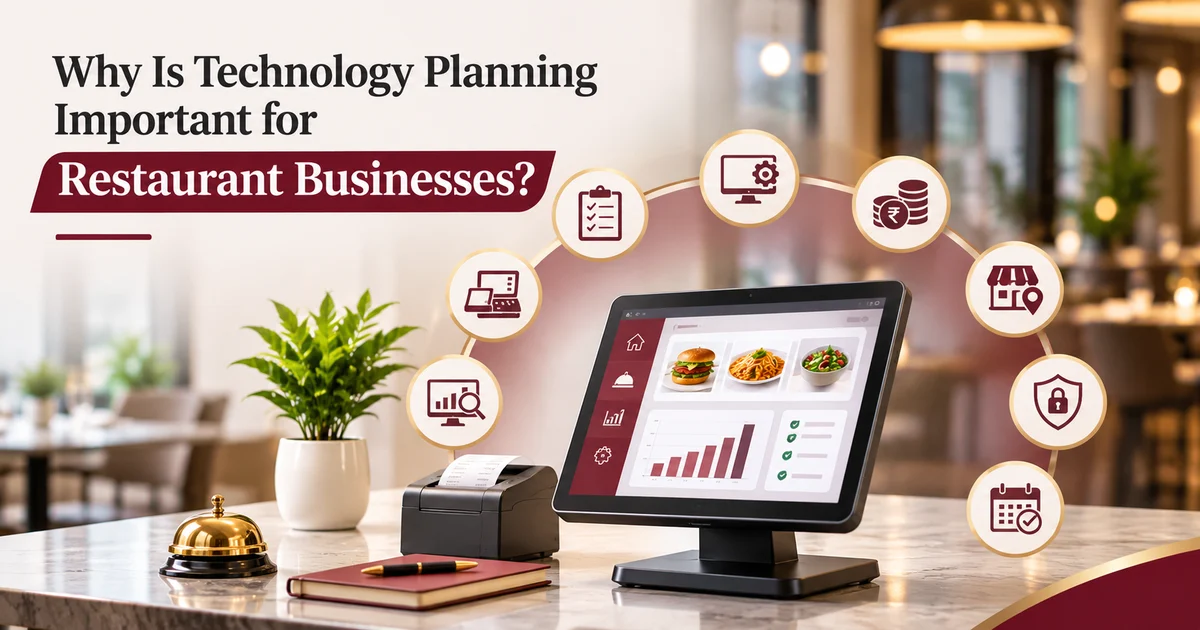
Technology planning helps restaurant businesses identify the tools required to manage daily operations effectively. Without a clear plan, restaurants may invest in software that does not match their operational requirements or support future expansion.
A structured technology plan helps restaurant owners:
- Identify challenges in billing, inventory, and reporting.
- Reduce repetitive manual tasks and administrative work.
- Improve coordination between kitchen, billing, and management teams.
- Monitor sales and operational performance.
- Maintain consistent processes across multiple branches.
- Prepare their business for future expansion.
For growing restaurant brands, selecting compatible technology is particularly important because different outlets may need to share operational and business information.
1. Identify Your Restaurant's Software Requirements
Before investing in new technology, restaurant owners should understand which business activities need improvement.
Different restaurants have different operational requirements. A small cafe may need billing and inventory tracking, while a multi-outlet restaurant may require centralized reporting, branch-wise sales monitoring, and stock management.
Consider these essential requirements:
Billing and POS Operations
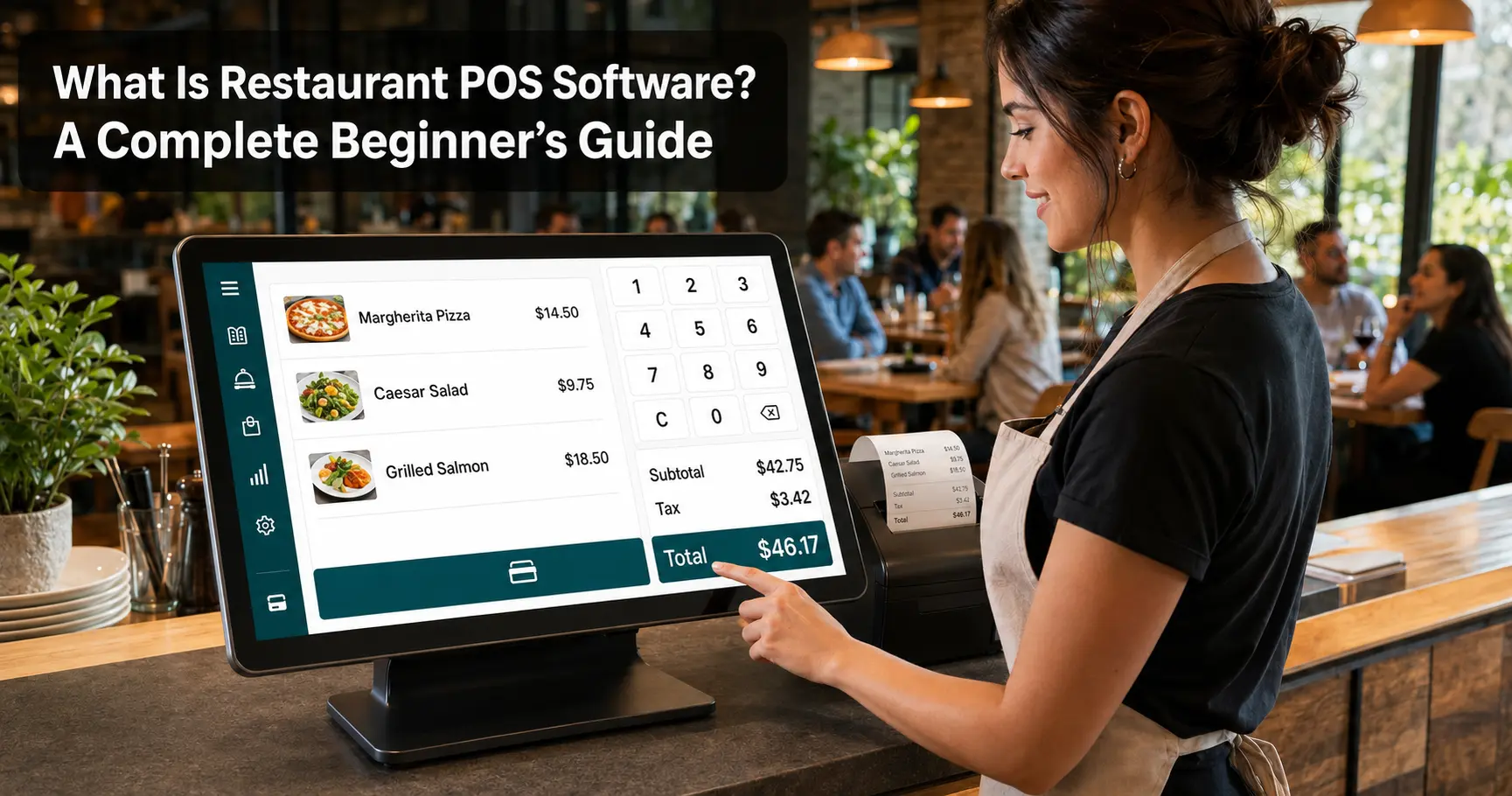
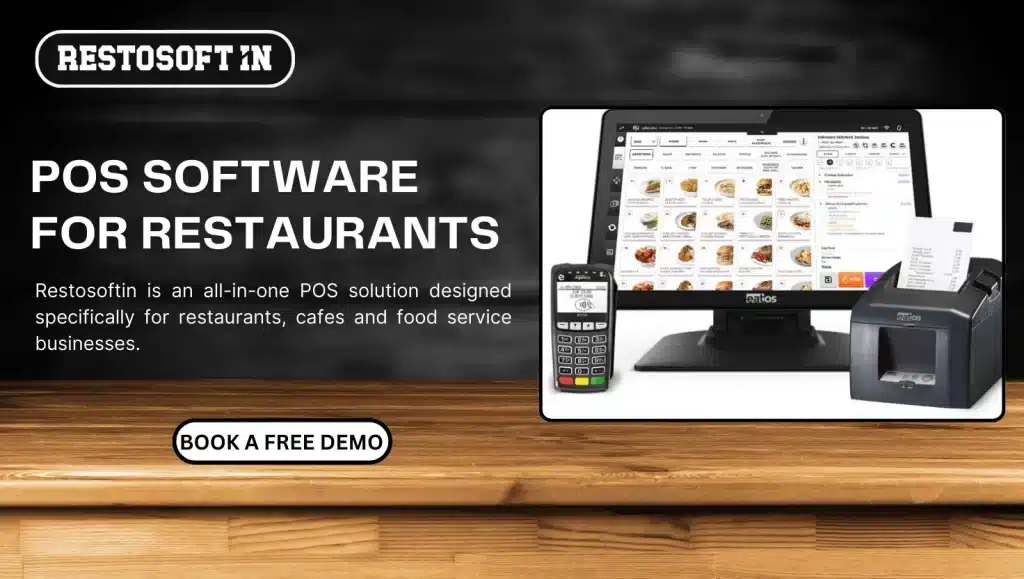
A reliable billing system should support order processing, invoice generation, payment recording, and sales tracking. Restaurant POS software also helps connect front-of-house billing activities with other operational processes.
Inventory and Stock Management
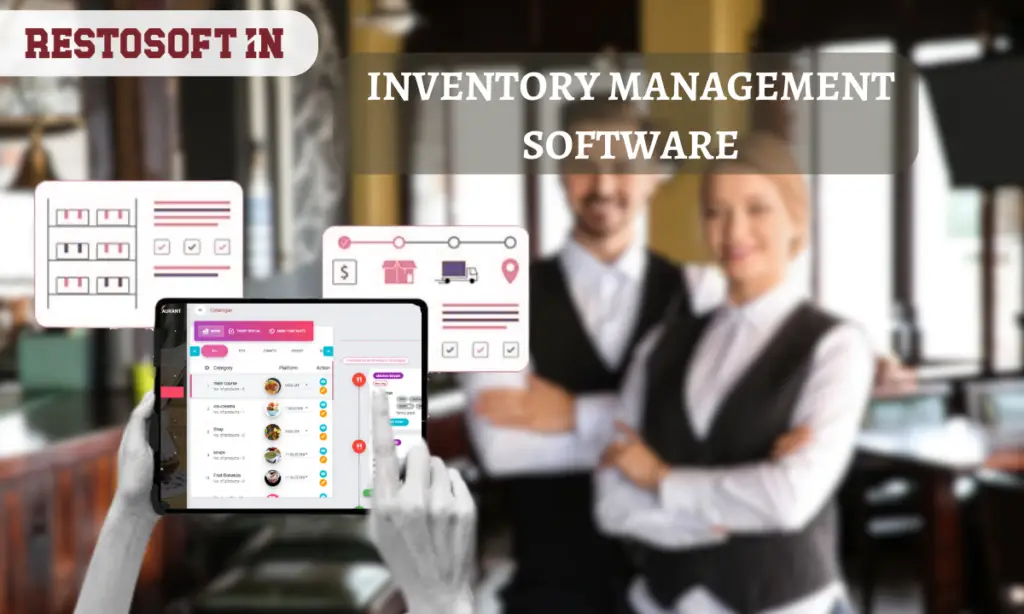
Inventory management helps restaurants monitor available stock, record purchases, track ingredient usage, and identify stock shortages. Accurate inventory information also supports purchasing decisions and reduces unnecessary wastage.
Sales and Financial Reporting
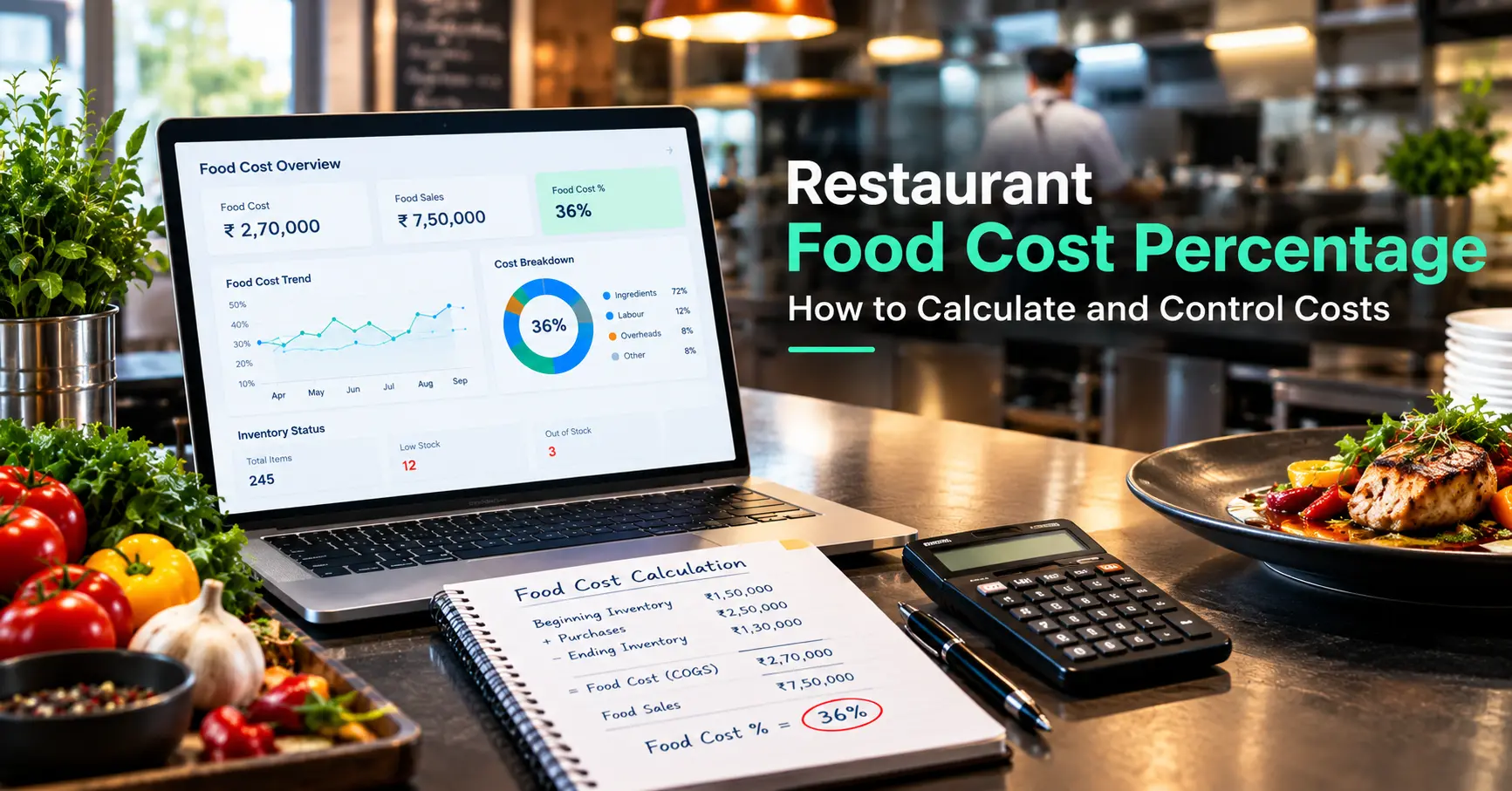
Restaurant owners need access to daily sales, payment summaries, expenses, and business performance reports. These reports help identify sales patterns and evaluate operational performance.
Staff and Operational Management
Managing employee activities, responsibilities, and daily operations becomes more challenging as a restaurant grows. Suitable software should support the operational controls required by the business.
2. Choose Software That Supports Complete Restaurant Operations
Selecting separate applications for every business activity can create disconnected information and additional administrative work.
Restaurant owners should evaluate whether their chosen software can support major operational requirements through a connected system.
Important capabilities include:
- Order and billing management.
- POS operations and payment tracking.
- Inventory and purchase management.
- Menu and order management.
- Sales and business reporting.
- Employee permissions and operational controls.
- Multiple outlet management.
- Third-party platform integrations.
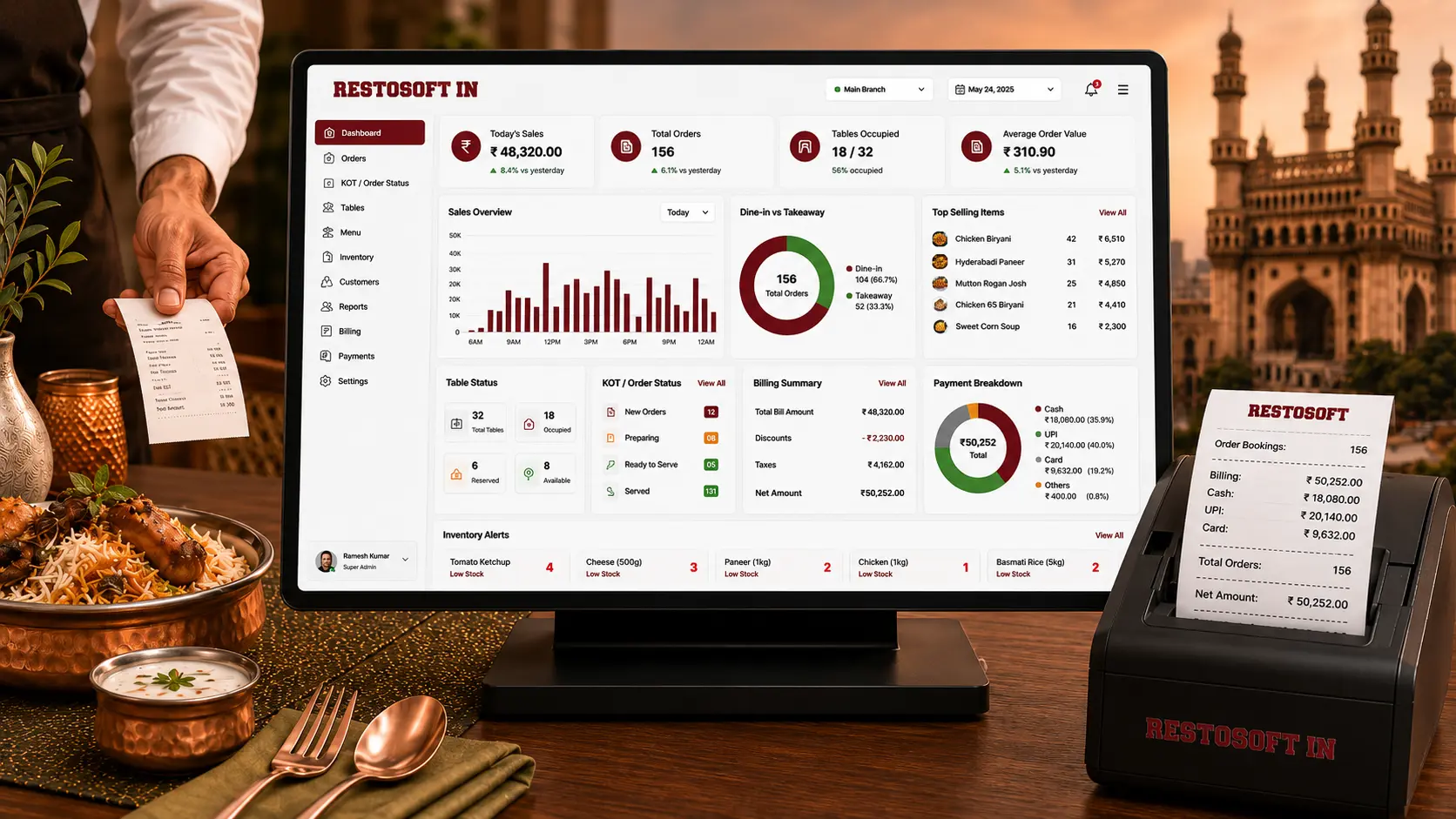
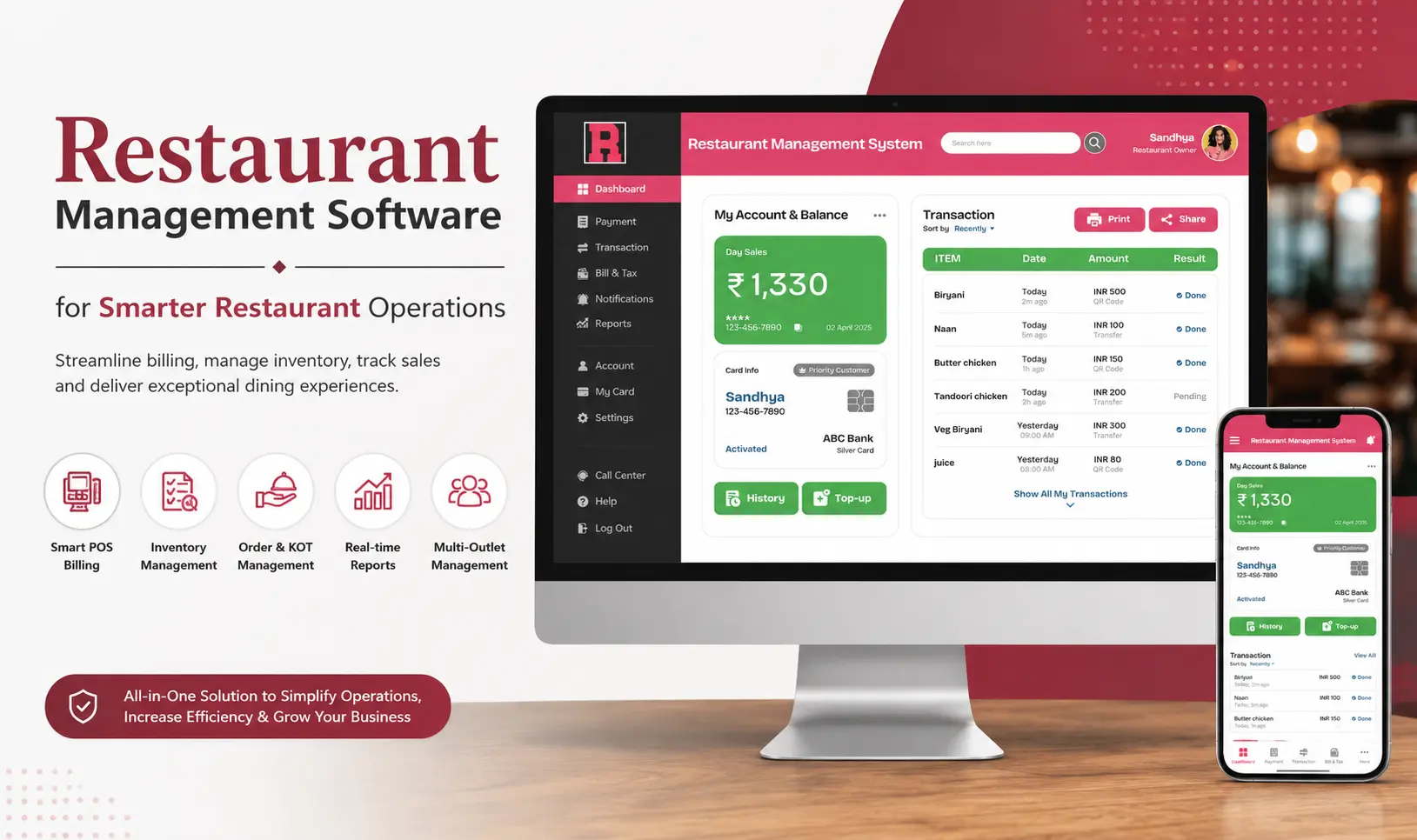
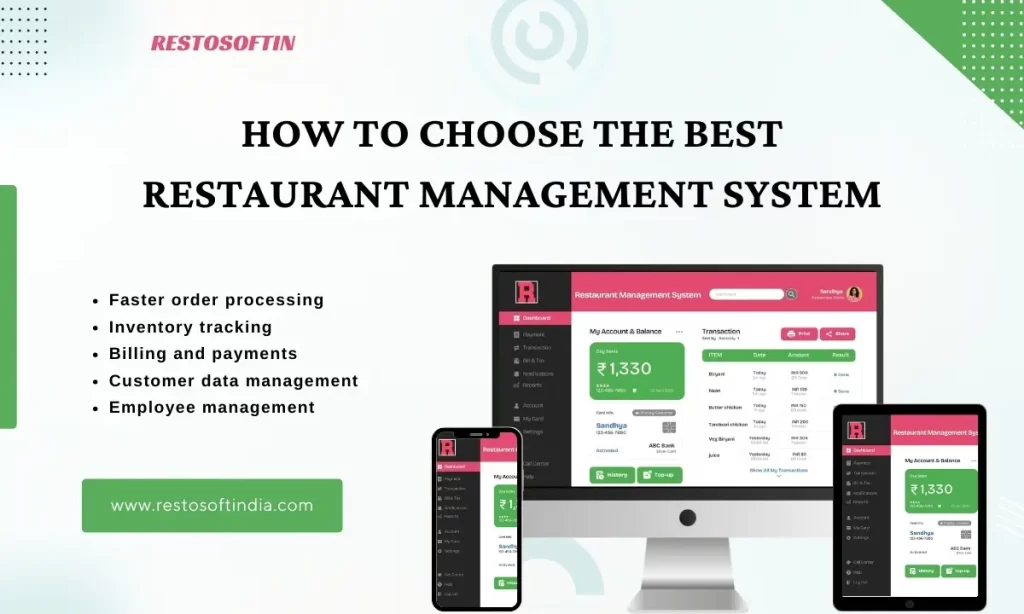
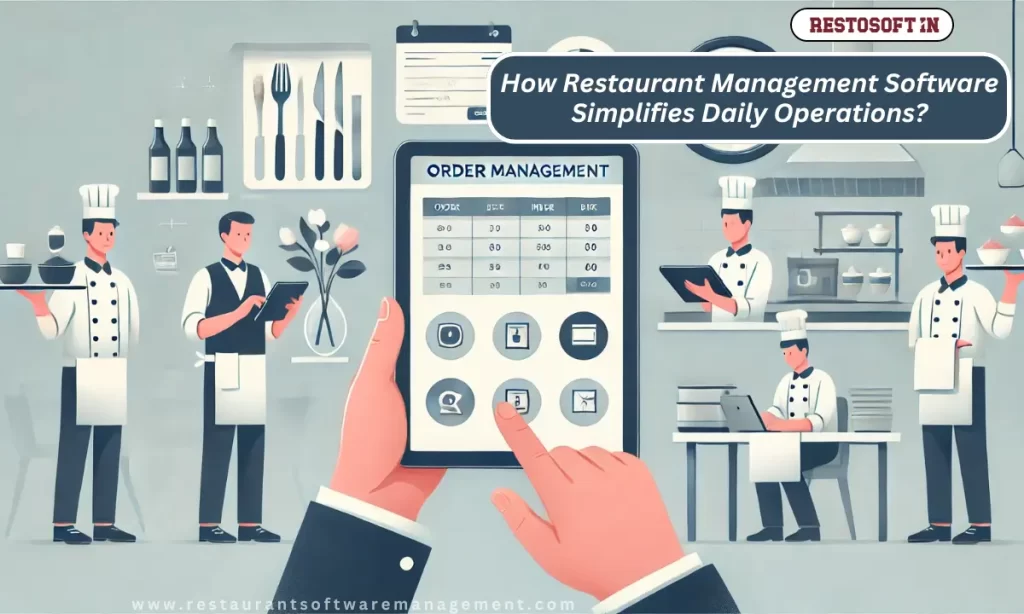
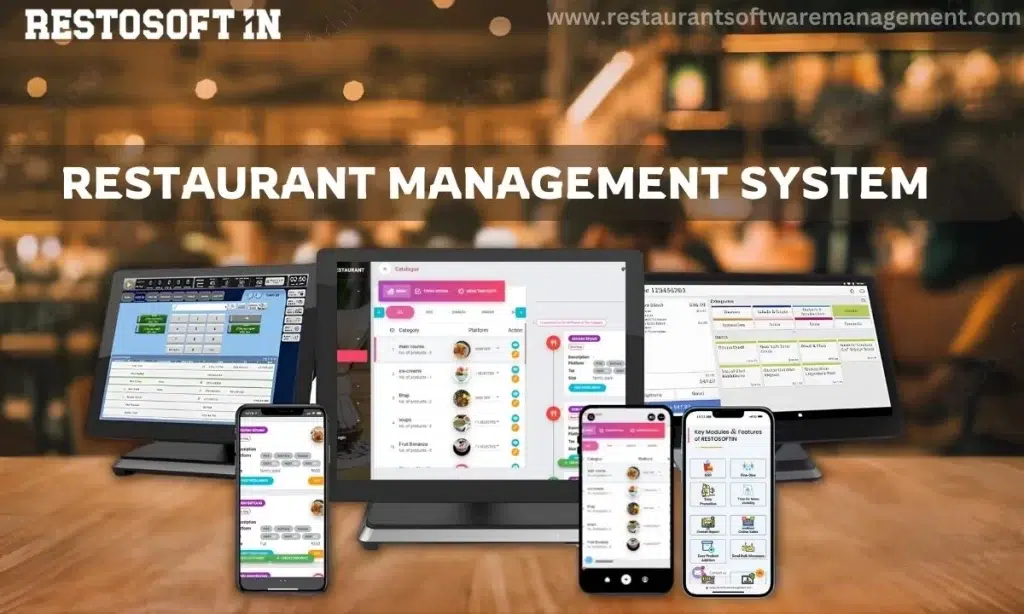
Restaurant management software brings essential business activities into a coordinated operational environment. This helps restaurant owners monitor different functions without depending entirely on separate records and manual reports.
3. Understand the Difference Between Restaurant Billing Software, POS Software, and Management Software
These software solutions support different aspects of restaurant operations. Understanding their roles helps businesses select the right system.
Restaurant Billing Software
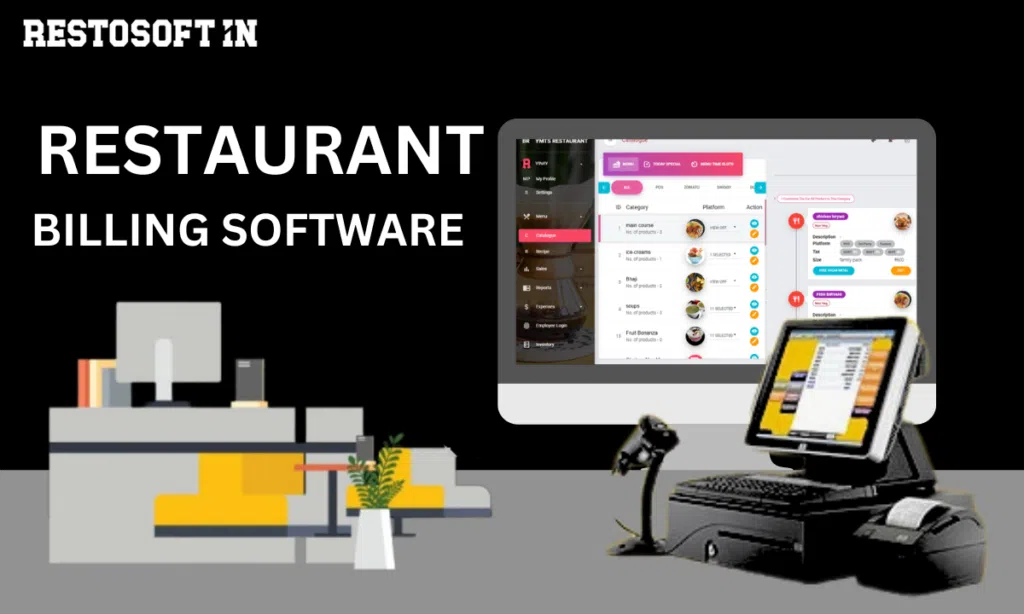
Restaurant billing software focuses on generating bills, processing orders, recording payments, and maintaining transaction records. It supports the financial side of daily restaurant operations.
Restaurant POS Software
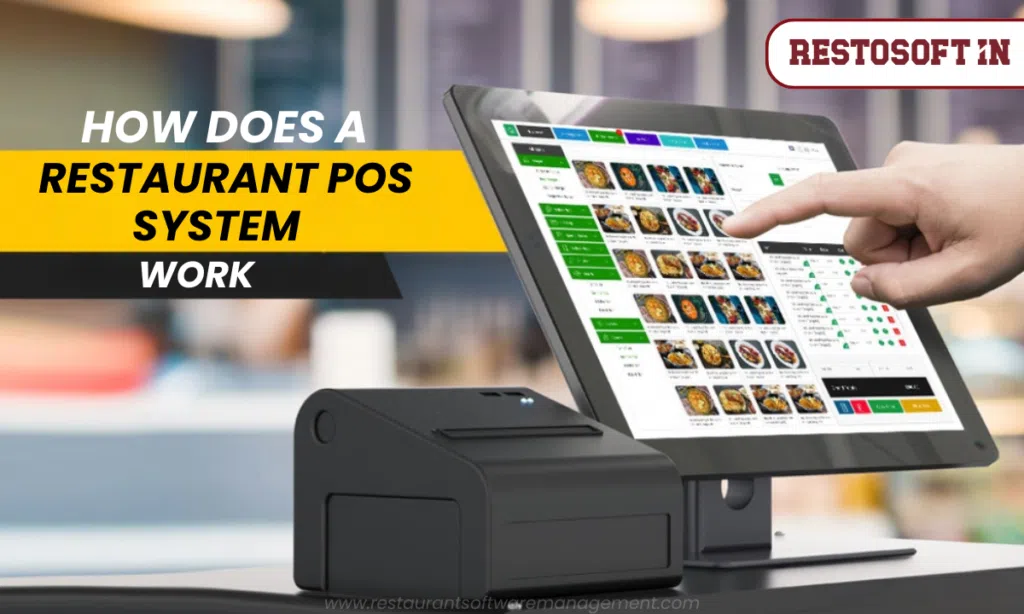
Restaurant POS software supports point-of-sale activities, including order entry, payment processing, sales recording, and coordination of billing operations.
Restaurant Management Software
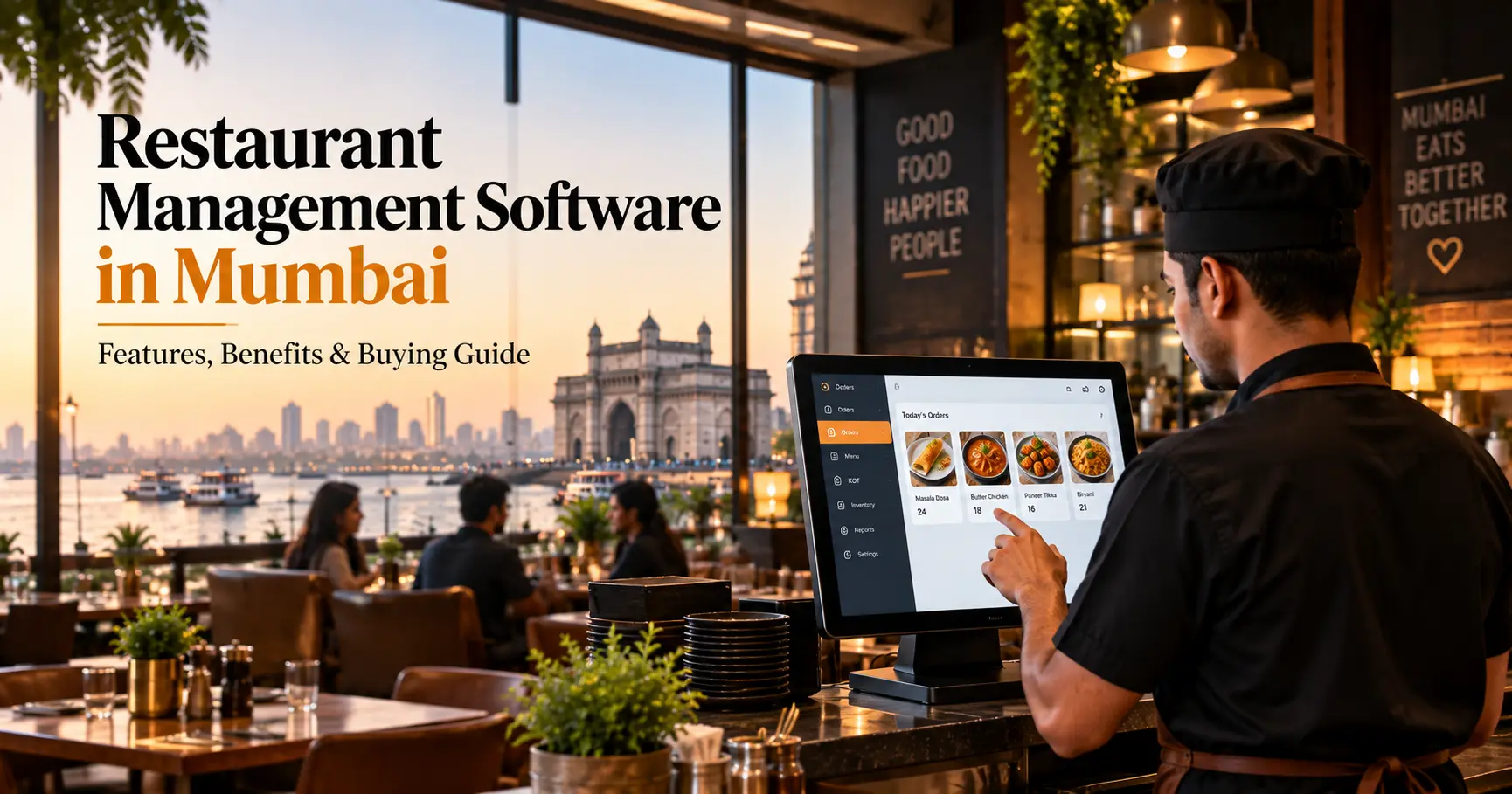
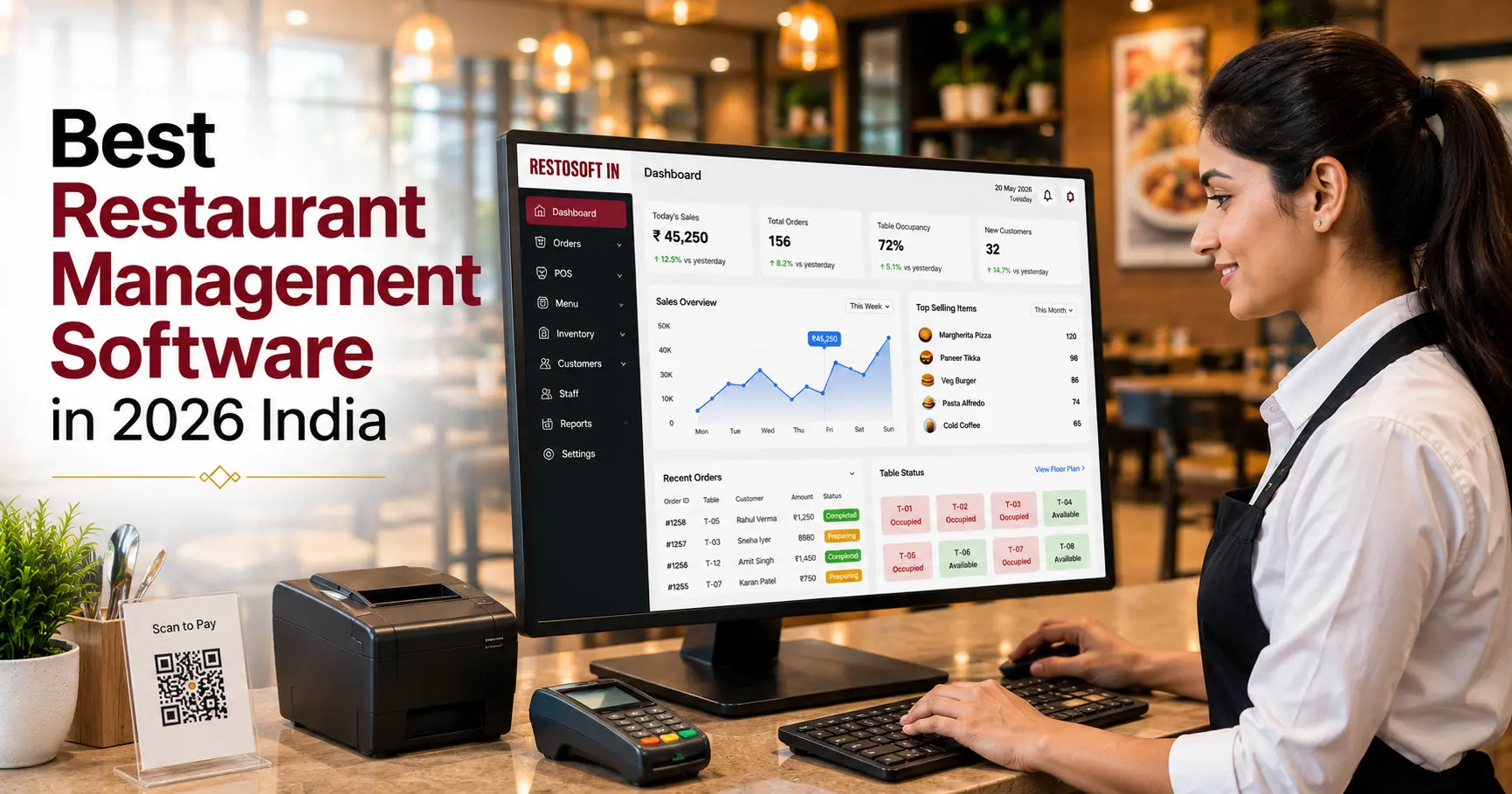
Restaurant management software covers broader operational requirements, which may include billing, POS, inventory, purchasing, menu management, and business reporting.
For restaurants looking to coordinate multiple operational functions, a comprehensive management system may be more suitable than relying on billing software alone.
4. Plan Your Restaurant Technology Budget
Restaurant Technology budgeting involves estimating the total investment required to purchase, implement, operate, and maintain restaurant software.
Instead of considering only the initial purchase price, restaurant owners should evaluate the complete cost of ownership.
The following expenses should be considered:
| Budget Component | What to Consider |
| Software Cost | Initial purchase or subscription charges |
| Hardware | Computers, POS terminals, printers, and other devices |
| Implementation | Installation, configuration, and setup |
| Training | Employee training and onboarding |
| Maintenance | Technical support and system maintenance |
| Upgrades | Future software updates and additional requirements |
| Integrations | Payment systems and other required connections |
A detailed budget helps businesses understand their technology investment and avoid unexpected expenses.
5. Evaluate Software Costs Based on Business Requirements
The lowest-priced software may not always provide the capabilities a restaurant needs.
Before finalizing a solution, compare software options based on their features, operational suitability, support, and scalability.
Restaurant owners should evaluate:
- Number of billing counters and outlets.
- Required reports and business analytics.
- Inventory and purchasing requirements.
- Number of employees using the system.
- Technical support availability.
- Additional customization requirements.
- Future expansion possibilities.
For example, a restaurant operating five branches may require centralized reporting and branch-wise performance monitoring. Selecting software that supports these requirements from the beginning can reduce the need for separate systems later.
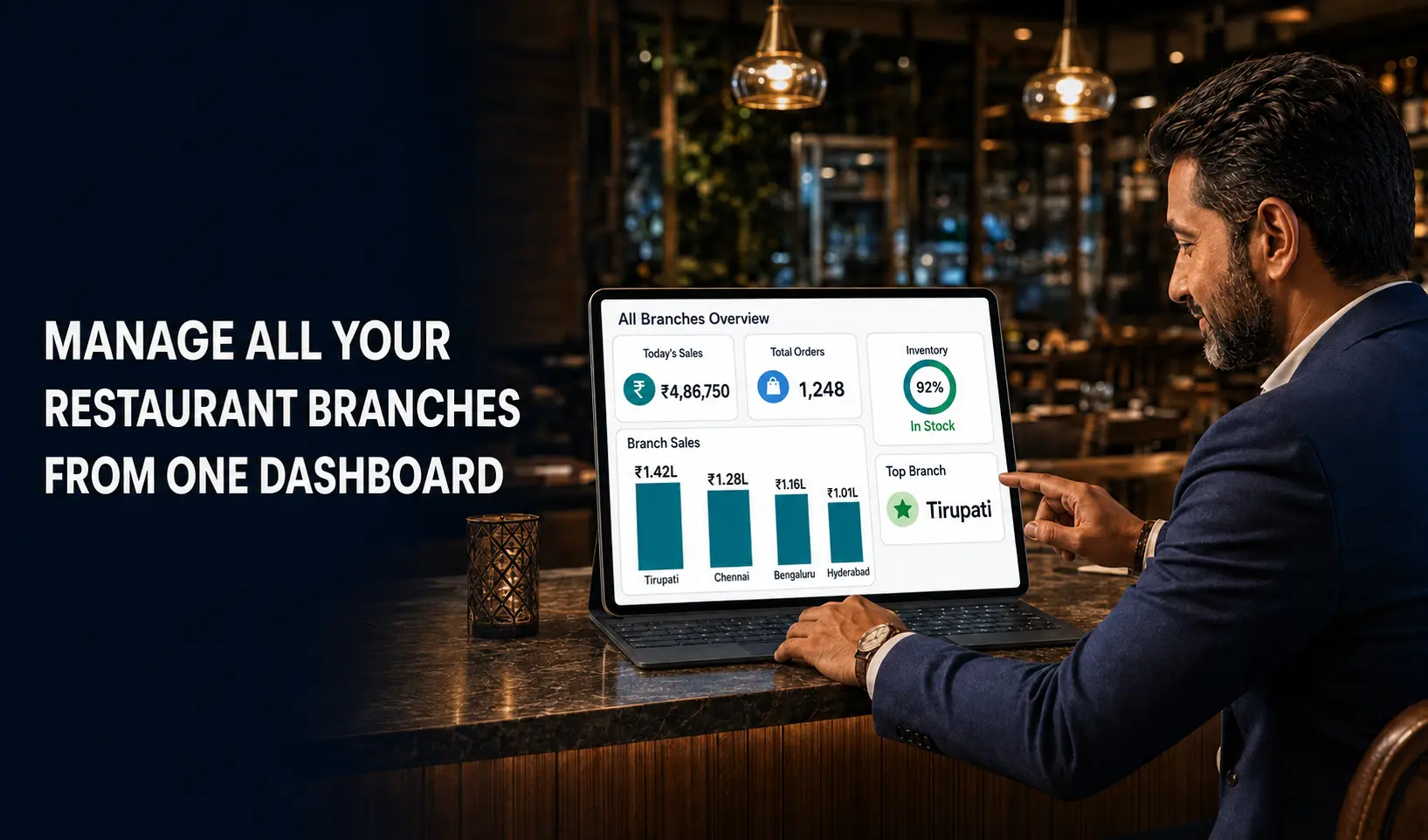
6. Prepare for Multi-Location Restaurant Management
Managing multiple restaurant outlets introduces additional operational requirements. Each branch may have different sales volumes, inventory requirements, staffing needs, and purchasing activities.
A suitable restaurant management system should help business owners monitor branch-level operations and access consolidated business information.
Important considerations include:
- Branch-wise sales monitoring.
- Outlet-level inventory tracking.
- Centralized business reporting.
- Consistent billing processes.
- Purchase and stock visibility.
- Access to operational information across locations.
Centralized reporting helps management compare outlet performance and identify areas that require attention.
7. Consider Integration, Security, and Future Scalability
Restaurant technology should support current operations while allowing room for future business requirements.
Before selecting software, evaluate its compatibility with existing systems and its ability to support additional operational needs.
Integration Requirements
Check whether the software supports necessary connections with payment systems, accounting tools, online ordering platforms, and other business applications.
Data Security
Restaurant systems handle important business information, including sales transactions, payment records, employee details, and customer information. Review access controls, data protection measures, backup options, and security practices.
Scalability
As restaurant businesses expand, their software requirements may change. Select a system that can accommodate additional outlets, users, reports, and operational requirements without creating unnecessary complexity.
8. Create a Practical Restaurant Technology Implementation Plan
After identifying the requirements and preparing the budget, restaurant owners should establish an implementation plan.
A step-by-step approach helps businesses introduce new technology without unnecessarily disrupting daily operations.
- Assess current operations: Identify billing, inventory, reporting, and management challenges.
- Define software requirements: List the features needed for present and future operations.
- Compare available solutions: Evaluate features, costs, support, and compatibility.
- Prepare the budget: Include software, hardware, implementation, training, and maintenance expenses.
- Plan implementation: Configure the system and prepare operational data.
- Train employees: Ensure staff members understand the new processes.
- Monitor performance: Evaluate system usage and identify areas for improvement.
Following this approach helps restaurants make informed technology decisions and establish more organized operations.
Why Choose Restosoft for Restaurant Management?
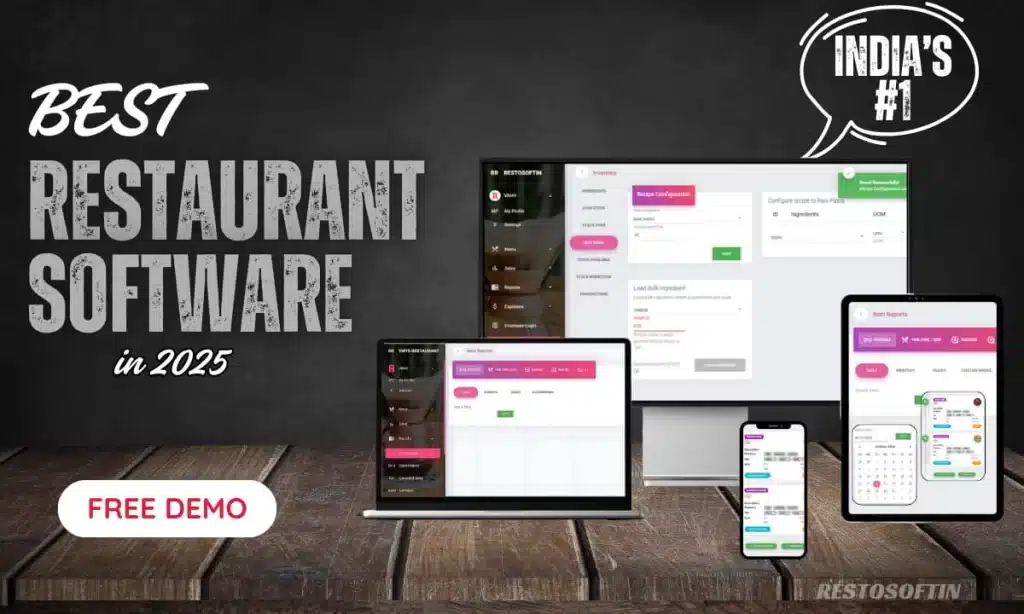
Choosing the right technology partner is just as important as selecting the right software. Restosoft provides an integrated restaurant management solution designed to support different restaurant operations through a connected platform.
Explore Restosoft Restaurant Management Software to understand its features and capabilities.
Plan Your Restaurant Technology with Restosoft
Planning your technology investment is essential for building organized and scalable restaurant operations. Choose Restosoft Restaurant Management Software to bring billing, POS, inventory, order management, and business reporting together in one platform. Whether you operate a cafe, QSR, fine-dining restaurant, or multiple outlets, Restosoft helps you coordinate daily operations with greater visibility. Take control of your restaurant operations and prepare your business for growth. Visit Restosoft and request a free demo today!