Running a restaurant involves constant menu changes. Ingredient costs fluctuate, new dishes are introduced, certain items become unavailable, and special offers need to be updated. When these changes are handled manually, keeping menu information accurate across billing counters, kitchen operations, and online ordering channels can become difficult.
Restaurant menu management software helps restaurants maintain accurate prices, organize menu items, and update menu information more efficiently. By connecting menu changes with daily restaurant operations, businesses can reduce manual errors, improve billing consistency, and provide customers with a more reliable ordering experience.
In this article, we will explore how restaurants can manage menu changes effectively, avoid common mistakes, and use menu management software to improve operational efficiency.
Accurate menu management also depends on effective inventory control. Read our guide on restaurant inventory management to reduce food waste and stock loss to understand how tracking ingredients, stock levels, and wastage can help restaurants control food costs and maintain better inventory accuracy.
What Happens When Restaurant Menus Are Not Updated Properly?
Even a small menu error can affect several parts of a restaurant's operations. An outdated price may create a billing dispute, while an unavailable dish can interrupt order processing and disappoint customers.
Here are some common problems restaurants face when menu updates are not handled properly.
1. Outdated Prices Create Billing Confusion
Food prices often change because of ingredient costs, supplier rates, portion sizes, or business decisions. If the menu price is updated in one place but not in the billing system, customers may receive bills with incorrect amounts.
For example, a restaurant may increase the price of a pasta dish from $12 to $14. If the printed menu displays the new price but the POS system still uses the old price, staff may need to correct bills manually or explain the difference to customers.
Maintaining consistent pricing across the relevant systems helps prevent such situations.
2. Unavailable Items Continue Appearing on Menus
Restaurants may run out of ingredients or temporarily stop serving certain dishes. If the item remains available on the menu, staff may accept orders that the kitchen cannot fulfill.
This can lead to order cancellations, delays, and customer dissatisfaction.
Updating item availability promptly helps front-of-house staff and customers understand which dishes can currently be ordered.
3. Menu Changes Take Too Much Time
Adding a new dish, modifying a description, or changing a price may require updates across several systems. When employees have to repeat the same task in different places, the process becomes time-consuming.
A centralized menu management process can reduce repetitive work and help staff maintain more consistent information.
4. Different Outlets Display Different Information
Restaurant chains and businesses with multiple branches may offer similar menus across locations. However, individual branches can end up displaying different prices, item names, or promotional offers if updates are not coordinated.
A structured menu management system helps businesses maintain consistent information while allowing approved differences between outlets where required.
How Should Restaurants Manage Menu Changes Efficiently?
An effective menu management process starts with clear rules for making and approving changes.
Review ingredient costs and pricing regularly. Restaurant managers should review supplier costs, portion sizes, and pricing decisions before changing menu prices.
Keep menu information organized. Maintain clear item names, categories, descriptions, prices, and available customizations.
Update unavailable items promptly. When a dish cannot be prepared, update its availability in the relevant ordering and billing systems.
Coordinate changes with the kitchen and service teams. Staff should know when new dishes, prices, or preparation instructions take effect.
Verify changes before service begins. Check the updated menu and test the relevant POS entries to catch errors before customers place orders.
Following these steps helps restaurants introduce changes in a controlled manner rather than correcting mistakes during busy service hours.
How Menu Management Software Helps Control Prices, Items and Updates
1. Maintain Consistent Menu Pricing
Restaurant menu management software can provide a centralized way to update item prices and maintain consistent pricing information across supported systems.
When prices change, authorized employees can update the relevant menu entries without manually revising every record separately, depending on the software's capabilities.
This is particularly useful for restaurants with frequently changing menus, seasonal pricing, or multiple billing counters.
Business impact: More consistent pricing, fewer manual corrections, and clearer billing for customers.
2. Add, Edit and Remove Menu Items Easily
Restaurant menus change as businesses introduce new dishes, revise recipes, or discontinue less popular items.
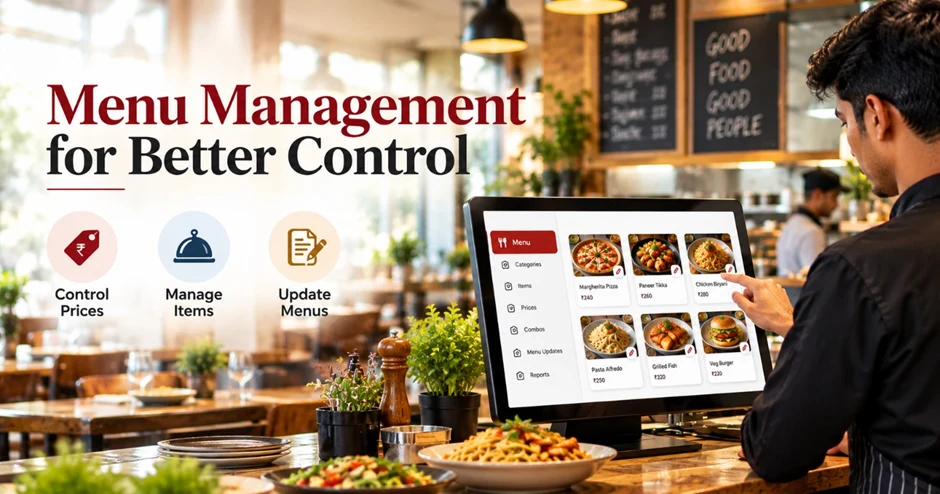
A digital menu management system allows staff to maintain item information, including names, descriptions, categories, and prices, from an organized interface.
For example, a café introducing a new cold coffee can add the item to the appropriate beverage category, enter its price, and configure any supported options before making it available for ordering.
Similarly, discontinued dishes can be removed or marked unavailable according to the restaurant's requirements.
Business impact: Faster menu changes and more organized item information.
3. Control Item Availability During Daily Operations
Item availability can change throughout the day. A popular dish may sell out before the end of service, or an ingredient shortage may prevent the kitchen from preparing a particular item.
Menu management software with availability controls helps staff update item status so that unavailable dishes are not unnecessarily offered through supported ordering channels.
This is especially useful during peak hours, when staff need to communicate changes quickly.
Business impact: Fewer orders for unavailable dishes and less confusion between customers, service staff, and kitchen teams.
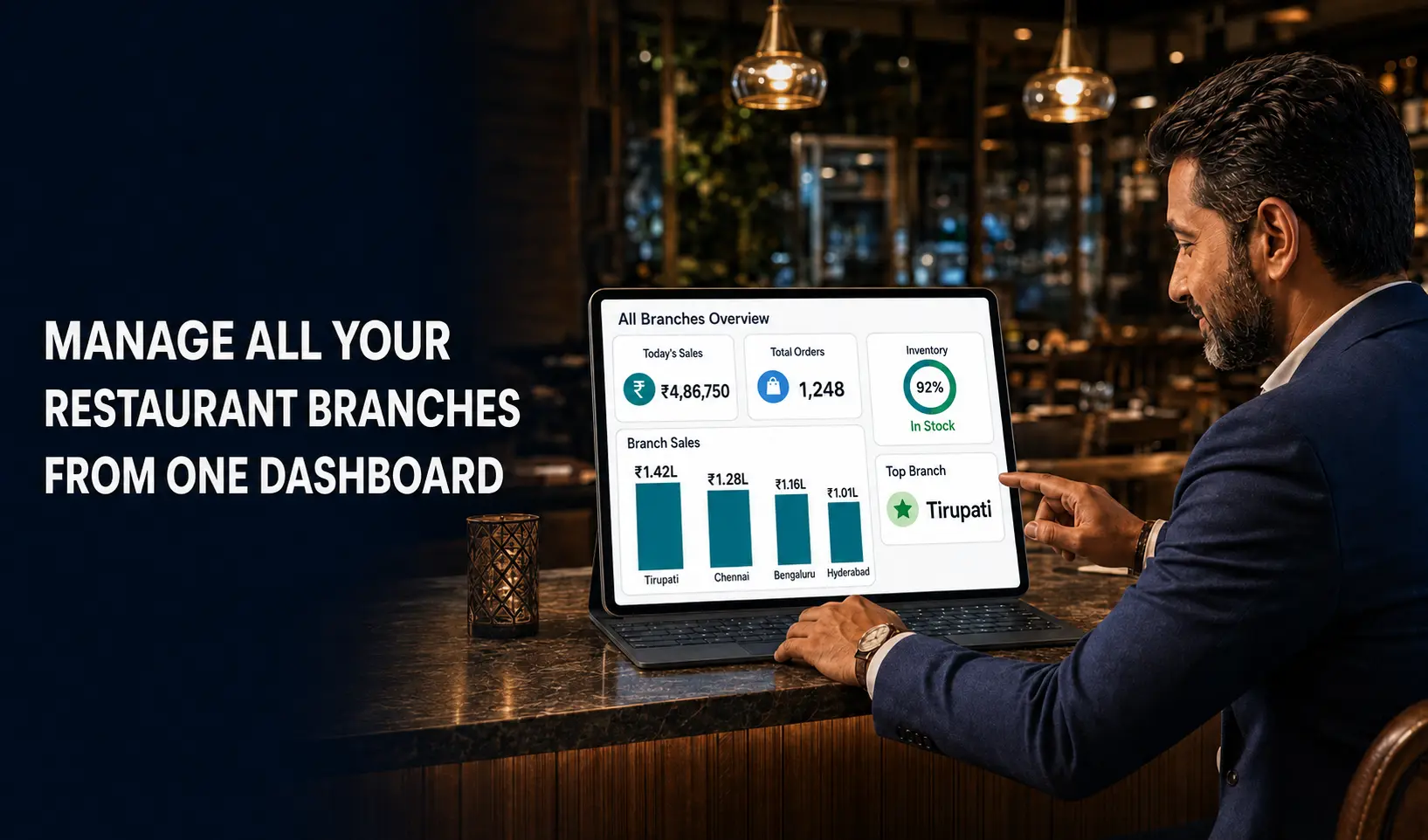
4. Keep Menu Information Consistent Across Restaurant Outlets
Managing menus across multiple branches requires coordination. Restaurants may need common item names and descriptions while maintaining different prices or availability based on local requirements.
Multi-outlet menu management features can help authorized teams maintain common menu information and apply approved changes to selected branches.
Before making changes, restaurant managers should confirm which updates apply to all outlets and which are location-specific.
Business impact: Better coordination and more consistent menu information across branches.
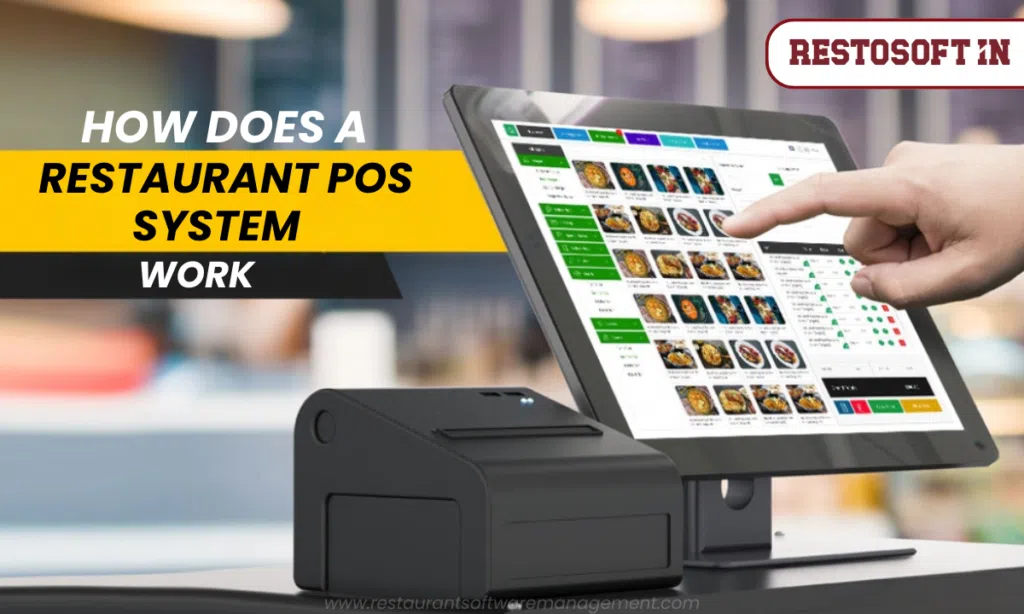
5. Connect Menu Changes with POS Billing
A restaurant menu is directly connected to its billing process. Item prices, customizations, taxes, and other applicable charges need to be configured correctly for bills to reflect the intended order.
When menu management is integrated with a restaurant POS system, changes to supported menu fields can flow into the relevant billing workflow.
For example, if a restaurant updates the price of a sandwich, staff should verify that the POS system applies the correct price when the item is selected.
Restaurants should also test modifiers, add-ons, and applicable tax settings whenever related menu configurations change.
Business impact: More consistent billing and fewer errors caused by outdated menu entries.
6. Coordinate Menu Updates Across Ordering Channels
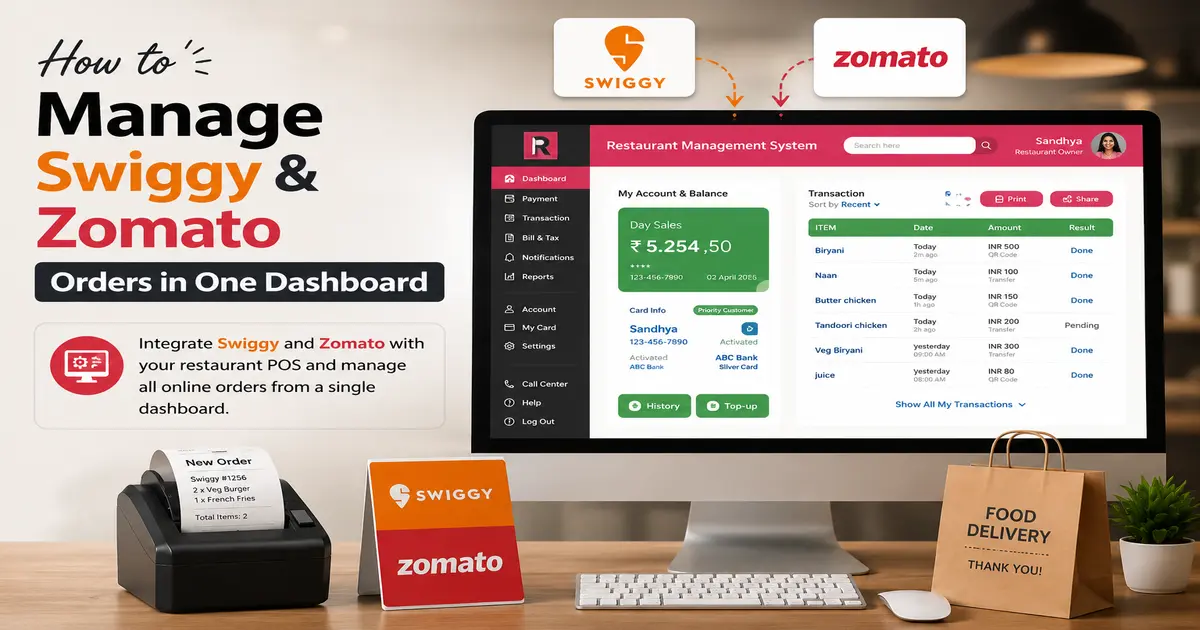
Many restaurants serve customers through dine-in, takeaway, their own websites, and third-party delivery platforms.
Maintaining separate menus for every channel can create inconsistencies. A dish may be unavailable in the restaurant but still appear as orderable on a connected online menu.
Software with the required integrations can help synchronize supported menu information across connected channels. However, integration availability and update timing depend on the platform and configuration.
Business impact: More consistent menu information wherever customers place their orders.
7. Manage Seasonal Menus and Special Offers
Restaurants often introduce limited-time dishes, festival menus, combo meals, and promotional prices to respond to customer demand.
Menu management software can help staff organize these changes and maintain the relevant item details. Where scheduling and promotional features are available, restaurants may also configure offers for specific periods.
For example, a restaurant running a weekend breakfast offer can prepare the relevant menu entries, verify the prices, and communicate the offer to staff before the promotion begins.
Business impact: Better control over temporary menu changes and fewer outdated offers.
How Menu Changes Affect Restaurant Billing and Customer Experience
Menu management is not just an administrative task. It affects how customers order, how staff process requests, and how the kitchen prepares food.
Consider a restaurant that changes the price of three dishes and introduces two new items before the weekend.
If the updates are not communicated properly, the cashier may use outdated prices, servers may be unaware of the new dishes, and the kitchen may receive orders for items it is not prepared to make.
A coordinated menu update helps prevent these problems.
Before a change goes live, restaurant managers should check:
- Whether the item name, description, and price are correct.
- Whether the item is available for the intended service period.
- Whether customizations and add-ons are configured correctly.
- Whether the POS system reflects the updated information.
- Whether connected online menus show the correct details.
- Whether kitchen and service teams have received the necessary instructions.
This simple review process can reduce avoidable mistakes and help deliver a more consistent customer experience.
What Should Restaurants Look for in Menu Management Software?
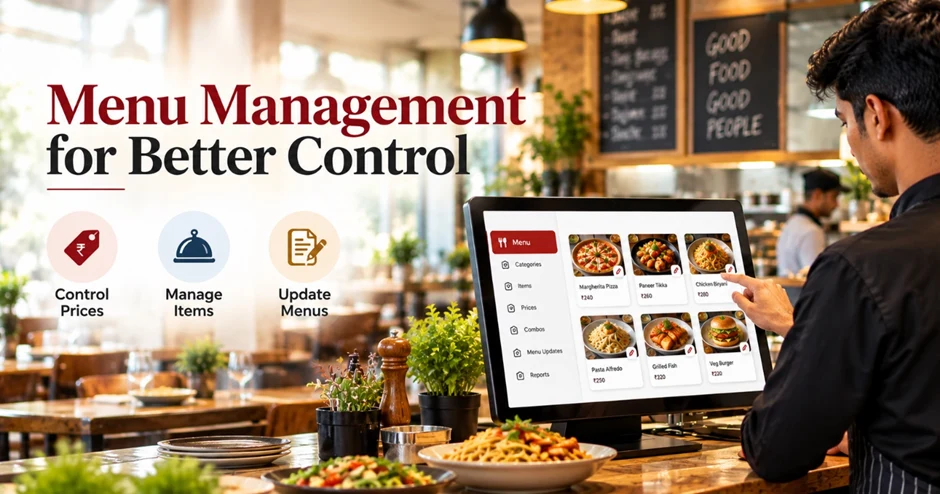
Before choosing restaurant menu management software, owners and managers should evaluate the features that match their daily requirements.
Centralized menu editing: Update item details and prices through an organized interface.
Item availability controls: Mark dishes as available or unavailable when required.
POS integration: Ensure that supported menu changes are reflected correctly in billing.
Category and customization management: Organize dishes, add-ons, portion options, and modifiers.
Multi-outlet support: Maintain common menu information while accommodating approved branch-level differences.
Online ordering integration: Check whether the software supports the ordering channels used by the restaurant.
Access permissions: Restrict sensitive changes, such as pricing updates, to authorized employees.
Reporting capabilities: Review available sales and item-performance reports to support menu decisions.
The right solution should fit the restaurant's operating model, existing systems, and plans for future growth.
How Restosoft Supports Restaurant Menu Management
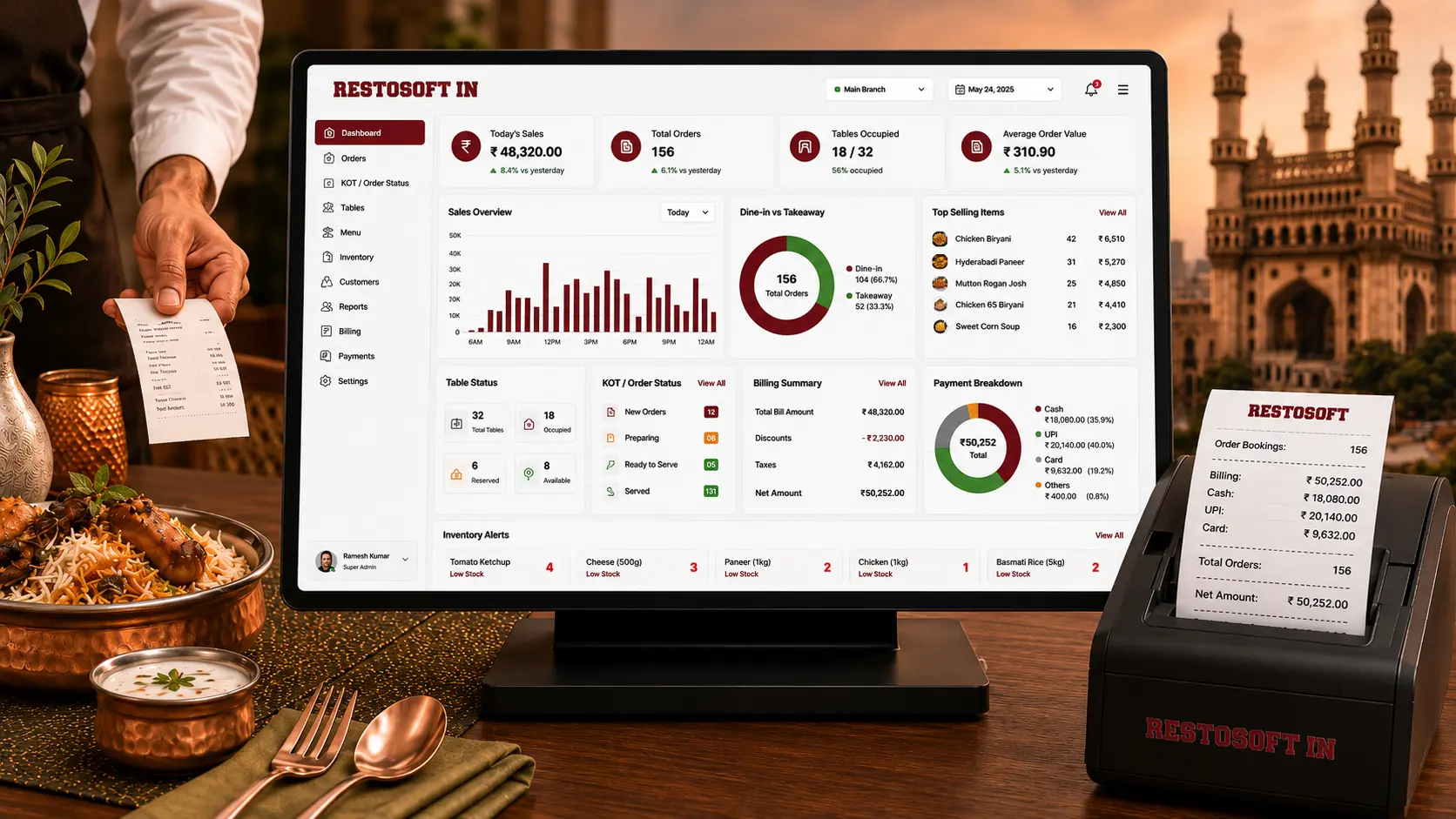
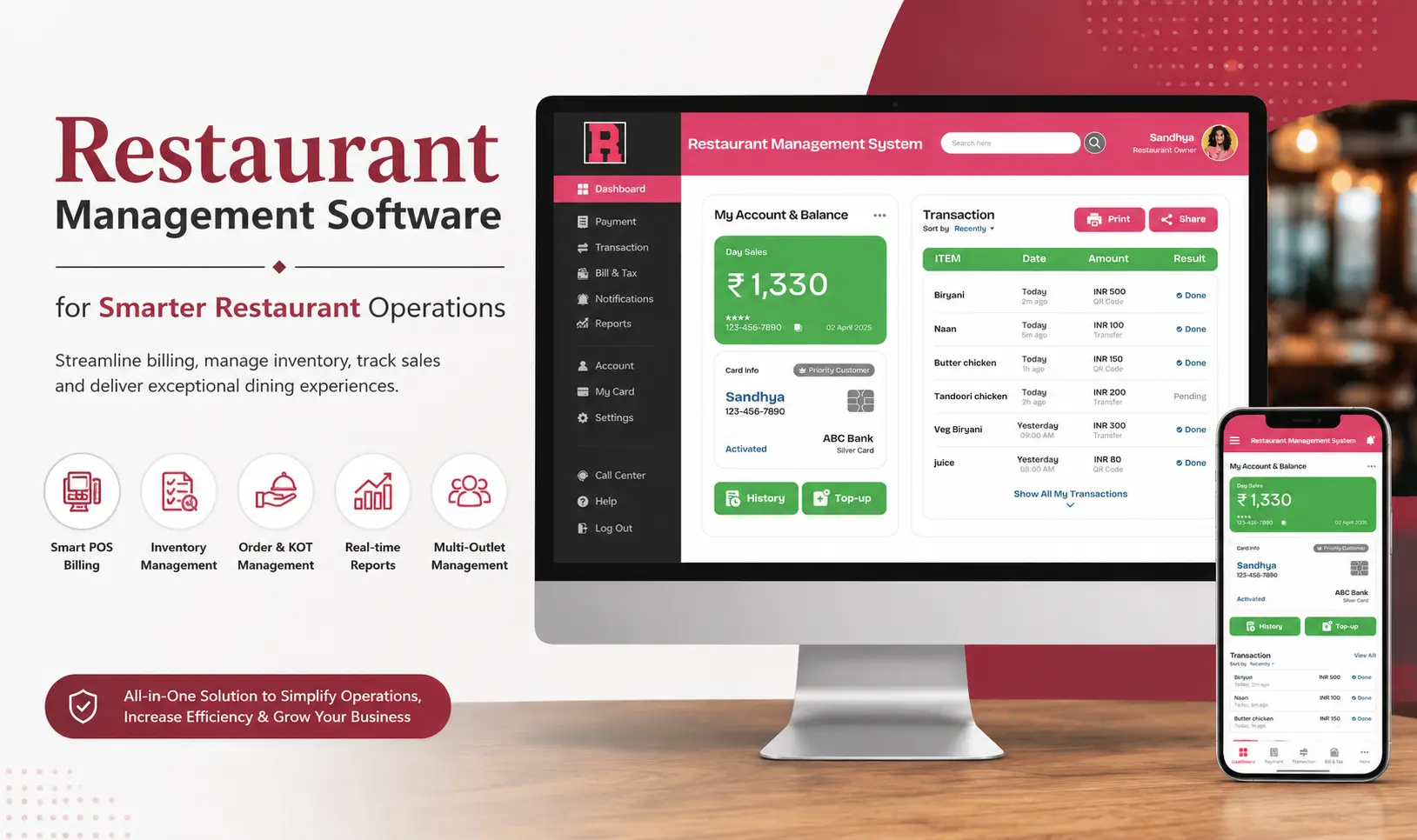
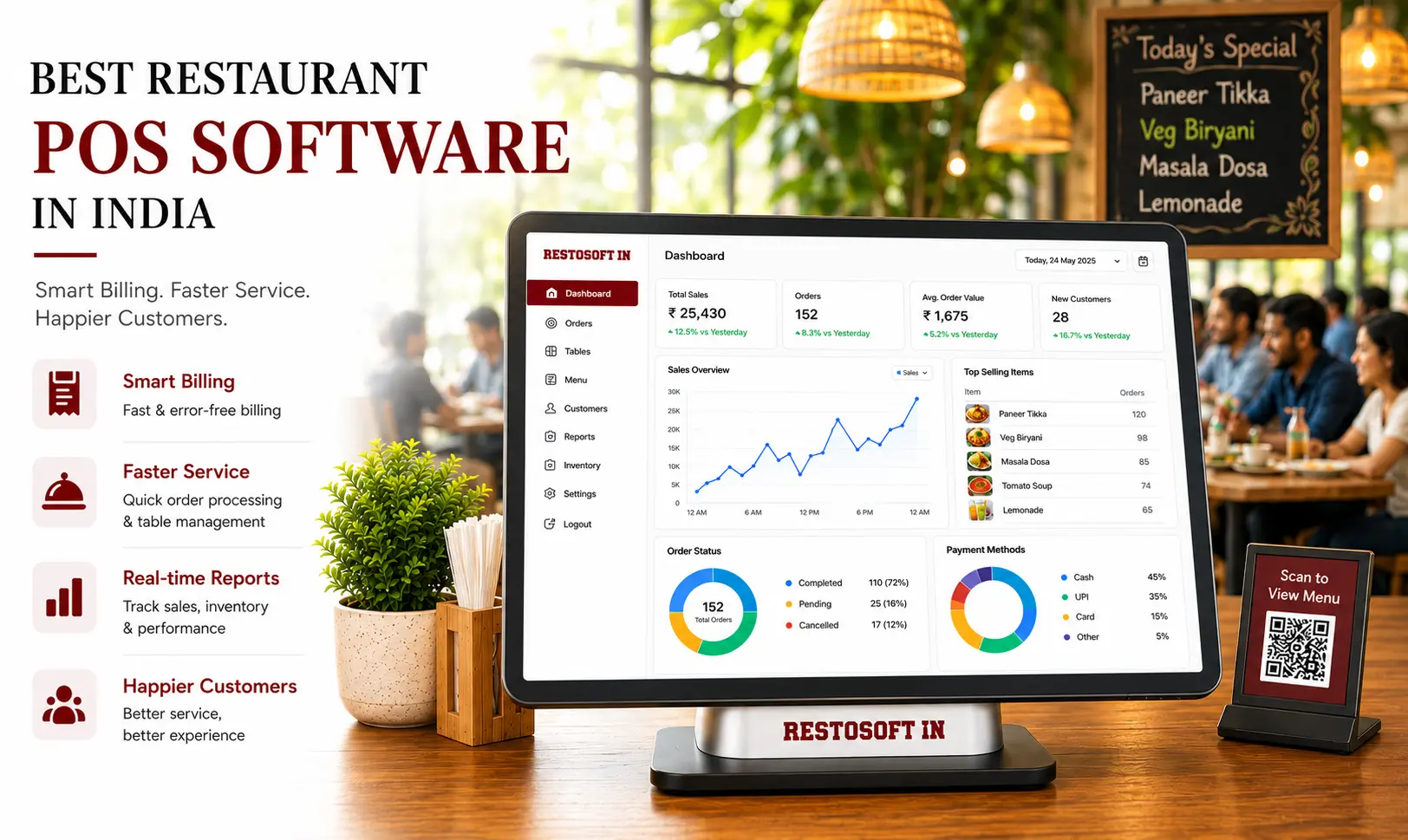
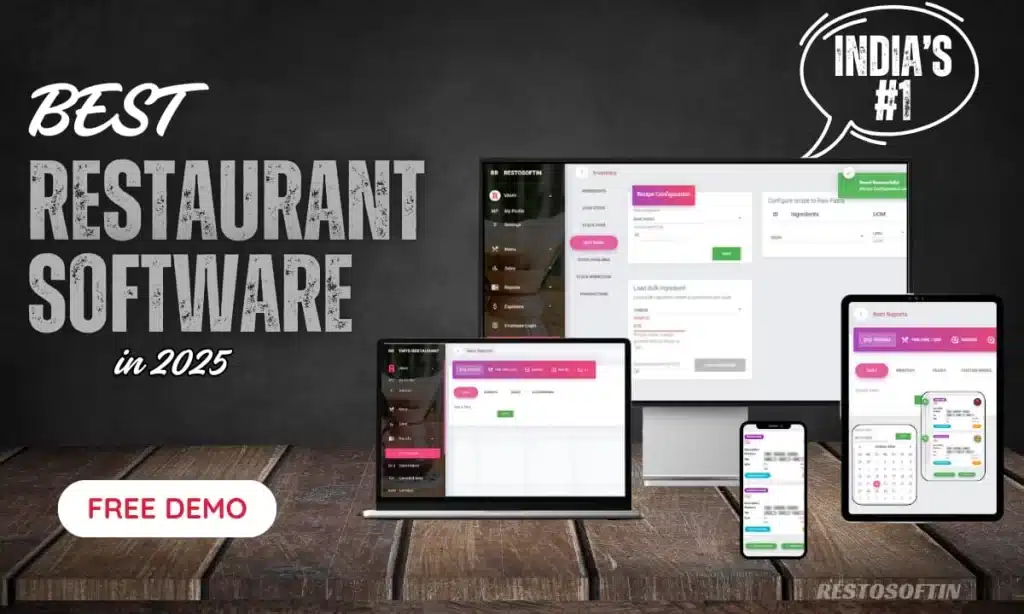
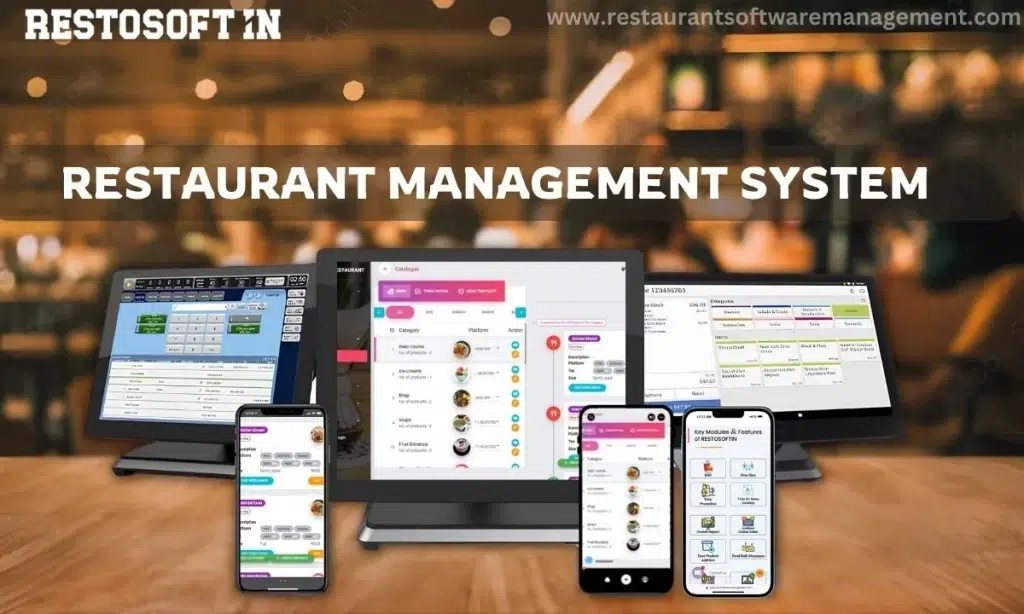
Restosoft provides restaurant software with menu management capabilities designed to help businesses organize menu items, update prices, and maintain menu information across supported operations.
Its menu management solution includes capabilities such as menu customization, item and price updates, and support for connected POS and online ordering workflows. The exact functions available depend on the software configuration and integrations used.
For restaurant owners, the objective is to reduce the effort involved in maintaining menu information while improving coordination between menu updates and everyday billing activities.
Explore the Restosoft Menu Management Software page to review the available features and assess whether they meet your restaurant's requirements.
Manage Your Restaurant Menu with Restosoft
Keep menu prices accurate, update items quickly, and control item availability with Restosoft restaurant menu management software. Improve menu consistency, reduce manual errors, and support smoother POS billing and daily restaurant operations.
Ready to simplify menu management? Request a Restosoft demo today!
Final Thoughts
Effective restaurant menu management helps maintain accurate pricing, prevent outdated menu information, and improve customer satisfaction. With Restosoft, restaurants can manage menu updates more efficiently and keep daily operations organized.