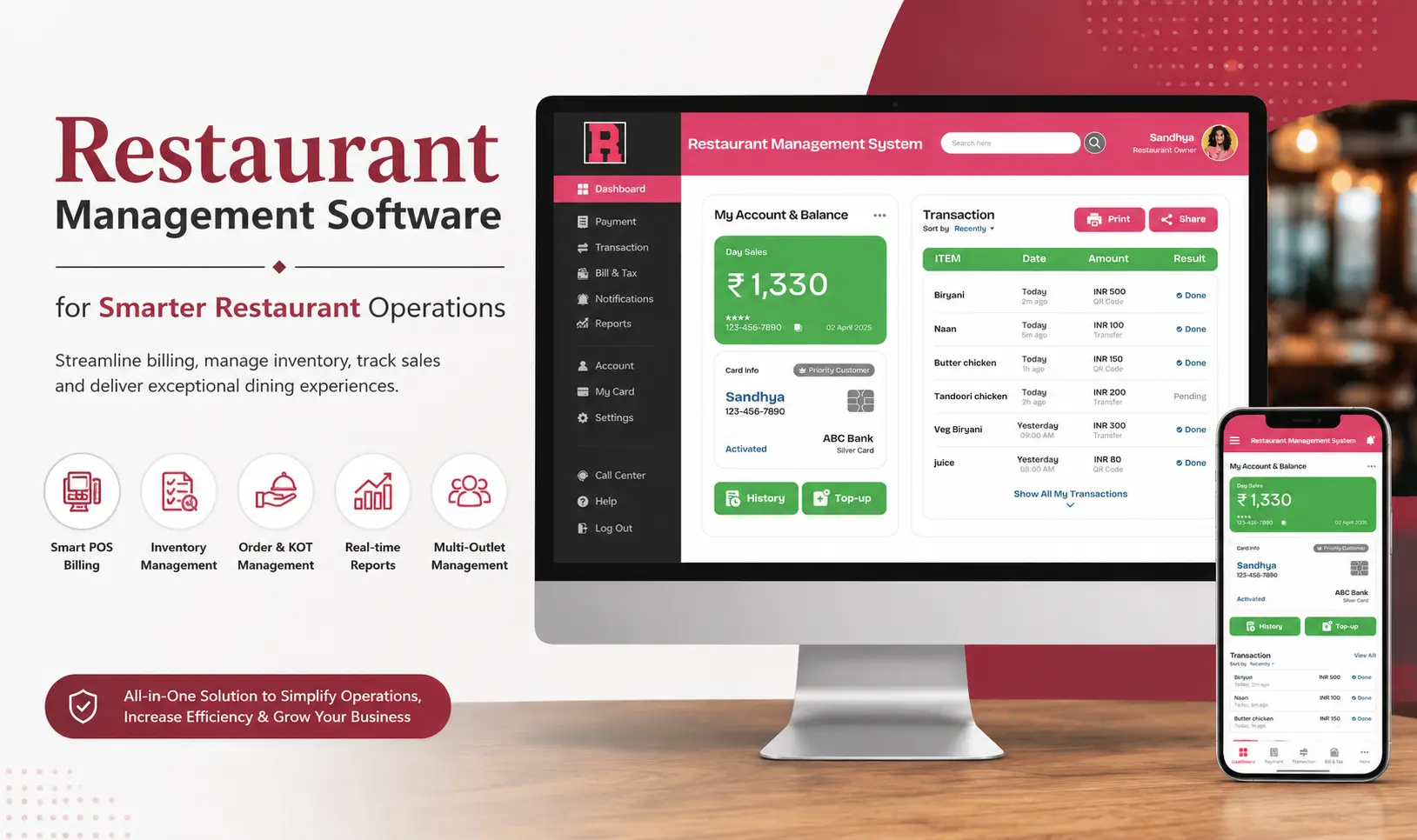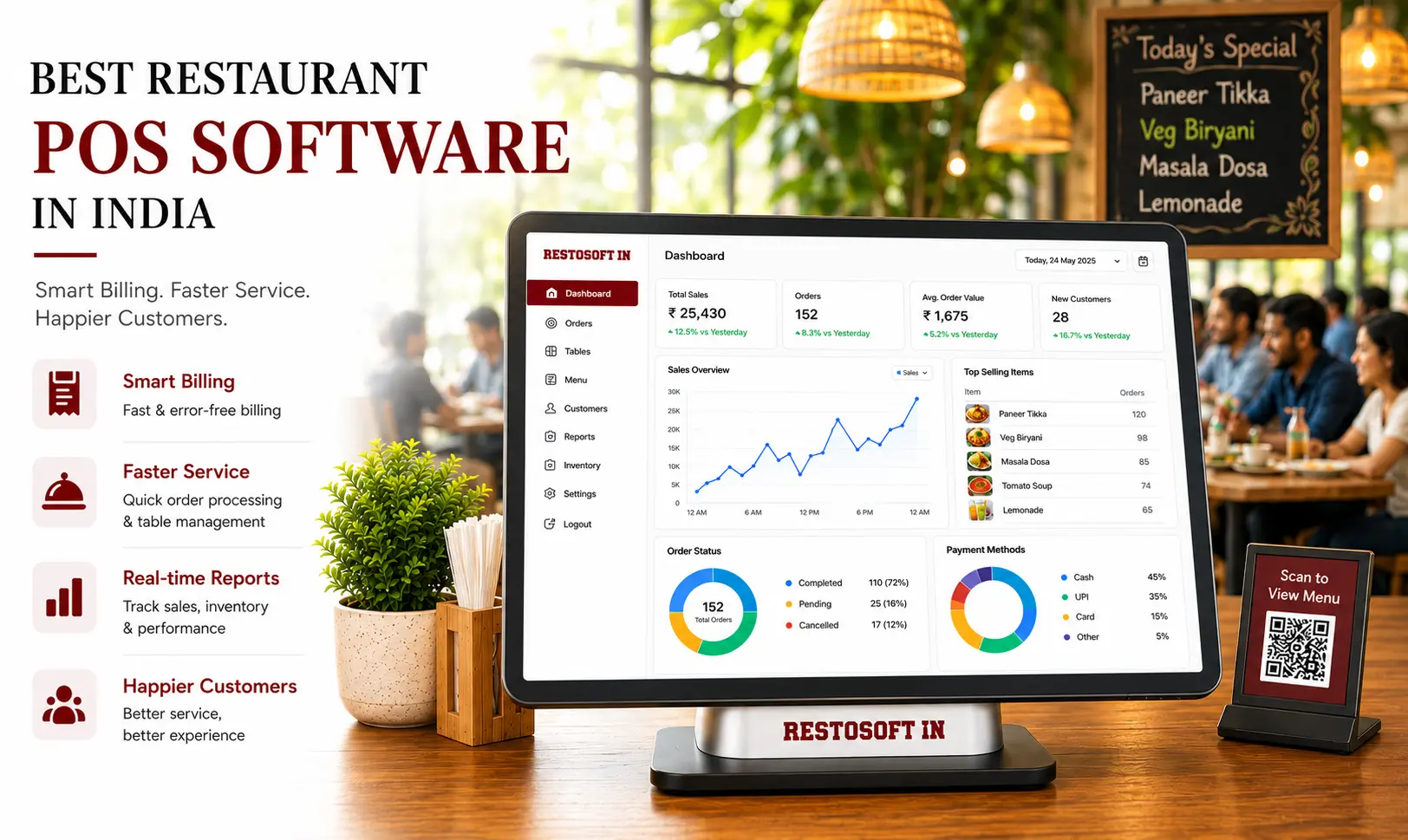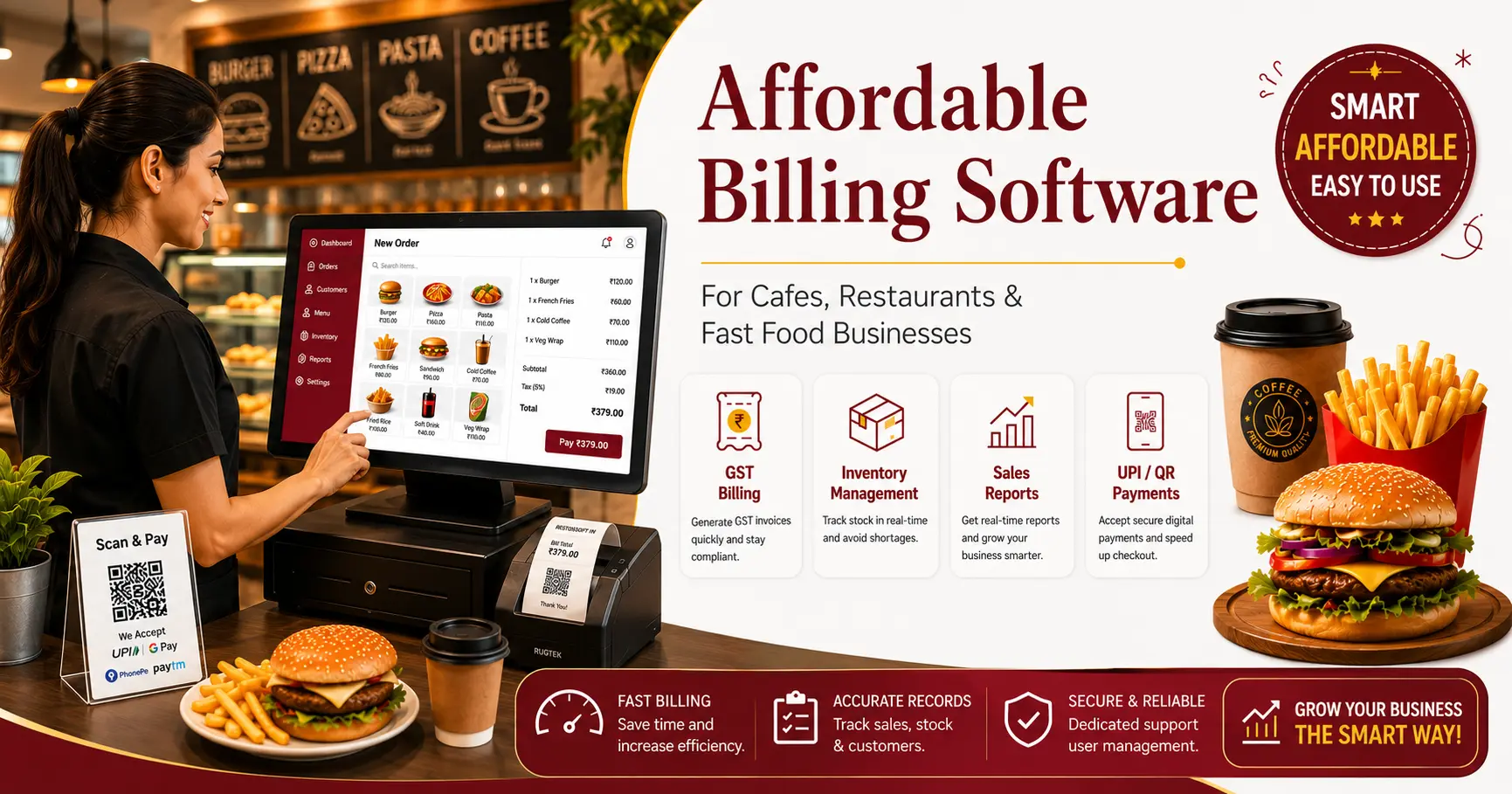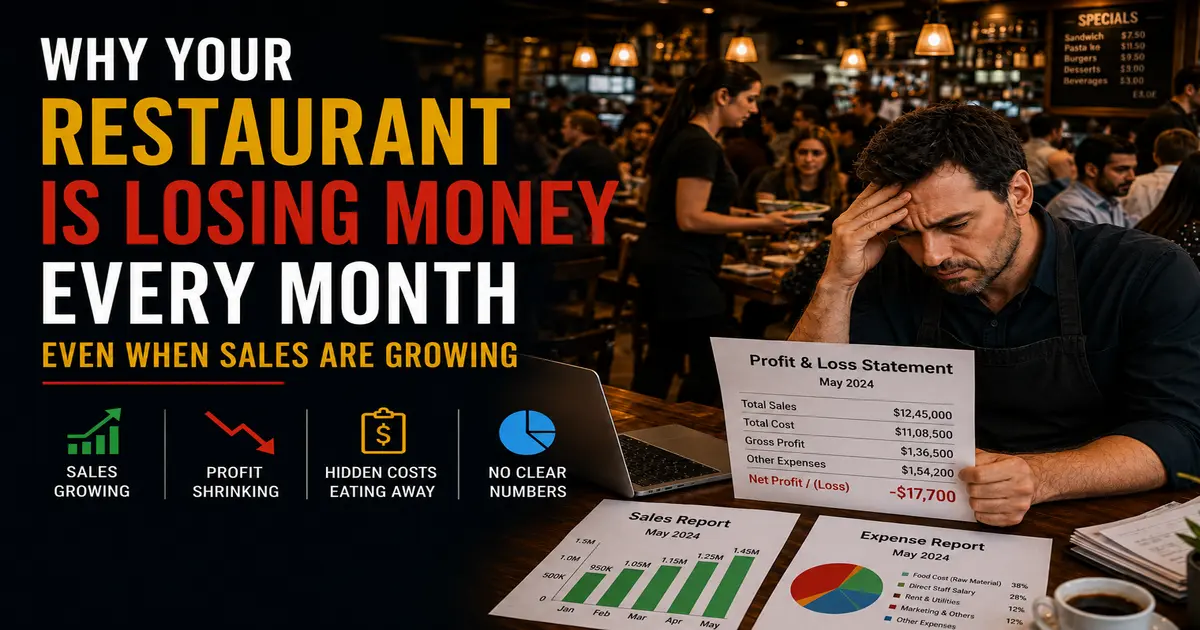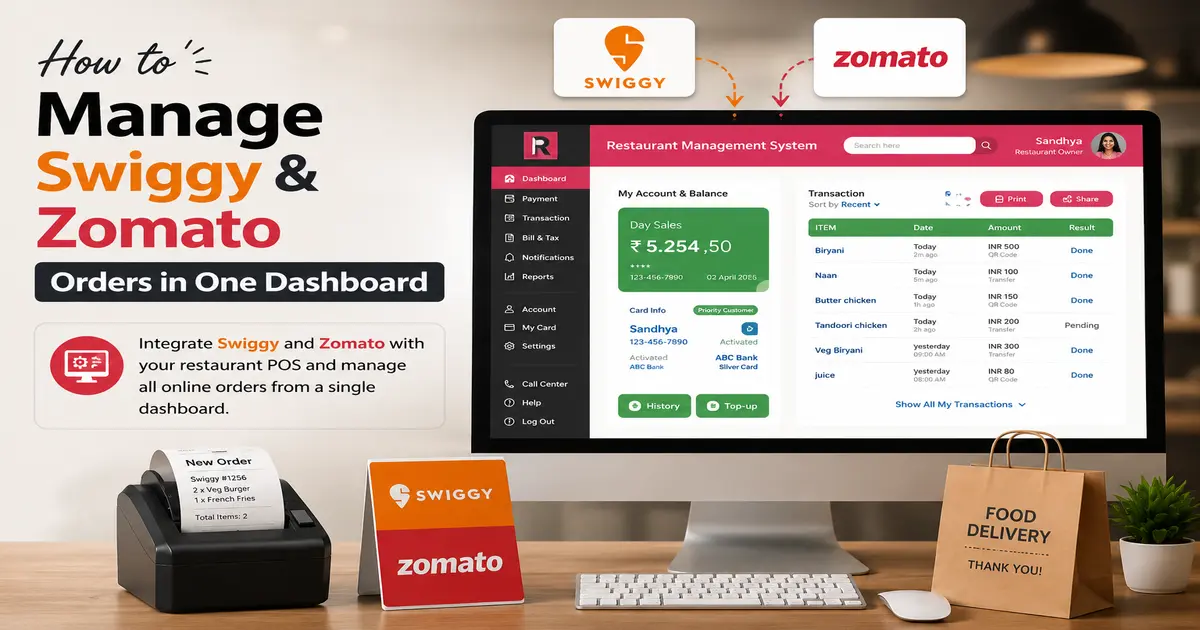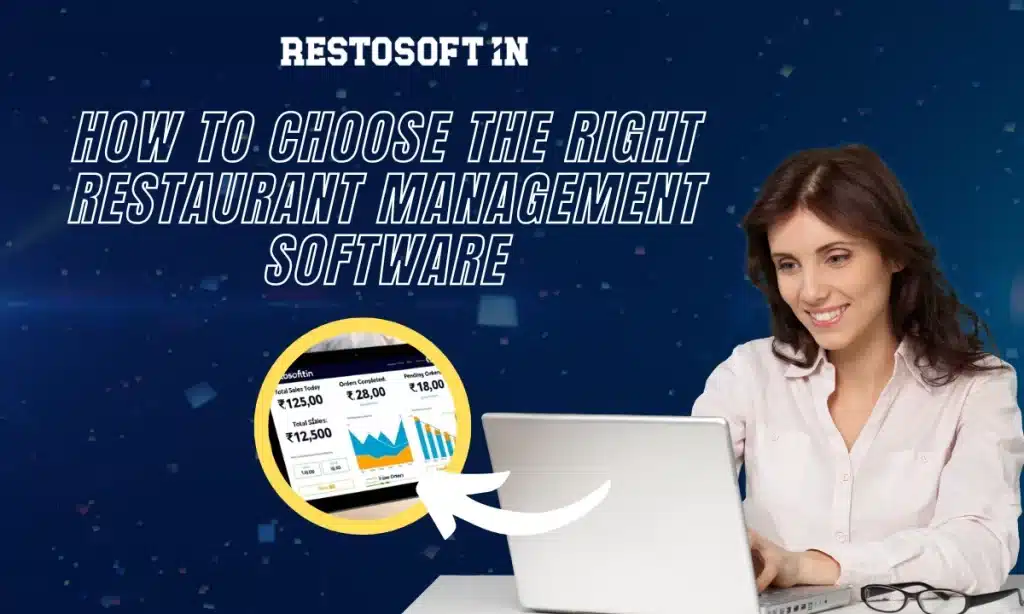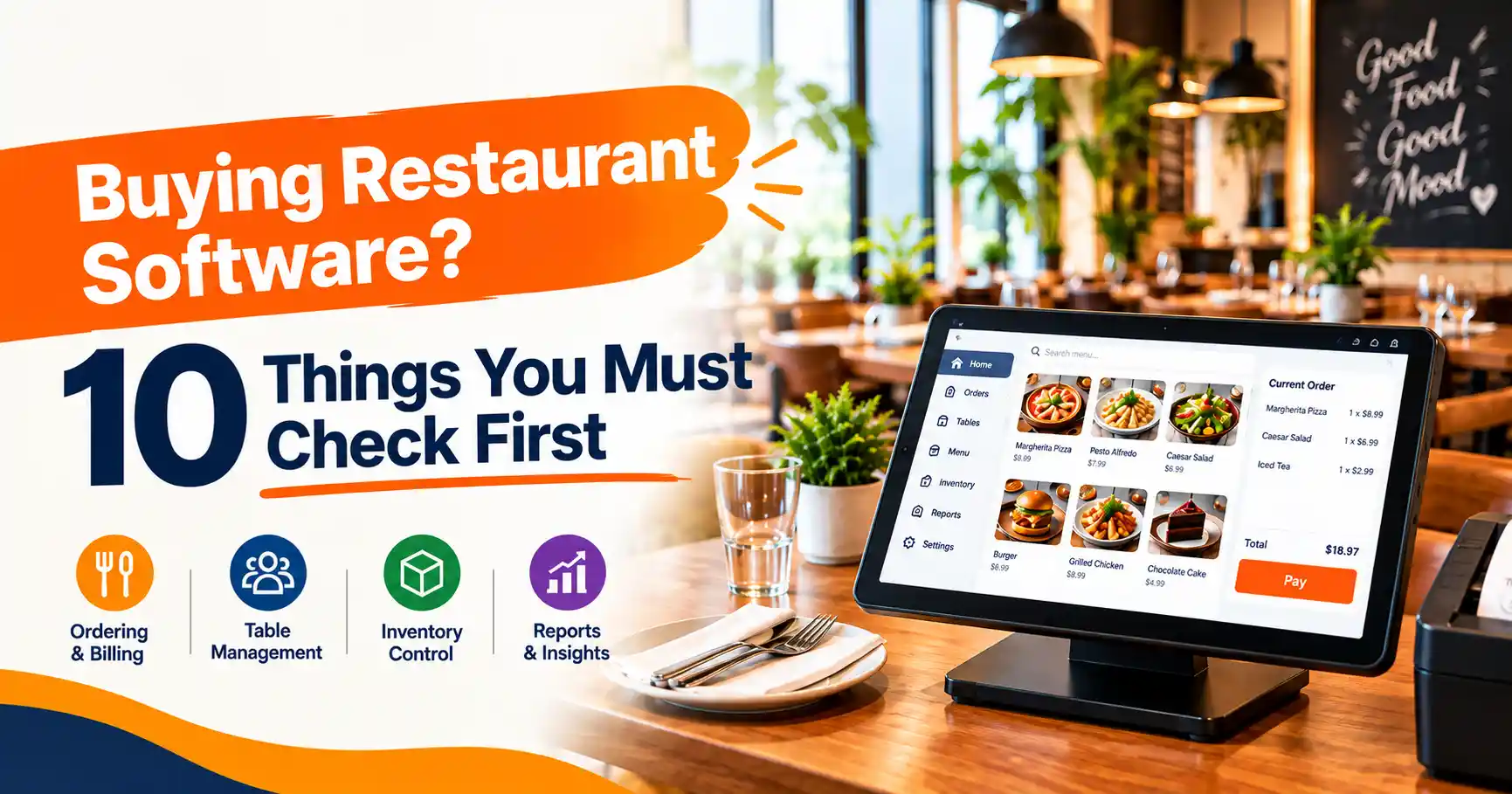
Choosing restaurant software is not simply about finding a system with the most features or the lowest price. The right software should fit your restaurant's daily workflow, help your staff work efficiently, connect important operations, and give you better visibility into your business.
Whether you run a café, QSR, fine-dining restaurant, cloud kitchen, bar, or multiple outlets, the software you choose can affect billing, kitchen operations, inventory, reporting, customer management, and overall business control.
Before you invest, ask a simple question:
“Will this software actually solve the problems my restaurant faces every day?”
Use the following 10-point checklist to evaluate restaurant software before making your decision.
1. Does the Software Match Your Restaurant's Workflow?
Every restaurant operates differently. A small café may need fast billing and simple inventory tracking, while a multi-outlet restaurant may require centralized management, branch-wise reporting, employee permissions, and consolidated inventory visibility.
Before comparing software providers, identify your actual requirements.
Consider:
- Type of restaurant
- Number of outlets
- Dine-in, takeaway, and delivery operations
- Number of POS terminals
- Kitchen workflow
- Number of employees
- Inventory requirements
- Online ordering requirements
- Reporting needs
- Future expansion plans
The right restaurant management software should adapt to your workflow instead of forcing your team to change the way they work unnecessarily.
Ask the software provider:
“Can you demonstrate how your system would handle our actual restaurant workflow?”
A personalized demonstration can help you understand whether the system is suitable for your business before you purchase it.
2. Is the POS and Billing System Fast and Flexible?
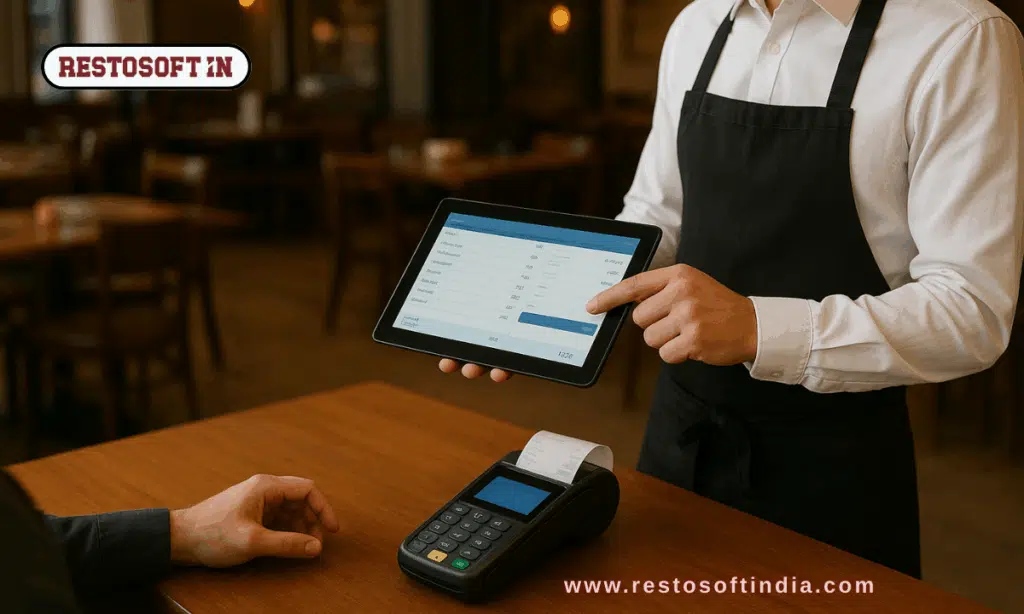
Billing is one of the most important parts of restaurant operations. During busy hours, slow billing or complicated order entry can create queues, delays, and customer frustration.
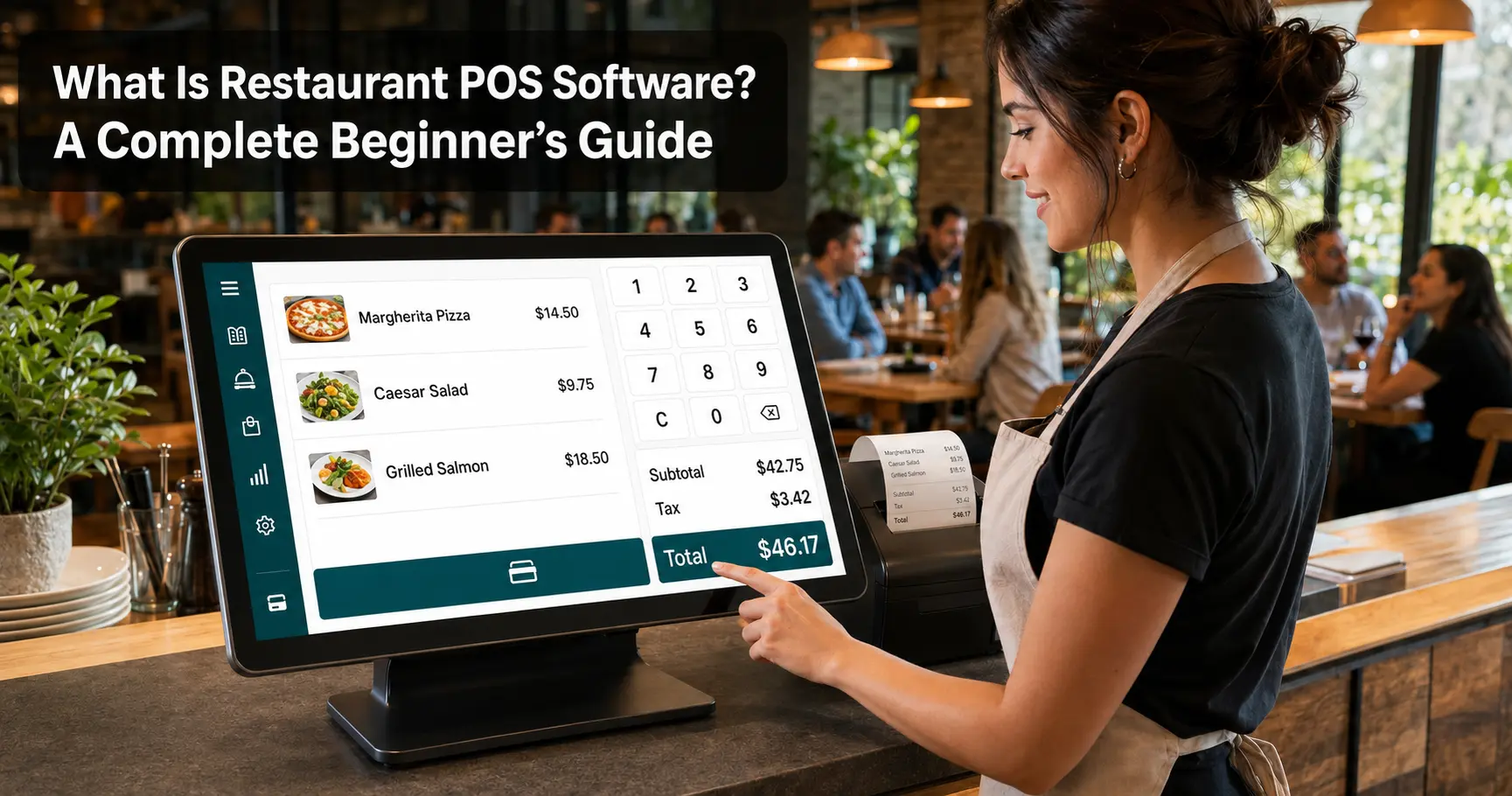
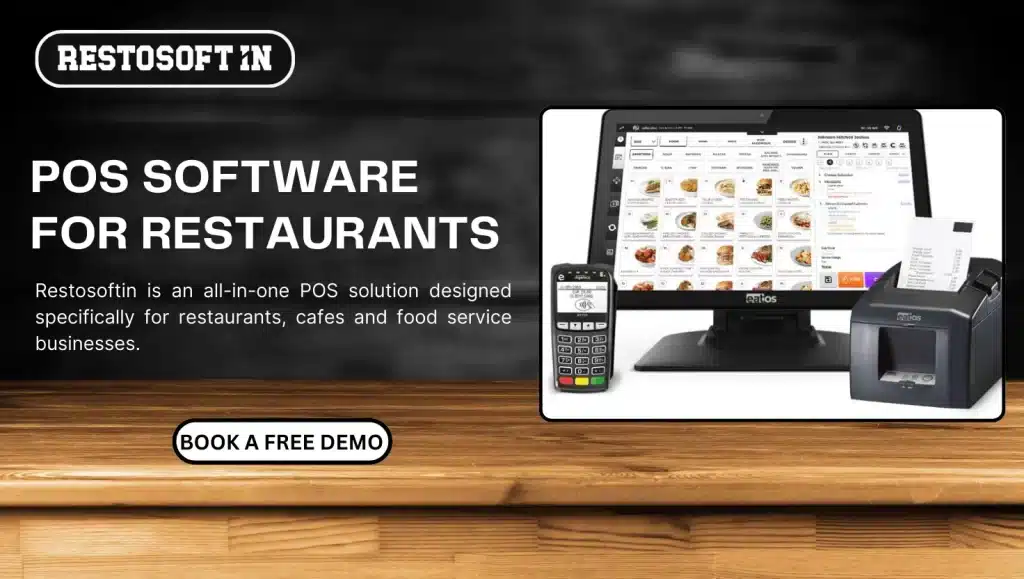
When evaluating restaurant POS software, check whether it supports the billing processes your team uses every day.
Look for features such as:
- Fast order entry
- Dine-in billing
- Takeaway billing
- GST-compliant invoices
- Multiple payment options
- Discounts and offers
- Split billing
- Order modifications
- Cancellations and refunds
- Table-based billing
A restaurant POS should make transactions easier for your cashier and staff, particularly during peak hours.
Don't judge the billing system only from screenshots. Ask for a live demonstration and see how quickly a staff member can take an order, modify it, process payment, and generate the final bill.
Buyer question:
“Can my staff complete a normal customer transaction quickly without unnecessary steps?”
3. How Does It Handle Kitchen Orders and KOT?
Restaurant operations don't stop at the billing counter. Once an order is placed, it needs to reach the right kitchen staff accurately and quickly.
A connected workflow can look like:
Order → POS → KOT → Kitchen → Preparation → Billing
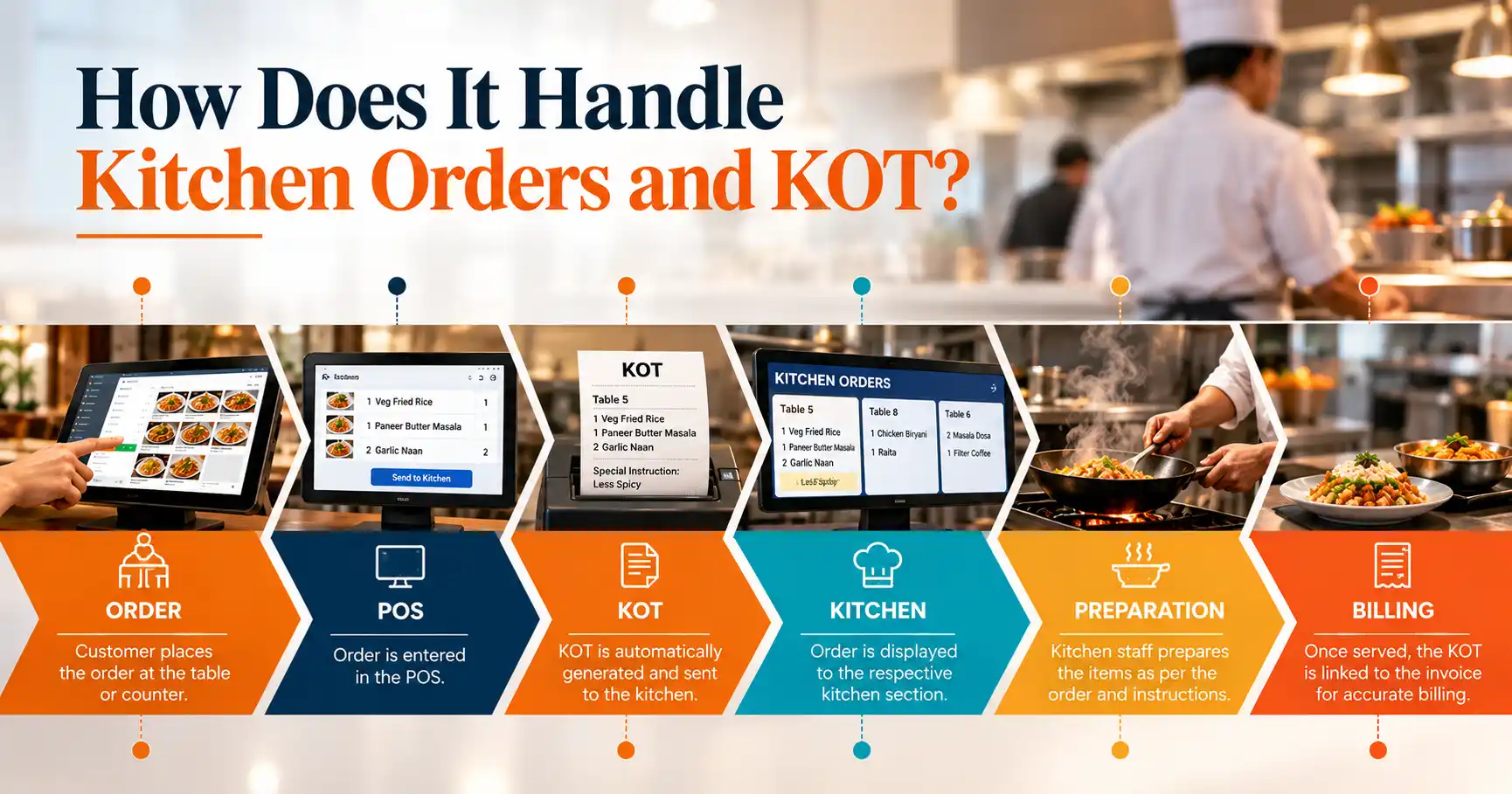
Kitchen Order Ticket (KOT) functionality can help reduce manual communication between service staff and kitchen teams.
When evaluating the system, check whether it supports:
- Automatic KOT generation
- Kitchen-wise order routing
- Item modifications
- Special instructions
- Order status tracking
- Multiple kitchen sections
- Accurate communication between front-of-house and kitchen
The objective is not simply to have a KOT feature. The system should make the entire order flow easier to manage.
For example, if a customer changes an item or adds a special instruction, the kitchen should receive the correct information without depending on handwritten notes or repeated verbal communication.
Ask during the demo:
“Can you show me exactly what happens from the moment a waiter enters an order until the kitchen receives it?”
4. Does Billing Connect with Inventory?
Inventory becomes difficult to control when sales, purchases, and stock records are managed separately.
A connected restaurant management system can link operational activities together:
Sale → Stock Consumption → Inventory Update → Stock Visibility → Purchasing
Before buying restaurant inventory software, check whether the system can help you monitor:
- Current stock levels
- Purchases
- Item or ingredient consumption
- Low-stock items
- Stock movement
- Wastage
- Inventory reports
- Outlet-wise inventory
This connection is important because restaurant owners need to understand not only how much they sold, but also what happened to their stock after those sales.
For example, if an item is being sold regularly, the related stock should be reflected accurately in inventory records. Better visibility can help restaurant managers plan purchases, identify shortages, and reduce unnecessary stock accumulation.
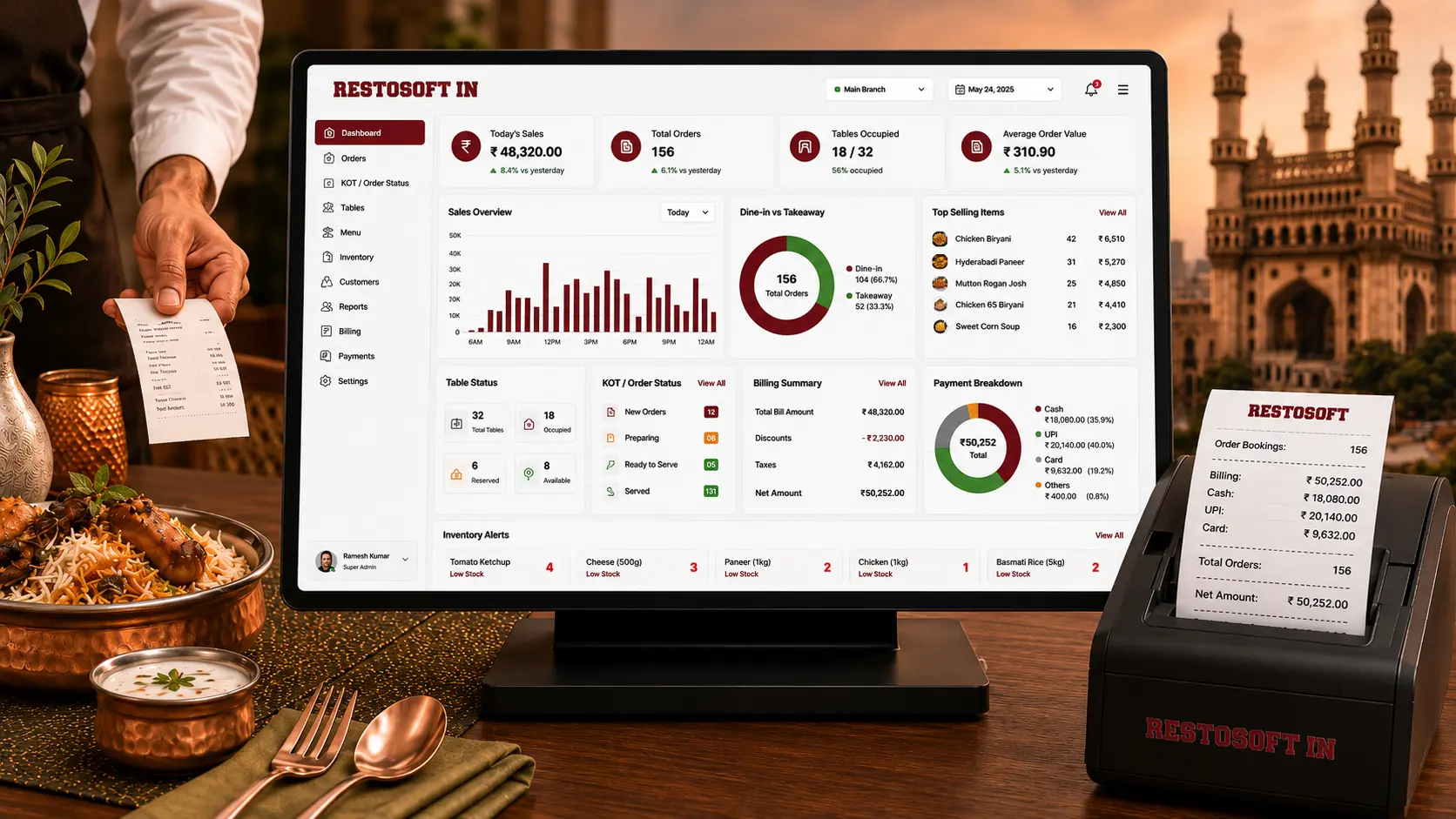
Restosoft positions inventory management alongside billing, reporting, and other restaurant operations, helping businesses manage these activities through a centralized system.
Buyer question:
“How does inventory change when a sale is completed?”
5. Can You Get the Reports You Actually Need?
Restaurant software should do more than record transactions. It should help you understand what is happening in your business.
Before purchasing, ask whether you can easily access information such as:
- Daily sales
- Item-wise sales
- Outlet-wise sales
- Inventory performance
- Expenses
- Customer activity
- Business performance
- Sales trends
- Profit-related information
A useful reporting system should help answer practical questions.
Which items are selling the most?
Which outlet is performing better?
What are today's sales?
Where are stock issues occurring?
What operational areas need attention?
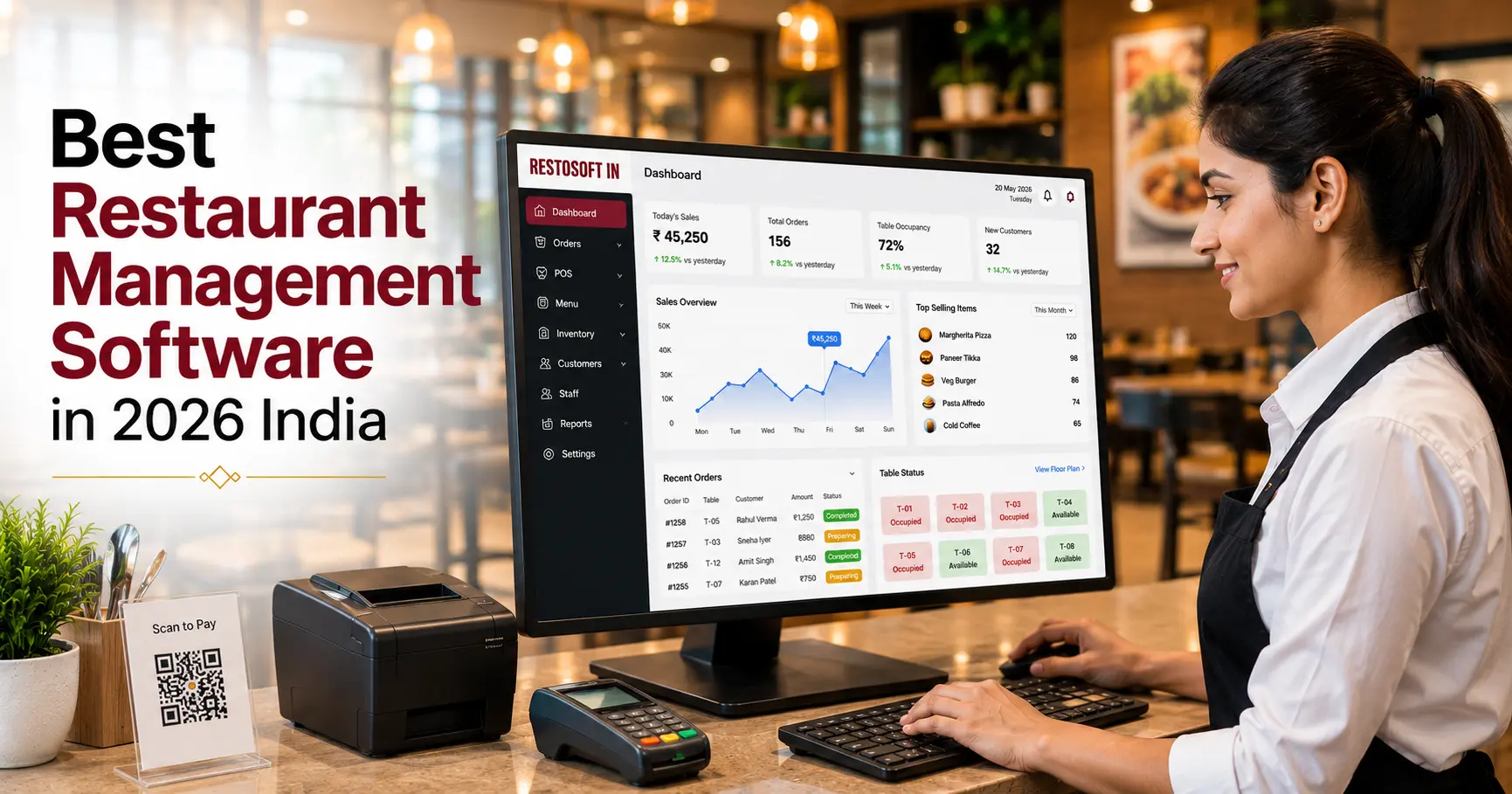
Real-time business reporting can reduce the need to collect information manually from different systems or spreadsheets.
Restosoft includes sales and business reporting capabilities designed to give restaurant owners greater visibility into their operations.
Ask during a demo:
“Can you show me the reports I would use as a restaurant owner or manager every day?”
6. Does It Support the Integrations Your Restaurant Needs?
Modern restaurants may manage orders and payments through several different channels. Depending on your business model, you may need integrations with online ordering platforms, payment services, accounting systems, or other operational tools.
Before buying, make a list of the systems you already use and ask the software provider which integrations are supported.
Consider:
- Online ordering
- Food delivery platforms
- Payment systems
- UPI/payment gateways
- Accounting tools
- Other restaurant-specific integrations
The important point is to avoid creating additional manual work.
If staff have to repeatedly enter the same order or payment information into different systems, the software may not be providing the operational efficiency you expect.
Restosoft currently highlights third-party integrations and online ordering capabilities as part of its restaurant management offering.
Buyer question:
“Which of the systems I already use can connect with this software?”
7. Can It Support Multiple Outlets as Your Business Grows?
If you plan to expand, don't evaluate software only for today's requirements.
A system that works for one restaurant may become difficult to manage when you have three, five, or ten outlets.
Check whether the software can provide:
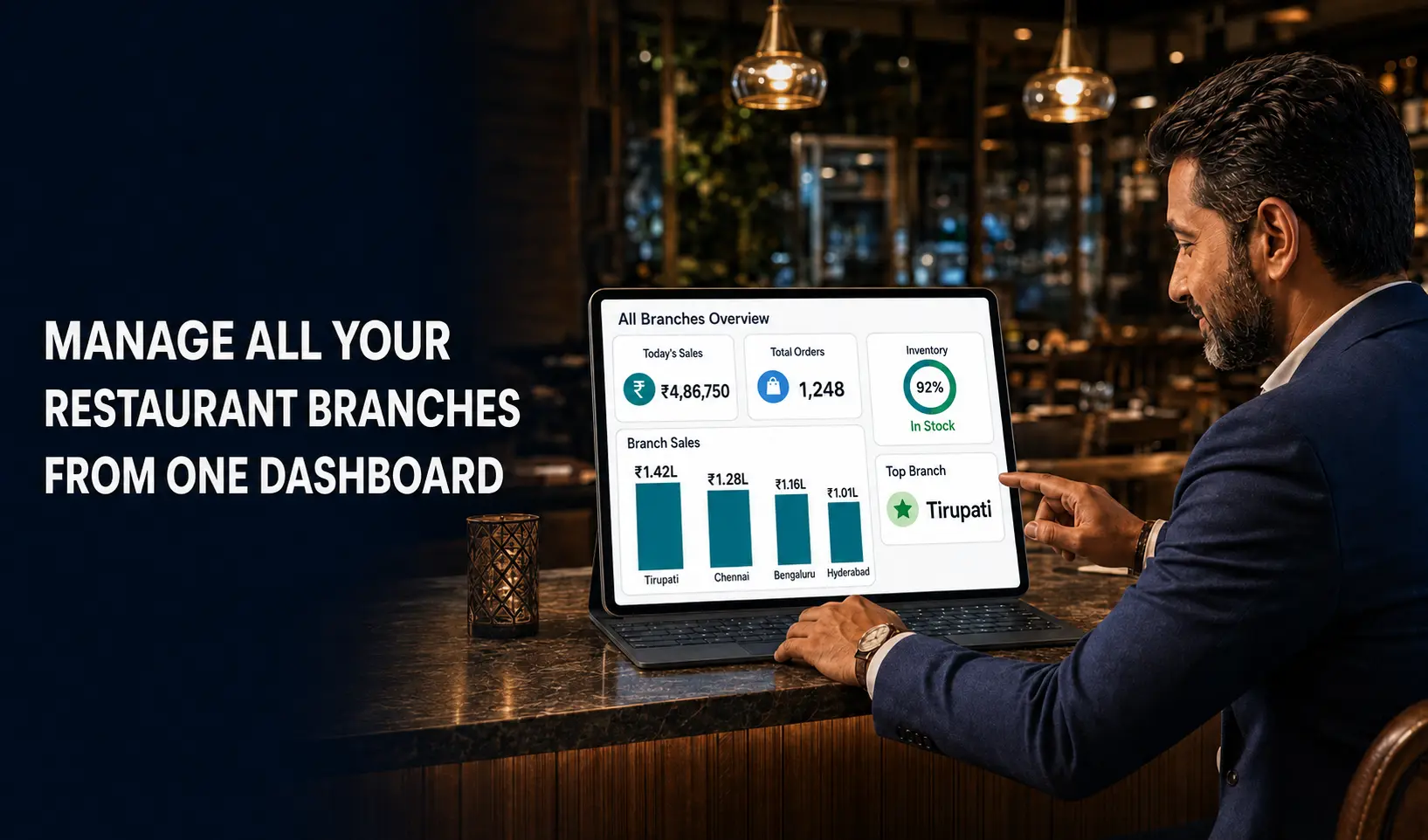
- Centralized management
- Branch-wise sales reports
- Combined sales reports
- Outlet-wise inventory
- Employee permissions
- Centralized menu management
- Multi-branch reporting
- Centralized monitoring
A centralized system can help owners maintain visibility across different locations without collecting separate reports manually.
Restosoft's multi-outlet capabilities are designed around centralized management of billing, inventory, menus, employee permissions, and branch-wise reporting.
Ask the provider:
“If I open another outlet next year, what changes will I need to make in the system?”
8. Is It Easy for Your Staff to Use?
Restaurant software isn't used only by the owner.
Your cashier, waiter, manager, kitchen staff, and other employees may interact with the system every day.
That's why usability matters.
During the demo, check:
- How easy is order entry?
- How quickly can new staff learn the system?
- Are screens easy to understand?
- Can different employees have different permissions?
- Can managers monitor operations without complicated steps?
- What happens when an employee makes a mistake?
A system can have hundreds of features, but those features are valuable only when your team can use them effectively during real restaurant operations.
Don't ask only:
“How many features does the software have?”
Also ask:
“How easily can my staff use those features during a busy shift?”
9. What Support and Training Do You Get After Purchase?
Buying software is only the beginning.
Your team may need onboarding, training, technical assistance, or guidance when new features are introduced.
Before signing up, ask:
- Is onboarding provided?
- Is staff training available?
- How can technical issues be reported?
- What support channels are available?
- How are software updates handled?
- How quickly can assistance be provided?
- What happens when you add a new outlet?
Reliable support can be particularly important during the early stages of implementation.
Restosoft highlights dedicated customer support as part of its restaurant management offering.
Buyer question:
“What happens after I purchase the software and my staff need help using it?”
10. What Is the Total Cost of Ownership?
Price is important, but the subscription or license price should not be the only number you compare.
Before purchasing, understand the complete cost involved.
Consider:
Software + Hardware + Setup + Training + Integrations + Support + Future Expansion
Ask whether there are additional costs for:
- Extra users
- Additional outlets
- Hardware
- Integrations
- Support
- Data migration
- Customization
- Future upgrades
A lower initial price does not necessarily mean lower overall cost if you later need several additional systems or services.
Instead, compare the total value you receive for the investment.
The right question is not:
“Which software is cheapest?”
It is:
“Which software provides the capabilities, support, and scalability my restaurant actually needs within my budget?”
Restaurant Software Demo Checklist
Before making your final decision, use this checklist during your software demonstrations.
Ask the provider to show you:
- ☐ Live POS billing
- ☐ Table and order management
- ☐ KOT generation and kitchen workflow
- ☐ Inventory tracking
- ☐ Purchase management
- ☐ Sales and business reports
- ☐ Customer management
- ☐ Employee permissions
- ☐ Multi-outlet management
- ☐ Online ordering/integrations
- ☐ Cloud access
- ☐ Data backup and security
- ☐ Staff training process
- ☐ Customer support process
- ☐ Pricing and additional costs
Don't choose software based only on a presentation or feature list. Ask the provider to demonstrate the workflows that matter most to your restaurant.
Restaurant Software Comparison Checklist
When comparing two or more systems, use the same criteria for each provider.
| What to Check | Why It Matters |
| POS & Billing | Faster and more accurate transactions |
| KOT & Kitchen | Better order coordination |
| Inventory | Better stock visibility and control |
| Purchasing | Helps monitor procurement |
| Reports | Provides business performance visibility |
| Integrations | Connects different operational channels |
| Multi-Outlet | Supports business expansion |
| User Permissions | Controls employee access |
| Ease of Use | Reduces training difficulties |
| Support | Helps resolve operational issues |
| Scalability | Supports future business growth |
| Total Cost | Helps evaluate overall investment |
This approach makes your comparison more objective and helps you focus on the features that actually matter to your business.
Why Consider Restosoft for Your Restaurant?
Once you know what to look for, the next step is to evaluate how a software platform fits those requirements.
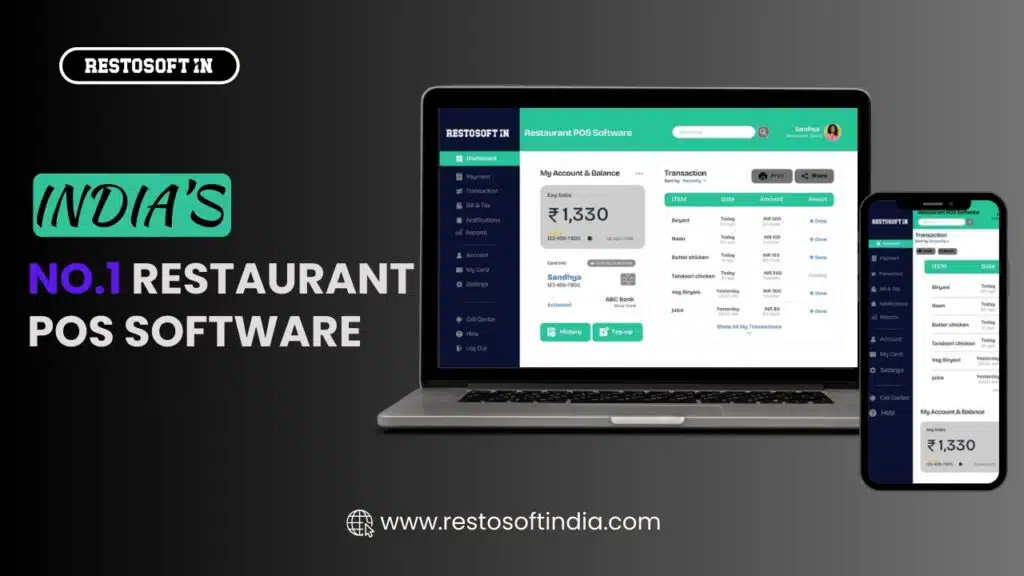
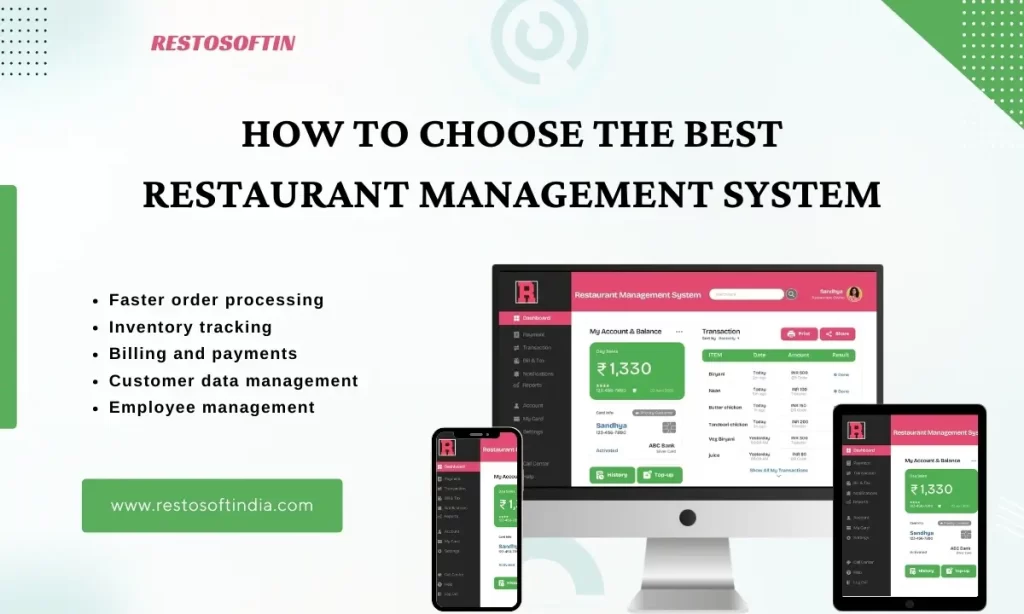
Restosoft is designed as a centralized restaurant management platform covering key areas of restaurant operations, including:
- POS & Billing
- KOT & Kitchen Management
- Inventory Management
- Table Management
- Customer Relationship Management
- Employee Management
- Sales & Business Reports
- Expense Monitoring
- Multi-Outlet Management
- Cloud Access
- Online Ordering & Integrations
These capabilities are designed to connect important restaurant workflows instead of treating billing, inventory, kitchen operations, and reporting as completely separate processes.
For growing businesses, centralized management can also provide better visibility across outlets, including branch-wise sales, inventory, menus, and employee access.
The best way to determine whether the system is right for your restaurant is to see how it works with your actual requirements.
Ready to Choose the Right Restaurant Software?
Choosing restaurant software is an important business decision. Instead of comparing providers only by price or the number of features they advertise, evaluate how well each system fits your restaurant's billing, kitchen, inventory, reporting, staff, and growth requirements.
If you're looking for a centralized restaurant management solution, Restosoft can help you explore how its platform fits your day-to-day operations.
Tell us about your restaurant, current challenges, number of outlets, and operational requirements. Our team can walk you through the relevant features and demonstrate how the software works.