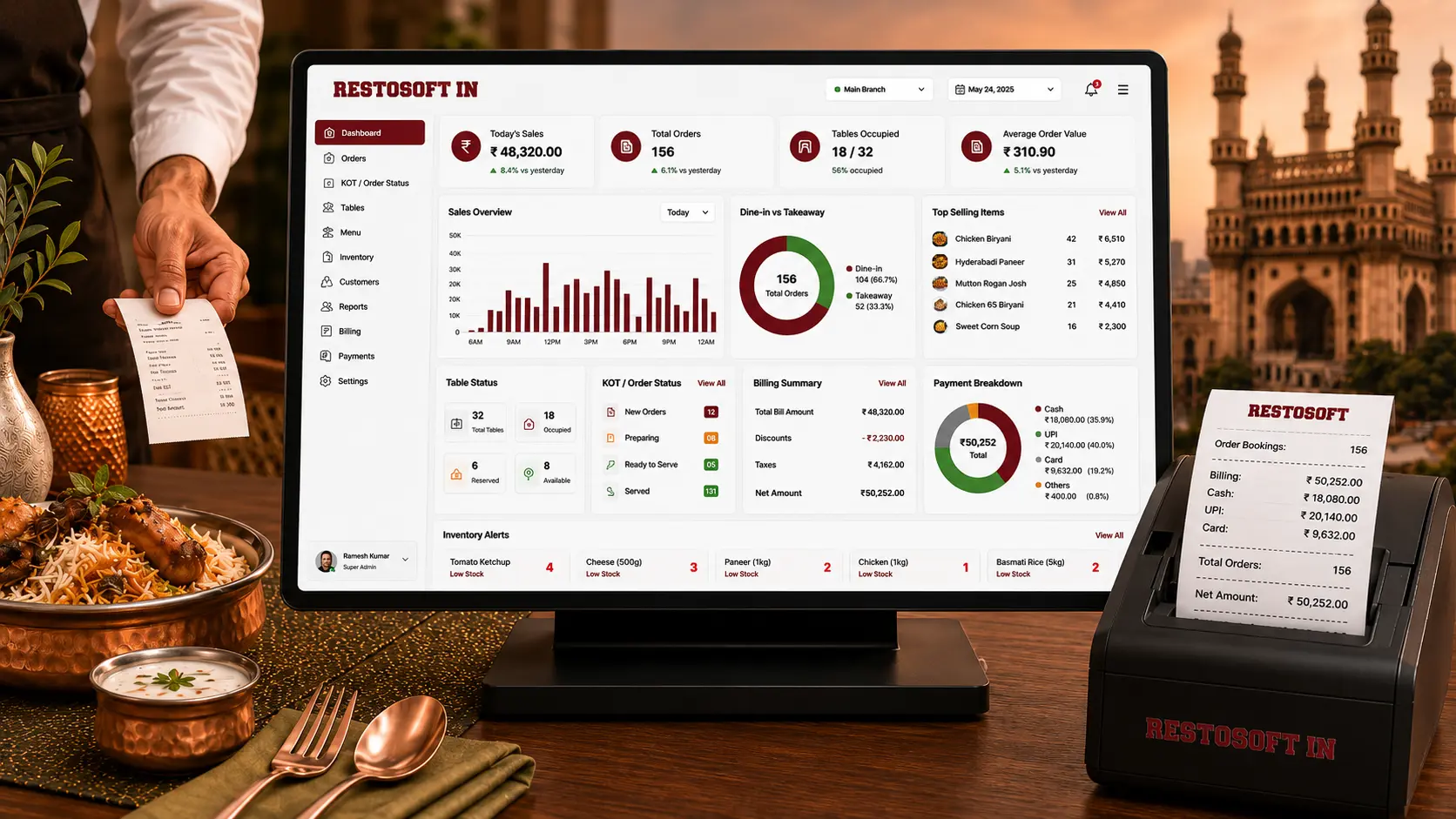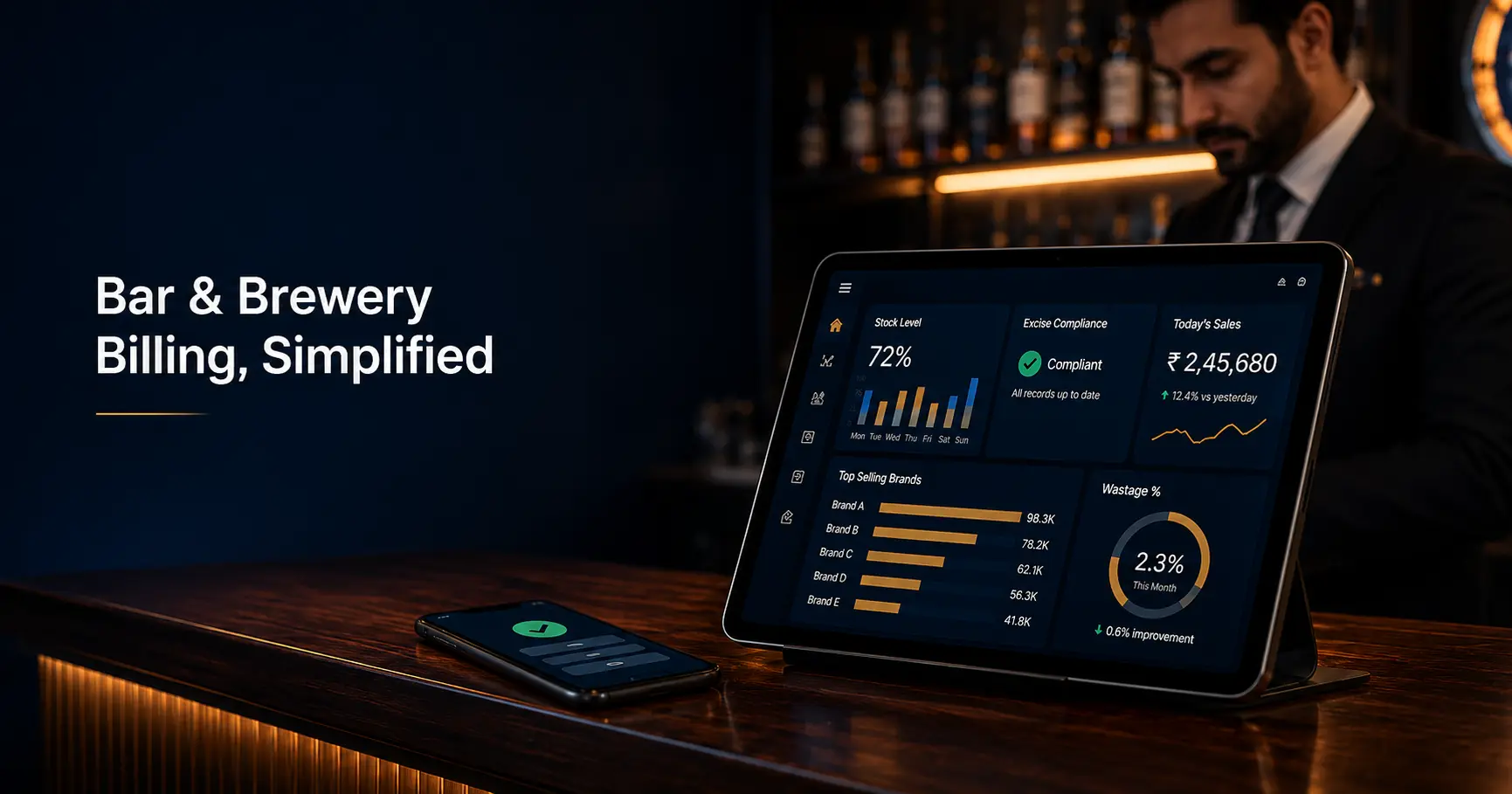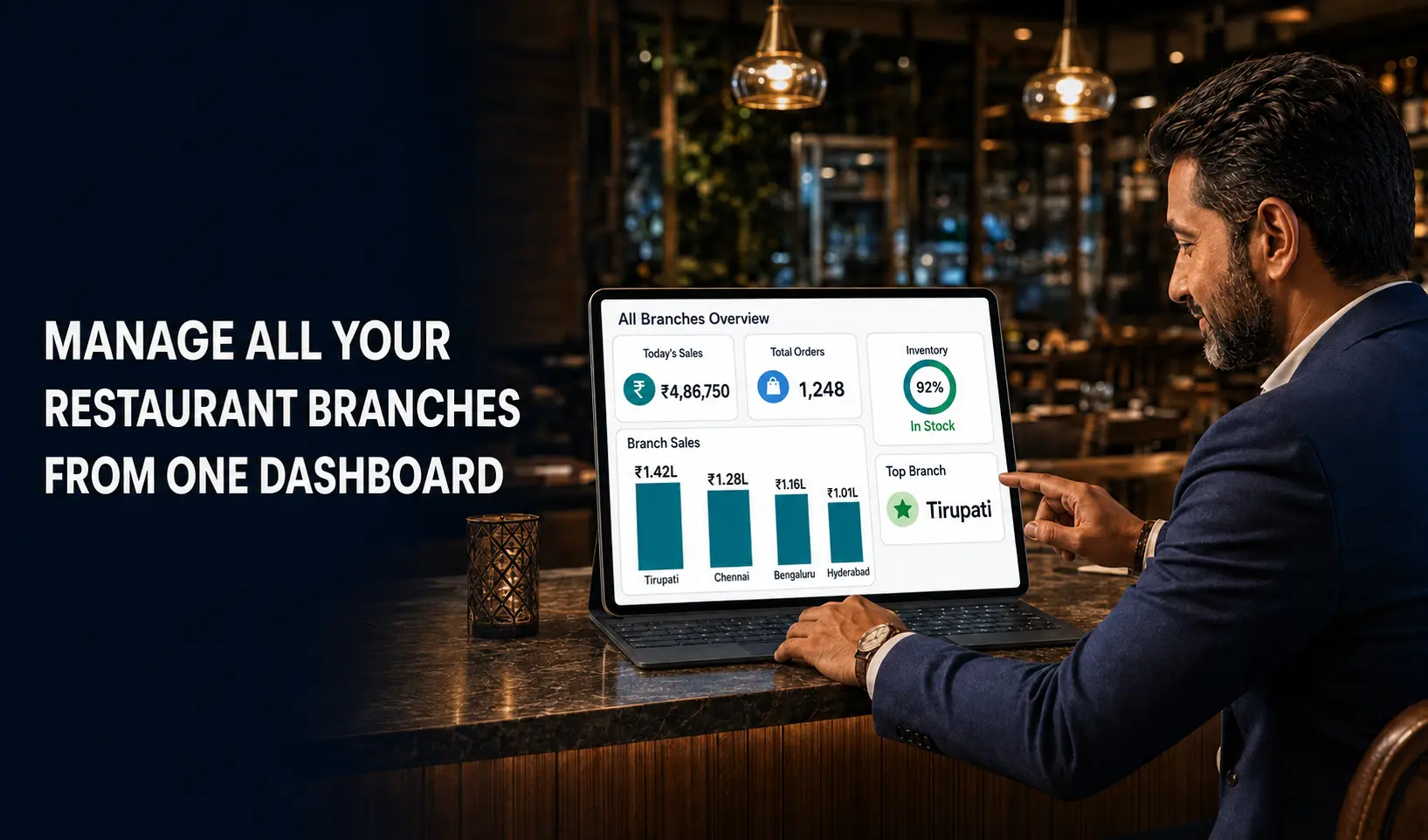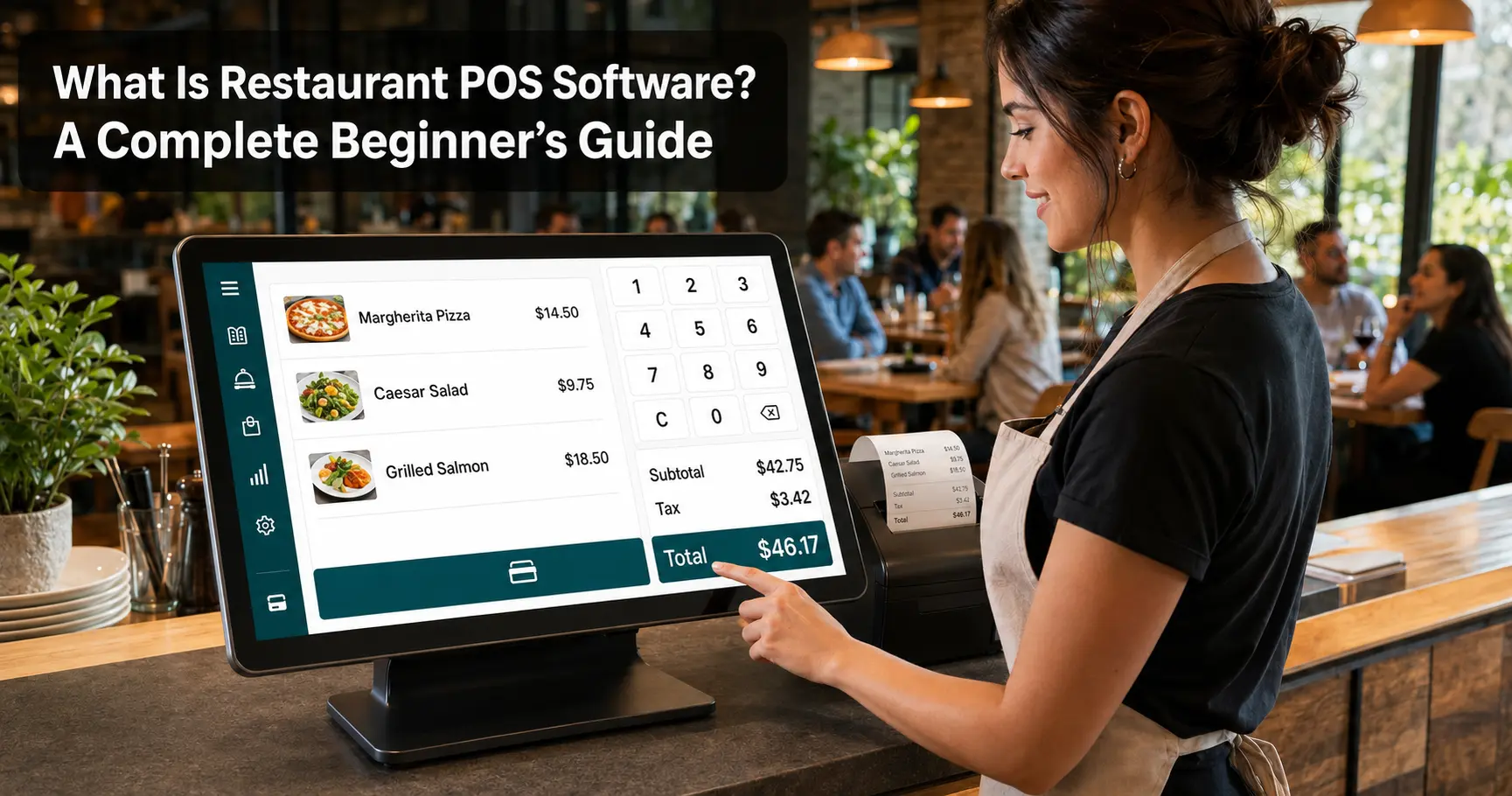
Imagine a customer finding an outdated price or unavailable dish on your restaurant menu. Such issues can affect customer satisfaction and create confusion for staff. Managing frequent menu changes manually can also be time-consuming.
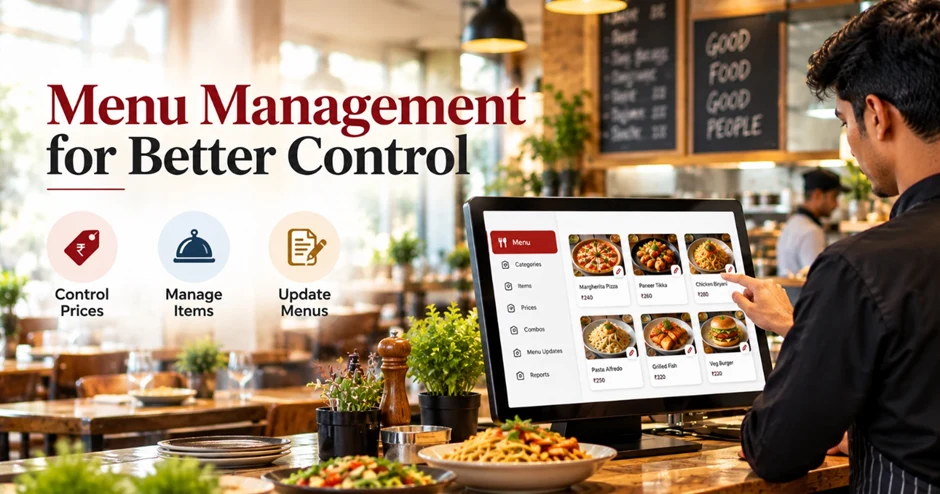
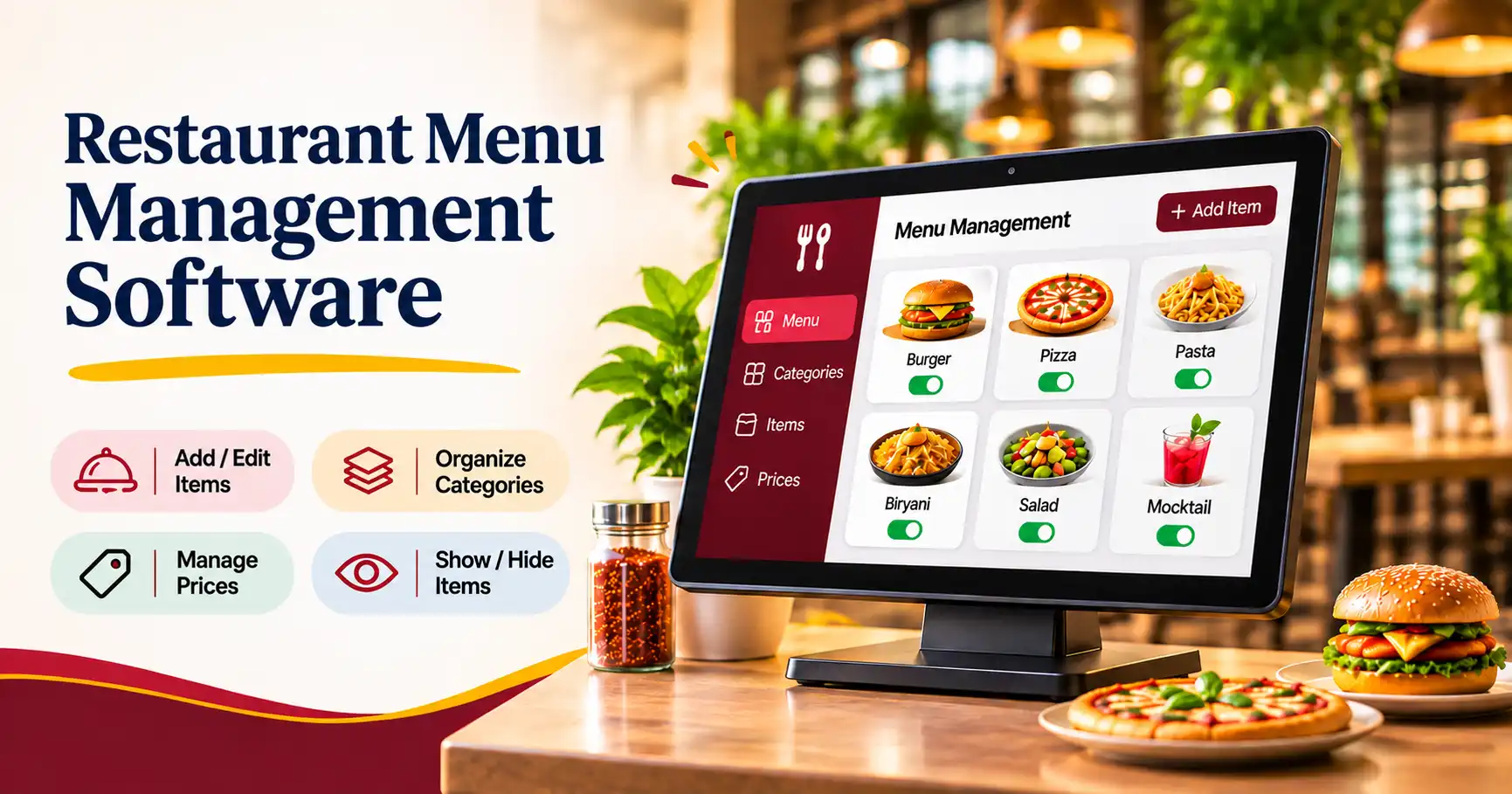
This is where restaurant menu management software helps. It allows restaurant owners to update prices, organize food items, manage categories, and maintain accurate menu information in one place.
In this blog, we will explore its key features, benefits, and how to choose the right solution for your restaurant.
What Is Restaurant Menu Management Software?
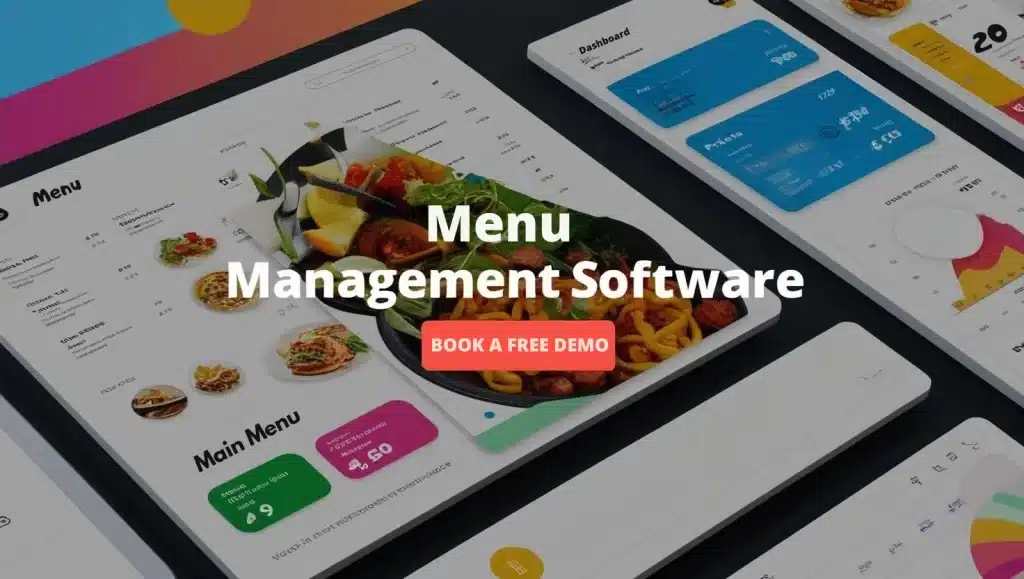
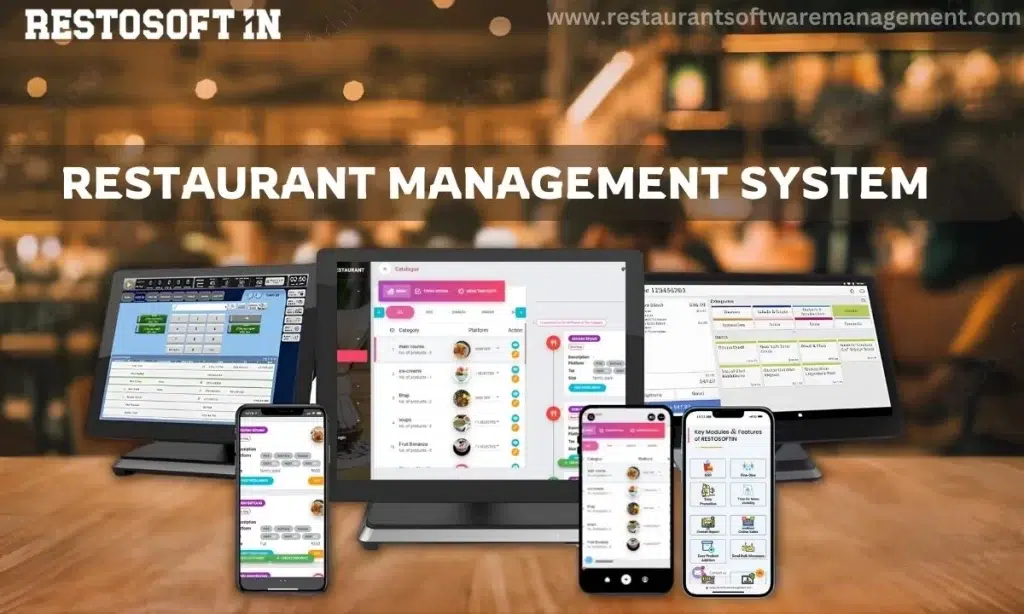
Restaurant menu management software is a digital solution that helps restaurant owners and managers create, organize, update, and maintain their food and beverage menus.
Instead of making manual changes to printed menus or maintaining multiple records, restaurant owners can manage menu information through a centralized system.
A restaurant menu management system typically allows businesses to:
- Add new food and beverage items.
- Update menu prices whenever required.
- Organize dishes into different categories.
- Manage available and unavailable food items.
- Add item descriptions and other relevant details.
- Maintain consistent menu information across supported ordering channels.
For example, if a restaurant introduces a new dessert or changes the price of an existing dish, the manager can update the information through the software instead of manually changing multiple records.
Why Do Restaurants Need a Menu Management System?
Managing a restaurant menu involves more than simply listing food items and their prices. Restaurant owners must ensure that menu information remains accurate, organized, and easy for customers and staff to understand.
A menu management system for restaurants helps simplify these responsibilities.
Here are some common challenges it can address:
1. Frequent Menu Updates
Restaurants regularly introduce seasonal dishes, modify prices, and update food availability. Digital menu management makes these changes easier to handle.
Updating menus manually can lead to incorrect prices, duplicate items, or outdated information. A centralized system helps maintain better accuracy.
3. Poor Menu Organization
When food items are not properly categorized, customers and staff may find it difficult to locate specific dishes. Digital categories make menus easier to navigate.
4. Managing Multiple Outlets
Restaurant chains may need to maintain similar menus across different branches. Suitable software can help simplify centralized menu administration, depending on its capabilities.
Important Features of Restaurant Menu Management Software
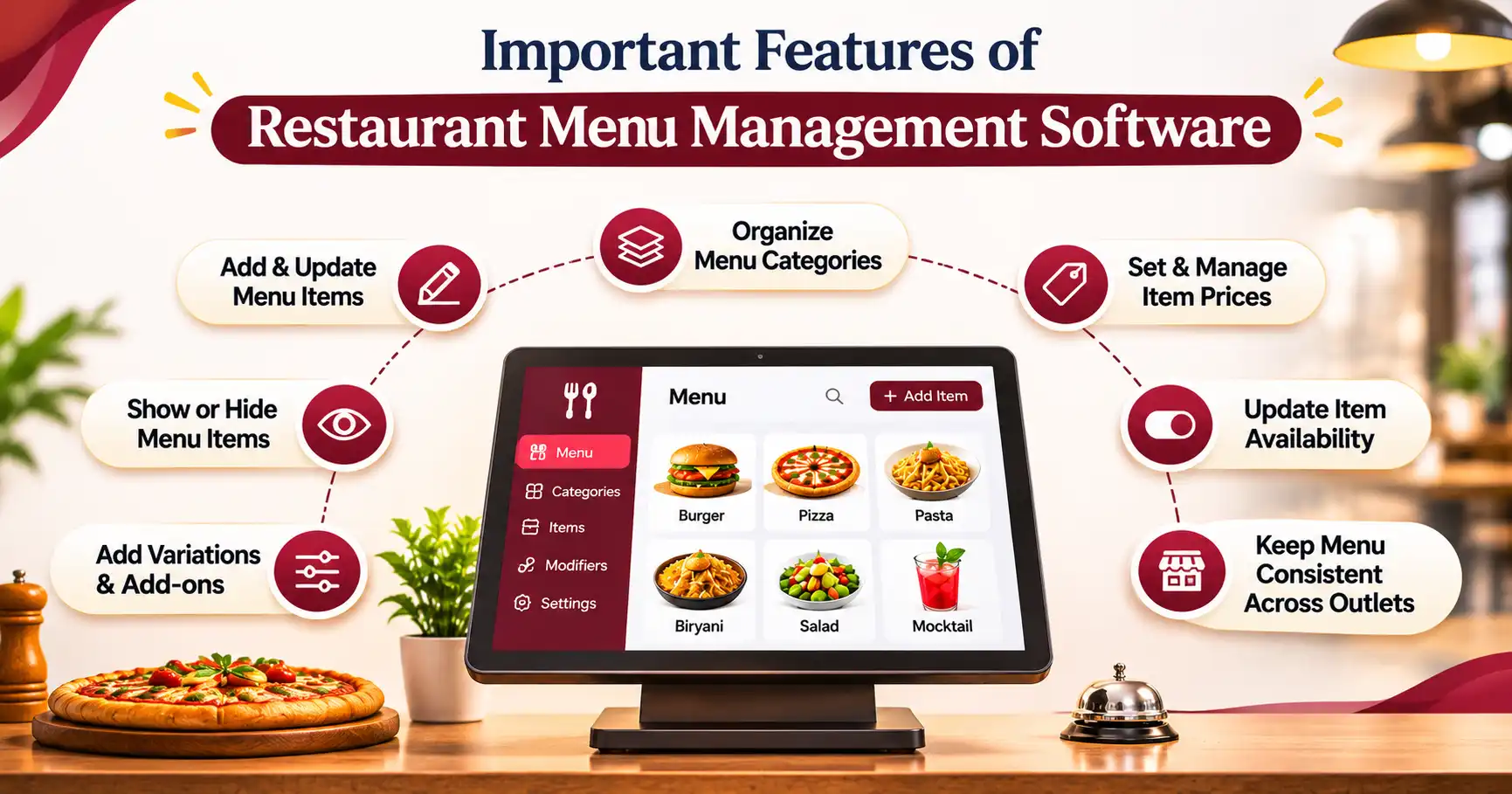
Choosing the right restaurant menu management software can make daily menu operations easier. Here are the essential features restaurant owners should look for:
1. Easy Menu Creation
Add food items and organize them into categories such as starters, main courses, desserts, and beverages.
2. Quick Price Updates
Update food prices whenever needed without manually changing multiple menu records.
3. Food Category Management
Organize menu items into clear categories so customers and staff can find dishes easily.
4. Item Availability Management
Mark dishes as available or unavailable to prevent orders for out-of-stock items.
5. Menu Customization
Customize food names, descriptions, prices, and other menu details according to your restaurant's requirements.
6. POS Integration
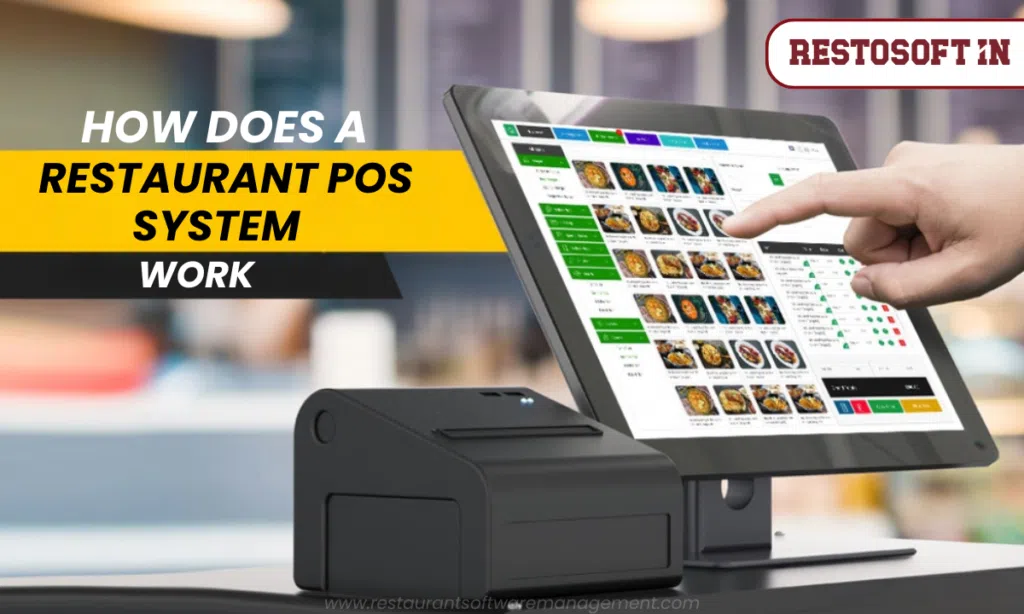
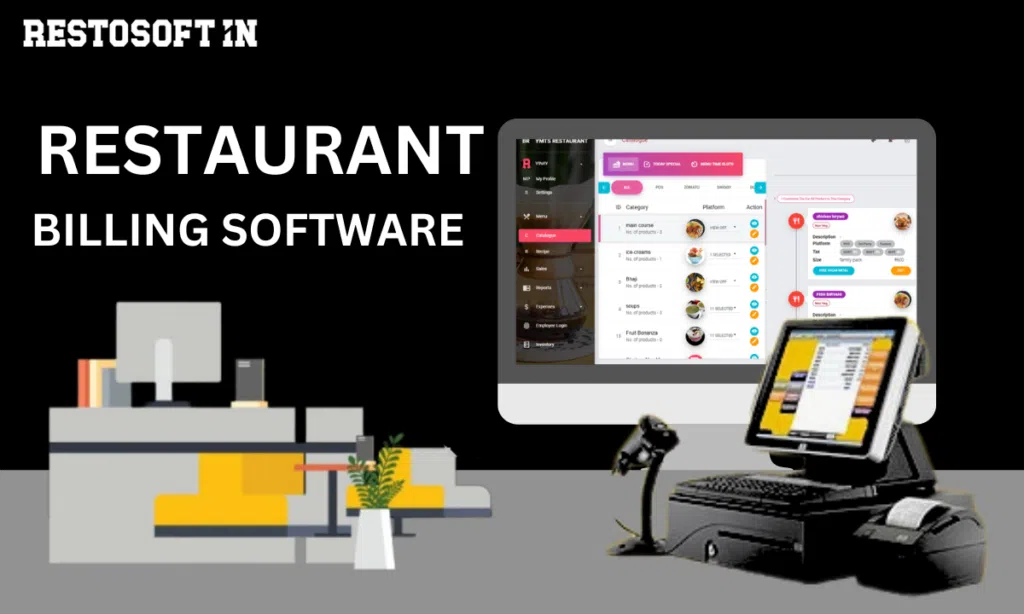
Connect menu management with your restaurant POS system for smoother order processing and billing.
7. Sales Reports
Track popular dishes and sales performance to understand customer preferences and make better menu decisions.
Benefits of Using a Restaurant Menu Management System
A well-organized restaurant menu management system offers several advantages for restaurant businesses.
- Saves Time: Digital updates reduce the time spent making repeated manual changes.
- Improves Accuracy: Centralized menu information helps reduce pricing and item-related mistakes.
- Better Customer Experience: Clear and updated menu information makes ordering more convenient.
- Simplifies Staff Operations: Employees can access organized menu details while handling customer orders.
- Supports Menu Planning: Sales information can help restaurant owners identify popular dishes and review menu performance.
- Improves Consistency: Suitable systems help maintain consistent menu information across supported outlets and ordering channels.
- Reduces Paperwork: Digital menu management minimizes dependence on manually maintained menu records.
These benefits make restaurant menu management an important part of efficient restaurant operations.
How to Choose the Best Restaurant Menu Management Software?
Choosing the right software depends on your restaurant's size, budget, and operational requirements. Not every restaurant needs the same features, so it is important to compare available solutions before making a decision.
Consider the following factors:
- Ease of Use: Select software with a simple interface that restaurant owners and employees can understand.
- Essential Features: Check whether it supports menu creation, category management, price updates, and item availability.
- POS Compatibility: Look for integration with your existing restaurant billing or POS system.
- Scalability: Choose a solution that can support your business as it grows.
- Customer Support: Reliable technical assistance can help resolve software-related issues.
- Pricing: Compare subscription costs, available features, and additional charges.
- Security: Check how the software protects business information and manages user access.
Making the right choice can help restaurants manage their menus more effectively without adding unnecessary complexity.
Final Thoughts:
Simplify Restaurant Operations with Restosoft
Managing restaurant menus does not have to be complicated. With the right digital solution, restaurant owners can organize food items, update prices, manage availability, and maintain accurate menu information more efficiently.
Choosing suitable restaurant menu management software can help reduce manual work, improve staff coordination, and create a better ordering experience for customers.
If you are looking for a practical solution to simplify your restaurant operations, explore Restosoft. Discover how Restosoft can support your restaurant management needs and help you manage your business more efficiently. For more information, queries, or assistance, contact the Restosoft team.